Client Document Portal Setup: Secure File Sharing That Replaces Email
Your team still emails sensitive PDFs to clients, then spends Fridays hunting versions and resending attachments. A branded document portal cuts support email, proves delivery, and gives clients a professional experience.
We build the secure client portal your firm can stand behind.
Sound Familiar?
These are the exact issues our clients faced before a secure document portal:
- Sensitive PDFs still leave the firm as email attachments with no proof of delivery
- Clients reply with "final_v3_REALLY_FINAL.pdf" and nobody knows which version is current
- Support inboxes fill with "please resend the statement" and "which link was that again?"
- A single misdirected attachment can expose client tax, payroll, or contract data under POPIA
- Competitors already offer branded portals, so email-only sharing looks amateur to new clients
Misdirected email is the single most common reported data security incident type, and POPIA expects appropriate safeguards for personal information. An unprotected attachment to the wrong address is a security compromise you may have to report. Clients already expect portals from their banks and insurers. Firms that still rely on email look behind.
What the Document Portal Actually Does
Request goes out → client uploads → your team reviews → delivery is proven. No attachment roulette.
You Request Documents
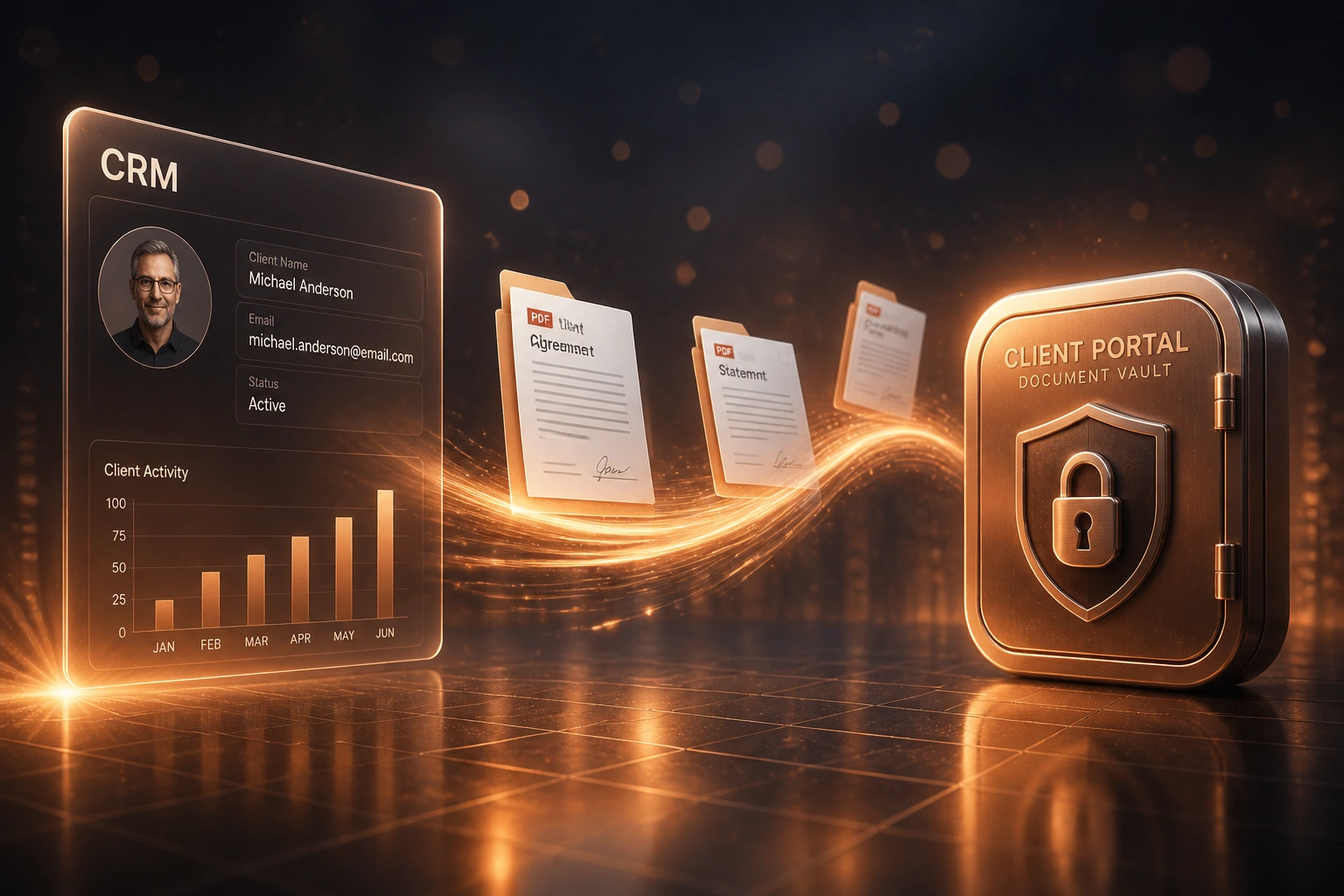
Ops creates a request list on the client's portal folder, linked to the CRM record if you use one
Client Uploads Securely
Client logs into your branded portal and uploads the files you asked for, on any device
Team Reviews and Shares
Your team marks items complete, returns reviewed packs, and keeps one current version live
Audit Trail Locked In
Every upload, view, and download is logged so delivery disputes end in seconds, not days
Everything You Need for a Reliable Client Portal
Branded Client Document Portal
Clients log in to your branded secure file sharing space to upload, download, and review documents without hunting through email threads.
Upload, Download and Review
Structured folders, request lists, and review statuses replace ad-hoc attachments. Clients know exactly what you need and what they have already sent.
Delivery Proof and Audit Trail
Every view, download, and upload is logged. When a client says they never received a file, you can prove they did.
CRM Client Record Link
Optional link from HubSpot, Salesforce, or Pipedrive so each portal folder sits against the right client record for your ops team.
Version Control Without Chaos
One current file per request. Prior versions stay available for audit, so "which PDF is live?" stops being a weekly argument.
Access Control and Expiry
Role-based access, expiring links, and revoke-on-demand. Sensitive packs stop living forever in client inboxes.
Platforms We Connect Around Your Portal
From 10 Hours/Week to 2 Hours/Week
How a Cape Town accounting practice replaced email attachments with a branded client document portal and recovered R229,000 in year one.
The Email Attachment Process
- Ops emailed tax packs, statements, and signed letters as PDF attachments
- Clients replied with renamed versions; three "final" files sat in the same thread
- Staff spent mornings resending files clients claimed they never got
- No reliable log of who downloaded what, or when
- One wrong-recipient scare forced a full POPIA incident review
The Portal Process
- Every active client has a branded portal folder with clear request lists
- Clients upload and download without email attachments
- Ops reviews submissions and marks items complete in one place
- Audit trail settles "we never got it" disputes in under a minute
- HubSpot records link to the matching portal folder for each client
Before vs After Your Document Portal
How It Works
From first conversation to live client portal in 2–4 weeks.
Map How Files Move Today
Email attachments, shared drives, WhatsApp PDFs: we inventory where client documents actually travel.
Free Scoping Call
30-minute call to design the portal, folder structure, branding, CRM link, and which document types move first.
Build and Pilot
We build the secure client portal, brand it, connect CRM records if needed, and pilot with a small client group.
Go Live and Migrate
Roll out to the full client base, retire attachment-heavy workflows, and monitor adoption so email sharing drops off.
Frequently Asked Questions
How is a client document portal different from Dropbox or email attachments?
Dropbox and email move files, but they do not give clients a branded experience, prove delivery, or keep versions tied to a client record. A client portal is the secure place clients upload, download, and review documents, with an audit trail your ops team can rely on when something goes missing.
Can the portal connect to our CRM?
Yes. We commonly link portal folders to HubSpot, Salesforce, or Pipedrive client records so your team opens the CRM and lands on the right documents. If you prefer a standalone portal first, we can add the CRM link later.
Will our clients actually use it?
Firms that treat the portal as the only place documents are accepted see the strongest adoption. Automated reminders, clear request lists, and a simple mobile login help. Industry benchmarks show high portal adoption among professional services once email becomes the exception, not the default.
How does this help with POPIA?
POPIA expects appropriate technical measures to protect personal information. Unencrypted email attachments have no access control, no audit trail, and no easy revoke. A portal gives you authentication, logging, expiry, and a clear record of who accessed what, which is far stronger evidence of reasonable safeguards.
How long does a client document portal take to set up?
A standard branded portal takes 2 to 4 weeks from scoping to go-live. Builds with CRM linking, complex folder templates, and migration of active client packs take closer to 4 to 6 weeks. We usually start with one document type, such as tax packs or signed contracts, so the team feels the win early.
How much does a client document portal cost?
Simple branded portals with upload and download start from around R20,000. Builds with CRM linking, review workflows, audit reporting, and client migration typically range from R35,000 to R70,000. Practices spending 8 or more hours a week chasing documents usually recover the investment within 2 to 3 months.
Stop Emailing Sensitive Documents to Clients
If your firm still shares tax packs, contracts, and statements as attachments, you are paying in staff time, client frustration, and POPIA risk for a problem that already has a solution.
Tell us how documents move today, which CRM you use, and which client packs cause the most noise. We will show you exactly how a branded document portal would work for your practice.