Convert Signed Contracts Into Invoices Automatically
When a contract is signed, the first invoice should go out the same hour, not days later when someone remembers to open the PDF. Every day between signed and invoiced is cash float your firm is financing for the client.
We wire the signature event straight into contract billing, so deposits, VAT, and line items land in your ledger without the handoff.
Sound Familiar?
These are the exact issues ops and finance leads bring us before signed contract invoicing is automated:
- Contracts sit "Signed" in DocuSign or PandaDoc for days before anyone raises the first invoice
- Finance re-reads the PDF to pull deposit amounts, VAT treatment, and line items by hand
- Deposit invoices go out late, so the cash float between signature and payment stretches for weeks
- Ops has no signal that billing started, so kickoff happens while the deposit is still uninvoiced
- Month-end reveals signed contracts with no matching invoice in Xero, Sage, or QuickBooks
DocuSign and PandaDoc do not raise your Xero or Sage invoice for you. Completion webhooks exist, but native payment buttons and CRM stage updates still leave finance rebuilding the first deposit invoice from the PDF. That gap is pure cash float loss.
What Contract-to-Invoice Automation Actually Does
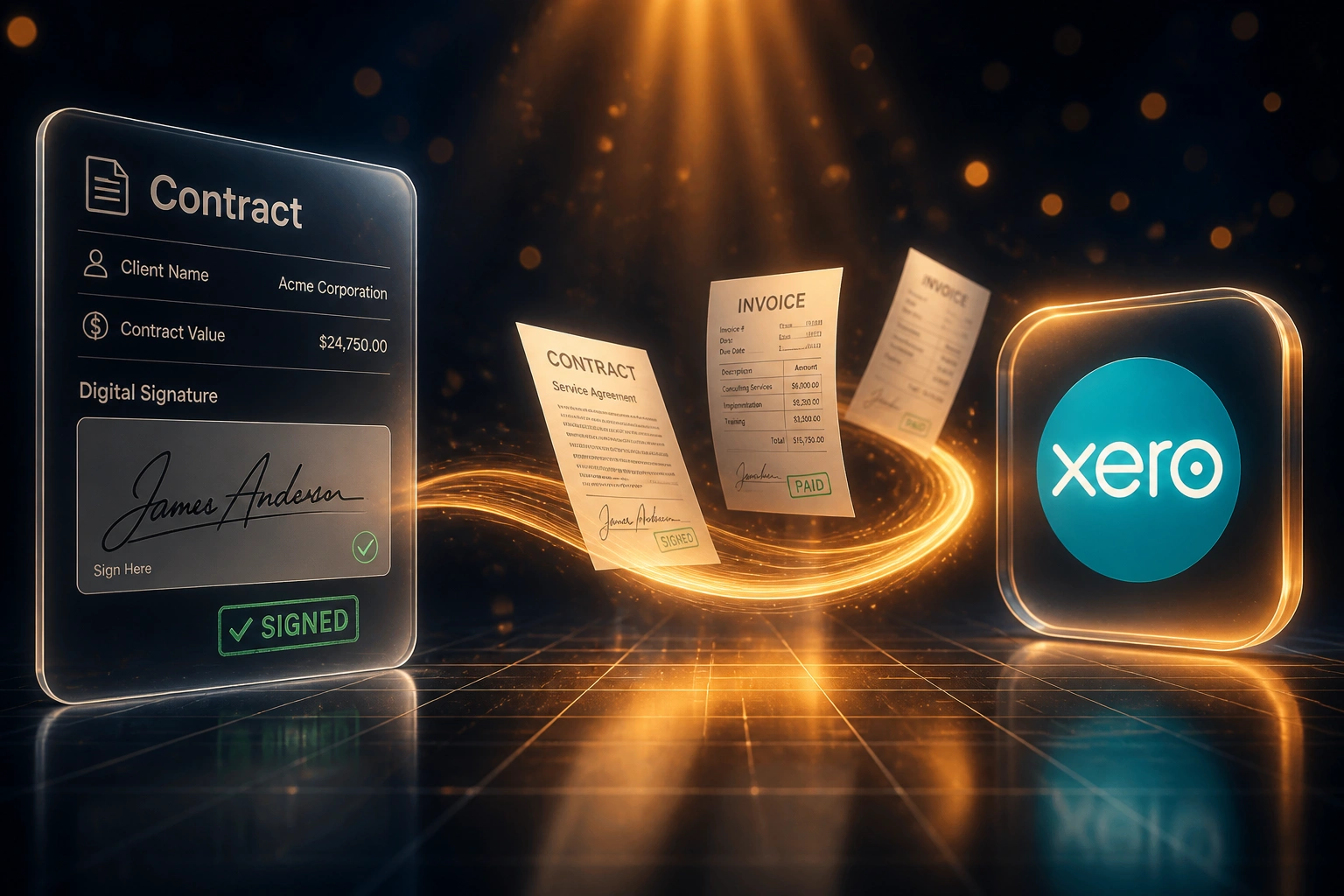
Contract signed → deposit invoice drafted → finance approves → cash clock starts. No PDF retyping.
Contract Is Signed
Client completes the envelope in DocuSign, PandaDoc, Dropbox Sign, or SignRequest
Invoice Created
Deposit amount, VAT, line items, and terms map into Xero, Sage, or QuickBooks as a draft
Finance Approves
One-click review and send. Ops gets a signal that billing has started
Cash Clock Starts
Payment terms run from the same day as the signature, not from whenever someone remembered
Everything You Need for Reliable Signed Contract Invoicing
Signature-Triggered Invoices
The moment a contract is completed in DocuSign, Dropbox Sign, PandaDoc, or SignRequest, a draft invoice appears in your accounting system with deposit, VAT, and line items from the schedule.
Deposit & Milestone Mapping
Contract schedules map to deposit invoices, progress claims, and final invoices. Percentages, fixed fees, and retainer kick-offs stay faithful to what the client signed.
VAT & Tax Treatment
Line items pick up the correct VAT rate, account codes, and tracking categories so the first invoice is SARS-ready without a finance rewrite.
Contact & Deal Sync
Client, billing contact, and purchase-order fields flow into Xero, Sage, or QuickBooks. No retyping names, VAT numbers, or addresses from the PDF.
Approval Before Send
Draft invoices land for a one-click finance review. Your team stays in control of what goes out, without rebuilding every invoice from scratch.
Signed PDF Archive
The completed contract attaches to the invoice or client record, so audit trails and collections disputes have the signed terms on hand.
Platforms We've Connected for Contract Billing
From Five Days to Under an Hour
How a 35-person professional services firm stopped financing clients between signature and first invoice.
The Manual Process
- Ops downloaded the signed PDF from DocuSign and emailed finance
- Finance retyped deposit %, VAT, and line items into Xero (35–45 minutes)
- Average five business days from "Completed" to invoice sent
- One in ten first invoices needed a correction and re-send
- Kickoff often started while the deposit was still uninvoiced
The Automated Process
- DocuSign completion webhook creates a draft deposit invoice in Xero
- Finance reviews and sends in under two minutes
- Same-hour invoicing on every signed contract
- Errors dropped because amounts come from the signed schedule
- Ops sees "Invoice sent" before the kickoff call is booked
Before vs After Signed Contract Invoicing
How It Works
From first conversation to live signature-to-invoice flow in 2–4 weeks.
Tell Us Your Setup
Which e-signature tool, which accounting system, and how your deposits and milestones are structured.
Free Scoping Call
30-minute call to map the signature-to-invoice path, deposit rules, and VAT edge cases.
Build & Test
We wire the webhook, map contract fields to invoice lines, and test with real signed documents before go-live.
Go Live & Monitor
Switch off the PDF-to-invoice copy step. Monitoring alerts you only when a signature needs human review.
Frequently Asked Questions
How long does contract-to-invoice automation take to set up?
A standard signature-to-invoice integration takes 2–4 weeks from scoping to go-live. Simple one-way deposit invoices from DocuSign or PandaDoc into Xero can be live within a week. Multi-milestone schedules with Sage or QuickBooks take closer to 4–6 weeks.
Which e-signature and accounting tools can you connect?
We've built signature-to-invoice workflows with DocuSign, PandaDoc, Dropbox Sign (HelloSign), SignRequest, and Adobe Sign, into Xero, Sage Business Cloud, Sage Pastel, and QuickBooks. If your signing tool fires a completion webhook and your ledger has an API, we can connect them.
Will finance still review invoices before they go to clients?
Yes. The default pattern creates a draft invoice for finance to approve and send. Fully automatic send is available once your team trusts the mapping, but most ops and finance leads keep the review step for the first months.
How do you handle deposits, VAT, and multi-line schedules?
During setup we map your contract templates to deposit percentages, fixed fees, VAT rates, and account codes. When a contract is signed, those rules create the correct first invoice (and later milestones if you want them) without finance rebuilding the schedule from the PDF.
What happens if a signature webhook fails or fields are missing?
Failed events retry automatically. If a required field is blank (billing email, VAT number, deposit amount), the workflow pauses and alerts your team instead of creating a broken invoice. Manual intervention stays the exception, not the norm.
How much does signed-contract invoicing automation cost?
Simple one-way syncs from an e-signature tool into accounting start from around R15,000. Workflows with deposit rules, milestone schedules, and bidirectional status updates typically range from R25,000 to R60,000. Firms signing 10+ contracts a month usually see ROI within 2–3 months from staff time and faster deposits alone.
Stop Losing Cash Float After Every Signature
If your first invoice still waits on someone opening a signed PDF, you are spending working capital on a problem that signature webhooks already solve.
Tell us which e-signature tool and accounting system you use, how deposits and milestones are written into your contracts, and where the handoff breaks today. We'll show you exactly how same-hour contract billing would work for your firm.