CPQ Integration with CRM: Quotes That Write Into Deals
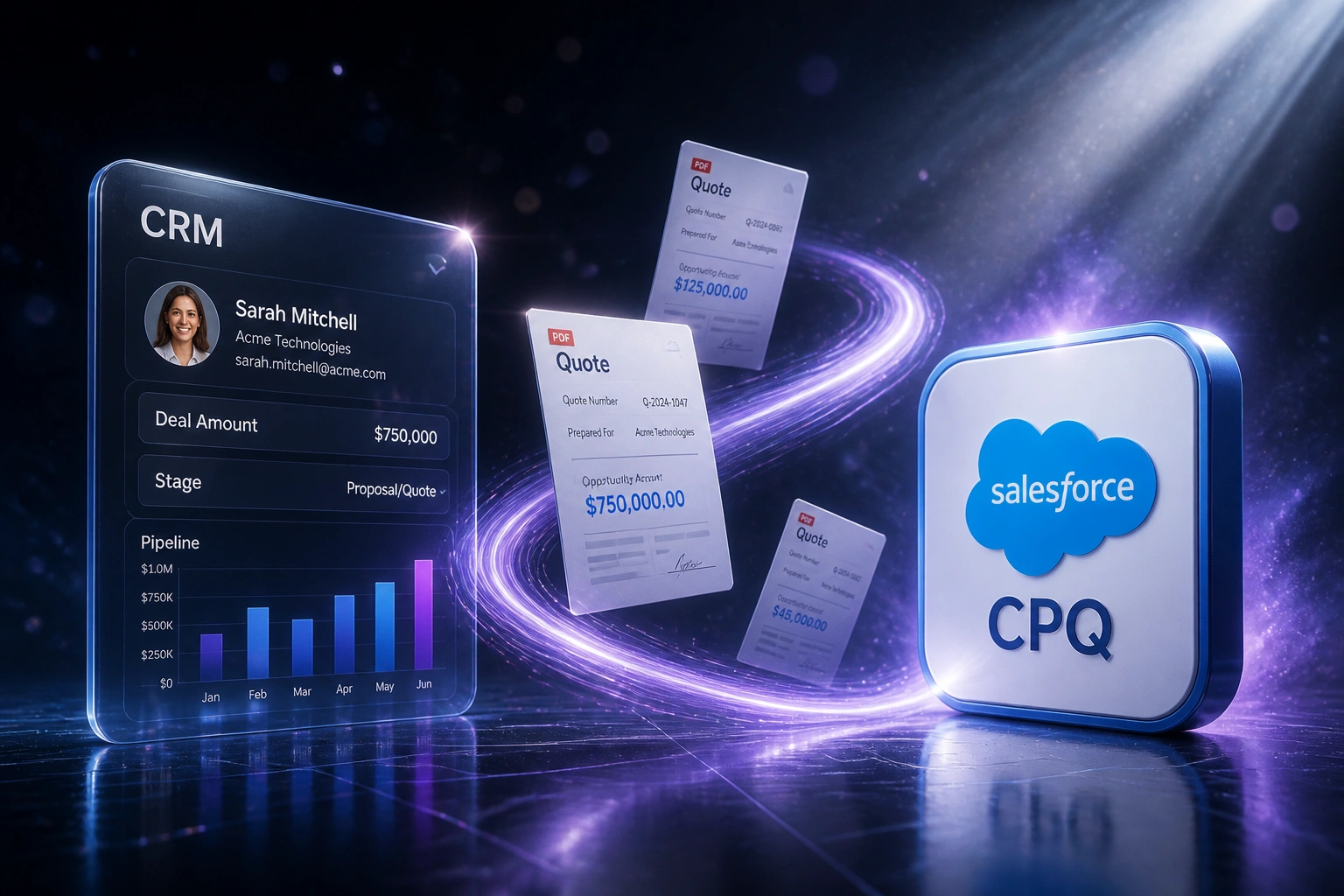
Your CPQ tool configures accurate quotes. Your CRM holds the forecast. When those systems disagree on deal value, RevOps spends Fridays reconciling two versions of the truth instead of running the pipeline.
We build the CPQ CRM integration that makes forecast amounts match the quotes that left the building.
Sound Familiar?
These are the exact issues RevOps teams faced before CPQ CRM integration:
- Configured quote totals in CPQ do not match the opportunity amount sitting in the CRM
- Sales ops re-types line items into Salesforce or HubSpot after every revision
- Weekly forecast meetings argue over which system holds the real deal value
- Primary quote status never reaches the pipeline view, so managers forecast on stale stages
- Product SKUs accepted in CPQ never land as opportunity products for reporting
Native sync rarely covers the fields that run your forecast. Salesforce quote sync focuses on standard fields; custom ARR, contract terms, and commercial amounts often stay behind. The HubSpot-Salesforce connector does not carry Salesforce CPQ products or line items. If CPQ lives outside your CRM, the island problem is structural, not temporary.
What CPQ CRM Integration Actually Does
Quote configured → deal amount updated → line items synced → forecast matches reality. No human copying between systems.
Quote Configured in CPQ
Rep finalises products, pricing, and discounts in Salesforce CPQ, DealHub, or HubSpot Quotes
Deal Amount Updates
Primary or accepted quote total writes into the CRM opportunity amount automatically
Line Items Sync Back
SKU, quantity, and discount land as opportunity products for reporting and handoff
Forecast Finally Matches
Pipeline views and board packs use the same numbers the customer was quoted
Everything You Need for Reliable Quote-to-Deal Sync
Quote-to-Opportunity Sync
When a quote is marked primary or accepted, the CRM deal amount updates to the configured total. Forecasts stop chasing a parallel spreadsheet.
Line Item Write-Back
CPQ product configurations become opportunity products with quantities, discounts, and SKUs intact. No dual entry between configurator and CRM.
Quote Status on the Deal
Draft, pending approval, sent, and accepted status appear on the CRM record so RevOps sees quoting progress without opening a second tool.
Bidirectional Field Mapping
Account, contact, and custom commercial fields move both ways. Twin-field gaps and HubSpot connector blind spots get explicit mappings, not hope.
Smart Error Handling
Failed syncs retry with alerts. Duplicate products and mismatched currencies surface before they corrupt pipeline reports.
Forecast-Ready Reporting
Quoted value, discount depth, and configuration mix feed CRM dashboards. Leadership forecasts from the quotes that actually left the building.
CPQ and CRM Stacks We've Connected
From 8 Hours/Week Reconciling to Under 1 Hour
How a mid-market industrial supplier stopped fighting forecast variance once Salesforce CPQ quotes wrote straight into CRM deal amounts.
The Manual Process
- Sales ops copied configured totals from CPQ into Salesforce opportunity amounts
- 25–35 minutes per revised quote: line items, discounts, and stage notes by hand
- Weekly forecast variance hovered around 22% against accepted quote value
- Managers debated whether the CRM or the CPQ export was the source of truth
- Accepted configurations never appeared as opportunity products for renewals
The Automated Process
- Primary quote acceptance updates the opportunity amount within seconds
- Line items and discounts land as opportunity products automatically
- Forecast variance dropped below 5% against quoted commercial value
- RevOps reviews exceptions instead of retyping every revision
- Pipeline reports and board packs use the same figures customers were sent
Before vs After CPQ CRM Integration
How It Works
From first conversation to live CPQ CRM integration in 2–4 weeks.
Show Us Both Systems
Which CPQ, which CRM, how primary quotes and opportunity products should relate today.
Free Scoping Call
30-minute call to map quote fields to deals, line items, and forecast rules that matter to RevOps.
Build & Test
We build the sync, test against live quotes, and run parallel for a week until CRM amounts match CPQ.
Go Live & Monitor
Switch off manual re-entry. Monitoring and alerts keep quote-to-deal sync honest as products change.
Frequently Asked Questions
How does CPQ CRM integration actually work?
Configured quotes in your CPQ tool write into the linked CRM opportunity: deal amount, stage signals, and product line items. When a quote revises or gets accepted, the CRM updates so pipeline and forecast reports reflect the commercial reality, not a manually typed estimate.
Does Salesforce CPQ already sync to opportunities natively?
Salesforce CPQ can sync a primary quote to the opportunity, but native sync mainly covers standard fields. Custom amounts, ARR, contract terms, and many twin-field setups need deliberate mapping. Teams on HubSpot, Dynamics, or a standalone CPQ like DealHub rarely get that depth without a custom integration.
Can you connect HubSpot CPQ or DealHub to Salesforce?
Yes. HubSpot Quotes works natively inside HubSpot, but Salesforce CPQ products and line items do not travel through the standard HubSpot-Salesforce connector. We build the mappings so quote totals, status, and line items land on the right deal or opportunity regardless of which side owns CPQ.
Will this disrupt how sales reps quote today?
No. Reps keep configuring in CPQ and working deals in the CRM. The integration removes the re-typing between them. We run parallel testing so RevOps can compare CPQ totals to CRM amounts before you switch off the manual step.
How long does a CPQ-to-CRM integration take?
A standard one-way quote-to-opportunity sync takes 2–4 weeks from scoping to go-live. Bidirectional setups with custom fields, multi-currency, and approval status usually take 4–6 weeks. Complex product hierarchies or multi-CRM stacks sit at the longer end.
How much does CPQ CRM integration cost?
Simple one-way quote-to-deal syncs start from around R18,000. Bidirectional integrations with line-item write-back, status mapping, and custom commercial fields typically range from R28,000 to R65,000. Most teams reconciling 15 or more quotes a week see ROI within 2–3 months from recovered ops time and cleaner forecasts alone.
Stop Running Two Versions of Every Deal
If your CPQ and CRM still disagree on opportunity amounts, you are forecasting from an island. The quotes that left the building should be the numbers in the pipeline.
Tell us which CPQ and CRM you run, how primary quotes are chosen today, and where dual entry hurts most. We will show you exactly how quote-to-deal sync would work for your stack.