PayFast Payment Integration with CRM and Accounting for SA
Your customer already paid on PayFast. Finance is still typing the settlement into Xero or Sage, and sales is still asking whether the HubSpot deal can move. That handoff is slowing cash collection and warping your pipeline.
We build the three-way PayFast CRM integration that closes the payment loop automatically.
Sound Familiar?
These are the exact issues our South African clients faced before three-way PayFast accounting automation:
- Customers pay via PayFast but Xero or Sage still shows the invoice as outstanding until someone allocates by hand
- HubSpot or Salesforce stages stay on "Awaiting Payment" days after the ITN already confirmed COMPLETE
- Multi-merchant PayFast accounts dump lumped bank settlements that finance cannot match to individual deals
- VAT on SA tax invoices drifts out of sync when fee, gross, and net amounts are typed in from the PayFast dashboard
- Month-end close stalls while the team cross-checks PayFast payouts against the bank feed and the CRM pipeline
PayFast ITNs must return HTTP 200 within about 10 seconds, or notifications retry for up to two days. Fragile webhook handlers, multi-merchant accounts, and VAT mismatches on SA invoices are exactly where month-end settlement gaps appear.
What Three-Way PayFast Integration Actually Does
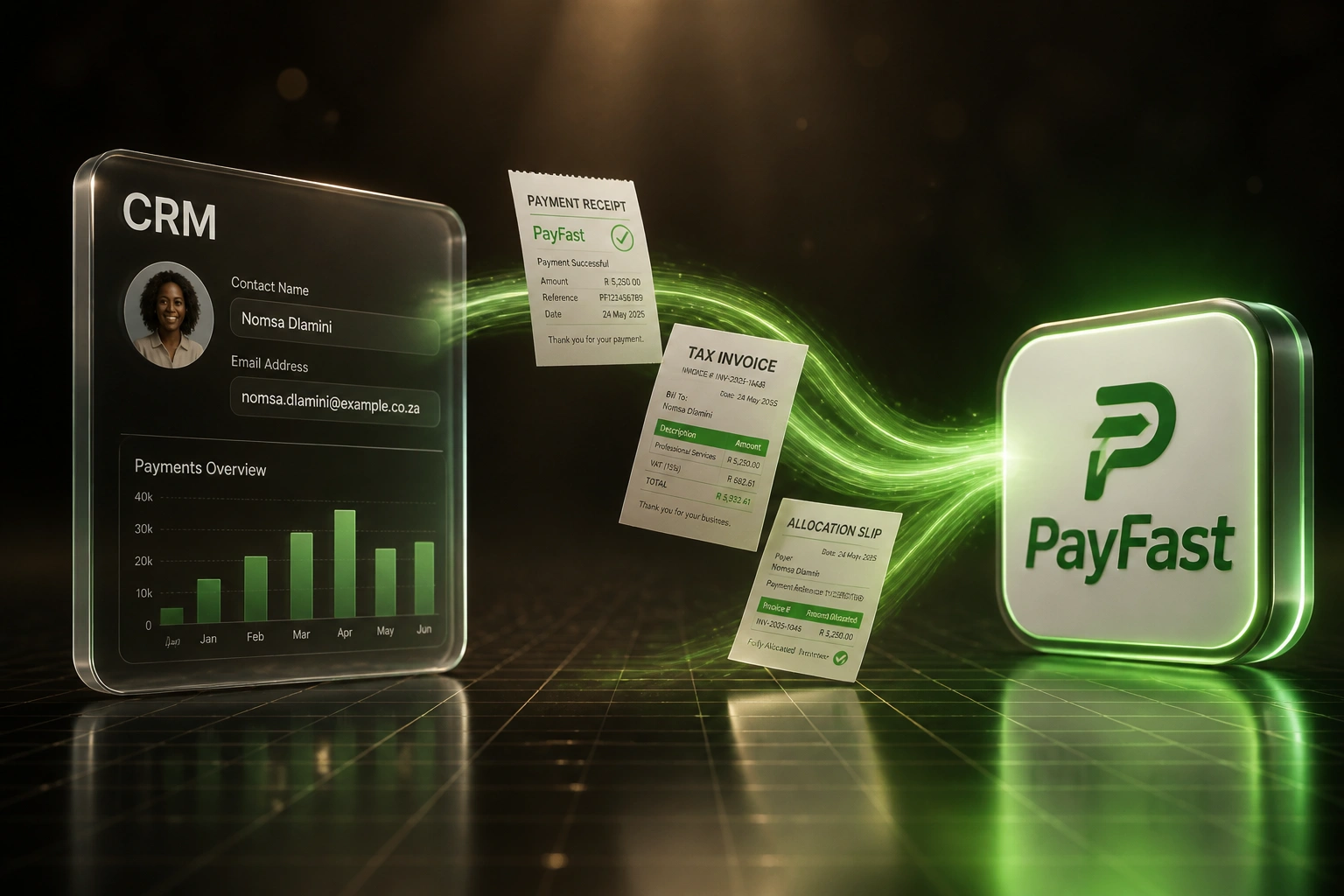
Deal won → PayFast ITN → invoice paid → CRM updated. No human copying settlements between systems.
Deal Won in CRM
Sales marks the deal won; invoice and PayFast payment request are created with correct VAT
Customer Pays on PayFast
PayFast sends a verified ITN with status COMPLETE, amounts, and merchant reference
Invoice Marked Paid
Xero or Sage allocates the payment; fee and net land on the right lines
CRM Stage Updated
Deal moves to Paid in real time, so pipeline and cash actually agree
Everything You Need for Reliable PayFast Accounting Sync
ITN-Driven Payment Allocation
A verified PayFast COMPLETE notification marks the matching Xero or Sage invoice paid, using gross, fee, and net correctly.
CRM Stage Sync-Back
When the payment lands, the HubSpot, Salesforce, or Pipedrive deal moves to Paid automatically. Sales stops chasing finance.
Deal-Won to Payment Link
Closed-won deals generate the invoice and PayFast payment request with the right VAT treatment and customer details.
Settlement & Multi-Merchant Matching
Bank deposits and PayFast payouts map back to the invoices they settled, even across multiple merchant IDs.
Idempotent ITN Handling
Signature checks, fast acknowledgements, and duplicate-safe processing so retries never double-allocate a payment.
Month-End Ready Reconciliation
CRM revenue, PayFast settlements, and the ledger already agree. Close moves from days of matching to hours of review.
Systems We've Connected Around PayFast
From 9 Hours/Week to Under 1 Hour/Week
How a Cape Town professional services firm stopped allocating PayFast settlements by hand and shortened its cash cycle by three days.
The Manual Process
- Finance downloaded PayFast transactions and matched each one to a Xero invoice
- 15 minutes average per settlement when merchant fees and VAT did not line up cleanly
- Sales left HubSpot deals on Awaiting Payment until someone confirmed the bank deposit
- Two merchant accounts produced lumped payouts that took Friday afternoons to untangle
- Month-end regularly slipped while unallocated PayFast cash sat in the bank feed
The Automated Process
- PayFast ITN marks the Xero invoice paid within seconds of COMPLETE
- HubSpot deal stage flips to Paid without a Slack chase to finance
- Gross, fee, and net post correctly, including 15% VAT on SA tax invoices
- Both merchant accounts reconcile to the right invoices automatically
- Month-end review is exception-only instead of full rematch
Before vs After PayFast CRM Integration
How It Works
From first conversation to live three-way sync in 3 to 5 weeks.
Tell Us Your Setup
Which CRM, which ledger (Xero or Sage), how many PayFast merchant accounts, and where allocation breaks today.
Free Scoping Call
30-minute call to map deal won → PayFast → invoice paid → CRM update, and pin down VAT and settlement rules.
Build & Test
We build the three-way sync, test ITNs in Sandbox and live, and run parallel allocation for a week before cutover.
Go Live & Monitor
Switch off manual matching. Monitoring and alerts catch failed ITNs and unallocated settlements early.
Frequently Asked Questions
How is this different from a standard PayFast checkout integration?
A checkout integration takes the payment. This three-way PayFast integration closes the full loop: the CRM deal, the Xero or Sage invoice, and the PayFast ITN stay aligned so finance does not retype settlements and sales always sees who has paid.
Which CRMs and accounting systems can you connect to PayFast?
We have built PayFast CRM and accounting bridges with HubSpot, Salesforce, Pipedrive, Zoho CRM, Xero, Sage Business Cloud, and Sage Pastel. If your stack has an API, we can connect it.
What happens if a PayFast ITN fails or retries?
PayFast expects a 200 response within about 10 seconds, then retries at longer intervals if it does not get one. Our handlers acknowledge quickly, verify the signature, and process idempotently so a retry never posts the same payment twice.
How do you handle VAT, fees, and multi-merchant settlements?
We map amount_gross, amount_fee, and amount_net to the right invoice lines and tax treatments on SA invoices. Multi-merchant payouts are matched back to the invoices and deals they belong to, so month-end settlements stop floating as unallocated cash.
Will this disrupt our current PayFast checkout?
No. Customers keep paying the same way. We add the reconciliation layer behind the scenes: ITN → invoice paid → CRM stage updated. We run parallel matching before switching off the manual process.
How much does a PayFast CRM and accounting integration cost?
Three-way PayFast integrations with CRM and Xero or Sage typically range from R35,000 to R70,000 depending on merchant count, VAT rules, and custom fields. Most South African teams allocating 30+ settlements a week see ROI within 2 to 4 months.
Stop Allocating PayFast Settlements by Hand
If finance is still matching PayFast payouts to Xero or Sage while sales updates HubSpot separately, you are paying for a problem South Africa payments teams have already solved.
Tell us which CRM and ledger you run, how many PayFast merchant accounts you use, and where allocation breaks. We will show you exactly how three-way automation would work for your business.