Sage Evolution CRM Integration for South African Enterprises
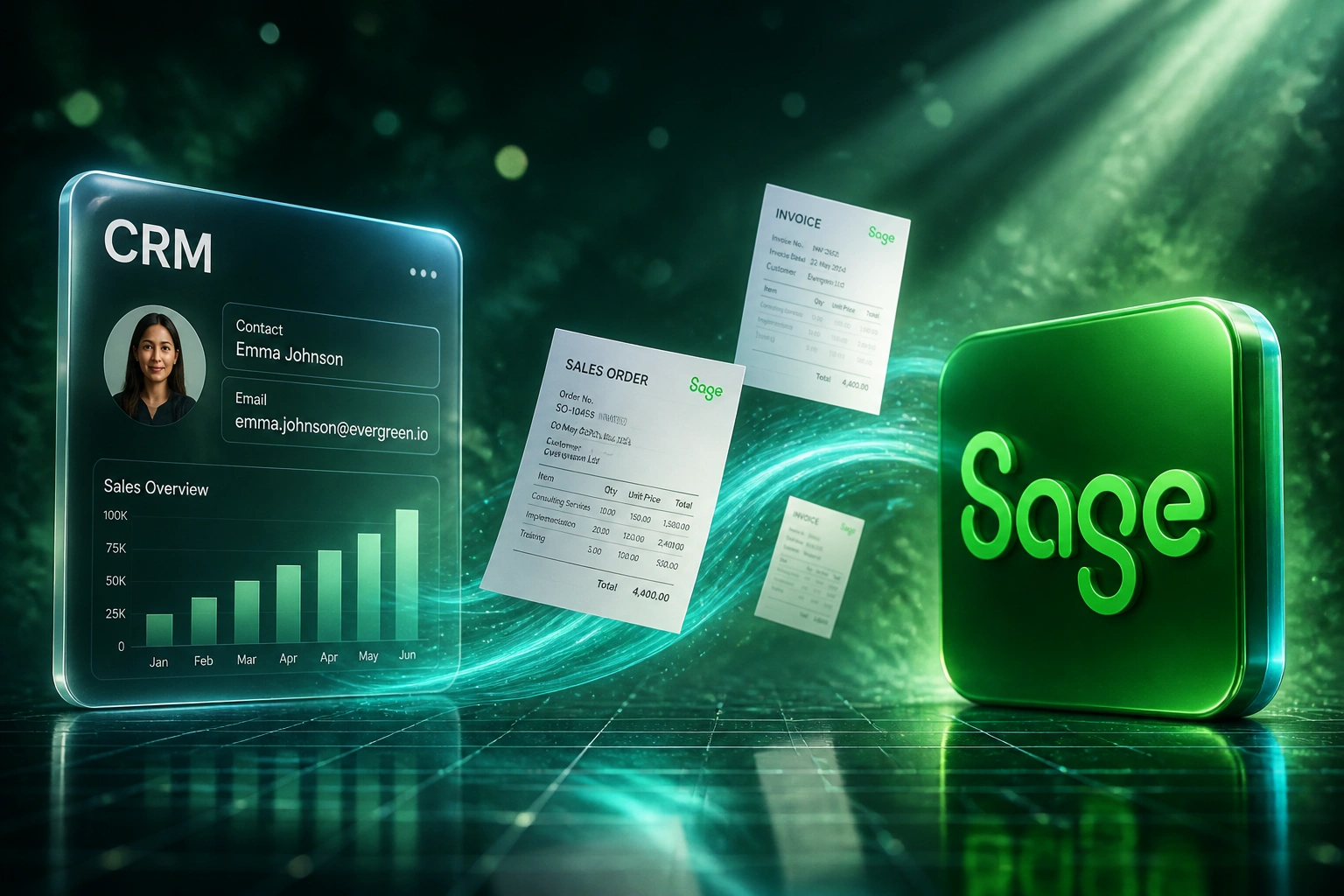
Your sales team lives in a CRM. Your books live in Sage Evolution. There is no simple plug-and-play sync between them, so every won deal gets retyped into Evolution by hand: stock codes, VAT, prices, terms. That handoff is costing you hours, delaying invoices, and introducing errors your finance director has to catch.
We specialise in the SDK and middleware work that makes won deals become Evolution documents without retyping.
Sound Familiar?
What we hear from South African mid-market companies running Sage Evolution alongside a separate CRM. On desktop Pastel instead? See our CRM to Sage Pastel page. On the cloud product? See Sage Business Cloud.
- A deal closes in the CRM on Friday, and finance only raises the Sage Evolution sales order on Wednesday because someone has to retype every line
- Spreadsheet bridges break every time Evolution is upgraded, and nobody wants to own the fix
- Customer VAT numbers, stock codes, and price lists drift between the CRM and Evolution, so tax invoices need correcting before they go out
- Sales cannot see whether an Evolution invoice is paid without phoning the accounts team
- Order volume has outgrown what a junior can re-capture by hand, but there is no plug-and-play CRM connector for Evolution
Spreadsheet bridges stop scaling the moment order volume grows. Sage is actively positioning Sage Intacct as the cloud path off Evolution, while Evolution itself remains the workhorse for stock-heavy South African mid-market firms. If you are staying on Evolution, the competitive move is a proper CRM bridge, not another fragile export. Generic automation platforms have no Evolution connector, and the lighter built-in service does not cover full sales-order posting.
What a Sage Evolution CRM Integration Actually Does
Deal won → sales order or invoice in Evolution → payment read back → books already match the pipeline.
Deal Closes in CRM
Sales marks the deal won in HubSpot, Salesforce, or your CRM
Document Raised in Evolution
Customer, stock codes, VAT, and terms mapped through the licensed bridge
Payment Synced Back
Allocation in Evolution updates the CRM deal so sales can see who has settled
Month-End Already Matches
Pipeline revenue and Evolution postings reconcile without a three-day spreadsheet exercise
Everything a Mid-Market Sage Evolution Sync Needs
SDK and Middleware Bridge
We connect through the Sage Evolution toolkit and a secure bridge on your server, so won deals become Evolution documents without exposing the company database to the public internet.
Sales Orders and Invoices from Won Deals
When a deal hits Closed Won, Evolution receives the customer, stock codes, quantities, VAT treatment, and payment terms already filled in. Finance reviews and posts instead of retyping.
VAT-Ready Tax Invoices
Documents land with the correct tax type, customer VAT number, and mandatory SARS fields, so VAT201 preparation is a review rather than a reconstruction from two systems.
Customer and Stock Master Alignment
Accounts, stock codes, and price lists stay consistent across both systems. Matching runs before create, so you stop collecting duplicate debtors and orphan line items.
Payment Status Back to Sales
Allocations captured in Evolution flow back to the CRM deal. Reps answer their own payment questions instead of interrupting finance mid-close.
Version-Aware Continuity
Evolution toolkits are version-locked. We build the connector so an upgrade is a planned re-licence, not a silent outage of your order pipeline.
CRMs We've Integrated with Sage Evolution
From 12 Hours/Week to 2 Hours/Week
How an 80-person Gauteng distributor stopped retyping HubSpot deals into Sage 200 Evolution and recovered R340,000 in year one.
The Manual Process
- Accounts captured every won deal into Evolution by hand: debtor, stock codes, VAT, terms
- Around 40 minutes per order, including corrections when the CRM and Evolution stock lists disagreed
- A spreadsheet export filled the gap until the next Evolution upgrade broke it
- Average five business days from deal close to invoice sent
- Sales phoned finance daily to ask who had paid
The Automated Process
- Deal closes → draft sales order appears in Evolution within minutes
- Finance reviews stock and VAT, then posts with one confirmation
- Customer and stock masters stay aligned, so duplicates stop accumulating
- Same-day invoicing on every closed deal that passes validation
- Payment status visible on the CRM deal without interrupting accounts
Before vs After Sage Evolution Integration
How It Works
From first conversation to live Evolution bridge in 4–8 weeks, depending on stock complexity and document types.
Confirm Your Evolution Stack
Sage 200 Evolution or Sage 300, exact version and build, hosted or on-premise, and which CRM owns the sales pipeline.
Scoping and Licensing
We map deal stages to Evolution documents, agree VAT and stock rules, and arrange the correct toolkit and connector licence through Sage.
Build Against a Copy
We build on a restored company database, never production, then reconcile orders and invoices line by line for a full billing cycle.
Go Live and Monitor
Manual retyping stops once you sign off. Monitoring and alerting mean you hear about a problem from us, not from a customer waiting on an invoice.
Frequently Asked Questions
Is Sage Evolution the same as Sage Pastel or Sage Business Cloud?
No. Sage 50cloud Pastel Partner and Pastel Xpress are the desktop products for smaller businesses. Sage Business Cloud Accounting is the browser-based product. Sage 200 Evolution (and Sage 300, formerly Accpac) is the mid-market ERP used by distribution, manufacturing, and services companies that need stock, works orders, and multi-warehouse control. Each integrates differently. If you are on Pastel or Business Cloud, we cover those on separate pages.
Does Sage Evolution have a simple CRM plug-and-play connector?
Not in the way Xero or cloud Sage do. Evolution sits on your server (or a hosted SQL environment) and talks through a licensed toolkit that must match your exact version. There is a lighter read-oriented service on newer builds, but it does not cover the full document and stock posting a sales team needs. Proper CRM sync is a purpose-built bridge, which is exactly what we specialise in.
Our Evolution server is on-premise. Can a cloud CRM still reach it?
Yes, without opening inbound ports to the public internet. We install a bridge on the network that can see Evolution, makes outbound connections only, polls for work, and posts results back. Your company database stays behind your firewall. This is the standard pattern for on-premise Evolution with HubSpot, Salesforce, or any cloud CRM.
Will the tax invoices be SARS-compliant?
That is a design requirement, not a late check. During setup we map CRM products to the correct Evolution tax types, stock codes, and ledger accounts, and we encode zero-rated and exempt exceptions as rules. Customer VAT numbers travel with the document. The result is a tax invoice that is correct when it is raised, which is what turns VAT201 into a review.
What happens when we upgrade Evolution?
Toolkit licences are version-locked, so a major upgrade invalidates the previous connector. We build the integration so that layer is swappable, and we handle obtaining and installing the new licence as part of a maintenance arrangement. Tell us before you upgrade and it is a scheduled task rather than an outage.
How much does a CRM to Sage Evolution integration cost?
Evolution work sits above cloud bookkeeping platforms because of the on-premise bridge, toolkit licensing, and stock-aware document mapping. A one-way sync that raises sales orders or invoices from won deals typically starts from around R40,000. Bidirectional integrations with payment sync, VAT rules, and stock master alignment usually range from R55,000 to R95,000. Most mid-market clients processing 80 or more orders a month see payback inside four months against the cost of manual capture.
Stop Retyping Won Deals into Sage Evolution
If your sales and finance teams are still bridging CRM and Evolution with spreadsheets or junior capture time, you are funding a problem that mid-market South African companies have already solved with a proper bridge.
Tell us which CRM you run, which Evolution version and build, and whether sales orders or invoices are the bottleneck. We will show you exactly how the integration would work for your warehouse and VAT setup.