CRM Activity Logging: Calls, Emails and Meetings in One Timeline
Your pipeline forecast is fiction because reps forget to log calls and emails. The CRM timeline sits empty while the real story lives in inboxes, calendars, and phone systems. That is not a discipline problem. It is an activity capture problem costing you selling hours and forecast trust every week.
We automate activity logging so the timeline becomes a coaching and forecasting asset.
Sound Familiar?
These are the exact issues sales directors and CRM owners bring us before automatic activity capture:
- Reps finish a call and never log it, so the CRM timeline looks empty while the deal is actually hot
- Email threads live in Gmail or Outlook, so managers coach from memory instead of the CRM timeline
- Forecast meetings start with arguments about who last spoke to the buyer, because call logging is patchy
- Handoffs fail when a deal changes owner and the new rep cannot see meetings, emails, or prior commitments
- Mandatory activity fields get invented entries so dashboards look full while the real story is missing
Salesforce is retiring Activity 360 Reporting, Activity Metrics, and the Activities Dashboard around Summer 2026, and Microsoft Graph becomes the required auth path for Einstein Activity Capture by August 2026. If your call logging and email tracking still depend on brittle native settings, now is the window to rebuild a timeline you can actually report on.
What Automatic CRM Activity Logging Actually Does
Email sent → call completed → meeting booked → timeline updated. No end-of-day data entry.
Activity Happens
Rep sends email, finishes a call, or books a meeting in tools they already use
Capture Matches Records
Rules match the thread or call to the right contact, company, and deal
Timeline Updates
The CRM timeline shows the activity in chronological order within seconds
Coach and Forecast
Managers review real engagement history, not empty activity fields
Everything You Need for a Complete CRM Timeline
Automatic Email Capture
Sent and received emails from Gmail or Outlook land on the matching contact, company, and deal timeline without BCC tricks or manual paste.
Calendar Meeting Sync
Meetings, attendees, and outcomes sync from the calendar into the CRM timeline so discovery calls and demos never vanish after the invite closes.
Call Logging Automation
Dialler and VoIP call records, durations, and dispositions write to the deal timeline so activity logging stops depending on end-of-day memory.
Unified CRM Timeline
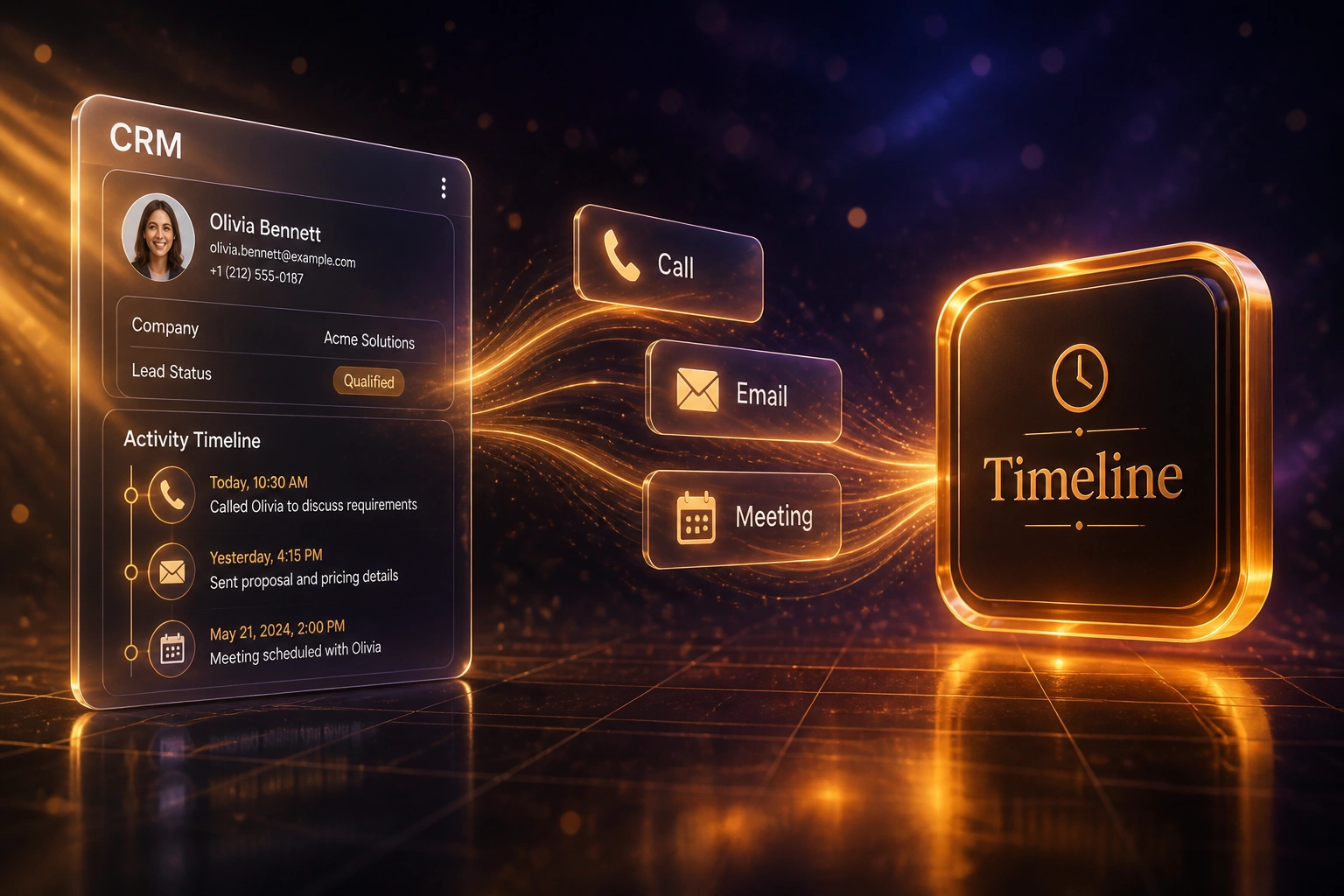
Calls, emails, and meetings appear in one chronological timeline per contact and opportunity, ready for coaching, handoffs, and forecast reviews.
Privacy and Exclusion Rules
Domain exclusions, personal-folder filters, and POPIA-aware retention keep private mail out while still capturing the commercial thread your team needs.
Capture Scorecards
Managers see logging compliance by rep and stage: capture rate, empty timelines, and deals with no activity in N days, without nagging for updates.
CRMs We've Connected for Activity Capture
From 44 Hours/Week to 4 Hours/Week
How an 8-rep Cape Town B2B sales team turned an empty CRM timeline into a coaching and forecasting asset.
The Manual Logging Habit
- Each rep spent about 5.5 hours a week typing call notes, pasting emails, and updating meeting outcomes
- Across eight sellers that was roughly 44 hours a week of activity logging instead of selling
- Email tracking sat under 25%: most buyer threads never appeared on the deal timeline
- Monday forecast reviews started with "who spoke to them last?" instead of reading the CRM
- Required activity fields filled with invented entries so dashboards looked complete
The Automated Timeline
- Gmail, Outlook, calendar, and dialler events write to the CRM timeline automatically
- Reps only touch exceptions: unmatched contacts and privacy-flagged threads
- Email and meeting capture moved past 90% without changing seller behaviour
- Managers coach from real call and email history on the deal record
- Forecast reviews use engagement evidence, not memory and inventiveness
Before vs After Activity Logging Automation
How It Works
From first conversation to live activity capture in 2–4 weeks.
Audit Your Logging Gap
Which CRM, which inboxes and diallers, current capture rates, and where empty timelines are already breaking forecasts.
Free Scoping Call
30-minute call to design email, calendar, and call capture rules, privacy exclusions, and the timeline fields managers actually use.
Build & Test
We connect inboxes, calendars, and call sources, match activities to the right records, and validate capture rates on live deals before go-live.
Go Live & Monitor
Switch off mandatory manual logging where capture is solid. Scorecards and alerts keep the CRM timeline trustworthy week after week.
Frequently Asked Questions
How is automatic activity logging different from making reps update the CRM?
Training and mandates still leave most calls and emails unlogged, because every manual entry is a context switch away from selling. Automatic activity capture writes emails, meetings, and calls into the CRM timeline from the tools reps already use, so compliance rises without changing seller behaviour.
How long does CRM activity capture take to set up?
A standard email, calendar, and call logging setup takes 2 to 4 weeks from scoping to go-live. Inbox-only syncs on HubSpot or Salesforce can be live within a week. Multi-source setups with dialler logging, custom matching rules, and privacy exclusions usually take closer to 4 to 6 weeks.
Which CRMs and channels can you connect?
We have built activity capture for HubSpot, Pipedrive, Salesforce, Zoho CRM, Monday.com, Freshsales, and custom-built CRMs. Sources typically include Gmail, Microsoft 365 / Outlook, Google Calendar, and common VoIP or dialler platforms. If the channel has an API or webhook, we can land it on the timeline.
Will private or internal email flood the CRM timeline?
No. We configure domain exclusions, personal-label filters, and matching rules so only commercial threads attach to contacts and deals. Internal noise and personal folders stay out. You approve the exclusion list before anything goes live.
Will this disrupt how our sales team works today?
No. Reps keep using the same email, calendar, and phone tools. Capture runs in the background. We run parallel measurement of before-and-after capture rates, then retire the most painful manual logging fields once the timeline is complete enough for coaching and forecasting.
How much does CRM activity logging automation cost?
Inbox and calendar sync projects typically start from around R20,000. Broader programmes with call logging, custom matching, privacy controls, and capture scorecards usually land between R30,000 and R65,000. Most mid-size sales teams recover the investment within 2 to 3 months from selling time alone.
Stop Running Forecasts on an Empty Timeline
If your sales team still logs calls and emails by hand, you are spending selling hours on a problem automation already solves, and your CRM timeline will stay unreliable.
Tell us which CRM you use, which inboxes and diallers matter, and where empty timelines hurt coaching or forecast accuracy most. We will show you exactly how automatic activity logging would work for your team.