CRM Backup and Disaster Recovery: Protect Your Customer Data
Losing your CRM database means losing the relationships that are the business. Vendor recycle bins have short retention, no reliable overwrite rollback, and sit inside the same blast radius as ransomware or a compromised admin.
We build independent CRM backup with point-in-time recovery so you never rebuild customer history from scratch.
Sound Familiar?
These are the gaps CEOs and IT leads discover only after customer data is already gone:
- Leadership assumes the CRM recycle bin is a backup, until a delete lands outside the retention window
- A bulk import or automation overwrites thousands of contact fields, and the recycle bin cannot roll back overwrites
- Related deals, activities, and notes do not restore cleanly after a mass delete
- Ransomware or a compromised admin account hits the CRM, and the native bin sits inside the same blast radius
- Nobody can name the RPO or RTO for customer data, so a restore becomes improvisation under pressure
POPIA requires you to notify the Information Regulator and affected people as soon as reasonably possible after a security compromise. From April 2025, reports go through the Regulator's eServices portal. Slow CRM restores turn a technical incident into a compliance and trust crisis.
What CRM Data Protection Actually Does
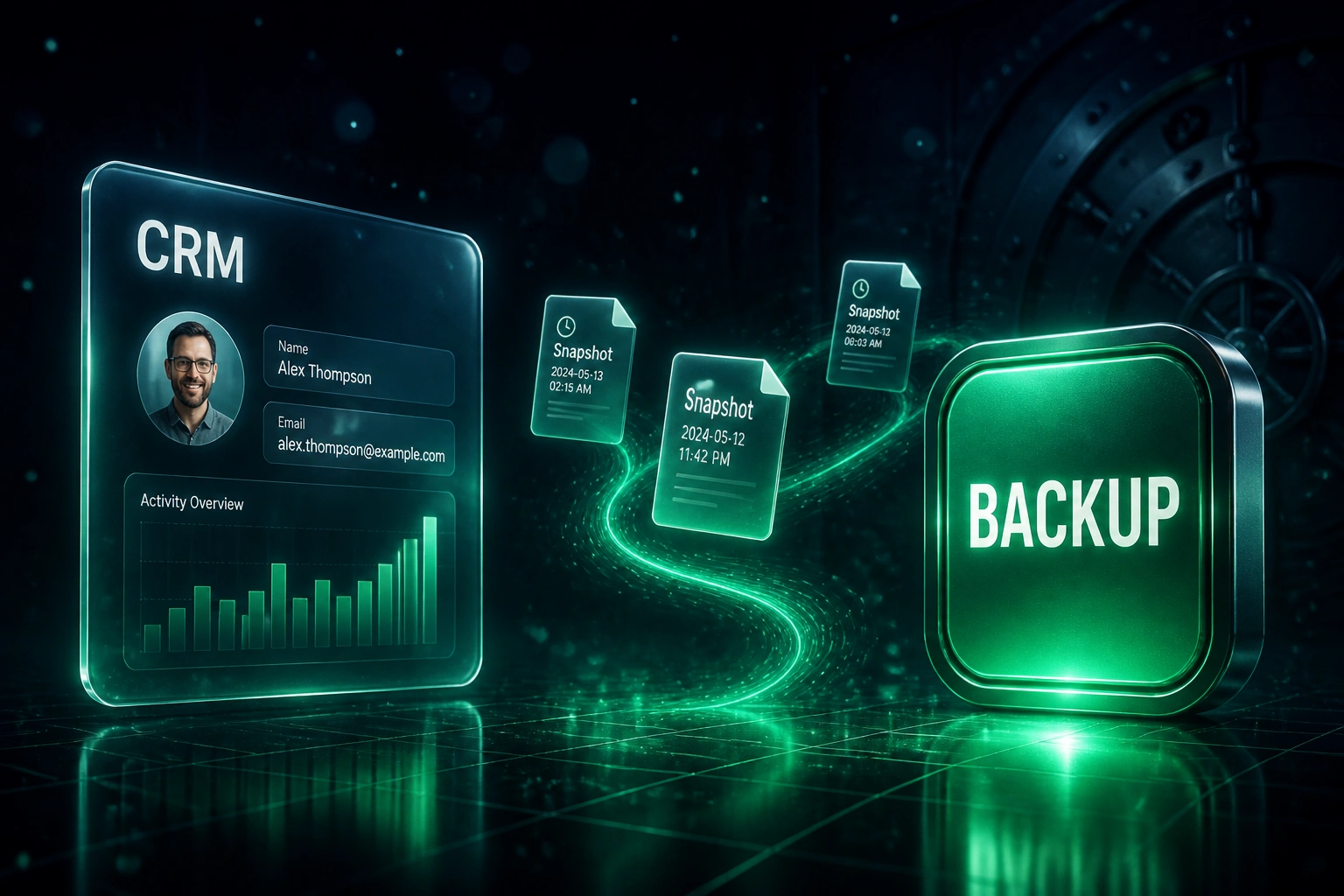
Snapshot → isolate → prove restore → recover fast. Customer relationships stay recoverable when the vendor bin cannot help.
Continuous Snapshots
Scheduled backups pull CRM objects and associations into independent storage on your RPO cadence
Isolated Retention
Copies live outside the CRM tenant, with retention that outlasts 15-day or 90-day recycle bins
Restore Drill
We prove point-in-time recovery on a sample before you ever need it in a real incident
Business Continuity
When deletes, overwrites, or ransomware hit, sales is back on known-good customer data in hours, not weeks
Everything You Need for CRM Continuity
Independent Daily Backups
Automated snapshots of Salesforce, HubSpot, Dynamics, or your CRM stored outside the vendor platform, so a portal outage or compromised admin cannot wipe your only copy.
Point-in-Time Recovery
Restore contacts, companies, deals, and related records to a known good moment before the bad import, mass delete, or sync corruption hit.
Cross-Object Restore
Bring back records with associations intact: contacts linked to companies, deals, notes, and activities, not orphaned rows that sales cannot use.
Overwrite and Corruption Protection
Native recycle bins only catch deletes. We retain versioned history so field overwrites, bad syncs, and automation mistakes can be rolled back.
Ransomware-Resilient Storage
Immutable or air-gapped backup copies attackers cannot encrypt or delete from inside your CRM tenant, addressing the 96% of ransomware campaigns that also target backups.
Documented RPO and RTO
Agreed recovery point and recovery time objectives for CRM data, plus restore drills so ops knows recovery works before you need it for real.
CRMs We've Backed Up and Restored
From a Weeks-Long Rebuild to Under 4 Hours
How a Johannesburg professional services firm recovered 8,400 deleted HubSpot contacts with associations intact after a bulk cleanup went wrong.
Native Recycle Bin Only
- Ops assumed HubSpot's 90-day bin covered every failure mode
- A bulk cleanup permanently deleted active contacts mixed into a stale list
- Related deals and activity history came back incomplete or not at all
- Sales spent days reconstructing pipeline from email and spreadsheets
- Leadership faced a POPIA scramble with no clean restore timeline
Point-in-Time Recovery
- Independent daily snapshots already sitting outside HubSpot
- Ops chose the last known-good snapshot before the cleanup job ran
- 8,400 contacts restored with company and deal associations intact
- Sales returned to the live pipeline the same afternoon
- Incident closed with evidence of safeguards, not a multi-week reconstruction
Before vs After CRM Backup
How It Works
From first conversation to proven CRM restore drills in 2–4 weeks.
Audit Your Exposure
Which CRM, what native retention covers today, and where accidental deletes or ransomware would leave you blind.
Free Scoping Call
30-minute call with your CEO or IT lead to set RPO/RTO targets and choose backup frequency and retention.
Build and Prove Restore
We configure independent backups, map objects and associations, then run a restore drill on a controlled sample.
Live Continuity
Monitoring, retention policies, and a rehearsal cadence so CRM disaster recovery stays tested as your org grows.
Frequently Asked Questions
Is the CRM recycle bin not enough for disaster recovery?
No. Salesforce keeps soft-deleted records for about 15 days (and can purge earlier when the bin hits its storage cap). HubSpot retains restorable deletes for 90 days, but permanent deletes bypass the bin, and neither vendor gives reliable point-in-time rollback for overwritten fields, broken associations, or ransomware. An independent backup is what protects the business when the native bin fails.
What is point-in-time recovery for a CRM?
It means restoring customer data to a known good moment before the damage occurred, whether that was a bulk delete, a bad import, a sync that blanked fields, or a compromised account. Instead of rebuilding from spreadsheets and email, you choose a snapshot and bring records back with their relationships intact.
How does this help with POPIA?
POPIA requires responsible parties to secure personal information and to notify the Information Regulator and affected people as soon as reasonably possible after a security compromise. Independent backups shorten outages, prove you had safeguards in place, and give you a clean restore path when customer records are lost or encrypted, which reduces operational and regulatory fallout.
Which CRMs can you back up?
We configure independent backup and restore for Salesforce, HubSpot, Microsoft Dynamics 365, Pipedrive, Zoho CRM, Monday.com, and custom CRM platforms with an API. The approach is the same: copy data out of the vendor tenant, retain versioned history, and prove restore with a drill.
Will backups slow down our CRM or change how the team works?
No. Backups run on a schedule against the API without changing how sales or marketing use the CRM. Restores are deliberate, scoped operations we plan with your admin team. Day-to-day work continues as normal.
How much does CRM backup and disaster recovery cost?
Focused backup for a single CRM with daily snapshots and a proven restore path typically starts around R35,000. Broader programmes with hourly RPO, immutable storage, cross-object restore drills, and runbooks usually land between R55,000 and R120,000. Against multi-million-rand ransomware recovery costs and weeks of rebuild labour, most mid-market teams see payback from a single avoided incident.
Stop Treating the Recycle Bin as Disaster Recovery
If your CRM continuity plan is "hope we notice before the vendor purge", you are one bulk delete or ransomware event away from rebuilding the business by hand.
Tell us which CRM you run, how long you can afford to be without customer history, and what a lost pipeline would cost. We will show you the backup and point-in-time recovery design that fits.