CRM Calendar Integration: Meetings, Follow-Ups and Reminders
Your reps live in Google Calendar or Outlook. Your CRM stays empty of those meetings. Double-bookings, missed follow-ups, and managers who cannot see who met whom are the result.
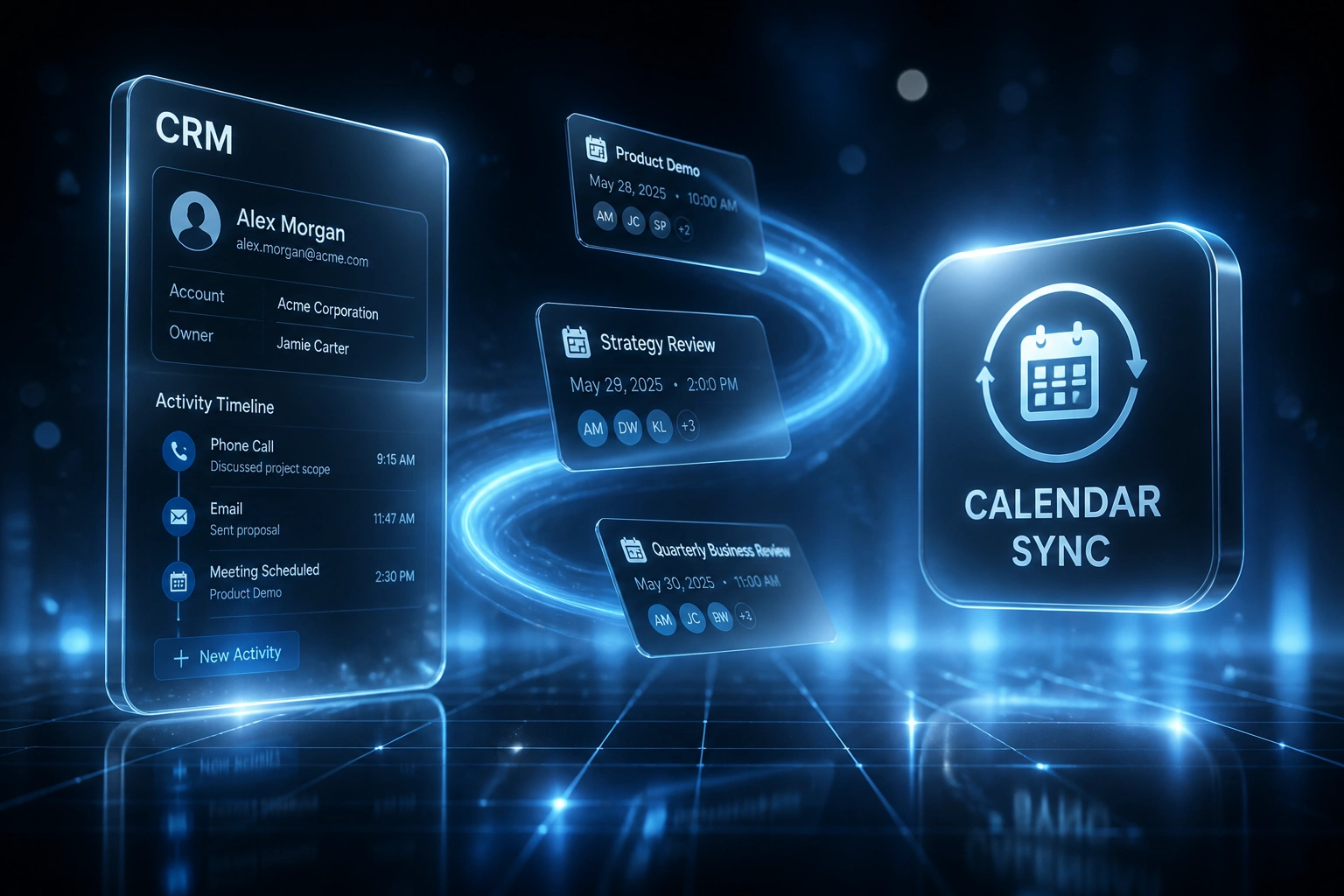
We connect calendars to your CRM so every meeting is logged and every follow-up is a tracked CRM task.
Sound Familiar?
These are the exact issues our clients faced before CRM calendar sync:
- Reps live in Google Calendar or Outlook while the CRM stays empty of meetings
- Double-bookings and last-minute reschedules eat the morning before anyone sells
- Managers cannot see who met whom, so coaching and forecasts run on guesswork
- Follow-up reminders sit in personal calendars, not as enforceable CRM tasks
- Hybrid teams book ad-hoc calls with no invite, so nothing lands on the deal timeline
Microsoft is retiring Exchange Web Services for Exchange Online on 1 October 2026. Outlook calendar integrations that still rely on EWS need a Microsoft Graph path, and OAuth tokens that silently expire leave managers blind until someone notices sync stopped.
What CRM Calendar Sync Actually Does
Meeting booked → logged on the deal → follow-up task created. No human copying invites into the CRM.
Meeting Lands on Calendar
Rep books in Google or Outlook, or a prospect uses a scheduling link
Activity Logged in CRM
Contact and deal timelines update with attendees, time, and meeting type
Follow-Up Task Created
Reminder workflows open CRM tasks with owners and due dates
Managers See Reality
Pipeline reviews show real meeting history, not empty activity feeds
Everything You Need for Reliable Meeting Scheduling Sync
Bidirectional Calendar Sync
Google Workspace and Microsoft 365 calendars stay in sync with your CRM. Create, update, or cancel in either place and both stay accurate.
Automatic Meeting Logging
Every accepted meeting writes to the right contact and deal. No more asking reps to log demos after the call.
Follow-Up Reminder Workflows
Post-meeting tasks and follow-up reminders create as CRM tasks with owners and due dates, so nothing depends on a sticky note.
Scheduling Links That Write Back
Prospects book via a scheduling link; the event hits the rep calendar and the CRM activity timeline in one motion.
Conflict and Availability Rules
Buffers, working hours, and double-booking checks reduce calendar ping-pong before the invite is sent.
Manager Visibility
Pipeline reviews show real meeting history. Ops finally sees activity without chasing screenshots of Outlook.
CRMs We've Connected to Google and Outlook Calendars
From 5 Hours/Week to Under 1 Hour
How an 8-rep B2B sales team ended calendar ping-pong and made meeting logging automatic across Google Calendar and HubSpot.
The Manual Process
- Reps booked in Google Calendar; ops hoped someone would paste the invite into HubSpot
- Five hours a week lost to email ping-pong, reschedules, and double-booking fixes
- Fewer than three in ten meetings appeared on contact or deal timelines
- Follow-ups lived in personal reminders, so managers could not enforce CRM tasks
- Pipeline reviews started with "who actually met this account last week?"
The Automated Process
- Calendar events sync both ways; HubSpot activities update within minutes
- Scheduling links write the booked meeting straight onto the deal
- Meeting logging rose from under 30% to near-complete without rep effort
- Follow-up reminder workflows create owned CRM tasks after every demo
- Managers open the deal and see who met whom before coaching starts
Before vs After CRM Calendar Integration
How It Works
From first conversation to live CRM calendar sync in 2–4 weeks.
Tell Us Your Setup
Which CRM, Google Calendar or Outlook (or both), how reps book today, and where meetings disappear.
Free Scoping Call
30-minute call to map sync direction, contact matching, reminder rules, and the meetings that matter most.
Build & Test
We connect calendars, wire meeting auto-logging and CRM tasks, then parallel-test with live invites.
Go Live & Monitor
Switch off manual logging. Monitoring keeps OAuth tokens, sync health, and reminder workflows running.
Frequently Asked Questions
How long does CRM calendar integration take to set up?
A standard Google or Outlook CRM calendar sync takes 2–4 weeks from scoping to go-live. One calendar provider with meeting auto-logging can be live within two weeks. Bidirectional sync with scheduling links, follow-up reminder workflows, and multi-calendar rules typically takes 4–6 weeks.
Which calendars and CRMs do you connect?
We connect Google Workspace (Google Calendar) and Microsoft 365 / Outlook calendars to HubSpot, Pipedrive, Salesforce, Zoho CRM, Monday.com, Freshsales, and custom CRMs. If your CRM has an API and your calendar uses modern OAuth, we can connect them.
Will our reps still work from Google Calendar or Outlook?
Yes. Reps keep booking and accepting meetings in the calendar they already live in. The difference is that every relevant meeting lands on the CRM contact and deal automatically, with follow-up reminders as CRM tasks instead of personal notes.
How is this different from native CRM calendar sync?
Native tools often cover one direction, miss shared calendars, or stop creating enforceable CRM tasks after the meeting. Manual logging still captures fewer than 28% of meetings in many teams. We design bidirectional sync, scheduling-link write-back, and reminder workflows so capture does not depend on each rep remembering a ritual.
What about Microsoft and Google calendar API changes?
Microsoft is retiring Exchange Web Services for Exchange Online on 1 October 2026, with Graph as the supported path for Outlook calendar access. Google and Microsoft both require OAuth with short-lived tokens that need reliable refresh. We build on current Google Calendar and Microsoft Graph APIs so the integration stays healthy as providers tighten access.
How much does CRM calendar integration cost?
Meeting auto-logging for a single calendar provider starts from around R15,000. Full bidirectional CRM calendar sync with scheduling links, conflict rules, and follow-up reminder workflows typically ranges from R25,000 to R60,000. Teams recovering even a few hours a week of scheduling admin usually see ROI within 2–3 months.
Stop Running Sales From an Empty Calendar Trail
If your reps live in Google or Outlook while the CRM stays quiet on meetings, you are paying for double-bookings, missed follow-ups, and forecasts nobody trusts.
Tell us which CRM you use, whether the team is on Google Workspace or Microsoft 365, and where meeting scheduling breaks down today. We will show you how calendar sync, auto-logging, and follow-up reminders would work for your pipeline.