CRM Document Management: Proposals, Contracts and Attachments
Signed contracts live in email attachments and personal Dropbox folders. When a renewal lands or a new rep joins, the last proposal is missing, the deal stalls, and compliance risk piles up.
We put every file on the right CRM record: searchable, versioned, and linked to Drive, SharePoint, or Dropbox.
Sound Familiar?
These are the exact issues sales ops and account managers face when CRM documents are scattered:
- Signed contracts live in email attachments and personal Dropbox folders nobody else can open
- New reps cannot find the last proposal, so renewals stall while they rebuild from scratch
- Three versions of the same SOW circulate; nobody knows which one the client actually signed
- Audit and compliance requests take a full day because files are scattered across laptops and drives
- When a salesperson leaves, deal documents leave with their laptop and personal cloud accounts
Deal slippage and audit risk compound fast. DocuSign research found 65% of organisations see delayed closed deals from contract friction, while uncontrolled copies across email and personal drives leave you exposed when staff leave or an audit arrives.
What CRM Document Management Actually Does
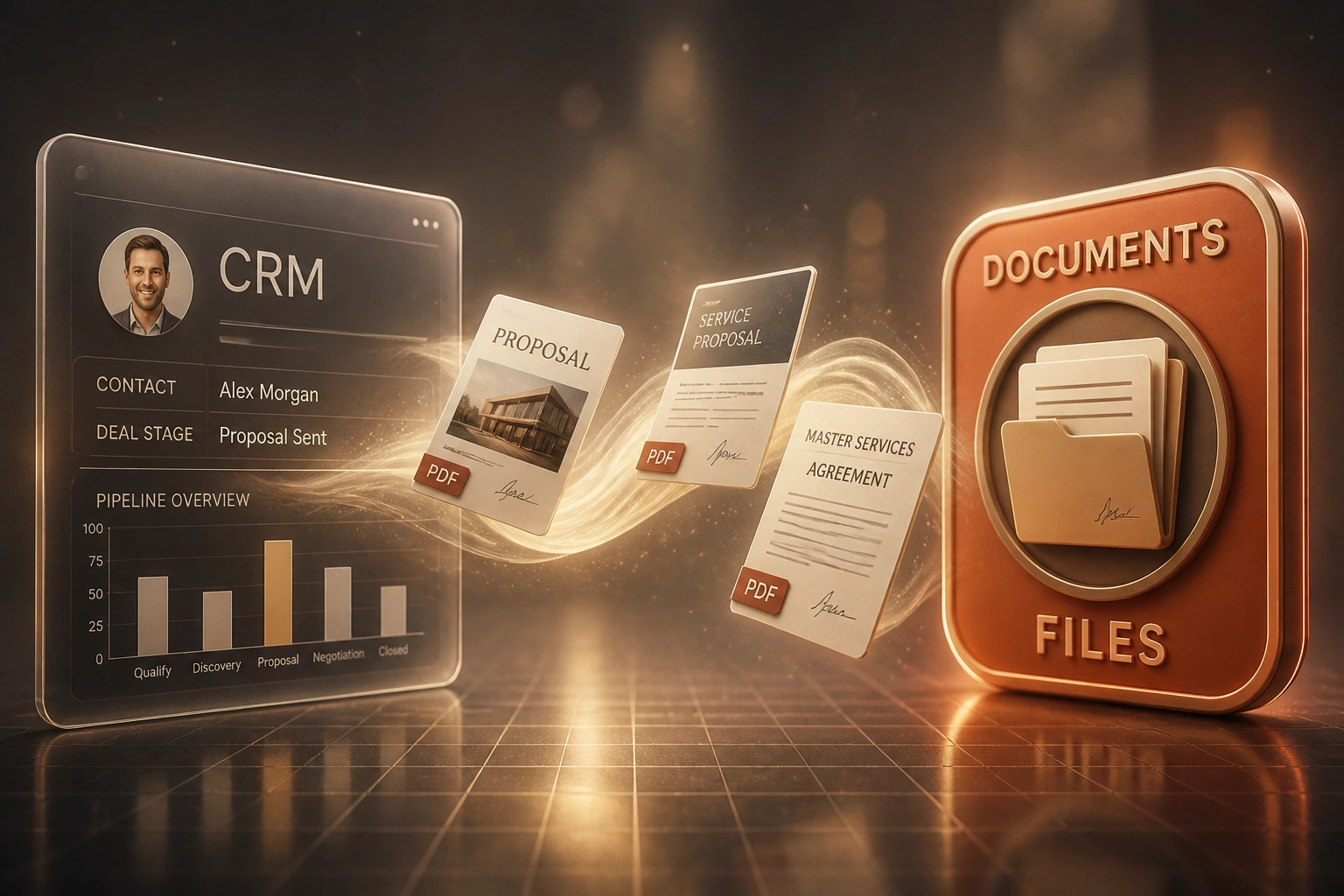
File arrives → attached to the deal → versioned and permissioned → ready for renewals and audits.
File Lands on the Deal
Proposal, contract, or SOW uploads to the CRM contact or opportunity, not a personal folder
Storage Stays Linked
Google Drive, SharePoint, or Dropbox holds the file; the CRM record holds the link and metadata
Versions and Permissions
Signed copy is locked; drafts stay labelled; only the right roles can replace executed files
Renewals Move Fast
Account managers open the deal and find every file, even when the original rep has left
Everything You Need for Reliable Contract Storage
Deal and Contact Attachments
Proposals, signed contracts, SOWs, and supporting files attach to the right CRM record so the whole team finds them in one place.
Drive, SharePoint and Dropbox Sync
Link or sync files from Google Drive, SharePoint, and Dropbox without forcing a second filing system your team will ignore.
Version Control on Every File
Every revision is tracked against the deal. You always know which contract was signed and which draft superseded it.
Permissions and Access Rules
Restrict sensitive agreements by role. Sales can open what they need; finance and legal keep control of executed contracts.
Search Across the Pipeline
Find a proposal, MSA, or signed PDF by contact, deal, filename, or tag instead of hunting through email threads.
Renewal and Onboarding Ready
Account managers open the deal and see every file needed for renewals, handovers, and new-rep onboarding.
Platforms We Connect for CRM Documents
From 8 Hours/Week Hunting to Under 1
How a 25-person B2B services firm stopped losing renewals to missing contracts and got every proposal onto the CRM deal.
Scattered Storage
- Signed MSAs lived in email and personal Dropbox accounts
- Account managers spent mornings hunting for the last proposal
- New reps rebuilt quotes because nobody trusted the shared drive
- Two audit requests each took a full day to assemble
- When a senior AM left, three renewals stalled for weeks
CRM-Owned Documents
- Every active deal holds proposals, signed contracts, and SOWs
- Google Drive remains the store; CRM holds the link and version
- Renewals open with the signed MSA already on the record
- Audit packs assemble from the deal in minutes, not a day
- New reps find history without pinging former colleagues
Before vs After CRM Document Management
How It Works
From first conversation to live CRM document management in 2–4 weeks.
Map Where Files Live Today
Email, Dropbox, SharePoint, personal drives: we inventory where proposals and contracts actually sit.
Free Scoping Call
30-minute call to design CRM attachment rules, folder sync, permissions, and which records own which files.
Build and Migrate
We wire CRM document management, link Drive or SharePoint, and migrate active deal files onto the right records.
Go Live and Train
Sales ops and account managers work from the CRM alone. Monitoring catches orphaned uploads early.
Frequently Asked Questions
How is CRM document management different from quote generation?
Quote generation builds the proposal PDF from CRM products and pricing. Document management is what happens after: storing that proposal, the signed contract, SOWs, and supporting files on the contact or deal, with versioning, permissions, and links to Google Drive, SharePoint, or Dropbox. Most teams need both, but they solve different problems.
Which CRMs and storage platforms do you connect?
We have built CRM document management for HubSpot, Salesforce, and Pipedrive, with sync or deep links to Google Drive, SharePoint, and Dropbox. If your CRM and storage platform both have APIs, we can connect them.
Will our team still use Drive or SharePoint, or must everything move into the CRM?
You keep the storage platform that already works. We attach files to CRM records and maintain links or sync so sales opens the deal and finds the correct file, while Drive or SharePoint remains the content store with the permissions you already trust.
How do you handle versioning and signed contracts?
Each upload is versioned against the deal or contact. Executed contracts are marked as the signed copy so renewals and audits never pull a draft by mistake. Permissions can lock signed files so only approved roles can replace them.
How long does CRM document management take to set up?
A standard build takes 2 to 4 weeks from scoping to go-live. Migrations of large historic file sets, complex SharePoint structures, or multi-CRM environments take closer to 4 to 6 weeks. We migrate active pipeline deals first so the team feels the win early.
How much does CRM document management cost?
Simple CRM attachment and Drive-link setups start from around R18,000. Builds with SharePoint or Dropbox sync, versioning, permissions, and historic migration typically range from R30,000 to R65,000. Teams losing 8 hours a week to document hunting usually recover the investment within 2 to 3 months.
Stop Losing Deals to Missing Documents
If proposals and signed contracts still live in email and personal Dropbox folders, you are paying for friction every renewal and every new hire.
Tell us which CRM you use, where files sit today, and which deals hurt most when documents go missing. We will show you exactly how CRM document management would work for your team.