CRM Email Integration: Sync Gmail, Outlook and SMTP
Your CRM contacts look complete until you open the deal. The real conversation still lives in Gmail or Outlook. Without bidirectional CRM email sync, handovers fail, managers coach blind, and follow-ups vanish into invisible threads.
We put every thread on the right contact so sales and ops work from one record.
Sound Familiar?
These are the exact issues our clients faced before CRM email sync:
- Deal context lives in Gmail or Outlook, while the CRM contact stays hollow
- Managers coach from incomplete records because email tracking never stuck
- Handovers fail when a rep is on leave: the thread is in their inbox, not on the deal
- Sidebar extensions drop to about one in three active users by week twelve
- Native CRM email sync misses history, BCC rules, or shared mailboxes your team actually uses
Microsoft finished retiring basic authentication for Exchange Online through 2026, including SMTP AUTH. Google already blocked password-based Gmail access. If your Outlook CRM or Gmail CRM integration still relies on IMAP passwords, it is already failing or about to. OAuth is the only durable path.
What CRM Email Sync Actually Does
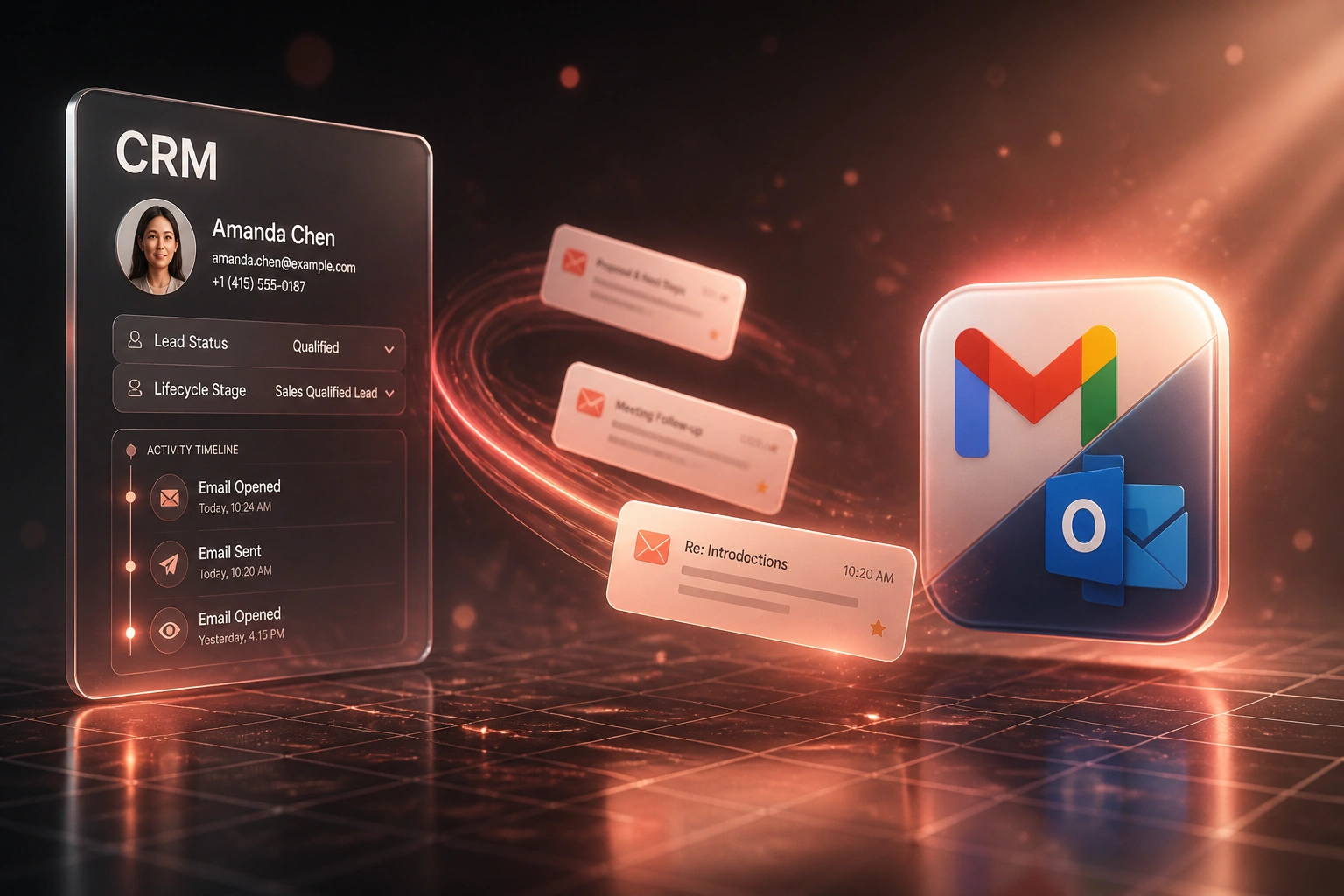
Email arrives → matched to the contact → logged on the timeline → ready for the next owner. No BCC theatre.
Message Sent or Received
Rep works in Gmail, Outlook, or a shared mailbox as they always have
Matched to the Contact
Addresses, domains, and deal associations resolve to the right CRM record
Logged on the Timeline
Thread appears as activity history managers and teammates can open
Handover Without Gaps
Ownership changes keep the full trail, so deals stop dying in private inboxes
Everything You Need for Reliable Email Tracking
Bidirectional Email Sync
Sent and received messages land on the right CRM contact and deal automatically. Gmail CRM integration and Outlook CRM sync without BCC rituals.
Contact Timeline Capture
Every thread becomes activity history managers can read. Coaching and forecasts finally match the real conversation.
Shared Mailbox Support
Sales@ and support@ inboxes sync to the CRM alongside personal mailboxes, so shared replies stop vanishing.
Historical Backfill
Pull recent months of relevant threads onto contacts at go-live, so the timeline is useful from day one, not empty.
OAuth-Ready Connections
Gmail, Outlook / Microsoft 365, and SMTP paths use modern OAuth where required. Password-based IMAP scrapes are a dead end in 2026.
Handover-Ready Records
When ownership changes, the full email trail stays on the contact. New owners pick up mid-thread instead of restarting cold.
CRMs We've Connected to Gmail, Outlook and SMTP
From 5 Hours/Week to 20 Minutes
How an 8-person Johannesburg B2B sales team stopped hunting threads in private inboxes and recovered follow-up time worth R285,000 in year one.
The Hollow CRM
- Reps spent about five hours a week re-reading Gmail and Outlook for deal context
- BCC-to-CRM logging was “enabled” but fewer than half of client threads actually appeared
- Managers asked for screenshots before every coaching session
- Handovers restarted from scratch when a rep took leave
- Roughly one in four stalled deals traced back to a missed follow-up, not a lost decision
The Synced Timeline
- Bidirectional sync logs sent and received mail onto the contact within minutes
- 94% of relevant threads now sit on the right CRM record
- Managers open the timeline and coach from the real conversation
- Ownership changes keep full history; new owners pick up mid-thread
- Inbox hunting dropped to about twenty minutes a week per rep
Before vs After CRM Email Integration
How It Works
From first conversation to live CRM email sync in 2–4 weeks.
Tell Us Your Setup
Which CRM, Gmail or Outlook (or both), shared mailboxes, and where threads disappear today.
Free Scoping Call
30-minute call to map sync rules, privacy filters, and the contact-matching logic that matters.
Build & Test
We connect OAuth mailboxes, wire bidirectional CRM email sync, then parallel-test with live threads.
Go Live & Monitor
Switch off BCC logging and sidebar hope. Monitoring keeps tokens, sync, and matching healthy.
Frequently Asked Questions
How long does CRM email sync take to set up?
A standard Gmail or Outlook CRM connection takes 2–4 weeks from scoping to go-live. One mailbox provider with contact timeline logging can be live within two weeks. Bidirectional sync across Gmail, Outlook, and shared mailboxes with historical backfill typically takes 4–6 weeks.
Which email platforms and CRMs do you connect?
We build CRM email integration for Gmail (Google Workspace), Outlook / Microsoft 365, and SMTP where needed, into HubSpot, Pipedrive, Salesforce, Zoho CRM, Monday.com, Freshsales, and custom CRMs. If your CRM has an API and your mail uses OAuth or SMTP, we can connect them.
Will our team still work from Gmail or Outlook?
Yes. Reps keep writing from the inbox they already use. The difference is that every relevant thread lands on the CRM contact automatically, so managers and teammates see the same conversation without screenshots or forwarded digests.
How is this different from native CRM email tracking?
Native tools often depend on BCC addresses, browser sidebars, or short historical windows. Adoption of sidebars typically falls to about 30–35% by week twelve, and audits find many “enabled” integrations still log fewer than half of client conversations. We design server-side, bidirectional sync so capture does not depend on each rep remembering a ritual.
What about OAuth changes from Google and Microsoft?
Google retired basic authentication for Gmail years ago, and Microsoft completed Exchange Online basic-auth shutdowns through 2026, including SMTP AUTH. Password-based IMAP scrapes break. We build on OAuth and Microsoft Graph / Google APIs so the integration stays compliant as providers tighten access.
How much does CRM email integration cost?
Contact timeline logging for a single mail provider starts from around R15,000. Full bidirectional CRM email sync across Gmail, Outlook, shared mailboxes, and historical backfill typically ranges from R25,000 to R60,000. Teams recovering even a few hours a week of inbox hunting usually see ROI within 2–3 months.
Stop Losing Deals in Invisible Threads
If your sales and ops leaders are still piecing deal context together from Gmail and Outlook, you are paying for a hollow CRM every week.
Tell us which CRM you run, whether the team lives in Gmail or Outlook, and where handovers break today. We will show you exactly how bidirectional email sync would look on your contact timelines.