CRM for Recruitment: Track Candidates, Clients and Placements
Your best candidates sit in LinkedIn. Client briefs live in email. Placements get logged in a spreadsheet when someone remembers. That split is why desks lose speed, principals lose fee forecast, and fee leakage goes unnoticed.
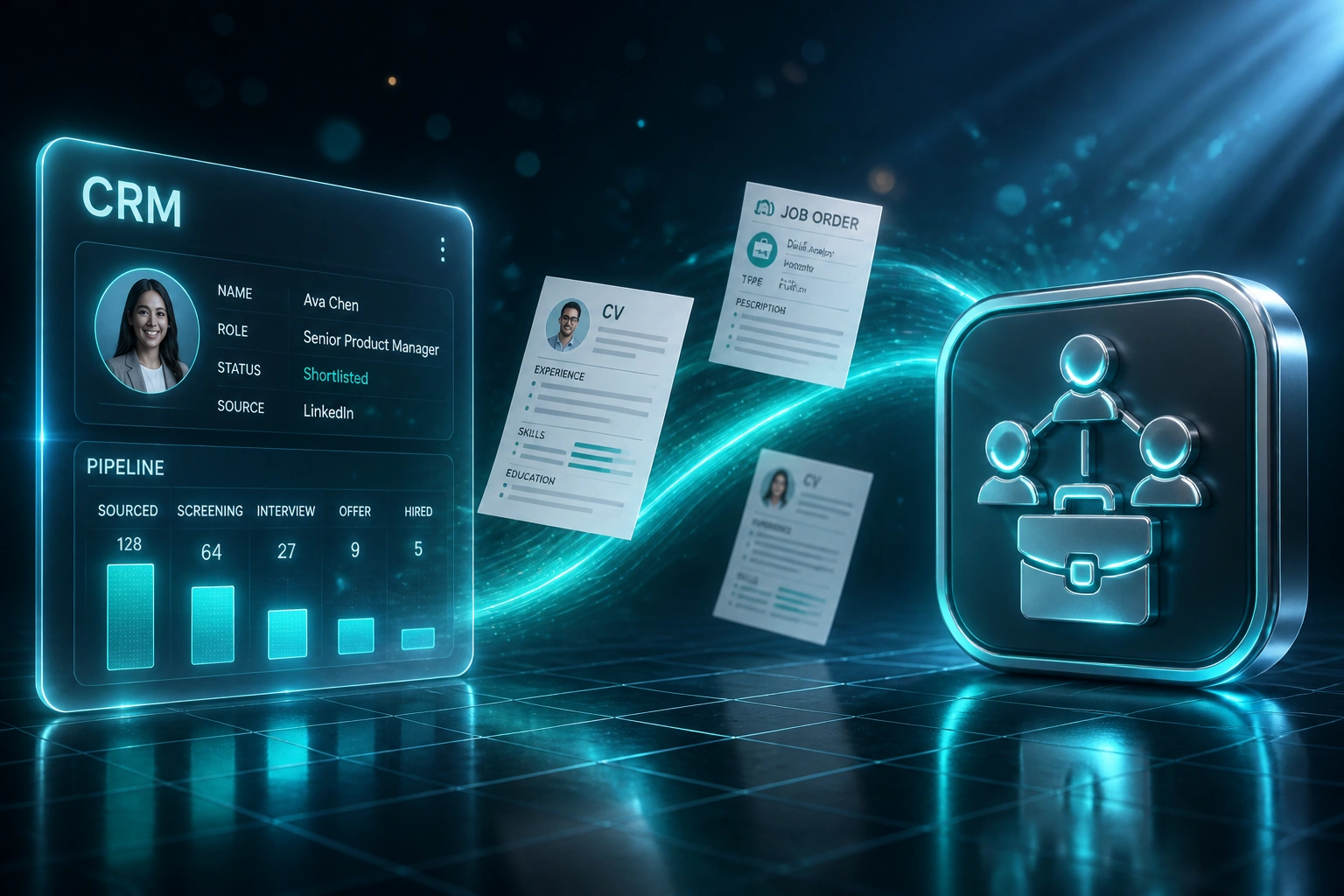
We build the staffing CRM that unifies the entire placement lifecycle.
Sound Familiar?
These are the exact issues recruitment owners and desk managers bring us:
- Candidates live in LinkedIn, CVs in email, and interview notes in a shared spreadsheet
- Desk managers cannot see which roles are stuck without chasing every consultant
- Duplicate candidate records mean the same person gets called twice, or not at all
- Job orders, submissions, and interview feedback never land in one place
- Principals guess at fee forecast because placements are tracked in WhatsApp threads
LinkedIn Recruiter Lite caps you at 30 InMails a month (Corporate at 150). When your only candidate database is LinkedIn plus a spreadsheet, every credit spent re-sourcing people you already know is wasted money, and every CV sitting in email is a POPIA risk.
What a Staffing CRM Actually Tracks
Candidate sourced → submitted to job order → interviewed → placed and fee logged. One system, not three inboxes.
Candidate Enters the CRM
CV, skills, source, and consent land on one record from LinkedIn, email, or a job board
Matched to a Job Order
Submission logged against the client brief with fee terms and ownership timestamp
Interviews Tracked
Feedback, stages, and next actions update the candidate and the open role in real time
Placement and Fee Logged
Start date, permanent fee or contractor rates, and forecast update for the principal
Everything a Recruitment Desk Needs in One CRM
Candidate Pipeline That Sticks
Every CV, status, and interview note sits on one candidate record. Sourced, shortlisted, submitted, interviewed, placed: no more hunting across inboxes.
Clients and Job Orders Together
Client accounts, contacts, and open job orders live side by side. Consultants see requirements, fee terms, and history before they pick up the phone.
Submissions and Interview Tracking
Log submissions against a job order, capture feedback after each interview, and advance stages without rewriting the same details in three tools.
Placement and Fee Tracking
Permanent fees, contractor bill rates, and start dates sit on the placement record. Principals see pipeline value and expected fees without a month-end scramble.
POPIA-Ready Candidate Records
Consent, retention windows, and access controls built into how CVs are stored. Spreadsheet dumps and shared drives stop being your compliance plan.
Desk and Principal Dashboards
Time-to-fill, open roles, submission ratios, and fee forecast by desk. The numbers that run a staffing firm, not a generic sales pipeline chart.
Systems We Replace or Migrate From
From 14 Hours/Week of Admin to 3
How a Johannesburg permanent and contract staffing desk unified candidates, clients, and placements, and recovered R367,000 in year one.
The Split Process
- Six consultants sourced on LinkedIn, parked CVs in Outlook, and updated a shared Excel sheet when they remembered
- Roughly 14 hours a week across the desk on CV reformatting, status chasing, and duplicate hunting
- About one in ten candidate records was a duplicate; the same person got InMailed twice
- Median time-to-fill sat near 41 days; principals had no live fee forecast
- Unlogged submissions left no evidence when a client hired through the back door
The Unified Staffing CRM
- Every candidate, client, job order, submission, interview, and placement lives in one system
- Consultants update status in-flow; the desk manager sees stuck roles without chasing
- Duplicate detection on create cut re-sourcing waste and saved InMail credits
- Time-to-fill dropped to 29 days; fee forecast rolled up for Monday principals meetings
- Logged submissions and ownership timestamps made previously invisible fees recoverable
Before vs After a Recruitment CRM
How It Works
From first conversation to a live recruitment CRM in 8 to 14 weeks for a focused MVP.
Map Your Placement Lifecycle
How candidates, clients, job orders, submissions, interviews, and fees actually move on your desks today.
Free Scoping Call
30-minute call to size the CRM, migration from LinkedIn and spreadsheets, and which modules ship in v1.
Build, Migrate, Train
We build the staffing CRM, clean duplicates, migrate candidates and clients, and train consultants on desk workflows.
Go Live and Refine
Switch off the spreadsheet shadow system. Monitoring, fee reports, and iteration keep the desks filling roles.
Frequently Asked Questions
How is a recruitment CRM different from HubSpot or Salesforce?
Generic CRMs model deals and contacts. A staffing CRM models candidates, clients, job orders, submissions, interviews, placements, and fee terms as first-class objects. That is the difference between a sales tool with workarounds and a system desks actually live in.
How much does a tailored recruitment CRM cost in South Africa?
Focused staffing CRMs we scope typically land between R80,000 and R250,000, depending on contractor billing, multi-desk logic, and accounting sync. A lean MVP covering candidates, clients, job orders, and placements sits toward the lower end. Deeper fee automation and POPIA retention rules push higher. We quote fixed scope after discovery.
How long before our desks can use it?
A usable MVP usually ships in 8 to 14 weeks. We phase delivery so consultants can run live job orders on core pipeline features while billing and reporting modules finish. Parallel running against spreadsheets for a short period reduces cutover risk.
What happens to candidates stuck in LinkedIn, email, and Excel?
We plan a structured migration: export, deduplicate (typical industry rates run 8 to 15% duplicates), map fields to the new model, and spot-check before cutover. Historical placements and client terms move with you so the database is usable from day one.
Will this help with POPIA on candidate data?
Yes. POPIA has been fully enforceable since July 2021, with penalties up to R10 million. Spreadsheet folders and shared drives of CVs are a common compliance gap. We design consent capture, purpose limitation, retention schedules, and access controls into the candidate record so compliance is how the system works, not an afterthought.
How quickly does a recruitment CRM pay for itself?
Most desks we work with break even inside 4 to 9 months when you count admin hours recovered, faster time-to-fill, and fewer missed fees from unlogged submissions. A Johannesburg staffing desk we modelled cut CV and status admin from 14 hours a week to 3 and recovered over R360,000 in year one across staff time and previously invisible fees.
Stop Running Recruitment on Spreadsheets
If candidates, clients, and placements still live in three different places, you are slower than agencies that already run a purpose-built staffing CRM.
Tell us how many desks you run, whether you place permanent, contract, or both, and where the friction is worst. We will show you how a tailored recruitment CRM would work for your firm.