CRM Delta Sync: Handling Changes During Migration
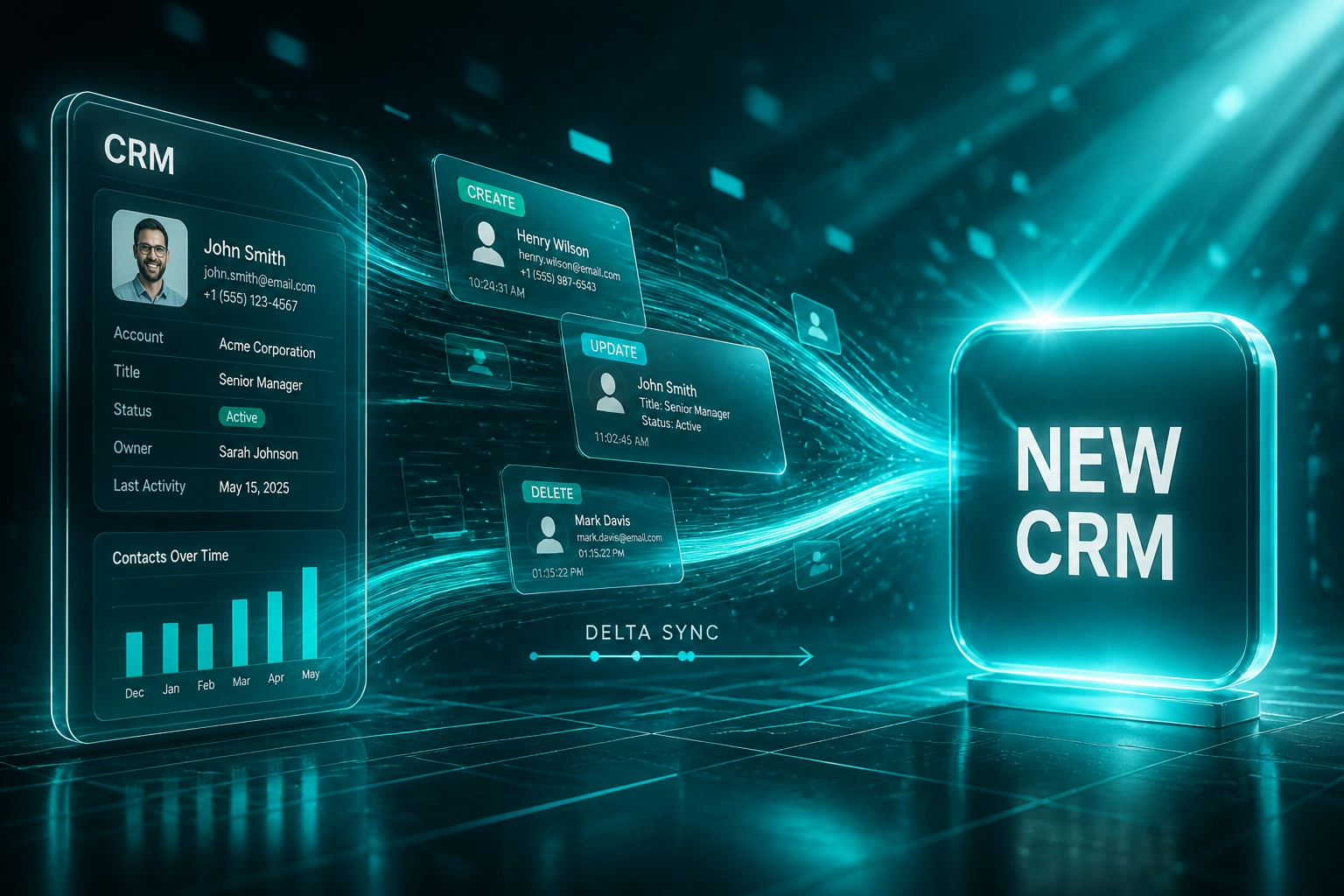
Sales never stops writing records while you migrate. Without a delta sync strategy, every create, update, and delete that lands after the bulk export is missing, stale, or duplicated on go-live morning.
We design the change data capture and incremental load that keeps source and target aligned until cutover.
Sound Familiar?
These are the exact issues programme owners face when the migration plan stops at the bulk export:
- Bulk export finished Thursday; sales kept creating deals Friday and Saturday, and Monday go-live was missing every one of them
- Stage changes and ownership updates from the migration window never reached the new CRM, so forecasts looked wrong on day one
- Deleted or merged records in the source reappeared as ghosts in the target because the cutover only shipped the initial snapshot
- RevOps spent 8 to 15 days patching mid-window creates, updates, and deletes by hand after a "successful" load
- Leadership froze the cutover date, but nobody owned the incremental load that keeps source and target aligned until go-live
Gartner research finds 83% of data migration projects fail or blow their budgets and timelines. The quiet failure mode is not the import button. It is data drift in the gap between the last full load and go-live, while sales keeps creating pipeline.
What Delta Sync Actually Does During Migration
Bulk baseline → live change capture → final incremental load → cutover with both systems aligned.
Bulk Export Baseline
Initial load moves the full dataset and notes the watermark where change tracking begins
Capture Live Changes
Creates, updates, and deletes stream from the source while sales keeps working
Final Delta Sync
Last incremental load within 1 to 2 hours of cutover closes the remaining gap
Aligned Cutover
Go-live with matching owners, stages, and deletes. No phantom deals, no missing pipeline
Everything You Need for a Reliable Migration Sync
Change Data Capture Pipeline
We capture creates, updates, and deletes from the moment the bulk export starts, so the target tracks live sales activity instead of a stale snapshot.
Incremental Load Cadence
Scheduled delta syncs move only what changed since the last watermark. Light on APIs, fast to apply, and safe to re-run without duplicates.
Idempotent Upserts
Stable external IDs mean a retry during cutover updates the same record instead of spawning duplicates at the most fragile moment of the project.
Delete and Merge Handling
Hard deletes, soft deletes, and merges are applied as intentional outcomes, not silent gaps that leave phantom contacts in the new CRM.
Final Cutover Delta
A last incremental load within 1 to 2 hours of go-live closes the gap between the bulk export and the freeze, so Monday morning matches Friday night's reality.
Reconciliation Dashboard
Record counts alone are not enough. We check associations, owners, stages, and consent flags so drift surfaces before you flip traffic.
Platforms We've Migrated With Delta Sync
From 11 Days of Rework to a 90-Minute Final Delta
How a 40-rep industrial distributor stopped losing mid-migration deals and cut cutover cleanup from nearly two weeks to under four hours.
Bulk Export Only
- Thursday full export; sales kept writing Friday through Sunday
- Monday go-live missed 89 new deals, 214 updates, and 17 deletes
- Forecast was off by R4.8M until RevOps patched records by hand
- Eleven calendar days of exception queues and dual-system lookups
- Board asked why "the migration worked" but pipeline did not match
CDC Plus Final Delta
- Change data capture ran from the bulk watermark through go-live
- Incremental loads every hour; final delta 90 minutes before cutover
- Creates, updates, and deletes applied with idempotent upserts
- Association and owner checks passed before traffic flipped
- Monday morning pipeline matched the source within known tolerances
Before vs After Delta Sync
How It Works
From first conversation to a cutover-ready delta sync in 2 to 4 weeks.
Map the Change Rate
How many creates, updates, and deletes land per day in your CRM? We size the delta window from real activity, not guesses.
Design the CDC Strategy
30-minute call to choose watermarks, upsert keys, delete handling, and the final cutover delta timing for your stack.
Bulk Load Plus Live Sync
Initial export establishes the baseline. Change data capture and incremental loads keep the target current while sales keeps working.
Final Delta and Go-Live
Last incremental sync, reconciliation sign-off, then cutover with source and target aligned. Monitoring stays on through the audit window.
Frequently Asked Questions
What is CRM delta sync during a migration?
Delta sync (also called an incremental load or change data capture strategy) moves only the records that changed after the initial bulk export: new creates, field updates, and deletes. Without it, every deal your team writes between export and cutover is at risk of being missing, stale, or duplicated in the new CRM on go-live morning.
Why can't we just re-run a full export on cutover weekend?
A full reload during an active cutover can overwrite newer values that landed while the load was running, and it stretches the freeze window. Incremental load transfers only what changed, finishes in minutes when the change volume is modest, and pairs with idempotent upserts so retries do not create duplicates. Practitioner guidance recommends a final delta sync within 1 to 2 hours of the cutover window, not another multi-hour full dump.
How much data drifts during a typical migration window?
Average B2B sales teams log about 81 CRM activities per rep per day (Pipeline CRM Performance Benchmark 2026), and deal creation never pauses for a migration calendar. Forrester-linked RevOps research finds rushed CRM consolidations under 90 days see median record loss of 14 to 22%, versus 1 to 3% on structured plans with dual-write and reconciliation. Most of that loss sits in the gap between bulk load and go-live.
Does change data capture require downtime?
No. CDC streams creates, updates, and deletes while users keep writing to the source. Healthy replication lag for light-to-moderate workloads is typically under a second. Cutover shrinks to a brief read-only confirmation that lag is at zero, then traffic flips to the new CRM. Sales does not freeze for days so IT can finish a dump-and-restore.
What happens if deletes are ignored during migration sync?
Records removed or merged in the source reappear as active ghosts in the target. Forecasts inflate, routing rules fire on dead accounts, and compliance flags (consent withdrawn, right-to-erasure) get lost. A proper delta strategy treats deletes as first-class events, with soft-delete markers or hard removal based on your policy.
How much does a CRM delta sync and CDC cutover plan cost?
Focused delta sync design with watermarking, idempotent upserts, delete handling, and a final cutover incremental load typically lands between R35,000 and R95,000 for mid-market CRM moves. Full migration delivery is higher. Against post-cutover rework that practitioner guides put at three to ten times the cost of doing the work properly, and against mid-market unplanned downtime often cited around R850,000 for roughly 18 hours offline, most programmes recover the fee inside the first avoided rework sprint.
Stop Losing Deals Created During Migration
If your cutover plan ends at the bulk export, you are betting that sales will pause writing records. They will not.
Tell us which CRM you are leaving, which you are joining, and how long the migration window runs. We will show you exactly how change data capture and a final delta sync would protect creates, updates, and deletes until go-live.