Migrating Email History Between CRM Systems
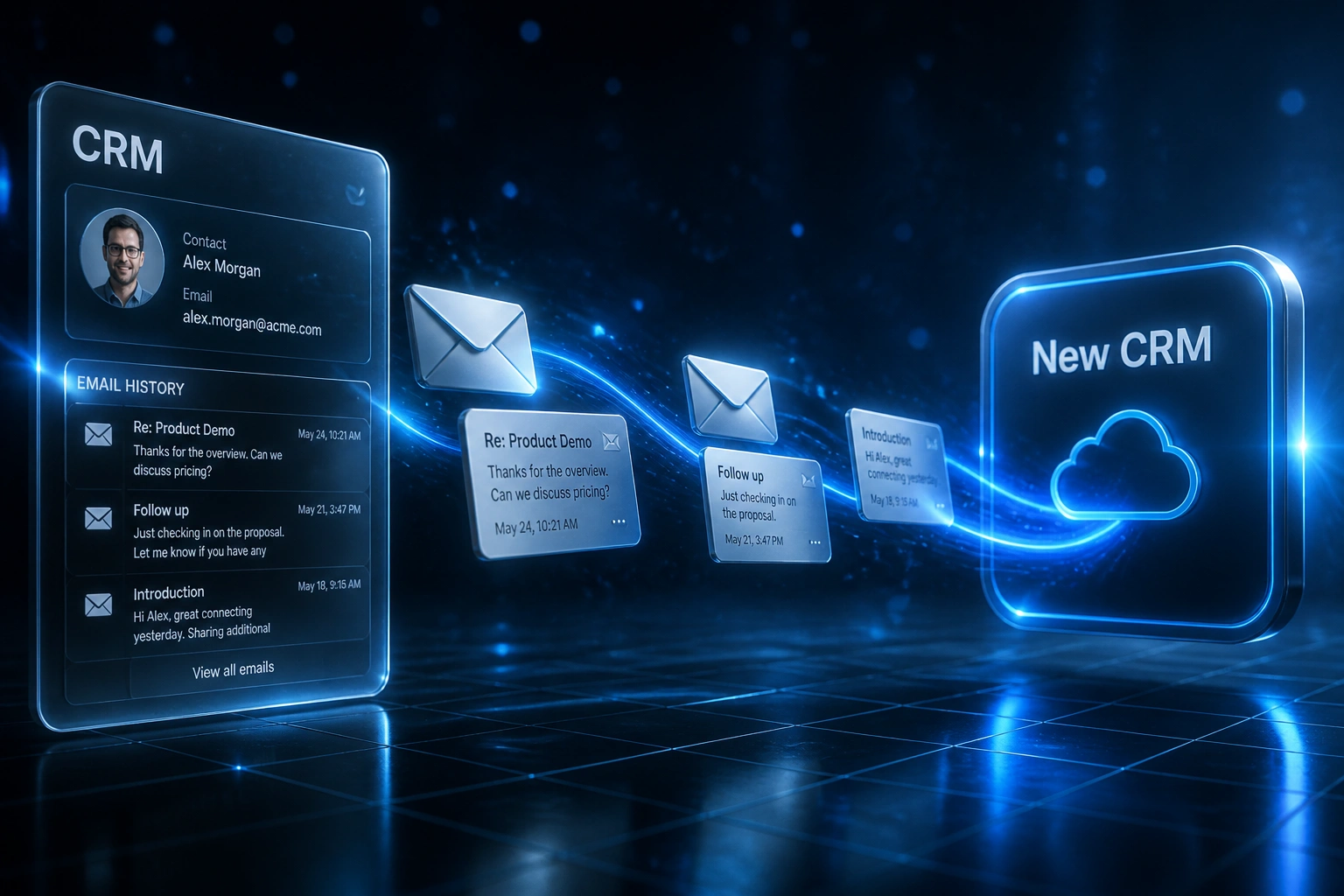
Years of email conversations logged in your old CRM hold the context your sales team needs. Contacts without that history force reps to re-ask questions clients already answered. Conversation migration preserves institutional knowledge and shortens ramp-up after go-live.
We move the CRM emails your reps actually open before every call.
Sound Familiar?
These are the exact issues sales directors face when CRM emails never make the move:
- Contacts land in the new CRM with names and deal values, but empty timelines where years of conversation should sit
- Reps cold-call clients and re-ask questions already answered in old email threads locked in the previous system
- Native exports keep subject, sender, and date, but drop body content, so timelines show "Email: no content available"
- BCC and forward-to-CRM capture only works going forward; historic threads never appear unless you migrate them
- Sales directors watch a 2–4 week productivity dip while the team rebuilds institutional knowledge from memory
Almost no CRM export includes full email body content, and native Gmail/Outlook syncs typically start from connection day forward. HubSpot has no bulk historic email upload, and Salesforce Einstein Activity Capture threads often fail basic data-loader exports. If you are switching platforms, conversation migration needs a deliberate plan before the old licence expires.
What Email History Migration Actually Does
Audit coverage → extract or backfill → match to contacts → timelines live on day one.
Map Where Threads Live
CRM logs, Gmail, Outlook, shared inboxes, and BCC captures are inventoried before anything moves
Extract or Re-Sync
API export of logged CRM emails and/or inbox backfill into the destination platform
Match and Deduplicate
Threads attach to the right contact and deal; spam and phantom contacts stay out
Reps Open Full Timelines
Day-one context on every active account, without hunting personal inboxes
Everything You Need for Conversation Migration
Native CRM Email Log Extraction
We pull logged conversations from HubSpot Engagements, Salesforce ActivityHistory, Pipedrive, Zoho, and similar stores, including bodies where the source still holds them.
Gmail and Outlook Backfill
When the old CRM only kept sync metadata, we reconnect mailboxes to the new CRM and backfill threads from the source inbox so conversation migration is complete.
Thread Association Mapping
Every migrated message lands on the right contact, company, and open deal. Shared inboxes and ex-employee accounts are matched before junk creates phantom records.
BCC vs API Strategy
We decide what must come from API export, what re-syncs from Gmail or Outlook, and what BCC capture handles after go-live, so you do not rely on one fragile path.
Noise Filtering
System opens, marketing blasts, and auto-generated events stay out of the timeline. Reps see real conversation history, not scroll fatigue.
POPIA and GDPR-Safe Handling
Email bodies are personal information. Transfers stay documented, access-scoped, and retention-aligned so conversation migration does not create a compliance gap.
Platforms We've Migrated Email History From and To
From Blank Timelines to Day-One Context
How an eight-person B2B sales team stopped cold-calling clients after a HubSpot-to-Pipedrive move and recovered weeks of lost prep time.
Contacts Without Conversation History
- Contacts and deals migrated; years of logged CRM emails stayed behind
- Reps spent about 22 minutes reconstructing context from personal inboxes before each client call
- Clients complained they were re-answering questions already covered in prior threads
- Two former employees' accounts held critical renewal conversations nobody else could see
- Sales leadership planned a three-week soft landing while the team rebuilt knowledge by hand
Full Email History on Every Active Record
- Engagements API extract plus Gmail backfill landed threads on matched Pipedrive contacts
- Ex-employee archives ingested once, then filtered so spam never polluted timelines
- Pre-call prep dropped to about five minutes: open the record, read the last thread, dial
- Go-live week felt like continuity, not a blank slate
- Old HubSpot kept read-only for 60 days until coverage was signed off
Before vs After Email History Migration
How It Works
From first conversation to live email history in 3–6 weeks.
Audit Email Coverage
Which threads live in the CRM versus the mailbox, what bodies export, and where BCC capture will leave gaps.
Scope and Quote
30-minute call on mailbox volume, platforms, ex-employee accounts, and which history sales needs on day one.
Extract, Match, and Load
API export and/or inbox backfill, contact matching, thread rebuild in the destination, then sample validation with reps.
Cut Over with Context Intact
Timelines read on go-live. Source CRM stays readable until sales leadership signs off on conversation coverage.
Frequently Asked Questions
Why do contacts look empty after a CRM migration even when contacts and deals moved?
Because engagement history is stored differently in every CRM and almost never travels with a flat contact export. HubSpot Engagements, Salesforce activities, and similar objects hold the story of the relationship. When those objects are skipped, reps open a record with a name and a deal amount but no timeline. Migration looked complete on paper; operationally the record is useless for the next call.
Can we just reconnect Gmail or Outlook and skip migrating CRM email logs?
Sometimes that is the right primary path. Native CRM exports often return metadata only, and the fastest recovery is to disconnect the old sync, connect the new CRM, and let it backfill from the mailbox. That still misses emails that only existed as logged copies (shared team logs, BCC captures, or ex-employee threads already archived out of active mailboxes). We usually combine inbox backfill with a selective CRM log extract so nothing critical is left behind.
How long does the productivity dip last if we migrate without email history?
Published migration post-mortems describe a two-to-four-week dip while reps adjust to blank timelines. Manual pre-call research without prior conversation history commonly takes 15 to 30 minutes. Across an eight-person sales team running a dozen client conversations a week, that reconstruction cost compounds into dozens of hours every month until institutional knowledge is rebuilt the hard way.
What about POPIA and GDPR when we move email history between CRMs?
Email threads contain personal information, so the transfer needs a lawful basis, documented operator agreements, and appropriate access controls. POPIA allows cross-border processing under Section 72 when binding agreements impose comparable protection; GDPR applies the same discipline for EU contacts. We scope retention, exclude marketing noise, and keep an audit trail so conversation migration does not become a compliance incident.
How long does an email history migration take?
Most conversation migrations we run take 3 to 6 weeks from scoping to cutover. Clean HubSpot-to-Pipedrive or Salesforce-to-HubSpot moves with clear mailbox access sit toward the shorter end. Multi-year shared inboxes, ex-employee accounts, or remediation after a cutover already went live without history push toward 8 to 12 weeks, phased so sales can keep working.
How much does migrating CRM email history cost?
Focused conversation migration typically lands between R35,000 and R95,000 depending on mailbox volume, platform pair, and whether we need inbox backfill plus CRM log extraction. Against weeks of cold-calling without context and the staff time spent reconstructing threads, most clients see payback inside one or two quarters.
Stop Sending Reps Into Calls With Blank Timelines
If your CRM migration plan moves contacts and deals but leaves years of CRM emails behind, you are paying for a productivity cliff on go-live week.
Tell us which CRMs you are leaving and joining, where email is logged today, and which accounts matter most. We will show you how conversation migration would work for your sales team.