Maintaining Access to Historical Reports After CRM Migration: Keep the Years the New CRM Will Not Carry
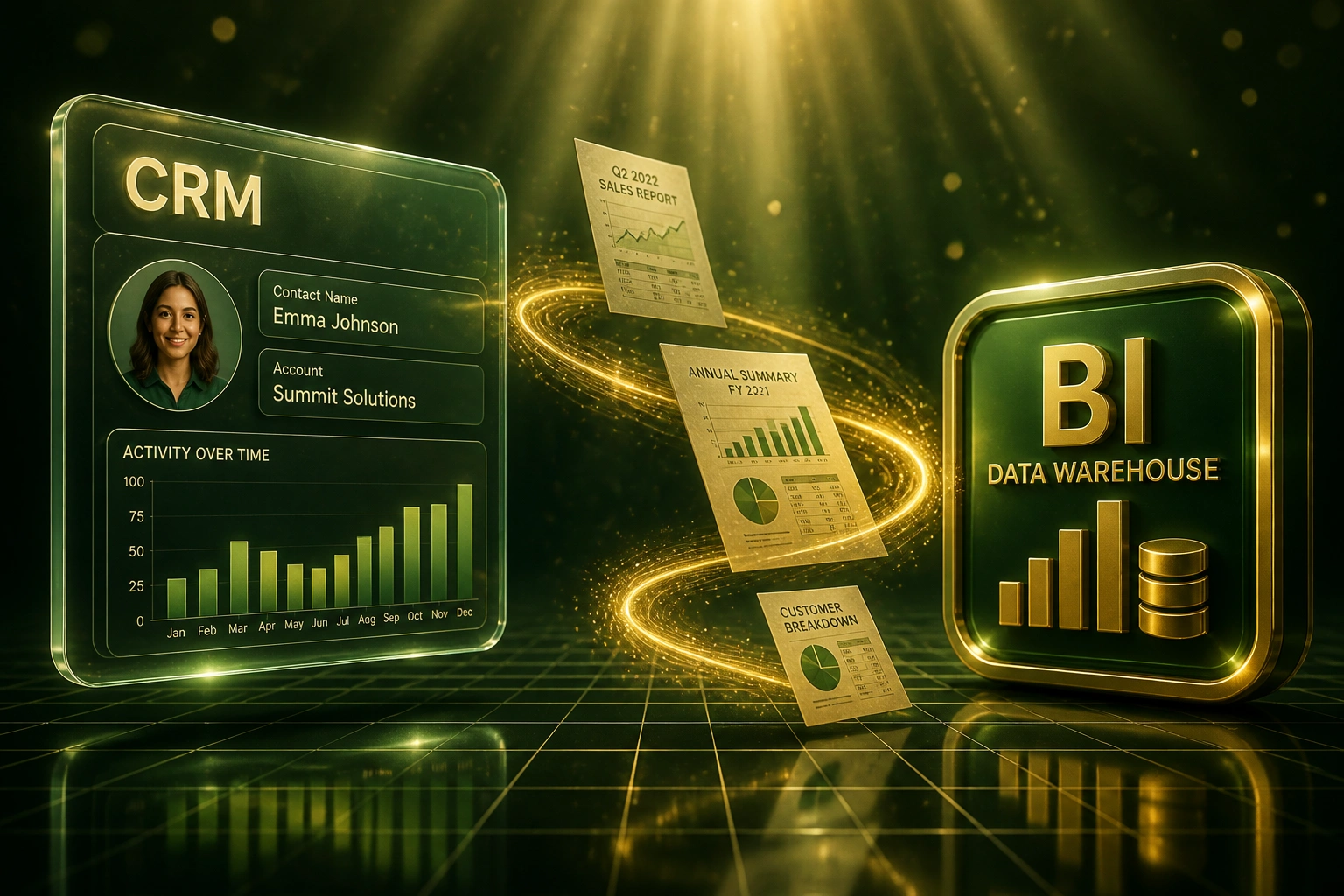
Contacts migrate. Multi-year pipeline history, win-rate trends, and board-pack continuity do not. The day the old CRM is switched off, your CRM analytics archive disappears unless you have already parked it in a data warehouse or BI tool.
We export the history, rebuild the board views, and make the old licence cancelable.
Sound Familiar?
These are the exact issues CFOs and BI leads face when a CRM migration treats history as optional:
- Contacts and open deals land in the new CRM, but five years of win-rate and pipeline trends vanish with the old login
- Finance keeps a handful of legacy CRM seats "just for last year's board pack", and the bill never gets cancelled
- Year-on-year comparisons for the board require exporting CSVs from two systems and hoping the definitions still match
- Audit or POPIA requests ask for historical CRM analytics and nobody can open the report without the decommissioned org
- BI tools show current pipeline only, because the multi-year CRM analytics archive was never exported before cutover
Keeping the old CRM "just for reports" is the expensive default. Documented cases show teams still paying for twenty seats two years after migration (around R1.19 million wasted) because nobody exported the historical reports into a warehouse they controlled. POPIA and company-law retention do not require a live CRM licence; they require accessible records with a retention schedule.
From CRM Analytics Archive to BI Continuity
Inventory history → export to warehouse → rebuild board packs → cancel the old seats.
Inventory History
List every board pack, YoY view, and audit report still tied to the old CRM
Export to Warehouse
Load multi-year opportunity and stage history into BigQuery, Azure SQL, or your BI store
Rebuild in BI
Looker or Power BI reproduces prior-year packs with locked definitions finance already trusts
Cancel Legacy Seats
Sign off when YoY numbers match, then stop paying for a CRM you only open for last year
Everything You Need for a Durable BI Migration Archive
Historical Report Inventory
We catalogue every board pack, YoY view, and audit report the old CRM still feeds, including filters, formula fields, and the years of history each one needs.
Warehouse Export, Not Shelfware
Opportunity, activity, and stage history land in BigQuery, Azure SQL, or a warehouse your team already owns, so you can cancel the old CRM licence.
BI Continuity Layer
Looker, Power BI, or Looker Studio rebuilds the historical reports leadership already trusts, with definitions locked so board packs do not drift.
Retention-Aligned Archive
We map what to keep for five to seven years against Companies Act, Tax Administration Act, and POPIA historical-use safeguards, then drop what you no longer need.
Point-in-Time Analytics
SCD-style history preserves how deals looked in prior periods, so win-rate and pipeline trends survive even after the source CRM is gone.
Decommission Readiness
Sign-off pack for the CFO: archive verified, BI packs matching prior year, then cancel seats instead of paying forever to open last year's dashboards.
Platforms We Archive From and Into
From R490,000/Year Shelfware to a BigQuery Archive
How a Johannesburg industrial supplier stopped paying for Salesforce seats kept only for YoY board packs, and kept seven years of CRM analytics searchable in BI.
Licence-as-Archive
- Migrated day-to-day selling to Dynamics; left Salesforce live "for history"
- Fifteen seats billed annually so finance could open last year's dashboards
- Board packs took two days: export, reconcile definitions, rebuild slides
- Nobody knew which reports still mattered versus which were abandoned
- POPIA retention schedule existed on paper; access still depended on Salesforce logins
Warehouse + BI Continuity
- Seven years of opportunity and stage history exported to BigQuery
- Board packs rebuilt in Looker Studio with locked metric definitions
- Pack prep dropped from two days to about 45 minutes
- Salesforce cancelled after a 90-day read-only validation window
- Audit and YoY requests answered from BI, not a leftover CRM org
Before vs After Historical Report Access
How It Works
From first conversation to a cancelable legacy CRM in 3–6 weeks for a focused archive workstream.
Map What History You Need
List board packs, audits, and YoY views that still open the old CRM. Capture years of history and owners.
Scope the Archive
30-minute call to pick warehouse or BI destination, retention window, and which report definitions must survive.
Export and Rebuild
Extract historical CRM analytics into the warehouse, rebuild board views in BI, and validate against prior packs.
Sign Off and Cancel
CFO signs when YoY numbers match. Cancel legacy seats. Keep the archive searchable without the old licence.
Frequently Asked Questions
Do historical CRM reports migrate into the new CRM automatically?
No. Contacts and open deals move; multi-year report definitions, stage history, and board-pack logic usually do not. Even if some records transfer, the old CRM analytics archive that powered year-on-year comparisons is rarely rebuilt inside the new platform. Parking that history in a data warehouse or BI tool is how you keep access after decommission.
Is it cheaper to keep the old CRM licence for historical access?
Almost never past the first quarter. Teams that keep twenty Salesforce seats "just in case" can spend around R594,000 a year for read-only history that a handful of people open. Archive-only deals still run at roughly 20–30% of full cost. A vendor-neutral warehouse export plus BI rebuild typically pays for itself in the first year of cancelled seats, and cold storage for a typical mid-market CRM dump is a few rand a month, not a six-figure licence bill.
How many years of CRM history should we keep for audits and board packs?
Most South African finance teams need five to seven years of comparable history: Tax Administration Act records commonly sit at five years, Companies Act company records at seven, and POPIA allows longer retention for historical, statistical, or research use when safeguards are in place. We align the archive window to your retention schedule so you keep what auditors and the board ask for without keeping the old CRM forever.
Where should the historical CRM analytics archive live?
In a warehouse or BI stack your team already trusts: BigQuery with Looker or Looker Studio, Azure SQL with Power BI, or an equivalent. The pattern is a one-time (or periodic) export of opportunity, activity, and stage history, then dashboards that reproduce board packs without logging into the decommissioned CRM. HubSpot property history and similar native caps are not a substitute for a multi-year archive.
How is this different from recreating live dashboards in the new CRM?
Live dashboard recreation rebuilds day-one pipeline and KPI views inside the new CRM for ongoing operations. Historical reporting access parks years of past analytics in a warehouse or BI tool so YoY board packs, win-rate trends, and audit trails survive after the old CRM is switched off. Most migrations need both: live views for next week, and an archive for last five years.
How much does a CRM historical reporting archive cost?
A focused historical-export and BI continuity workstream typically lands between R55,000 and R140,000, depending on object volume, years of history, and how many board packs must match prior definitions. Against roughly R350,000–R600,000 a year in leftover CRM seats kept only for old reports, most clients see payback inside the first cancelled renewal cycle.
Stop Paying for a CRM You Only Open for Last Year
If board packs, audits, or YoY trends still depend on the old CRM login, you are funding shelfware instead of an archive you own.
Tell us which CRM you are leaving, how many years of history the board needs, and where your BI stack already lives. We will show you how a warehouse export and report rebuild lets you cancel seats without losing the past.