Migrating CRM Notes, Tasks and Activity History
Activity logs and notes capture context that structured fields miss. Preserving this history during migration keeps your team's institutional memory intact, so handovers and coaching still work from day one.
We move the notes, tasks, and CRM log your sales managers actually read.
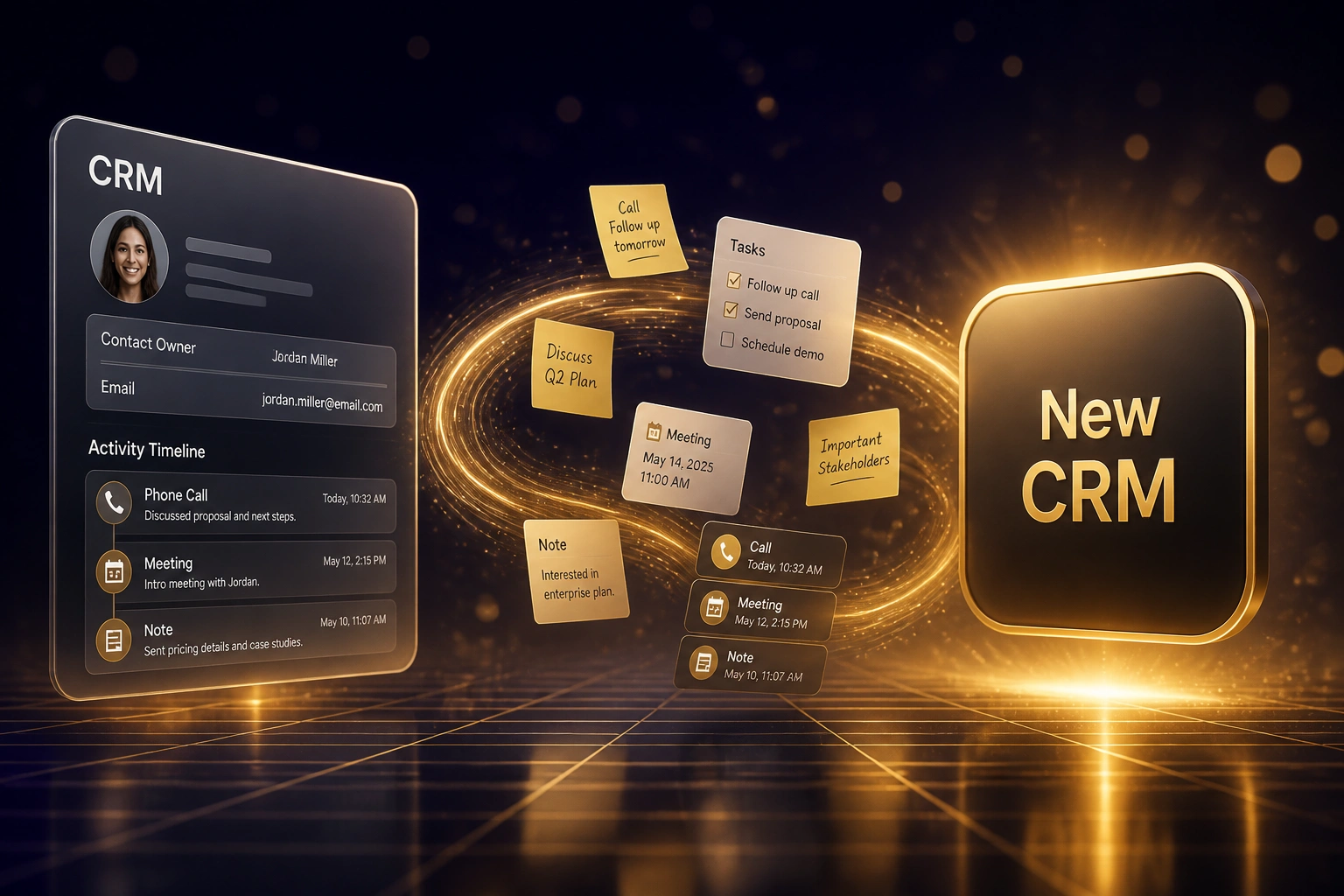
Sound Familiar?
These are the exact issues our clients faced after a contacts-and-deals-only cutover:
- Contacts and deals landed cleanly, but notes, call logs, and meeting outcomes never left the old CRM
- Open tasks orphaned at cutover: follow-ups that lived on deals vanished, and reps rebuilt lists from memory
- Sales managers cannot see why a deal stalled: the activity history that explained objections and next steps is gone
- Reps spend the first weeks reconstructing call notes before every handover and coaching session
- Structured fields look complete, yet the new CRM feels hollow because institutional memory never arrived
Default migration tools do not move Salesforce Tasks/Events or HubSpot Engagements as a living timeline. Activity history needs a separate extract, type translation, and parent re-linking. Skip that step and your CRM notes migration fails even when every contact row lands cleanly.
What CRM Notes and Activity History Migration Actually Does
Extract activities → translate types → re-link parents → prove open tasks and timelines match.
Export Activities
Notes, tasks, calls, and meetings pulled via API, not a flat contact CSV
Translate Activity Types
Salesforce Tasks/Events, HubSpot Engagements, and Pipedrive notes map to destination types with bodies intact
Re-link Parents
Every note and task attaches to the right contact, company, and deal so nothing orphans
Validate Day One
Open tasks and sample timelines match the source before you cut over
Everything You Need for Intact Activity History
Notes and Activity Timeline Migration
Rep-entered notes, call summaries, and meeting outcomes move with original timestamps and authors, so the timeline still tells the deal story on day one.
Open Task and Follow-Up Transfer
Incomplete tasks stay attached to the right deals and contacts. Nothing falls off the board because the task object was left out of the export.
Calls, Meetings, and Email Summaries
Logged calls, meetings, and email notes translate across Salesforce Tasks/Events, HubSpot Engagements, and Pipedrive activities without losing the note body.
Association and Parent Linking
Every activity re-links to the correct contact, company, and deal. Orphaned timeline chips that float unattached never make it into production.
Migrate vs Archive Decisioning
We scope open-deal history, top-account notes, and recent renewals for go-live, and archive low-signal system events so the new timeline stays usable.
Day-One Validation Sampling
We spot-check open deals and high-value accounts so managers can coach from migrated activity history before the source system is switched off.
Activity Sources We Migrate
From Hollow Timelines to Coaching That Works on Day One
How a 22-person B2B sales org recovered after a HubSpot cutover that moved contacts and deals but left every note, task, and call behind.
The Contacts-Only Cutover
- Vendor migrated contacts and deals; Salesforce Tasks, Events, and notes stayed in the frozen org
- 2,100 open follow-up tasks orphaned; reps rebuilt lists in spreadsheets within the first week
- Sales managers could not see why deals stalled: no call notes, no objection history, no meeting outcomes
- Handovers took 40–60 minutes of reconstructing context from email threads
- Leadership watched productivity dip while the new CRM looked complete on paper
Notes and Tasks Restored
- We bulk-exported Tasks, Events, and notes from the frozen Salesforce org
- Open tasks re-linked to HubSpot deals and contacts with original due dates and owners
- Call notes and meeting outcomes landed on timelines with authors and timestamps preserved
- Sample open deals validated against Salesforce before reporting cutover
- Managers coached from migrated activity history instead of asking reps to retell every deal
Before vs After CRM Notes Migration
How It Works
From first conversation to timelines you can coach from in 3 to 7 weeks.
Audit Activity Coverage
What notes, tasks, calls, and meetings exist, what a flat contact export would drop, and where open follow-ups would orphan.
Scope and Quote
30-minute call on volume, cutoff dates, and which CRM notes migration outcomes matter most to sales ops.
Extract, Translate, and Link
API exports of activities, type translation, parent associations, then sample checks on open deals and top accounts.
Cut Over with Memory Intact
Open tasks and timelines match the source. The old CRM stays readable until sales ops signs off.
Frequently Asked Questions
Why do CRM notes and activity history usually get left behind?
Because contacts and deals are structured rows that map field-to-field, while notes, tasks, calls, and meetings live in separate objects with proprietary formats. Salesforce splits Tasks and Events; HubSpot uses Engagements; Pipedrive logs against deals. Native CSV imports rarely carry activity timelines, so many cutovers ship a hollow CRM even when every contact row looks perfect.
What happens to open tasks if we only migrate contacts and deals?
Open tasks orphan. Follow-ups that lived on deals disappear, and reps rebuild lists from memory or spreadsheets. Industry migration post-mortems repeatedly flag missing activity history and broken task associations as the loss sales teams feel first. We migrate incomplete tasks with their parent links so nothing drops at cutover.
How many activities should we expect per deal?
Pipeline CRM's 2026 Performance Benchmark puts average teams at 13.7 activities per deal and top performers near 50.7. That volume is why activity history cannot be an afterthought: even a mid-size pipeline carries tens of thousands of notes, calls, meetings, and tasks that hold the context structured fields miss.
Can HubSpot or Salesforce native tools move the full activity timeline?
Not as a connected, interactive history. HubSpot exports often flatten engagements into static notes and overwrite original timestamps unless you plan custom date fields. Salesforce Activity History in the UI is limited; full Task, Event, and EmailMessage extracts need Bulk API work and deliberate association remapping. We treat activity export as its own workstream, not a side effect of the contact import.
How long does a notes and activity history migration take?
Most CRM notes migration projects we run take 3 to 7 weeks from scoping to cutover. Clean Salesforce-to-HubSpot moves with a clear Task/Event extract sit toward the shorter end. Multi-year closed history, Shared Activities with many participants, or remediation after a contacts-only cutover already went live push toward 2 to 3 months, phased so sales can keep working.
How much does migrating CRM notes, tasks, and activity history cost?
Focused notes, task, and activity migration typically lands between R40,000 and R140,000 depending on volume and platform pair. Full remediations after a hollow cutover, with association repair and coaching-report rebuild, sit higher. Against weeks of reconstructing call notes and dropped follow-ups, most clients see payback inside one or two quarters.
Do Not Migrate Deals Without Their Notes and Tasks
If your cutover plan is contacts and deals only, you are about to hand sales a hollow CRM and spend weeks reconstructing the activity history managers need to coach.
Tell us which CRM you are leaving, which you are joining, and whether notes, open tasks, calls, and meetings are in scope. We will show you exactly how CRM notes migration would work for your activity volume.