CRM Migration: Mapping Picklist and Dropdown Values
You are mid-migration when sales ops notices "Closed Won" in one system is "Won - Closed" in the other. Lead sources do not line up. Pipeline reports break the week after go-live. Careful picklist mapping is what stops polluted reports, broken automations, and weeks of cleanup.
We run a mapping workshop, then automate the transform. Not a DIY spreadsheet.
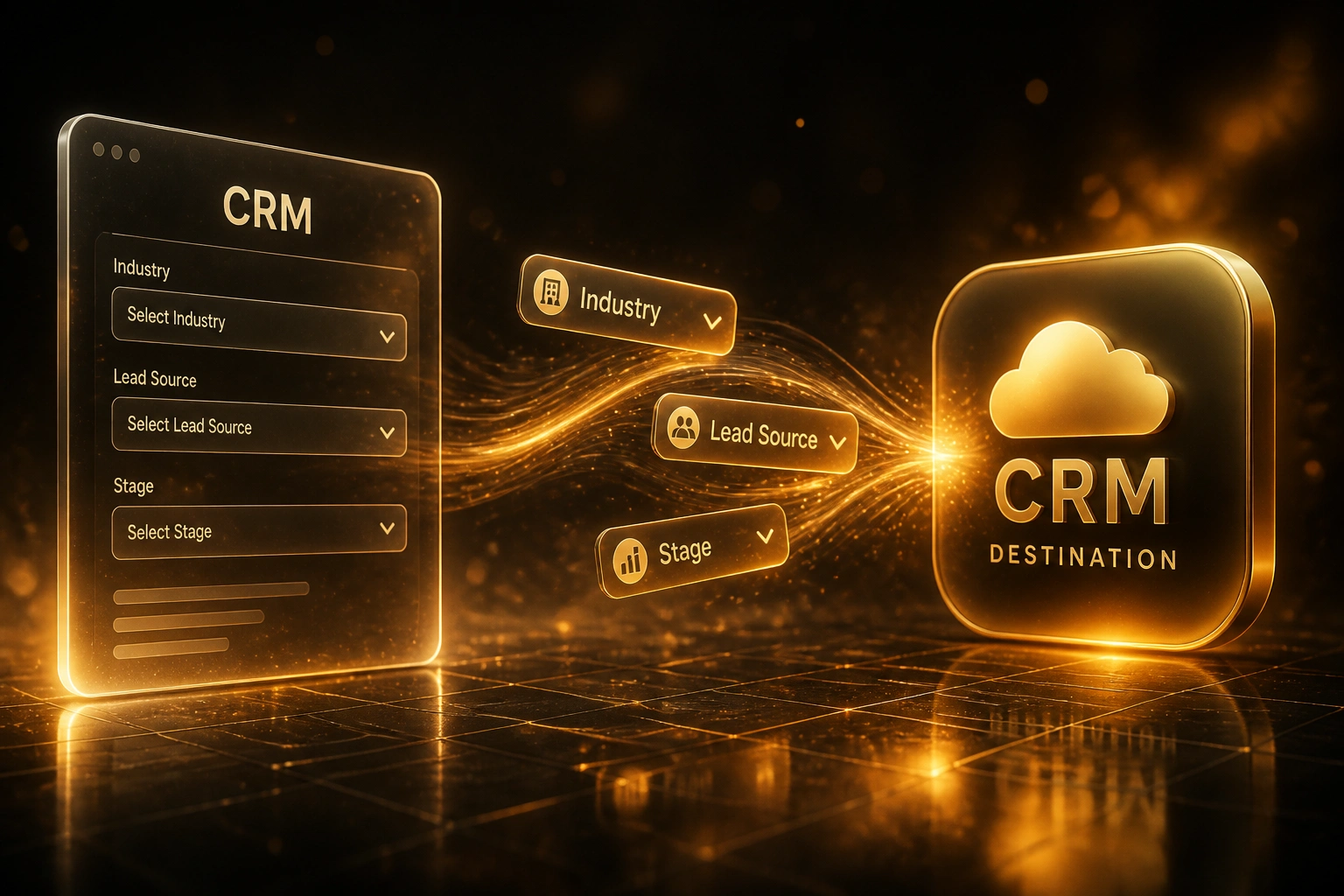
Sound Familiar?
These are the exact issues sales ops hits when picklist values migrate without a map:
- "Closed Won" in the old CRM is "Won - Closed" in the new one, so won deals vanish from pipeline reports
- Lead Source values do not line up; marketing attribution splits across near-duplicates after go-live
- Salesforce restricted picklists reject entire rows when Industry or Stage strings are one character off
- HubSpot import wizards force last-minute manual remapping while the cutover clock is already running
- Sales ops spends weeks fixing polluted stage and industry reports that should have been mapped before load
Go-live deadlines hide picklist mismatches until cutover. Restricted Salesforce loads fail mid-batch. HubSpot forces remapping in the wizard while the business is already offline. Fixing values after the fact costs three to ten times a pre-migration mapping pass, and remediation often stretches three to six months.
What Picklist Value Mapping Actually Does
Inventory → workshop → automated transform → validated cutover. Spreadsheets alone are not enough.
Value Inventory
Every Industry, Lead Source, Stage, and Status value from source and target
Mapping Workshop
Sales ops agrees one-to-one maps, many-to-one collapses, and retire decisions
Automated Transform
Values rewrite to exact target options, including restricted Salesforce lists
Clean Cutover
Pipeline and attribution reports match; automations keep firing on the right stages
Everything You Need for Reliable Value Mapping
Picklist Mapping Workshop
We sit with sales ops and agree every Industry, Lead Source, Deal Stage, and Status mapping before a single record moves. One-to-one, many-to-one, and retire decisions go on the record.
Automated Value Transform
Agreed mappings become a transform layer, not a spreadsheet someone forgets. Source values rewrite to exact target options at load time, including case and spacing.
Restricted Picklist Handling
Salesforce restricted picklists reject bad values with INVALID_OR_NULL_FOR_RESTRICTED_PICKLIST. We validate against the live value set and record types so rows do not fail at cutover.
HubSpot Option Alignment
Dropdown and radio options must match HubSpot labels exactly. We prune dead options, stay inside the 5,000-option / 512 KB ceiling, and align property options before import.
Pipeline Stage Alignment
Deal stages and lifecycle values map to the target pipeline, not a free-text dump. Forecast categories and won/lost outcomes stay coherent for reporting from day one.
Parallel Validation
We sample live deals against the mapping table before cutover. Blank stages, orphaned industries, and mismatched lead sources get caught in test, not on Monday morning.
Platforms We've Mapped Picklist Values Across
From Three Weeks of Remapping to Two Days
How a mid-market sales ops team kept Industry, Lead Source, and Deal Stage reports intact when moving from Pipedrive to HubSpot.
The Spreadsheet Cutover
- Sales ops pasted deal stages into a shared sheet the night before go-live
- "Won" and "Closed Won" both landed; 18% of open deals showed a blank stage in HubSpot
- Lead Source split into eight near-duplicates; marketing attribution reports became unusable
- Industry values carried trailing spaces and mixed case; segment filters returned half the accounts
- Three weeks of after-hours remapping before the board trusted the pipeline again
The Managed Mapping Pass
- Workshop locked 47 Industry, 23 Lead Source, and 8 Stage mappings before load
- Automated transform wrote exact HubSpot option labels; zero blank stages at cutover
- Deprecated Pipedrive stages collapsed many-to-one into the new pipeline
- Parallel sample of 200 deals confirmed Industry and Lead Source filters matched
- Sales ops spent two days validating, not three weeks repairing reports
Before vs After Value Mapping
How It Works
From first inventory to validated cutover in one to four weeks for focused picklist scopes.
Export Value Inventories
Every distinct Industry, Lead Source, Stage, and Status value from source and target, including deprecated and inactive options.
Mapping Workshop
30–60 minutes with sales ops to decide one-to-one maps, many-to-one collapses, and which legacy values retire.
Build Transform & Load
We encode the map, seed target picklist options, and load through validated transforms that match restricted lists exactly.
Validate & Cut Over
Parallel-run until stage and industry reports match. Then switch sales to the new CRM with clean dropdowns.
Frequently Asked Questions
Why do picklist and dropdown values break during CRM migration?
Each CRM stores Industry, Lead Source, and Deal Stage as controlled options, not free text. Salesforce expects an exact, case-sensitive match on restricted picklists or rejects the row. HubSpot flags mismatches in the import wizard or blanks the property. Pipedrive often imports the field as empty. "Closed Won" versus "Won - Closed" is enough to break pipeline reports and automations after go-live.
What is a Salesforce restricted picklist, and why does it matter?
A restricted picklist only accepts values already defined in the value set (and allowed on the record type). Any other string returns INVALID_OR_NULL_FOR_RESTRICTED_PICKLIST and the record fails. Capitalisation, trailing spaces, and deprecated API names are common causes. We inventory the live value set and map every source value to an allowed option before bulk load.
How do HubSpot property option limits affect migration?
HubSpot enumeration properties (dropdown, radio, multi-checkbox) cap at 5,000 options or 512,000 bytes, whichever comes first, with 3,000 characters per option. Long city or product lists often hit the byte ceiling first. We prune unused options, collapse near-duplicates, and confirm every migrated value matches a live HubSpot option before import.
Should we map picklist values in a spreadsheet ourselves?
Spreadsheets drift the moment two people edit them, and they do not enforce exact string matches against the target CRM. Industry guidance is clear: a short pre-migration validation (often a couple of hours per critical field) prevents weeks of post-cutover cleanup that costs three to ten times more. We run a facilitated mapping workshop, then encode the decisions as an automated transform so the map cannot go stale overnight.
How long does picklist value mapping take?
Focused Industry, Lead Source, and Stage mapping for a mid-size CRM usually takes one to two weeks including workshop, transform build, and parallel validation. Broader Status and multi-object picklists sit closer to three to four weeks. That sits inside a typical 2–6 week pre-migration cleanse window and avoids the three to six months of remediation teams face when values are fixed after cutover.
How much does managed picklist mapping cost?
A dedicated picklist and dropdown mapping engagement typically lands between R45,000 and R120,000 depending on how many objects and pipelines are in scope. Full CRM migrations that include value mapping sit higher. Against three weeks of sales-ops remapping after a polluted go-live, and research showing post-migration cleanup at three to ten times the cost of getting it right first, most clients see payback inside the first quarter.
Stop Fixing Picklists After Go-Live
If Industry, Lead Source, and Deal Stage values do not line up between CRMs, you are buying polluted reports and weeks of remapping. That problem is solvable before cutover.
Tell us which CRM you are leaving, which you are joining, and which dropdowns matter most for reporting. We will show you exactly how a mapping workshop and automated transform would work for your pipelines.