Transferring Record Ownership During CRM Migration
If owner mapping is wrong, reps lose their pipeline overnight, managers cannot forecast by team, and commission disputes explode in week one. Record ownership is not a checkbox on the import file. It is a mapping project that preserves accountability and visibility rules.
We run owner-mapping migrations for HubSpot, Salesforce, and Pipedrive so every contact, lead, and deal lands with the right user.
Sound Familiar?
These are the exact ownership failures our clients faced when user assignment was treated as an afterthought:
- Reps open the new CRM on Monday and half their open pipeline sits under Unassigned or a departed colleague
- Managers cannot forecast by team because territory and owner fields no longer match how the org actually sells
- Commission disputes spike in week one when closed-won deals credit the wrong user or the integration account
- Records owned by inactive Salesforce or HubSpot users imported blank, so visibility rules and assignment automation fail
- Ops spends the first fortnight bulk-editing owners by hand while sales works from spreadsheets again
Go-live without an owner map is a broken visibility event. HubSpot and Salesforce migration practice both require users to exist before contacts and deals load. Skip that order and active records land unassigned, territory rules stop working, and sales stops trusting the new CRM on day one.
What Owner Migration Actually Does
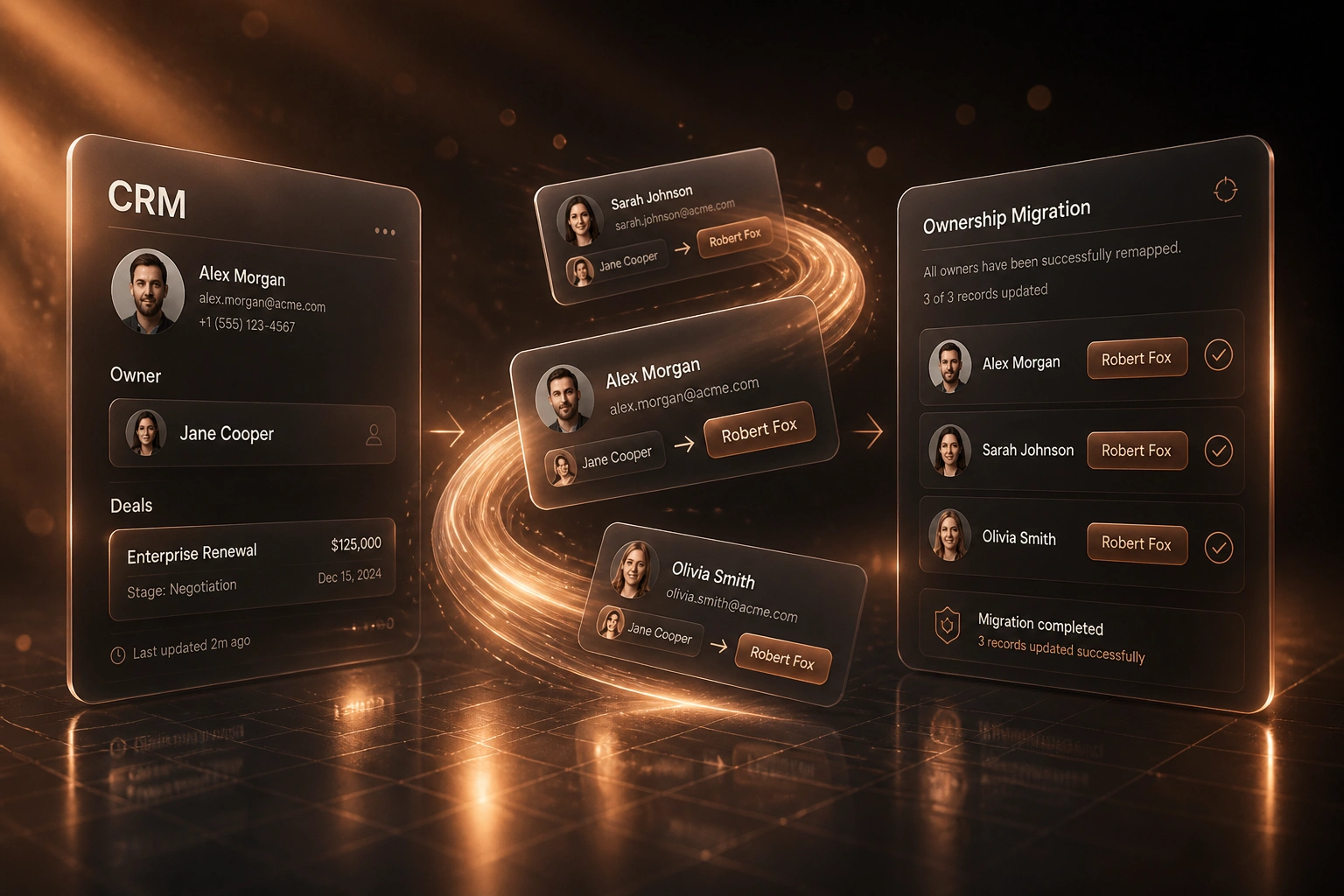
Users first → owner map → pilot load → validated cutover. No guessing on Monday morning.
Audit Source Owners
Export users, owner counts by object, and every inactive or departed owner still holding pipeline
Build the Owner Map
Source OwnerId or name maps to an active destination email, with successor rules for departed seats
Pilot and Prove
Sample contacts, accounts, and deals load with correct owners before any full cutover
Cut Over Clean
Active pipeline stays with named owners; forecasts, territories, and commission credit still line up
Everything You Need for Reliable Owner Migration
Owner Field Mapping Table
Every source OwnerId or owner name maps to an active destination user email before the first load. Salesforce IDs never land raw in HubSpot; HubSpot emails never guess from display names.
Inactive and Departed User Rules
Departed owners get named successors, territory fallbacks, or queues, not silent blanks. We decide the rule with sales leadership so accountability survives the cutover.
Named Owner vs Round-Robin Logic
Active pipeline keeps named owners. Net-new or unowned pools can use round-robin or territory assignment. Mixing those rules after go-live is how pipelines vanish overnight.
Territory and Team Ownership
Owner assignment is aligned to territory and team structure so manager forecasts, sharing rules, and routing still match how you sell after migration.
Commission and Credit Continuity
Closed and in-flight deals keep the owner who earned credit. We snapshot ownership before bulk remaps so Finance can reconcile payouts against the source CRM.
Go-Live Ownership Validation
Sample active opportunities for owner, amount, stage, and last activity in both systems. Zero unassigned active deals is a hard go/no-go, not a nice-to-have.
CRMs We've Run Owner Mapping For
From 2,400 Unassigned Deals to Zero on Day One
How a 45-seat B2B sales team migrating Salesforce to HubSpot kept pipeline, territories, and commission credit intact.
The Broken Cutover Plan
- Pilot import used Salesforce OwnerIds instead of HubSpot user emails
- 18 departed users still owned open opportunities in the export
- 2,400 active deals would have landed Unassigned or on the integration user
- Managers had no reliable team forecast for the first two weeks of hypercare
- Finance expected a wave of commission disputes on any closed-won remap
The Mapped Ownership Cutover
- User seats created first; every OwnerId mapped to an active HubSpot email
- Departed-owner successor matrix signed off by the sales director
- Pilot sample proved owners, then full load ran with zero unassigned actives
- Territory forecasts matched the old Salesforce rollups within 3% on day one
- Commission credit followed the pre-cutover ownership snapshot
Before vs After Owner Mapping
How It Works
From first conversation to ownership-safe go-live in one to two weeks for most mid-market orgs.
User and Owner Audit
Export every source user, owner count by object, and inactive owners. Flag records that would import blank without a mapping rule.
Ownership Mapping Workshop
30-minute call with sales leadership to lock successor rules, territory fallbacks, and what "correct owner" means before cutover.
Build and Test the Map
Create destination users first, wire the owner mapping table, then pilot-load a sample of contacts, accounts, and deals to prove ownership lands correctly.
Cutover and Hypercare
Full load with validated owners, day-one unassigned checks, and a week-one triage queue for any ownership disputes before they become commission fights.
Frequently Asked Questions
Why does record ownership fail during CRM migration?
Source CRMs identify owners by internal user IDs. Destination systems usually need an active user email or GUID. If the owner column still holds Salesforce OwnerIds, departed users, or names that do not match a live seat, HubSpot and similar platforms import the record with no owner or assign it to the integration user. Territory rules, visibility, and commission credit break the moment reps log in.
What happens to records owned by inactive or departed users?
Without an explicit rule, they often land unassigned or under a system account. HubSpot guidance and Salesforce-to-HubSpot migration practice both require creating destination users (or mapping to successors) before import. We build a successor matrix with sales leadership: named handoff, territory owner, or queue, so departed-user records never vanish into the unassigned pool.
Can we fix owners after go-live instead of mapping first?
Technically yes, practically expensive. Industry migration guides treat ignoring ownership as a top-three cutover failure because routing, forecasting, and accountability fail on day one, and bulk remapping after the fact is slow. Post-migration cleanup typically costs three to ten times more than fixing the same records before they move (Digital Applied). Users must exist before contacts and deals load, or you spend hypercare week rebuilding trust.
How does wrong ownership affect commissions and forecasts?
Ownership is a financial trigger. Wrong owners scramble pipeline snapshots by team, break territory rollups, and spark commission disputes when credit lands on the wrong rep or the integration user. RevOps teams already spend 30 to 40% of their time on manual data reconciliation across plan-to-pay systems (Fullcast). Organisations that restore transparent, deal-level ownership and credit typically see commission dispute rates drop by around 40% (SimpleRev / Kennect).
How long does an ownership mapping project take?
For a mid-market CRM with a few dozen seats, owner mapping and pilot validation usually sit inside one to two weeks of the wider migration timeline. Small, clean datasets can finish in days; the bottleneck is rarely volume. SplitForge notes that owner mapping is the primary risk even under 5,000 contacts, and an export riddled with departed-employee owners takes far longer than a clean instance of similar size. We schedule the user map before any productive load.
How much does CRM ownership transfer mapping cost with WebFootprint?
Focused owner mapping, inactive-user rules, pilot validation, and go-live ownership checks typically land between R25,000 and R75,000 depending on seat count, object volume, and how many departed owners need successor decisions. Against a fortnight of sales blackout, commission cleanup, and post-migration rework at three to ten times pre-cutover cost, most clients see payback inside the first month after go-live.
Do Not Go Live Without an Owner Map
If your CRM migration still treats user assignment as a last-minute column fix, you are gambling with pipeline visibility, territory forecasts, and commission credit.
Tell us which CRM you are leaving, which you are moving to, and how many departed users still own open deals. We will show you exactly how ownership transfer would work for your sales team.