Setting Up a CRM Migration Testing Environment: Staging Before Production
You have been burned, or you fear being burned, by a direct-to-production CRM cutover. Mapping rules that looked fine on paper, counts that drifted overnight, and a Monday morning full of corrupted records. A proper migration testing environment pays for itself by catching those errors in a sandbox first.
We design and run the staging environments that make cutover safe.
Sound Familiar?
These are the exact issues our clients faced before they invested in a proper staging environment:
- Leadership booked a weekend cutover with no staging environment, treating production as the first real test
- Field mapping looked fine on a spreadsheet, then silent drops and orphaned deals appeared only after go-live
- Object counts were never reconciled: contacts, deals, and associations drifted without anyone noticing until Monday
- Rollback meant 18-hour recovery weekends and weeks of reconciliation because nobody drilled a dry run first
- Sales and finance spent months in dual-CRM limbo while cleanup teams reconstructed what the cutover corrupted
Salesforce Full Copy sandboxes refresh only every 29 days. Miss that window and your staging data drifts from production while POPIA and GDPR still require masked non-production data. Plan the refresh calendar before you book cutover, not after.
What a Migration Testing Environment Actually Does
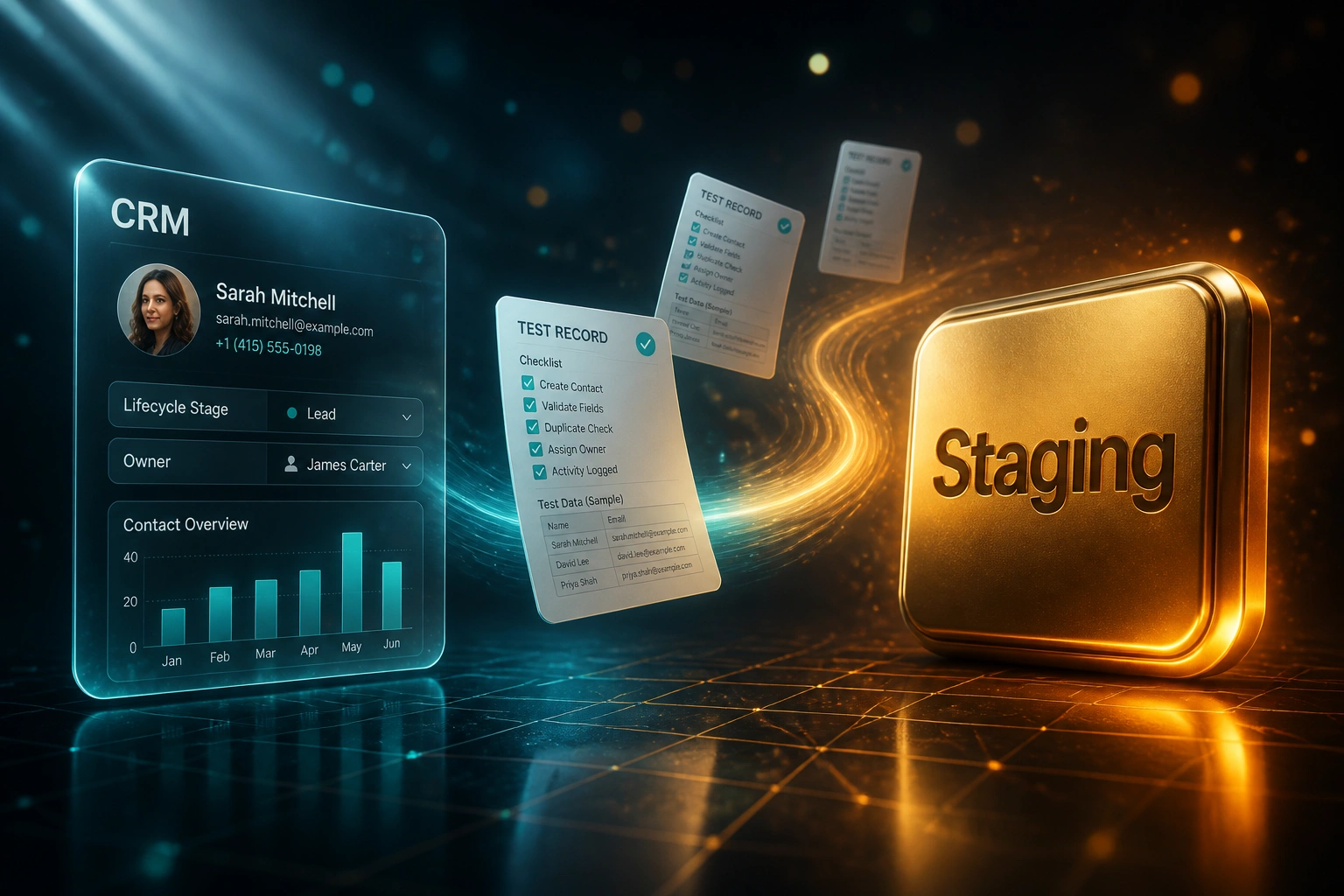
Sandbox stands up → representative data loads → mapping dry run → counts pass. Production stays untouched until exit criteria clear.
Stand Up Staging
Sandbox or isolated tenant mirrors production config, pipelines, and properties
Load Test Data
Representative, anonymised slice that includes edge cases, not just clean records
Run Mapping Dry Runs
Same tools and mapping files as cutover day; fix defects in the sandbox
Reconcile and Sign Off
Object counts and associations within agreed variance; then schedule production
Everything You Need for a Safe Staging Environment
Sandbox and Staging Design
We size the right environment for your stack: Salesforce Full or Partial Copy, HubSpot sandbox, or Dynamics sandbox, with refresh windows planned into the calendar.
Representative Data Sets
Not a handful of happy-path records. Anonymised but realistic slices that mirror duplicates, edge cases, custom objects, and association density in production.
Mapping Dry Runs
The same import tool, mapping file, and transformation rules you will use on cutover day. If it fails in staging, it never touches production.
Object Count Reconciliation
Contacts, companies, deals, activities, and associations reconciled object by object, with variance thresholds you sign off before go-live.
Association and Integrity Checks
Orphaned deals, broken contact-to-company links, and truncated custom fields caught in the sandbox, not when a rep dials the wrong client.
Cutover Exit Criteria
Written go/no-go gates: count variance, zero unresolved field-type errors, UAT sign-off, and a drilled rollback path before anyone touches live data.
Platforms We've Built Staging Programmes For
From a Risky Weekend Cutover to a Signed-Off Staging Pass
How a 38-seat Johannesburg professional services firm caught a 12% silent contact drop before production, and avoided months of dual-CRM cleanup.
The Direct-to-Production Plan
- Leadership booked a Friday Salesforce-to-HubSpot cutover with no sandbox dry run
- Mapping lived in a spreadsheet; nobody had reconciled object counts on a test load
- No representative data set, no association integrity checks, no written exit criteria
- Rollback plan was "keep the old org for a bit" with no drilled recovery steps
- Finance had already planned to cancel Salesforce seats the week after go-live
The Staging Environment
- We stood up a HubSpot sandbox mirroring pipelines, properties, and lifecycle stages
- Two full test migrations with the same mapping files destined for cutover day
- First run: 52,400 contacts in source vs 46,100 landed (12% silent drop from truncation and merge rules)
- Also caught 2,100 orphaned deals and currency mapping errors on 18% of opportunities
- Second run cleared exit criteria: count variance under 0.5%, associations intact
Before vs After a Proper Staging Environment
How We Set Up Your Staging Environment
From first conversation to a signed-off test migration, typically inside 4–8 weeks depending on sandbox refresh windows.
Audit Source and Destination
Object inventory, custom fields, associations, and which sandbox type your licences actually support.
Free Scoping Call
30-minute call to size representative data, dry-run count, and success criteria for a safe staging programme.
Build and Run Staging
We stand up the sandbox, load representative data, run mapping dry runs, and reconcile counts until exit criteria pass.
Sign Off, Then Cut Over
Only after staging clears do we schedule production. Source stays available for rollback insurance.
Frequently Asked Questions About Migration Testing
Why set up a CRM migration testing environment instead of going straight to production?
Industry research puts meaningful data loss or corruption in around 40% of CRM migrations, and roughly 60% of migrations hit issues when sandbox testing is skipped or rushed. A staging environment with representative data is where mapping rules, count checks, and association integrity fail safely. Production is the wrong place to discover a 12% silent contact drop.
What does a proper sandbox migration or test migration actually include?
Four layers: a sandbox that mirrors production configuration, a representative (usually anonymised) data slice, dry runs with the same tools and mapping files you will use on cutover day, and object-level count plus association reconciliation. HubSpot guidance is to run the sandbox migration at least twice: the first run finds gaps, the second becomes your validation baseline.
How do Salesforce and HubSpot sandbox refresh limits affect the plan?
Salesforce Full Copy sandboxes refresh only every 29 days; Partial Copy every 5 days; Developer types daily. Miss the window and your staging data goes stale relative to production. HubSpot sandboxes need the same pipelines, properties, and lifecycle stages as production or you are testing the wrong system. We build the refresh calendar into the migration plan so testing does not collide with a locked refresh interval.
How is this different from post go-live automation testing?
This page is about the pre-cutover staging environment: representative data, mapping validation, and count checks before production is touched. Post go-live automation testing covers the first 30 days after cutover (triggers, notifications, assignment, drips, SLA alerts). You need both. Staging protects the data move; hypercare protects the workflows that fire on that data.
Which CRMs can you build a migration testing environment for?
We have designed staging programmes for HubSpot, Salesforce, Microsoft Dynamics 365, Pipedrive, Zoho CRM, Monday.com, and custom CRMs. If the platform offers a sandbox (or we can stand up an isolated destination tenant), we can run a test migration against it.
How much does a CRM migration testing environment cost?
Focused staging programmes for mid-market stacks typically range from R35,000 to R85,000, depending on object volume, custom fields, number of dry runs, and whether Salesforce Full Copy or HubSpot sandbox licences are already in place. Against weeks of rollback cleanup and months of dual-CRM licence overlap, most clients recover the fee in the first avoided remediation cycle.
Stop Treating Production as Your First Test Migration
If your cutover plan still has no staging environment, you are gambling pipeline, customer trust, and months of cleanup on a weekend import.
Tell us which CRMs you are moving between, what sandbox licences you already have, and when leadership wants go-live. We will show you what a proper migration testing environment looks like for your stack.