CRM Migration Training: Getting Your Team Ready for the Switch
You migrated the data. Go-live still failed when sales kept the old habits. Without role-based user onboarding, the new CRM becomes shelfware while shadow spreadsheets quietly return.
We run the CRM training and change management that gets reps, managers, and admins productive in weeks.
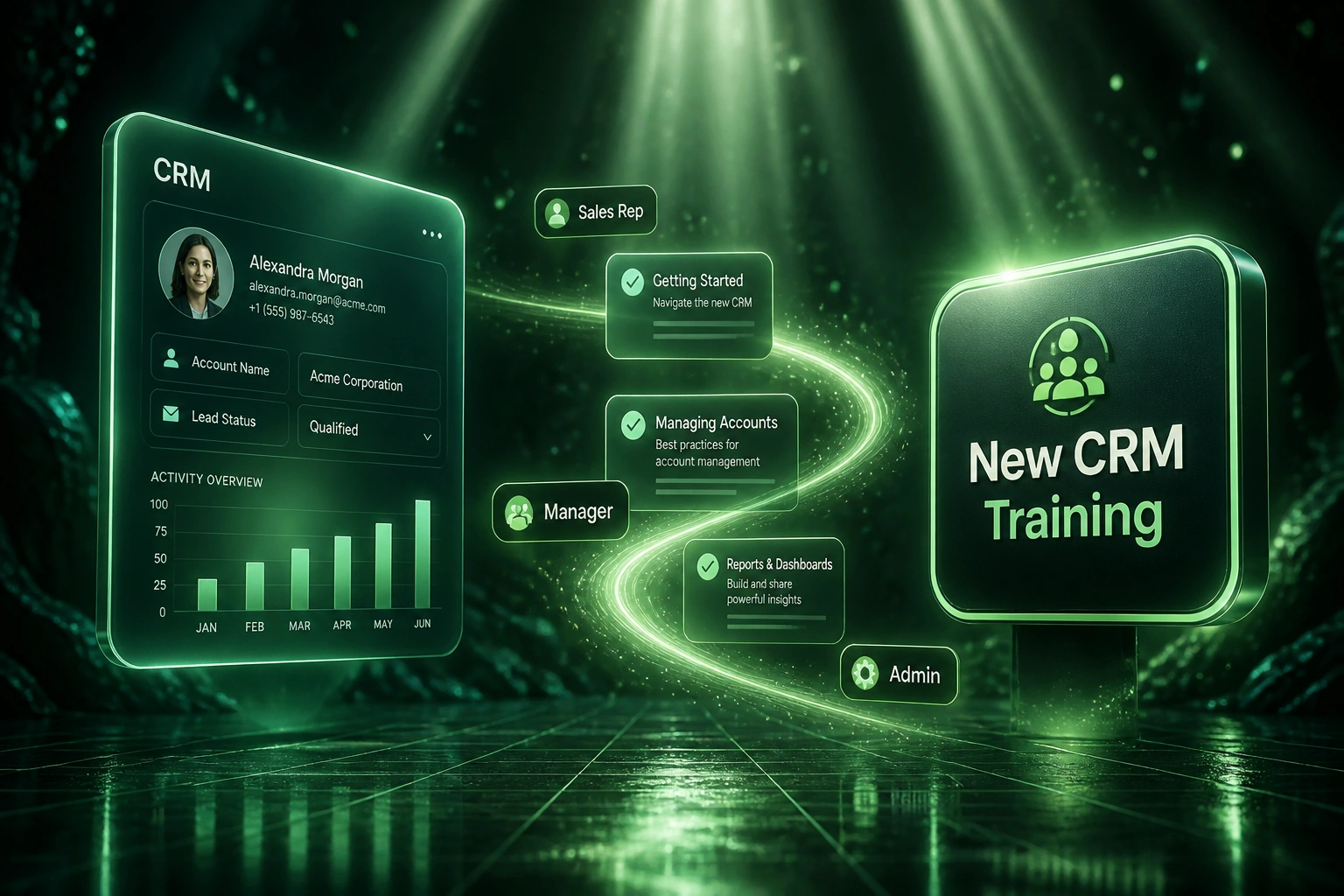
Sound Familiar?
These are the exact issues our clients faced when CRM migration training was cut to hit a go-live date:
- Go-live landed on schedule, then sales reps quietly reopened personal spreadsheets within two weeks
- One generic training session covered every role, so managers and admins still cannot run forecasts or permissions
- Daily CRM logins sit near 10–15% while licences bill at full seat rates
- Pipeline stages look filled, but commit numbers drift because reps never learned the new stage rules
- Support tickets pile up for basic workflows that role-based onboarding would have taught in week one
Skipping training to "save time" usually reverse-costs the project. Mid-market teams that treat enablement as optional often need 20 to 30 weeks to reach meaningful daily use. A training-first programme has cut that to about 12 weeks with 85%+ daily active users. Every week of low utilisation after go-live burns licence fees and selling capacity you already paid to migrate.
What Role-Based CRM Onboarding Looks Like
Audit habits → train by role → support the floor → measure adoption. No one-size-fits-all demo day.
Map Roles and Workarounds
Reps, managers, and admins listed; every shadow spreadsheet and sticky process named
Train by Role
Sandbox sessions on real workflows: activity logging, forecasting, permissions, and reporting
Launch with Floor Cover
Champions and floor support through the first fortnight so old habits cannot re-root
Lock Daily Use
Adoption scoreboard and 90-day reinforcement until forecasts and CRM hygiene hold
Everything Your Migration Training Programme Needs
Role-Based Training Paths
Sales reps, managers, and admins each get workflows for their job: logging activity, forecasting, and configuring the system, not a feature tour aimed at nobody.
Pre-Go-Live Dry Runs
Hands-on practice in a sandbox with real deal shapes before cutover, so launch week is not the first time anyone clicks the new CRM.
Champions and Floor Support
Named champions per team plus floor-walking coverage for the first fortnight after go-live, when old habits try to return.
Adoption Scoreboard
Daily active use, data completeness, and stage hygiene tracked weekly so managers coach the gaps instead of guessing.
Shadow Spreadsheet Kill Plan
We map every workaround sheet, replace it with a CRM workflow, and retire the Excel version on a dated checklist.
90-Day Reinforcement
Short refreshers, office hours, and manager huddles through the first quarter so proficiency sticks past the honeymoon week.
Platforms We Train Teams On
From 12% Daily Use to 88% in Ten Weeks
How an 18-seat B2B firm stopped a "save time" go-live from becoming shelfware, retired shadow spreadsheets, and recovered R485,000 in year one.
Training Cut for Go-Live
- Leadership trimmed enablement to a two-hour demo so the cutover date would not slip
- Within three weeks, five personal Excel trackers were back as the "real" pipeline
- Daily active CRM use sat at about 12%; managers forecasted from screenshots and chats
- Admin tickets flooded IT for basic stage and permission questions never covered by role
- Board packs needed a manual patch because commit stages did not match how reps sold
Role-Based Onboarding
- Separate paths for reps (activity and deals), managers (forecast and coaching), and admins (config and hygiene)
- Sandbox dry runs before relaunch, then two weeks of floor support with named champions
- Shadow spreadsheets mapped and retired on a dated kill list
- Weekly adoption scoreboard: daily use, completeness, and stage hygiene
- 90-day reinforcement so proficiency held past the honeymoon fortnight
Before vs After Migration Training
How It Works
From habit audit to locked daily use in roughly eight to twelve weeks around go-live.
Role and Habit Audit
Who uses the CRM today, which spreadsheets they hide behind, and what each role must master before go-live.
Curriculum Design Call
30-minute call to lock training paths for reps, managers, and admins, plus champions and success metrics.
Sandbox Training Wave
Role-based sessions, dry runs on real workflows, and playbooks delivered before anyone cuts over.
Go Live with Floor Cover
Launch support, adoption scoreboard, and 90-day reinforcement until daily use and forecast hygiene hold.
Frequently Asked Questions
Why does CRM migration training matter if the data already moved?
Independent research puts CRM failure near 55% when measured against planned objectives (Johnny Grow, 2025). Fewer than 40% of organisations reach 90%+ end-user adoption (CSO Insights / Forrester), and 83% of senior executives say getting staff to use the CRM is their biggest challenge. Data in the new system is worthless if reps keep selling from shadow spreadsheets.
How is role-based training different from a one-day product demo?
A generic demo walks through menus. Role-based CRM training teaches the workflows each person runs every day: reps log activity and advance deals, managers forecast and coach from clean pipeline, admins own permissions, integrations, and data quality. One-time feature tours produce short-term awareness; lasting adoption needs sustained, role-specific practice.
How long until the team is productive in the new CRM?
Without structured enablement, mid-market teams often take 20 to 30 weeks to reach meaningful daily use. With a training-first, role-based programme, organisations have cut that to around 10 to 12 weeks and lifted daily active use above 85% (Vantage Point case research). Rep proficiency after a platform switch commonly needs 6 to 12 weeks of coaching, not a single launch session.
What does low CRM utilisation actually cost?
Transition productivity often drops 20% to 40% for four to twelve weeks while people relearn workflows (Dench). For a 10-person sales team at roughly R1.65 million total annual cost of employment (about $100,000 each at R16.45), a 30% dip for six weeks is about R570,000 in lost capacity. Add wasted licences on seats nobody opens, and skipping training to "save time" becomes the expensive choice.
What does Prosci-style change management add to a CRM rollout?
Prosci's 12th Edition Best Practices research shows projects with excellent change management are seven times more likely to meet objectives than those with poor change management. Practitioners typically budget 15% to 25% of CRM project cost for change management and training, with reported returns of three to five times that spend through faster adoption and better data quality.
How much does CRM migration user training cost with WebFootprint?
Focused role-based onboarding for a mid-market sales team typically lands between R45,000 and R120,000 depending on seat count, number of roles, and how long floor support runs after go-live. Against hundreds of thousands of rands in lost productivity and shelfware licences, most clients see payback inside one or two months of restored selling time.
Stop Paying for a CRM Nobody Uses
If your CRM switch already landed and the spreadsheets came back, or go-live is weeks away and training is still a single calendar invite, you are spending the project budget without buying adoption.
Tell us which CRM you are moving from and to, how many seats by role, and where habits are already breaking. We will show you a role-based onboarding plan that fits your cutover date.