Migrating CRM Workflows and Automations: Transfer the Logic, Not Just the Data
You just realised the old CRM has 80+ workflows nobody documented. Contacts can move. Automations do not. Skip workflow migration and pipeline stages stall, SLA emails stop, and commission rules break on day one.
We inventory, rebuild, and parity-test every critical automation before cutover.
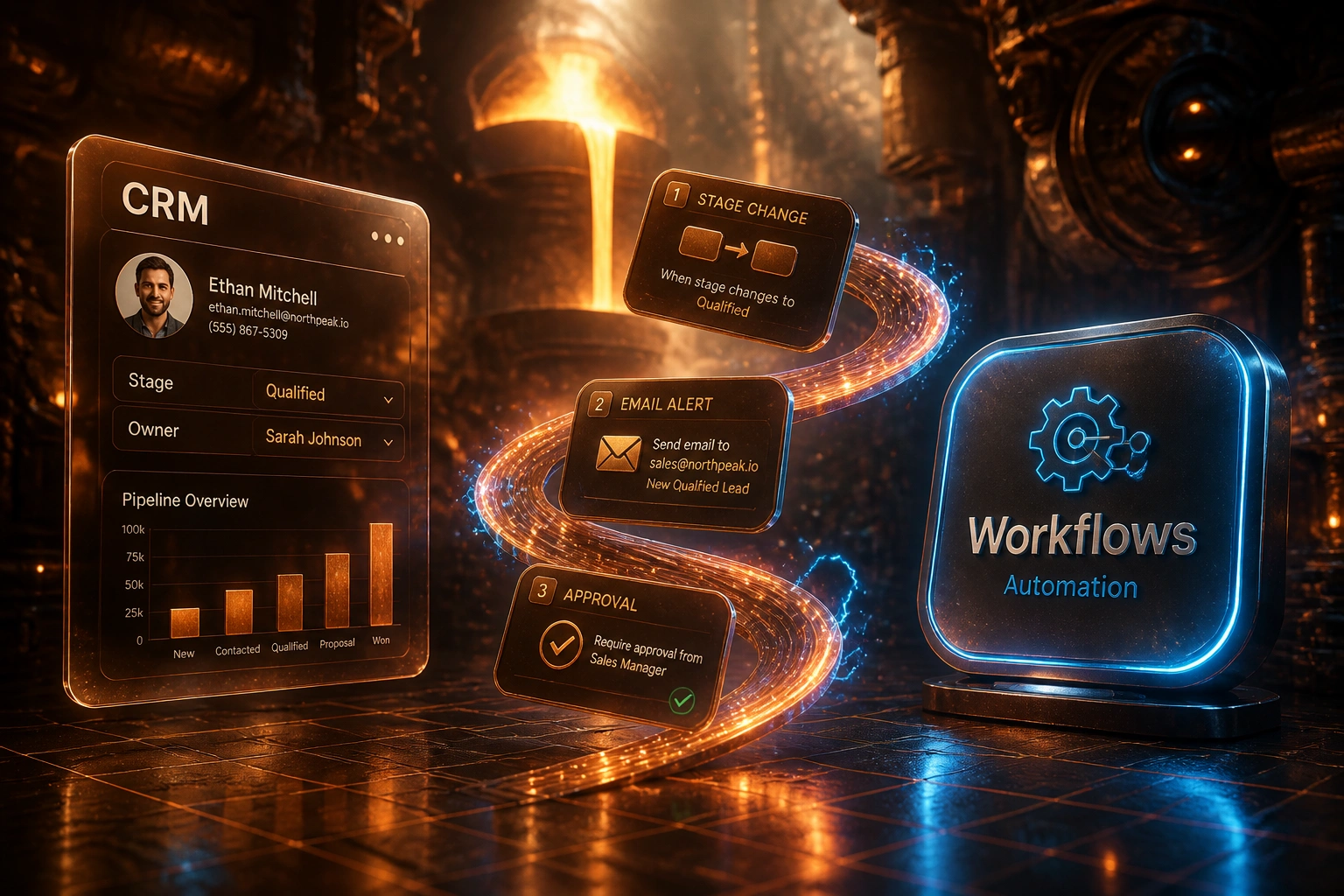
Sound Familiar?
These are the exact issues our clients faced when CRM logic migration was treated as an afterthought:
- Contacts and deals moved cleanly, but pipeline stages stall because stage-exit automations never came across
- SLA reminder emails and task escalations stopped on day one; nobody noticed until customers chased
- Commission and approval rules live only in the old CRM's Process Builder or HubSpot workflows
- Sales ops finds 80+ active rules and half have no owner or written purpose
- Parity testing was skipped, so broken logic only surfaces when real deals hit the new platform
Salesforce ended support for Workflow Rules and Process Builder on 31 December 2025. Existing rules still fire, but bugs will not be fixed. Average orgs have only about 12% of declarative automation on Flow. Whether you are replatforming or staying on Salesforce, undocumented legacy automation is now an operational risk, not a backlog item.
What Workflow Migration Actually Involves
Inventory → triage → rebuild → parity test. No blind cutover of contacts while the business logic stays behind.
Export Every Live Rule
Workflows, Process Builders, Flows, sequences, and Blueprints with owners and last-fired dates
Write Plain-Language Specs
Each critical rule becomes a keep, redesign, or retire decision sales ops can own
Rebuild in the New CRM
Translate outcomes into Flow, HubSpot workflows, or native equivalents (not 1:1 screenshots)
Parity-Test, Then Cut Over
Side-by-side stage, SLA, and approval scenarios until outcomes match
Everything You Need for Reliable Automation Transfer
Full Workflow Inventory
We export every active Workflow Rule, Process Builder process, Flow, HubSpot workflow, sequence, and Blueprint. Each one gets an owner, trigger, actions, and last-fired date.
Business-Logic Documentation
Undocumented rules become plain-language specs: when this stage changes, send this email, update these fields, create this task. Ops can read them without opening the old builder.
Platform Translation, Not Blind Copy
Salesforce Process Builder and Workflow Rules do not port 1:1 into Flow or into HubSpot. We redesign what the destination can support and flag what needs a different pattern.
Retire Dead Automations
Rules that have not fired in months, or that serve a process the business already stopped, get deactivated instead of rebuilt. Migration is the cheapest moment to delete.
Parity Test Suite
Side-by-side scenarios in old and new CRM: stage moves, SLA clocks, approval paths, and commission triggers. We cut over only when outcomes match.
Cutover Runbook
Ordered deactivate-and-activate plan, dual-run window, and rollback steps so sales ops is not guessing which rules still fire in the legacy system.
Platforms We've Handled for Workflow Transfer
From 87 Undocumented Rules to 41 Live, Tested Automations
How a 45-person industrial supplier avoided a blind CRM cutover and recovered stalled pipeline in under two weeks.
Data Moved, Logic Left Behind
- Vendor quote covered contacts and deals only; workflow rebuild was "phase two"
- Sales ops discovered 87 active Salesforce rules the week before go-live
- About half had no documented purpose; SLA emails and stage tasks were mixed in
- Commission approval still lived in Process Builder with no Flow equivalent planned
- Pilot week showed stages stalling and managers chasing status in WhatsApp
Inventory, Rebuild, Parity
- Full inventory in five days; 46 rules retired as dead or duplicate
- 41 critical automations rebuilt as Flow and HubSpot equivalents
- Parity suite covered stage exits, SLA clocks, and commission approvals
- SLA reminder emails restored within 11 days of the rebuild start
- Cutover runbook deactivated legacy rules in a controlled order
Before vs After Automation Transfer
How It Works
From first inventory export to live, parity-tested automations in 4 to 14 weeks, depending on rule count.
Inventory Every Rule
Active workflows, owners, triggers, actions, and last-fired dates across the old CRM.
Triage Keep, Redesign, Retire
30-minute call to rank business-critical automations and drop the ones nobody needs.
Rebuild and Parity-Test
Recreate logic in the new CRM, then run side-by-side scenarios until outcomes match.
Cut Over with a Runbook
Ordered switch-off of legacy rules, dual-run hold, and monitoring for the first two weeks.
Frequently Asked Questions
Do CRM workflows and automations migrate automatically?
No. There is no reliable tool that exports Salesforce Process Builder, Workflow Rules, or HubSpot workflows into another CRM's automation engine. Triggers, conditions, and actions are platform-specific. Every live rule must be inventoried, documented as business logic, and rebuilt in the destination (or deliberately retired).
How many workflows do mature CRM orgs usually carry?
Enterprise Salesforce orgs with five or more years of history typically run 60 to 120 active Workflow Rules alone, and roughly half have no clear business owner or purpose. Objects that already have workflow average about six rules each. HubSpot portals accumulate the same debt across workflows, sequences, and form actions. Most sales ops teams underestimate the count until inventory starts.
What happens if we migrate contacts and deals but skip workflow transfer?
Pipeline stages stop advancing on schedule, SLA emails and task escalations go quiet, and commission or approval rules break on day one. Workflow reconstruction is roughly 60% of migration effort in practice, yet teams often give it about 10% of the plan. Post-cutover productivity dips of 20% to 40% for up to two months are common when automations were not parity-tested.
Can Process Builder and HubSpot workflows be ported 1:1?
Rarely. Salesforce ended support for Workflow Rules and Process Builder on 31 December 2025; Flow is the supported path, and complex processes often need a redesign rather than a mechanical conversion. HubSpot workflows map poorly to Salesforce Flow (and vice versa) because trigger types, branching, and delayed actions differ. We translate the business outcome, not the screenshot of the old builder.
How long does CRM workflow migration take?
A focused inventory and rebuild of 20 to 40 critical automations usually takes 4 to 8 weeks. Orgs nearer the 60 to 120 rule range commonly need 8 to 14 weeks when properly resourced, including parity testing and a dual-run window. Complex automations alone often need three to five days each to document and rebuild.
How much does workflow and automation transfer cost?
Inventory-plus-rebuild programmes for mid-market stacks typically range from R45,000 to R180,000. Larger Salesforce or HubSpot estates with 60+ critical rules, cross-object chains, and commission logic sit closer to R180,000 to R350,000. Against stalled pipeline and weeks of sales-ops firefighting after a blind cutover, most clients see payback inside the first quarter.
Do Not Cut Over Until the Automations Are Ready
If your CRM migration plan only lists contacts and deals, the hidden risk is still sitting in Workflow Rules, Process Builder, and HubSpot workflows nobody has inventoried.
Tell us which CRM you are leaving, which you are joining, and roughly how many active automations you suspect. We will show you an inventory-first path so pipeline, SLAs, and commissions survive day one.