CRM Search: Full-Text, Filters and Saved Views
Your reps burn minutes before every call scrolling contacts, rebuilding filters, and guessing which record is current. That hunting time is selling time you are already paying for.
We implement CRM search and filtering that sales teams actually use.
Sound Familiar?
These are the exact issues sales leads bring us when CRM search stops being usable:
- Reps spend three to five minutes hunting for the right contact before every call
- CRM search only matches a handful of default fields, so PO numbers and custom IDs are invisible
- Filters get rebuilt from scratch every morning because nobody saved a shared view
- Sales managers and SDRs need different lists, but everyone scrolls the same cluttered index
- Wrong records get updated because substring search and fuzzy matching are missing
HubSpot's CRM search only matches a limited set of default properties, and searchable custom fields are an Enterprise-tier feature. Salesforce Einstein Search can cut clicks by up to 50%, but many orgs never enable or tune it. If your team still rebuilds filters by hand, the platform is leaving selling hours on the table.
From Hunt to One-Second Answer
Type a name, ID, or keyword → filters refine → open the right record. No spreadsheet export required.
Rep Needs a Contact
Before a call, they need the right person, company, or deal, not a long scroll
Full-Text Search Hits
One query searches names, emails, notes, custom fields, and IDs instantly
Filters and Saved Views
Role-based views and contact filters narrow to the list they need today
Call Starts Faster
Right record open in under a second, with context ready and selling time recovered
CRM Search and Contact Filters That Stick
Full-Text CRM Search
Search across names, emails, notes, custom fields, and IDs in one box. Partial matches and typos still surface the right contact.
Smart Contact Filters
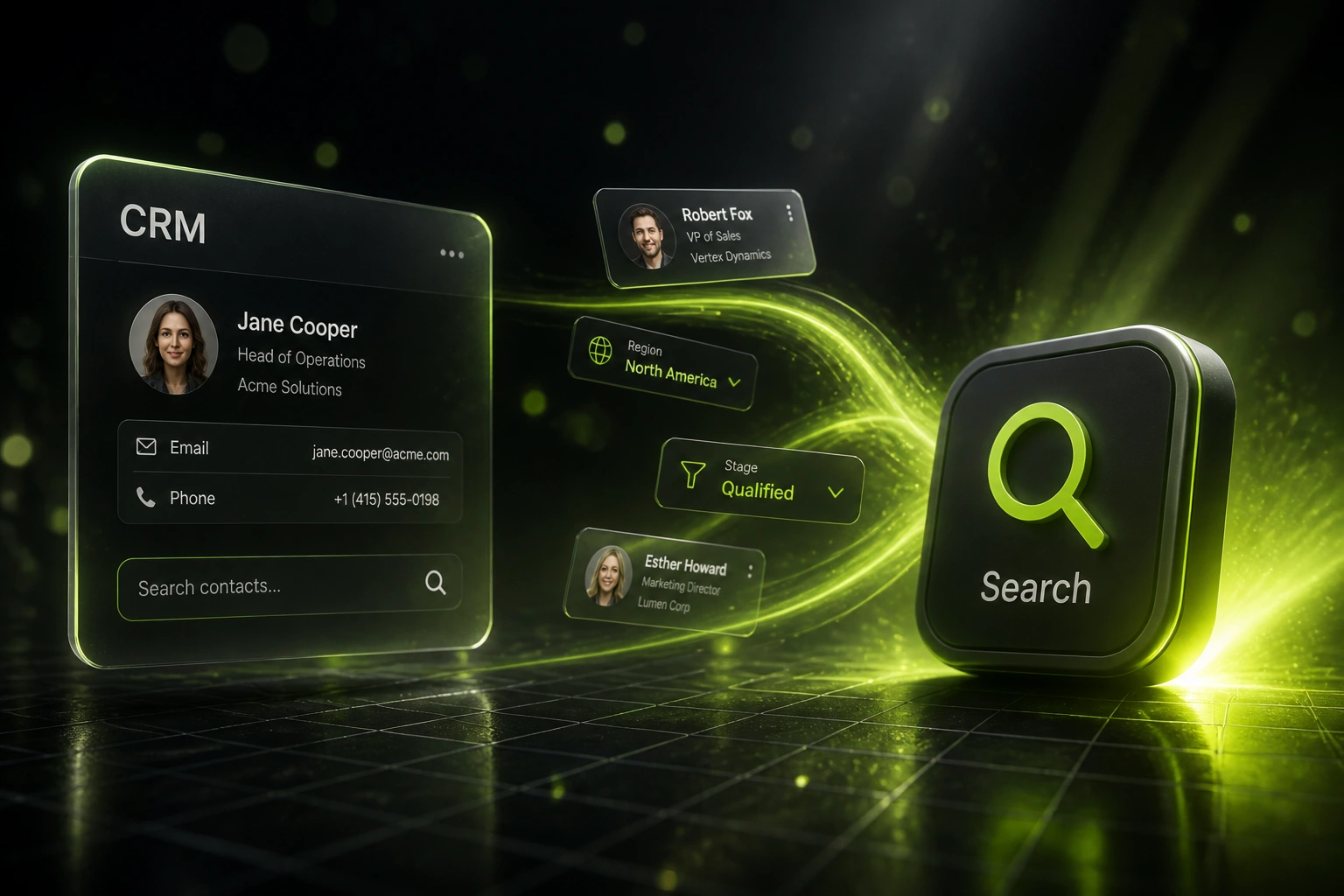
Stack region, stage, owner, product, and last-activity filters that update instantly, so reps stop exporting to Excel to find people.
Role-Based Saved Views
Pinned views for SDRs, account executives, and sales managers. Everyone opens the day on the list that matches their job.
Sub-Second Results
Indexed search tuned for your record volume. Lookups that used to take minutes return in under a second.
Duplicate-Aware Find
Surface likely duplicates beside search results so reps open the canonical record, not a stale copy.
Shared Team Filters
Publish contact filters and saved views to the whole team so best practice is one click, not tribal knowledge.
CRMs We've Improved Search On
From 4 Minutes Per Lookup to Under 2 Seconds
How an 8-person Johannesburg B2B sales team stopped hunting contacts and recovered 32 hours of selling time every week.
The Manual Hunt
- Reps scrolled HubSpot contacts or rebuilt advanced filters for every call
- Average 4 minutes to find the right person when the name, PO, or company was fuzzy
- Custom IDs and notes were invisible to native CRM search
- Each role reinvented the same contact filters every morning
- Wrong duplicates updated, then cleaned up later by sales ops
Search That Sales Uses
- Full-text CRM search across names, emails, notes, and custom IDs
- Typical lookup under 2 seconds, including partial matches
- Role-based saved views for SDRs, AEs, and the sales lead
- Shared contact filters for region, stage, and follow-up due dates
- Duplicate hints beside results so the canonical record opens first
Before vs After Proper CRM Search
How It Works
From first conversation to live CRM search in 2–4 weeks.
Map How Reps Hunt Today
Which fields they search, which lists they rebuild, and where HubSpot or Salesforce search falls short.
Design Search and Views
Full-text fields, filter sets, and role-based saved views for SDRs, AEs, and managers.
Build, Index, and Test
We index your live data, tune relevance, and run parallel with your current workflow for a week.
Train and Hand Over
Reps adopt the new CRM search and saved views; we monitor latency and refine filters as the team settles in.
Frequently Asked Questions
What is full-text CRM search, and how is it different from native HubSpot or Salesforce search?
Full-text CRM search indexes the fields your team actually uses: names, emails, notes, PO numbers, custom IDs, and more, so one query finds the right contact. Native HubSpot CRM search only matches a limited set of default properties, and searchable custom fields often need an Enterprise plan. Salesforce search improves with Einstein Search, but many orgs still rely on hand-built list views. We configure indexing, contact filters, and saved views so reps get a one-second answer instead of a scavenger hunt.
Will this work inside our existing CRM, or do we need a new system?
We usually improve search and filtering inside the CRM you already use. That can mean enabling and tuning native search, adding searchable custom properties, building role-based saved views, or layering a faster find experience on top when the platform caps are too tight. You keep your CRM; your team stops fighting it.
How do saved views help a sales team day to day?
Saved views are pinned, filtered lists such as My hot leads Gauteng, Follow-ups due today, or Open opportunities over R100k. Instead of rebuilding contact filters every morning, each role opens one view and starts selling. Shared views also stop every rep inventing their own list logic.
Which CRMs can you improve search and filtering on?
We have delivered CRM search, contact filters, and saved views on HubSpot, Pipedrive, Salesforce, Zoho CRM, Monday.com, Freshsales, and custom-built CRMs. If your CRM has an API and a records model, we can make findability part of the product your team actually uses.
How long does a CRM search and filtering project take?
A focused full-text search and saved-views pack typically takes 2 to 4 weeks from scoping to go-live. Broader work that includes duplicate-aware find, custom indexing across large volumes, and manager dashboards for view adoption usually sits closer to 4 to 6 weeks.
How much does CRM search and filtering cost in South Africa?
Focused full-text search and role-based saved views start from around R25,000. Larger indexing projects with shared team filters, duplicate handling, and multi-object search typically range from R40,000 to R75,000. Teams recovering even a few hours of selling time per week usually see payback inside one or two months.
Stop Paying Reps to Hunt Through Your CRM
If your team still spends minutes on every "where is that contact?" question, you are funding a findability problem that proper CRM search already solves.
Tell us which CRM you use, which fields reps search for most, and which lists they rebuild by hand. We will show you how full-text search, contact filters, and saved views would work for your sales team.