CRM Telephony Integration: Click-to-Call and Call Logging
Your reps dial from personal mobiles or softphones outside the CRM. Conversation history vanishes, coaching is impossible, and forecasting softens because half the calls never get logged.
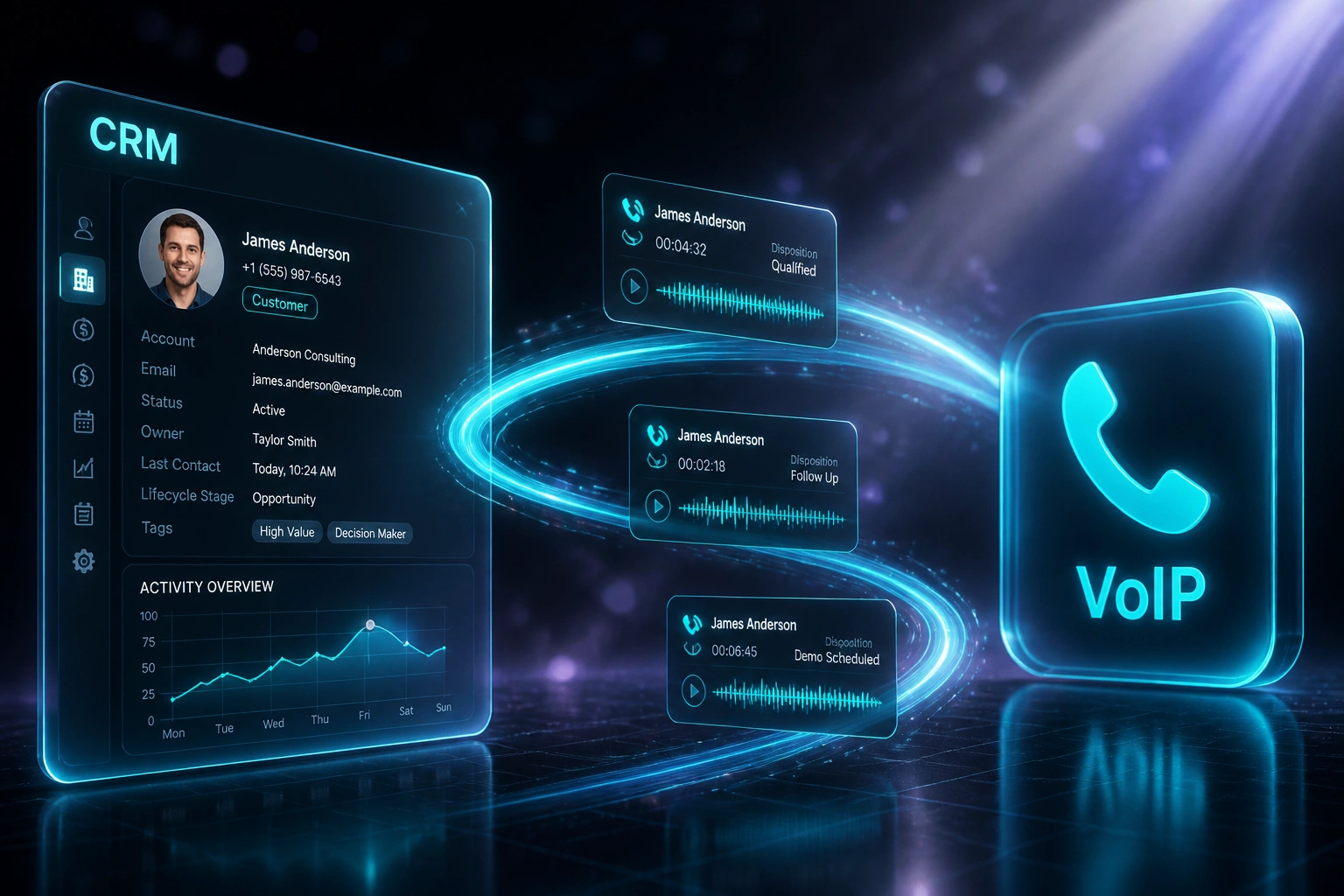
We build the VoIP CRM link so every call starts from the contact record, logs automatically, and lands with a recording on the deal.
Sound Familiar?
These are the exact issues our clients faced before CRM telephony integration:
- Reps dial from personal mobiles or softphones outside the CRM, so conversation history vanishes
- Call notes get typed at the end of the day, if at all, and half the calls never appear on the timeline
- Inbound callers ring without a screen-pop, so reps answer cold with no deal or contact context
- Managers cannot coach because recordings and dispositions are scattered or missing
- Forecasts go soft because unlogged calls hide stalled deals and missed follow-ups
POPIA treats call recordings as personal information, and the April 2025 regulation updates require telephonic marketing consent requests to be electronically recorded. If you are recording calls without clear notice, purpose, and a CRM-linked audit trail, you are carrying compliance risk every dial.
What VoIP CRM Integration Actually Does
Click from the contact → call connects → log and recording sync back. No human retyping outcomes.
Rep Clicks in CRM
Click-to-call from the contact or deal in HubSpot, Salesforce, or your CRM
VoIP Places the Call
3CX, Aircall, Twilio, Teams Calling, or your softphone dials with full context
Call Logs Automatically
Duration, disposition, notes, and recording URL write to the CRM timeline
Managers Can Coach
Every deal carries a complete call history, so forecasting and coaching use real data
Everything You Need for Reliable Call Logging
Click-to-Call from Contact Records
One click from the CRM contact or deal starts the call. No number hunting, no copy-paste into a softphone, no personal mobile gaps.
Automatic Call Logging
Every inbound and outbound call writes to the contact timeline with duration, outcome, and agent. Logging stops being a Friday cleanup job.
Screen-Pop on Inbound
When a known number rings, the right contact and open deal appear before the rep answers. Cold greetings become informed conversations.
Recordings Linked to Deals
Call recordings attach to the CRM record with playable links, so coaching and dispute checks happen from the pipeline, not a separate folder.
Disposition Codes & Outcomes
Wrap-up codes map to CRM fields and tasks. Missed, voicemail, qualified, and follow-up needed drive the next step without a spreadsheet.
Missed-Call Follow-Up Tasks
Unanswered calls create CRM tasks automatically. Nothing drops because someone forgot to write it down after a busy queue.
VoIP Platforms & CRMs We've Connected
From 40 Minutes/Day Logging to Zero
How an 8-rep B2B sales team stopped dialling outside the CRM and lifted call capture from 58% to 99%.
The Manual Process
- Reps dialled from personal mobiles and softphones, then tried to remember what happened
- 35–50 minutes per rep per day spent typing call notes into the CRM
- Only about 58% of calls ever appeared on contact timelines
- Inbound rang without screen-pop, so greeters had no deal context
- Managers coached from memory because recordings lived elsewhere
The Integrated Process
- Every outbound starts with click-to-call from the CRM contact or deal
- Calls log automatically with duration, disposition, and recording link
- Inbound screen-pop shows the contact and open opportunity before answer
- Missed calls create follow-up tasks so nothing goes cold overnight
- Managers review real recordings and outcomes from the pipeline view
Before vs After CRM Telephony Integration
How It Works
From first conversation to live click-to-call and call logging in 2–4 weeks.
Tell Us Your Setup
Which CRM, which VoIP or softphone stack, how reps dial today, and where logging breaks down.
Free Scoping Call
30-minute call to map click-to-call, screen-pop, recording consent, and disposition workflows.
Build & Test
We connect telephony to the CRM, test with real numbers and dispositions, and run parallel until logging is reliable.
Go Live & Coach
Switch off personal-mobile dialling for pipeline work. Managers get recordings and outcomes where the deals live.
Frequently Asked Questions
How long does a CRM telephony integration take to set up?
A standard click-to-call and auto-logging build takes 2–4 weeks from scoping to go-live. Simple one-way logging can be live within a week. Screen-pop, recording links, disposition mapping, and missed-call tasks typically take closer to 3–5 weeks.
Which VoIP platforms and CRMs can you connect?
We regularly work with 3CX, Aircall, Twilio, Microsoft Teams Calling, RingCentral, and Dialpad, connected to HubSpot, Salesforce, Pipedrive, Zoho CRM, and custom CRMs. If your phone system and CRM both expose an API or CTI connector, we can wire them together.
Will this disrupt how our sales team already dials?
No. We design the integration so reps keep their CRM as the home screen. Click-to-call replaces manual dialling; logging and recordings happen in the background. We run parallel testing before asking anyone to stop using personal mobiles for pipeline calls.
How do you handle POPIA and call recording consent?
Recordings are personal information under POPIA. We help you set an upfront notification, a defined purpose (quality, training, or transaction record), secure storage, and retention that matches that purpose. Telephonic marketing consent requests also need an electronic recording trail under the 2025 POPIA regulation updates.
What about disposition codes and incomplete CRM data?
We map your wrap-up codes to CRM fields and follow-up tasks so outcomes write back on call end. Duplicate matching uses phone number, email, and company where available. Failed syncs retry automatically so a momentary outage does not erase the call.
How much does CRM VoIP integration cost?
Simple one-way call logging starts from around R15,000. Bidirectional setups with click-to-call, screen-pop, recording links, and disposition logic typically range from R25,000 to R60,000. Most teams burning 35–50 minutes per rep per day on manual logging see ROI within 2–3 months.
Stop Losing Calls Outside the CRM
If your team is still dialling from personal mobiles and typing notes at the end of the day, you are paying for missed follow-ups and forecasts you cannot trust.
Tell us which CRM and VoIP stack you use, how reps dial today, and where logging breaks. We will show you exactly how click-to-call, automatic call logging, and screen-pop would work for your sales floor.