Connect Your CRM to FreshBooks: Small Business Automation
You closed the deal in the CRM on Friday. You only typed it into FreshBooks on Wednesday. That invoice lag is not a paperwork problem, it is cash sitting in someone else's account while you chase admin.
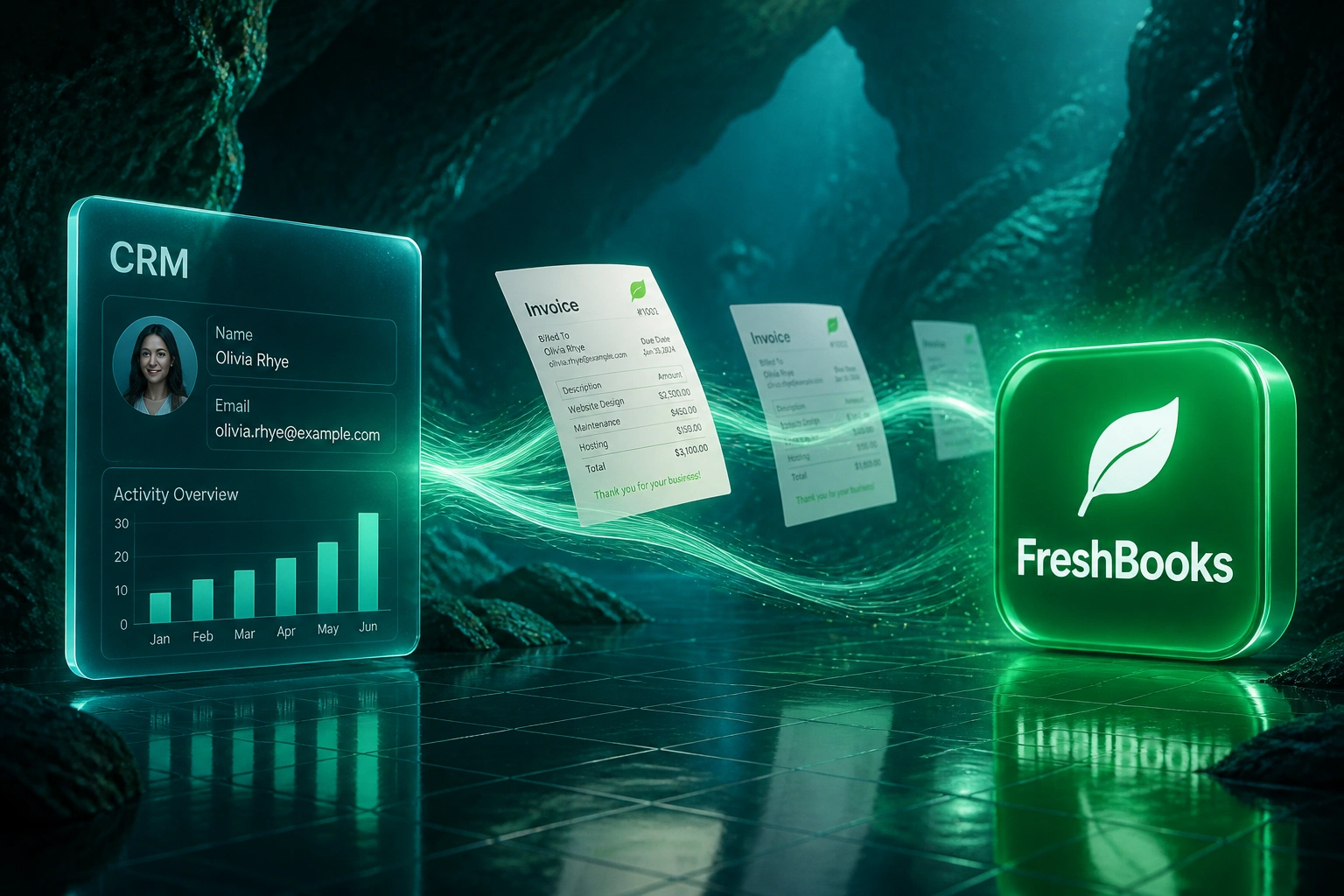
FreshBooks CRM integration ends the retyping and gets invoices out the same day.
Sound Familiar?
These are the exact issues FreshBooks users bring us before a proper CRM sync:
- A deal closes Friday afternoon, then you only raise the FreshBooks invoice on Wednesday
- Client names, emails, and rates get retyped by hand into FreshBooks every time
- Time tracked in FreshBooks never matches the deal value sitting in the CRM
- Sales has no idea who has paid without logging into FreshBooks or asking you
- Zapier Zaps break when someone renames a CRM field, and nobody notices for a week
Most FreshBooks CRM connections still depend on Zapier. Native connectors cover only a handful of CRMs, and Zapier task limits plus fragile field mappings mean the sync can fail quietly while your Friday deals wait until Wednesday to become invoices. A purpose-built FreshBooks sync is the reliable path for agencies and small businesses that cannot afford silent breakage.
What FreshBooks CRM Integration Actually Does
Deal closes → FreshBooks invoice drafted → client pays → CRM updates. No Friday-afternoon retyping.
Deal Closes in CRM
Sales marks a deal as "Won" in HubSpot, Pipedrive, or your CRM
Invoice Created in FreshBooks
Client details, line items, tax rates, and terms mapped automatically
Payment Synced Back
Client pays via FreshBooks → CRM deal updates to "Paid"
Cash Lands Sooner
Same-day invoices recover the lag that used to stretch into mid-week
Everything You Need for a Reliable FreshBooks Sync
Auto-Create FreshBooks Invoices
Deal moves to "Won" → a draft invoice appears in FreshBooks with the right client, line items, rates, and payment terms already filled.
Client Detail Sync
Names, emails, billing addresses, and company details stay matched across CRM and FreshBooks. Update once, both systems stay current.
Payment Status Back to CRM
When a client pays through FreshBooks or the client portal, the CRM deal updates. You stop chasing "has this gone out?"
Time & Project Alignment
Billable hours and project retainers map cleanly from the CRM deal into FreshBooks projects, so freelancers and agencies invoice what was actually sold.
Duplicate & Error Handling
Matching on email and company name stops duplicate clients. Failed syncs retry, and your team only gets pinged when a human decision is needed.
Same-Day Cash Momentum
Friday-to-Wednesday invoice lag disappears. Faster invoices mean earlier client portal views and earlier cash in the bank.
CRMs We've Integrated with FreshBooks
From Friday Close to Wednesday Invoice, Fixed
How an 8-person creative agency cut FreshBooks retyping from five hours a week to 45 minutes and got paid eight days sooner.
The Manual Process
- Agency principal copied won HubSpot deals into FreshBooks by hand
- 35–40 minutes per deal: client create, line items, tax, payment terms
- Deals closed Friday often waited until Wednesday to become invoices
- Time tracked in FreshBooks rarely matched the CRM proposal value
- Two Zapier Zaps had already broken once after a CRM field rename
The Automated Process
- Deal closes → draft FreshBooks invoice appears within seconds
- Principal reviews and sends from FreshBooks in under two minutes
- Client details stay synced, so the client portal always has the right contact
- Same-day invoicing on every won deal, including Friday closes
- Payment status visible in HubSpot without opening FreshBooks
Before vs After FreshBooks Sync
How It Works
From first conversation to live FreshBooks sync in 2–4 weeks.
Tell Us Your Setup
Which CRM, how you invoice in FreshBooks today, and where the Friday-to-Wednesday lag hurts most.
Free Scoping Call
30 minutes to map deal stages, invoice templates, tax rates, and which fields must move every time.
Build & Test
We build the FreshBooks sync, test against your real clients and deals, then run parallel for a week.
Go Live & Monitor
Manual retyping switches off. Monitoring watches the sync so invoices keep flowing without babysitting Zapier.
Frequently Asked Questions
How long does a CRM-to-FreshBooks integration take to set up?
A standard integration takes 2–4 weeks from scoping to go-live. A one-way sync that creates FreshBooks invoices from won CRM deals can be live inside a week. Bidirectional setups with client sync, payment status, and project mapping usually take 3–5 weeks.
Which CRMs can be connected to FreshBooks?
We have connected HubSpot, Pipedrive, Salesforce, Zoho CRM, Monday.com, Freshsales, and custom-built CRMs to FreshBooks. If your CRM has an API, we can connect it. Where a limited native connector already exists (for example Capsule), we will tell you honestly whether it covers your workflow or whether a custom sync is the safer path.
Is this better than a Zapier FreshBooks CRM integration?
Zapier works for simple, low-volume flows, but it charges per task, struggles with multi-line invoices and tax mapping, and silently fails when someone renames a CRM field. A purpose-built FreshBooks sync handles your invoice templates, client matching, and payment status properly, with monitoring so a broken step does not sit unnoticed until cash flow suffers.
Will this disrupt how we invoice clients today?
No. Your team keeps using the same CRM and the same FreshBooks account, including the client portal and time tracking you already rely on. We run the integration in parallel with your manual process for the first week, so you can compare draft invoices before anything is switched off.
How do you handle tax rates, retainers, and line items?
During scoping we map each CRM product or service to the correct FreshBooks invoice template, tax rate, and description. Retainer and project deals can create FreshBooks projects automatically. Multi-line deals become multi-line invoices, so agencies and freelancers do not collapse a scoped proposal into a single vague total.
How much does CRM-FreshBooks integration cost?
A one-way sync that creates FreshBooks invoices from closed deals starts from around R15,000. Bidirectional integrations with client sync, payment status, and project mapping typically range from R25,000 to R55,000. Set that against 15–20 hours a month of AR admin: most owners and agencies processing 15 or more invoices a month reach payback within 2–3 months.
Stop Retyping Won Deals into FreshBooks
If Friday's closed deal only becomes a FreshBooks invoice mid-week, you are delaying cash you have already earned.
Tell us which CRM you run, how you invoice in FreshBooks today, and where the lag hurts most. We will show you exactly how FreshBooks CRM integration would work for your agency or small business.