WhatsApp CRM Integration: Business Messaging at Scale
Your best conversations happen on WhatsApp. When those chats live on personal phones instead of the CRM, deals cannot be audited, handed over, or forecast. In a messaging CRM gap, marketing and sales lose the thread.
We connect the WhatsApp Business API to your pipeline so every chat becomes a tracked opportunity.
Sound Familiar?
These are the exact issues our clients faced before WhatsApp CRM integration:
- Deals are negotiated on personal phones, then never logged in the CRM
- Sales leads vanish when a rep is on leave, because the chats live on their handset
- Managers cannot audit promises, quotes, or follow-ups without asking for screenshots
- Marketing cannot see which WhatsApp conversations became pipeline, so spend is blind
- Handovers between sales and support restart from scratch every time
From 1 October 2026 Meta plans to charge service replies and in-window utility messages that are free today. Teams still running deals on personal phones will face rising BSP and Cloud API costs with no CRM audit trail to justify the spend. Template approval can still take up to 48 hours when human review is required, so waiting until pricing changes land is a costly delay.
What WhatsApp CRM Chat Integration Actually Does
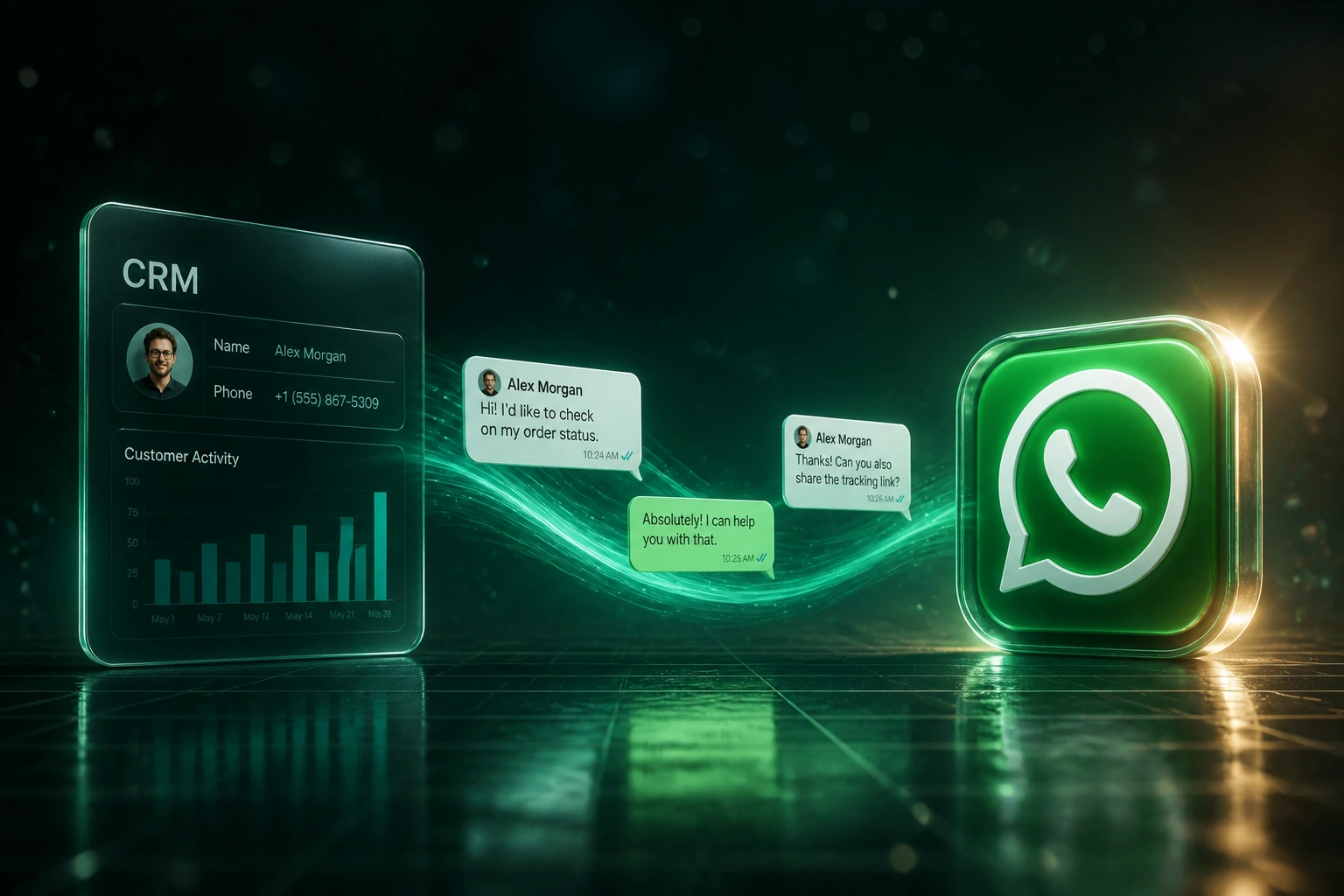
Prospect messages → conversation logged → pipeline updates. No copying chats off a personal phone.
Chat Arrives on WhatsApp
Customer messages your WhatsApp Business API number from the app they already live in
Lead Captured in CRM
Contact created or matched, conversation threaded to the deal, owner notified
Team Replies & Templates
Shared inbox replies stay free inside the service window; templates fire when you need to re-open
Pipeline Syncs Back
Stage, next action, and response times update on the deal so forecasts match reality
Everything You Need for Messaging CRM That Scales
Conversation Logging
Every WhatsApp Business API message lands on the right CRM contact and deal. No more hunting chats on personal phones.
Template Messaging at Scale
Approved marketing, utility, and authentication templates fire from the CRM with the right category and opt-in trail.
Lead Capture from Chats
Inbound WhatsApp messages create or update leads automatically. New conversations become pipeline, not lost threads.
Pipeline Sync-Back
Stage changes, owners, and next steps update in the CRM as the chat progresses, so forecasts reflect real conversations.
Shared Team Inbox
Sales and support reply from a shared Business API number. Handovers keep full history; personal phones stay personal.
Response-Time Visibility
First-response and resolution times sit beside each deal, so you can manage the five-minute window that drives conversion.
CRMs We've Connected to WhatsApp Business API
From 8 Hours/Week Hunting Chats to Sub-5-Minute Response
How a 14-person Cape Town sales team stopped losing deals on personal phones and put every WhatsApp conversation in the CRM.
The Manual Process
- Reps closed and negotiated on personal WhatsApp numbers
- Managers asked for screenshots to reconstruct deal context
- When a rep went on leave, active threads stalled for days
- Average first response sat well outside the five-minute window
- Marketing could not tie WhatsApp chats to pipeline or spend
The Integrated Process
- WhatsApp Business API number with shared inbox for the sales desk
- Every chat logged to the right HubSpot contact and deal
- Approved templates for follow-ups outside the service window
- Inbound messages create or update leads automatically
- Pipeline stage and next action sync back as the conversation moves
Before vs After Integration
How It Works
From first conversation to live WhatsApp CRM integration in 2–4 weeks.
Tell Us Your Setup
Which CRM, how your team uses WhatsApp today, and where chats disappear from the pipeline.
Free Scoping Call
30-minute call to map conversation flows, template categories, and the sync rules that matter.
Build & Test
We connect the WhatsApp Business API, wire CRM logging and templates, then parallel-test with live chats.
Go Live & Monitor
Switch off personal-phone deal-making. Monitoring keeps delivery, templates, and sync healthy.
Frequently Asked Questions
How long does a WhatsApp CRM integration take to set up?
A standard WhatsApp Business API to CRM connection takes 2–4 weeks from scoping to go-live. Shared inbox and conversation logging can be live within two weeks. Bidirectional pipeline sync with custom template workflows typically takes 4–6 weeks.
Which CRMs can be connected to the WhatsApp Business API?
We have built WhatsApp CRM integrations with HubSpot, Pipedrive, Salesforce, Zoho CRM, Monday.com, Freshsales, and custom-built CRMs. If your CRM has an API, we can connect messaging into it.
Will our team still use WhatsApp the way they do today?
Yes. Reps keep chatting on WhatsApp; the difference is that conversations run through the Business API and land in the CRM automatically. Personal numbers stop being the company's unofficial messaging CRM.
How do template categories and Meta pricing work for South Africa?
Meta bills per delivered template message. In South Africa that is about R0.63 for marketing and about R0.13 for utility or authentication (at roughly R16.52 per USD). Service replies inside the 24-hour customer window are free today. From 1 October 2026 Meta plans to charge service and in-window utility messages at utility rates, so category choice and CRM-driven workflows matter more than ever.
What about template approval delays and BSP fees?
Meta usually clears templates in minutes, but human review can take up to 48 hours. Business Solution Providers often add channel fees or per-message markups on top of Meta's rate card. We design the integration so category choice, opt-in records, and approval status are visible in the CRM, not buried in a BSP dashboard.
How much does WhatsApp CRM integration cost?
Conversation logging and shared inbox setups start from around R15,000. Full messaging CRM builds with template automation and bidirectional pipeline sync typically range from R25,000 to R60,000. Most sales teams recovering even a few hours a week see ROI within 2–3 months.
Stop Losing Deals in Personal WhatsApp Chats
If your sales and marketing teams still close on personal phones while the CRM stays empty, you are paying for a messaging CRM problem that already has a proven fix.
Tell us which CRM you use, how WhatsApp shows up in your sales cycle, and where chats fall through the cracks. We will show you exactly how WhatsApp Business API integration would work for your pipeline.