CRM Workflow Automation: Triggers, Actions and Sequences
Your reps lose hours every week to reminders, task creation, and status chasing. CRM workflow automation puts that admin on rails so they only touch what needs human judgement.
We design the triggers, actions, and sequences that give selling time back.
Sound Familiar?
These are the exact issues sales leads and ops managers bring us before CRM automation:
- Reps burn evenings creating follow-up tasks and reminders that should fire themselves
- New leads sit for hours because nobody owns routing after the form lands
- Follow-up sequences die when a rep goes on leave or forgets to enrol the contact
- Stage changes never update fields, so managers chase status in Slack instead of the CRM
- Sales ops rebuilds the same workflow triggers every quarter after someone edits them by hand
Slow first touch is expensive. The MIT / InsideSales Lead Response study found calling at 5 minutes versus 30 raised contact odds by about 100× and qualification odds by 21×. If routing and sequences still depend on a rep remembering, you are paying that tax every weekday.
Triggers, Actions and Sequences on Rails
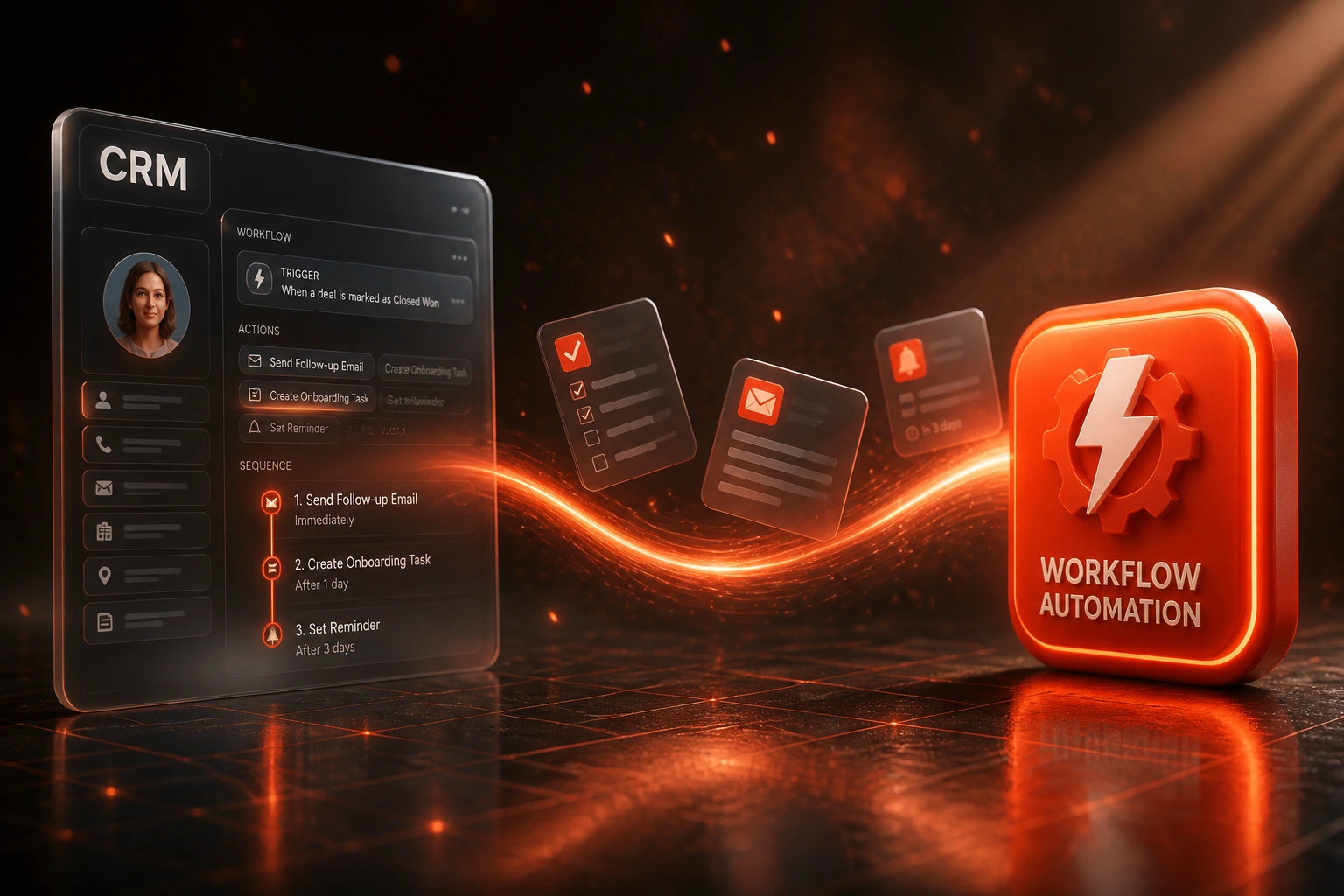
Event fires → work happens → follow-up runs → exceptions only reach a human.
Trigger Fires
Form submit, stage change, score threshold, or inactivity window starts the workflow
Actions Run
Owner assigned, fields updated, tasks created, and notifications sent without a spreadsheet
Sequence Enrols
Follow-up cadence starts with branch logic for opens, replies, and booked meetings
Rep Closes
Humans step in for judgement calls. Admin stays on rails in the background
Sales Automation That Reclaims Selling Time
Trigger Design
Form submit, deal stage change, inactivity window, or ownership flip. We define the exact event that starts every CRM automation, with clear guardrails so noise does not fire workflows.
Action Packs
Create tasks, update fields, assign owners, enrol sequences, and notify Slack or email. Reps only touch the steps that need human judgement.
Follow-Up Sequences
Timed multi-touch cadences with branch logic for opens, replies, and no-shows. Consistent outreach without the rep babysitting every send.
Lead Routing Rules
Round-robin, territory, product line, or score thresholds. Inbound leads reach the right rep in minutes, not the next morning.
Field Updates and Hygiene
Stage exits write the right dates, owners, and status fields automatically so dashboards stay trustworthy without evening data entry.
Exception Alerts
Failed actions, missing owners, and stalled sequences surface to sales ops. Your team intervenes only when automation cannot proceed.
CRMs We've Automated Workflows In
From 5 Hours/Week of CRM Chores to 45 Minutes
How a 6-rep B2B sales team in Cape Town put lead routing, task creation, and follow-up sequences on rails.
The Manual Process
- Each rep spent about five hours a week creating tasks, nudging follow-ups, and updating status fields
- Inbound web leads waited hours for someone to notice Slack or email
- Sequences only started when a rep remembered to enrol the contact
- Managers chased pipeline hygiene in Friday scrub meetings
- Coverage collapsed when a top closer went on leave
The Automated Process
- Form submit triggers routing, task creation, and sequence enrolment in under a minute
- Stage changes write close dates, next steps, and owner fields automatically
- Follow-up cadences run with branch logic; reps only jump in on replies
- Exception alerts go to sales ops when an owner is missing or a sequence stalls
- Reps spend evenings on live deals, not reminder hygiene
Before vs After CRM Automation
How It Works
From first conversation to live CRM sequences in 2 to 4 weeks.
Map the Manual Chores
We list every reminder, task, follow-up, and status chase your reps still do by hand, and rank them by hours lost.
Design Triggers and Sequences
We draft the trigger → action → sequence map with lead routing, field updates, and exception paths your ops team can own.
Build and Pilot
We configure workflows in your CRM, test with live leads, and run a pilot pod before rolling out to the full sales team.
Go Live and Tune
Switch off the manual checklists. We monitor response times, sequence reply rates, and exception volume for the first month.
Frequently Asked Questions
What is CRM workflow automation, and how is it different from just using sequences?
CRM workflow automation is the full chain of triggers, actions, and sequences: an event fires, the system updates fields, creates tasks, routes the lead, and enrols a follow-up cadence. Sequences alone are only the outbound emails. The workflow layer is what removes the admin that sits around those emails.
Will automation make our outbound feel robotic?
No. We design sequences with personalisation tokens, branch logic for replies, and clear exit rules when a human should take over. Reps still write the high-stakes messages. Automation handles the reminders, enrolment, and status chasing that steal selling time.
Which CRMs can you build workflow automation in?
We have built triggers, actions, and sequences in HubSpot, Pipedrive, Salesforce, Zoho CRM, Monday.com, Freshsales, and custom CRMs. Where native workflow engines fall short, we add reliable middleware so lead routing and field updates still run on time.
How long does CRM workflow automation take to implement?
A focused pack of lead routing, task creation, and one or two sequences usually takes 2 to 4 weeks. Multi-pipeline automation with territory rules, SLA alerts, and exception dashboards sits closer to 4 to 6 weeks, including a pilot with one sales pod.
Will this disrupt our sales team while you build?
We configure in a sandbox or staged workflows first, pilot with a small group, and only switch off manual checklists once response times and exception rates look healthy. Reps keep selling while automation comes online behind the scenes.
How much does CRM workflow automation cost in South Africa?
Focused trigger and action packs start from around R18,000. Full workflow programmes with lead routing, multi-step sequences, field hygiene, and exception alerts typically range from R28,000 to R65,000. Teams recovering even a few hours per rep per week usually see payback inside one to two quarters.
Stop Losing Selling Time to CRM Admin
If your reps still create every reminder, task, and follow-up by hand, you are funding a problem sales automation already solves.
Tell us which CRM you run, which chores burn the most hours, and how inbound leads get owned today. We will show you the trigger → action → sequence map for your team, with Rand ROI from hours recovered and faster response-to-lead.