Customer Appointment Scheduling: Fill the Board Without the Phone Queue
Phone-based booking burns receptionist hours, creates double-bookings, and loses after-hours enquiries. Customers expect 24/7 self-serve booking; your technician calendars need to stay honest when they do.
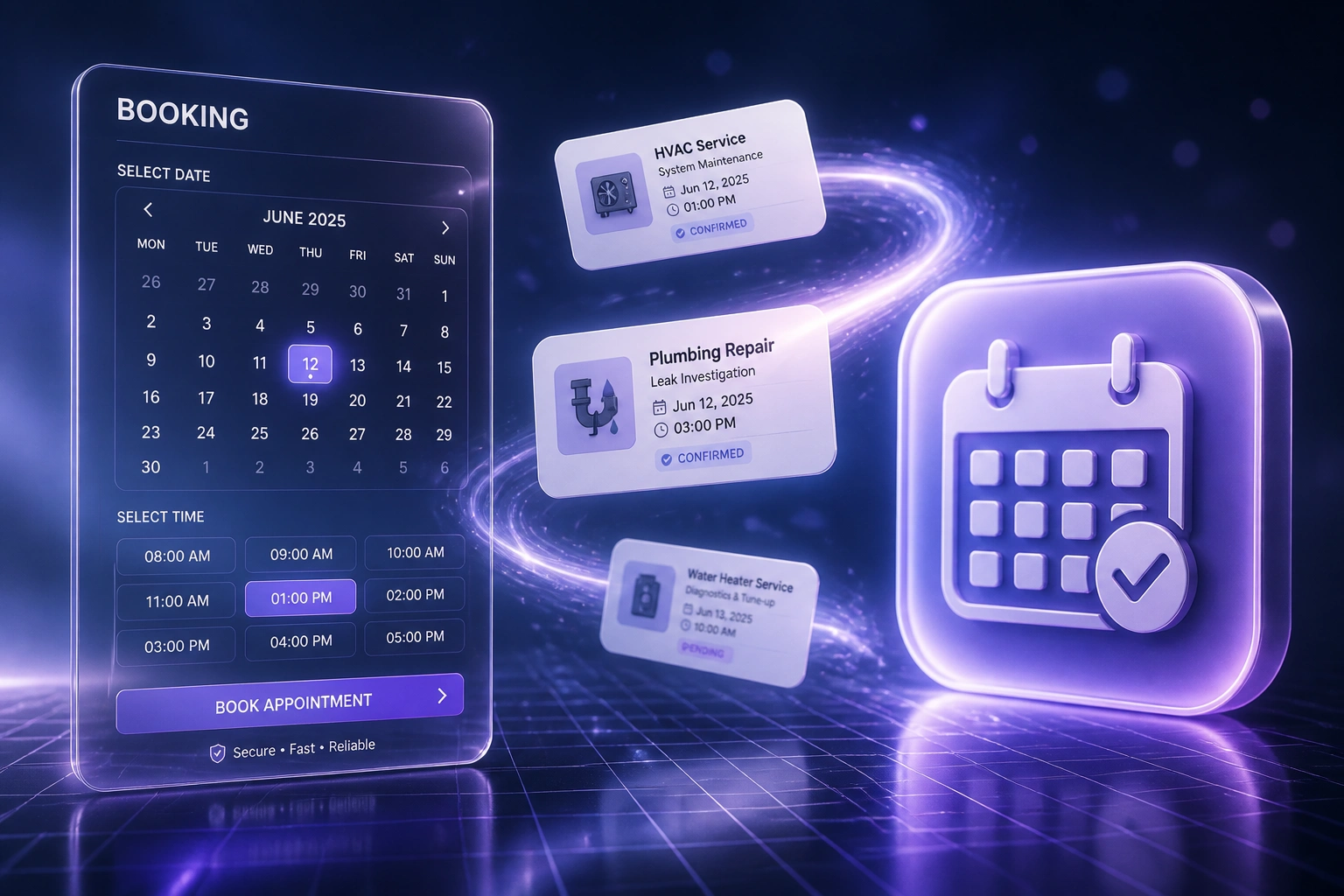
We build online booking that syncs to live technician calendars and stops conflicts before they start.
Sound Familiar?
These are the exact issues field service owners and front-office managers bring us:
- Reception spends half the day on "when can you come?" booking calls
- After-hours enquiries hit voicemail and book a competitor by morning
- Two staff book the same technician into overlapping slots from different channels
- No-shows sit at 12–18% because confirmations rely on a phone chase
- The board looks full on paper, but the calendar and the van never match
Customers already expect 24/7 self-serve booking, and in South Africa they expect WhatsApp or SMS confirmation, not a callback tomorrow. Homeowners who hit voicemail after hours rarely leave a message; about 85% never call back. Competitors who offer online booking take the job overnight.
What the Service Appointment System Actually Does
Customer books → calendar blocks → confirmation sent → board stays clean. No hand-scheduling between channels.
Customer Picks a Slot
Homeowner chooses HVAC, plumbing, or electrical service and an open time online
Live Calendar Check
Availability is read from the technician calendar with travel buffers and service duration rules
Slot Locked & Confirmed
Job writes to the FSM or calendar; WhatsApp or SMS confirmation goes out immediately
Reminders & Reschedules
Timed nudges cut no-shows; customers reschedule themselves instead of going quiet
Everything You Need for Reliable Online Booking
Customer Online Booking
Homeowners pick a service type and an open slot. The booking lands on the board without a receptionist call.
Live Technician Calendar Sync
Every accepted job blocks the tech's real calendar. Phone, web, and WhatsApp bookings read the same availability.
Double-Booking Prevention
Conflict checks run before confirmation. Overlapping slots are refused, not discovered when two vans arrive.
WhatsApp & SMS Confirmations
Instant confirmation plus timed reminders on the channels South African customers actually open.
Service-Type Slot Rules
HVAC maintenance, plumbing call-outs, and electrical inspections get different durations, buffers, and travel windows.
After-Hours Capture
When online booking is available, roughly 31% of bookings arrive outside staffed hours. Your board fills overnight.
Platforms We've Connected for Field Service Booking
From 14 Hours/Week on the Phone to 4
How a Pretoria HVAC and plumbing crew cut phone booking traffic, stopped double-bookings, and recovered R180K+ in year one.
The Phone-Only Process
- Reception booked every job by phone against a shared spreadsheet
- Roughly 4–5 minutes per booking call, stacking into 14 hours a week
- Eight double-booking incidents a month when phone and WhatsApp overlapped
- After-hours enquiries sat in voicemail; most never called back
- No-show rate on maintenance visits sat near 15% with manual reminders
The Online Booking Process
- Customers book service appointments online against live technician calendars
- Conflict checks refuse overlapping slots before confirmation
- WhatsApp confirmation within a minute; 48-hour and morning-of reminders
- Overnight and weekend bookings land on the board without staff on the phone
- Reception focuses on emergencies and commercial quotes, not diary juggling
Before vs After Online Appointment Scheduling
How It Works
From first conversation to live customer booking in 2–4 weeks.
Tell Us Your Setup
Which FSM or calendar you run, how bookings arrive today, and where double-bookings and after-hours leaks hurt most.
Free Scoping Call
30-minute call to map service types, technician availability rules, confirmation flows, and the booking channels you need.
Build & Test
We wire online booking to live calendars, add conflict checks and reminders, then parallel-test with real customer bookings.
Go Live & Monitor
Open customer self-serve booking. Monitoring keeps calendar sync, reminders, and conflict rules healthy.
Frequently Asked Questions
How long does a customer appointment scheduling integration take?
A standard build with online booking, technician calendar sync, and WhatsApp or SMS confirmations takes 2–4 weeks from scoping to go-live. A single service type on one calendar can be live within two weeks. Multi-trade rules, travel buffers, and multi-channel booking typically take 4–6 weeks.
Which field service and calendar tools can you connect?
We connect Jobber, ServiceTitan, Housecall Pro, Simpro, Google Calendar, Outlook Calendar, and custom field service tools. If your scheduling system has an API or webhook support, we can keep customer bookings and technician calendars in sync.
Will customers still be able to phone in bookings?
Yes. Online booking cuts phone traffic; it does not remove the phone. Emergency call-outs and complex commercial jobs still come through reception. The difference is that every channel, phone included, books against the same live technician calendar so double-bookings stop.
How is this different from a website booking widget alone?
A widget that dumps forms into an inbox still needs someone to schedule by hand. We sync confirmed slots to technician calendars in real time, enforce conflict checks, and send WhatsApp or SMS confirmations. The goal is a filled board without double-bookings, not just a form on the site.
What about no-shows and after-hours enquiries?
Home service no-shows without a reminder workflow often sit at 12–18%. Online self-scheduling alone cuts no-shows by about 38%, and WhatsApp reminders (98% open rate in South Africa) tighten that further. When online booking exists, roughly 31% of bookings arrive outside staffed hours instead of dying in voicemail.
How much does customer appointment scheduling cost?
A single service type with calendar sync starts from around R15,000. Full customer booking with multi-tech calendars, conflict prevention, WhatsApp confirmations, and FSM write-back typically ranges from R25,000 to R60,000. Teams recovering even half a receptionist day a week usually see ROI within 2–3 months.
Stop Losing Jobs to the Phone Queue
If your customers still book HVAC, plumbing, and electrical work only by phone, you are burning receptionist hours and handing after-hours work to whoever answers first.
Tell us which field service or calendar tools you use, how bookings arrive today, and where double-bookings hurt most. We will show you exactly how customer appointment scheduling would work for your crew.