Client Portal for Orders and Invoices: Reduce Support Queries Overnight
Finance and support drown in the same emails every week: "where's my order?" and "please send the invoice." Finding PDFs, checking status, and attaching statements steals hours that should go to work that needs judgement.
A focused client portal for order tracking, invoices, and statements cuts that query load overnight.
Sound Familiar?
These are the exact issues our clients faced before a focused order and invoice portal:
- Half the shared inbox is "where's my order?" and "please resend the invoice" every week
- Support and finance hunt PDFs across email threads for 8 to 15 minutes per request
- Clients wait half a day for a first reply while their AP team sits idle
- Account statements only go out when someone remembers to export and attach them
- The same remote clients ask the same status questions every billing cycle
Average email first-response still sits near 12 hours while remote clients and rising support labour costs punish every "send me the PDF" thread. Roughly one in ten late-payment cases starts with a forgotten or missing invoice document. The longer status and invoice chaos lives in email, the more DSO and queue time you donate.
What the Client Portal Actually Does
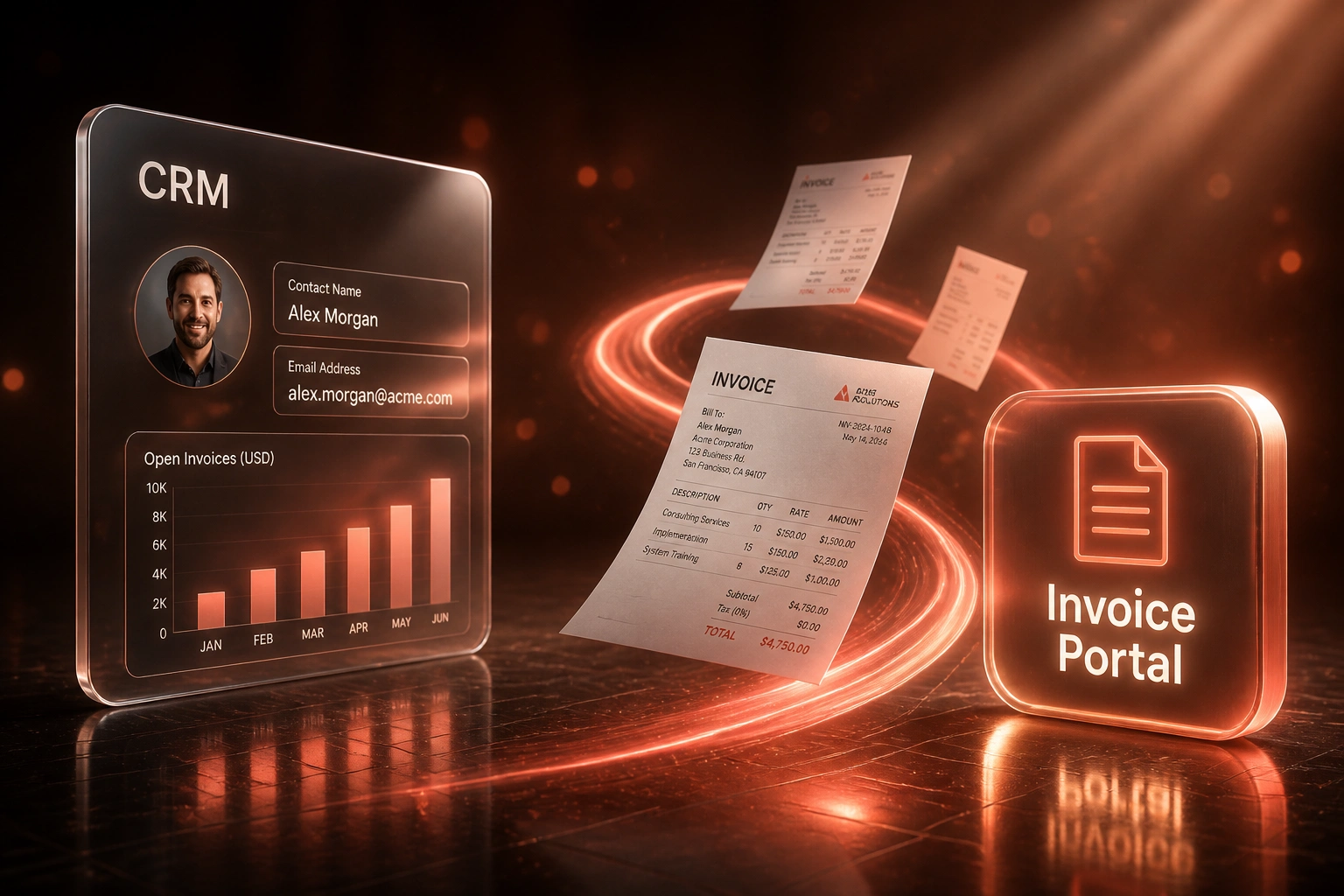
Client logs in → sees orders and invoices → downloads what they need. Your inbox stops answering the same lookup twice.
Client Needs a Status or PDF
AP or ops opens the portal instead of emailing support or finance
Live Order and Invoice View
History, status, and documents pull from CRM and accounting in real time
Self-Serve Download
Invoice PDFs and statements download instantly, with no ticket created
Queue Stays Clear
Support and finance keep hours for exceptions, disputes, and real judgement work
Everything You Need for Order Tracking and Invoice Portal Access
Order History at a Glance
Clients open a branded portal and see every order with status, dates, and line items. "Where's my order?" stops landing in your queue.
Invoice PDF Self-Service
Tax invoices download instantly from the portal. Finance stops digging through shared drives and forwarding copies.
Account Statements On Demand
Monthly and ad-hoc statements are always available. Clients stop emailing for balances and ageing packs.
Live Sync from Source Systems
Orders and invoices pull from your CRM, ERP, or accounting stack so the portal never drifts from the ledger.
Role-Based Client Access
Invite the right contacts per account, revoke access when people leave, and keep an audit trail of views and downloads.
Support Deflection Analytics
Track how many order and invoice lookups never become tickets, so you can prove the portal pays for itself.
Systems We've Connected to Client Portals
From 220 Lookup Tickets a Month to 65
How a mid-size B2B distributor cut order and invoice query load overnight and gave finance and support their week back.
The Manual Process
- Shared inbox mixed support tickets with "resend invoice" and "order status" emails
- Each lookup took 8 to 15 minutes of hunting PDFs and checking order systems
- Roughly 220 order and invoice queries a month, about half of all inbound volume
- Average first reply near a full business day while remote clients chased documents
- Missing invoices delayed AP approvals and stretched payment timing
The Portal Process
- Clients open a branded portal for order history, invoice PDFs, and statements
- Lookup tickets fell from 220 a month to about 65 (exceptions and disputes only)
- Support replies with a portal link once, then the habit sticks
- Finance stops acting as a PDF helpdesk and returns to collections judgement work
- Fewer "we never received the invoice" excuses on overdue accounts
Before vs After the Invoice Portal
How It Works
From first conversation to a live client portal in 3–6 weeks.
Map the Query Load
Which systems hold orders and invoices, how clients ask today, and which request types burn the most support hours.
Free Scoping Call
30-minute call to design portal screens, access rules, branding, and which fields sync from CRM and accounting.
Build and Pilot
We connect your sources, stand up the portal, and run a pilot with a handful of remote clients before full invite.
Go Live and Deflect
Invite the customer base, point status and invoice replies at the portal, and watch lookup tickets fall in the first cycle.
Frequently Asked Questions
How is this different from a full customer self-service portal?
This build is deliberately narrow: order history, invoices, and statements. It is designed to cut the "where's my order?" and "send me the invoice" queue, not to replace payments processing, wholesale ordering, or a multi-feature branded portal. You get the highest-volume support deflection without boiling the ocean.
Will this reduce our support ticket volume?
Order-status and invoice lookups routinely make up a large share of inbound volume. Industry benchmarks put order-status alone at 30 to 50% of tickets in many teams, with invoice and payment questions adding another substantial slice. Mature self-service programmes typically cut live-agent volume by 25 to 40%, and status lookups deflect at higher rates because the answer is a data lookup, not a judgement call.
Which systems can power the order and invoice data?
We typically sync from HubSpot, Salesforce, or Pipedrive for commercial order context, and from Xero, Sage, or QuickBooks for invoices and statements. Shopify and custom ERP stacks work when there is a reliable API or export. The portal stays read-focused for clients so finance keeps owning the ledger.
How do we control who sees which orders and invoices?
You invite named contacts per customer account. Each login only sees that account's orders, invoices, and statements. Access can be revoked when an AP or ops contact leaves, and every download is logged for disputes or audits.
Will clients actually use a portal instead of emailing us?
Yes, when it is faster than waiting. Average email first-response times still land around 12 hours for many teams, while a portal answers in seconds. Around two thirds of customers prefer self-service for routine issues, and remote clients especially stop chasing PDFs once they know the portal is the source of truth.
How much does a client portal for orders and invoices cost?
A focused portal for order history, invoice PDFs, and statements typically starts from around R35,000. Builds that add multi-user access, statement packs, and deeper CRM plus accounting sync usually range from R45,000 to R85,000. Teams handling 150+ order and invoice lookup tickets a month often recover the cost within two to three months through hours returned and fewer late payments caused by missing documents.
Stop Answering the Same Order and Invoice Emails
If half your support and finance inbox is status lookups and document requests, you are paying live-agent rates for answers a portal can give in seconds.
Tell us which systems hold your orders and invoices, how clients ask today, and what volume of "where's my order?" and "send the invoice" tickets you see each month. We'll show you how a focused client portal would deflect that load for your team.