Customer Self-Service Portal: Let Clients Help Themselves Around the Clock
Your clients email and call for the same four things every week: invoices, order status, requests, and documents. Your team has become the human API for answers that already live in your systems.
We build the branded portal that lets them help themselves, 24/7.
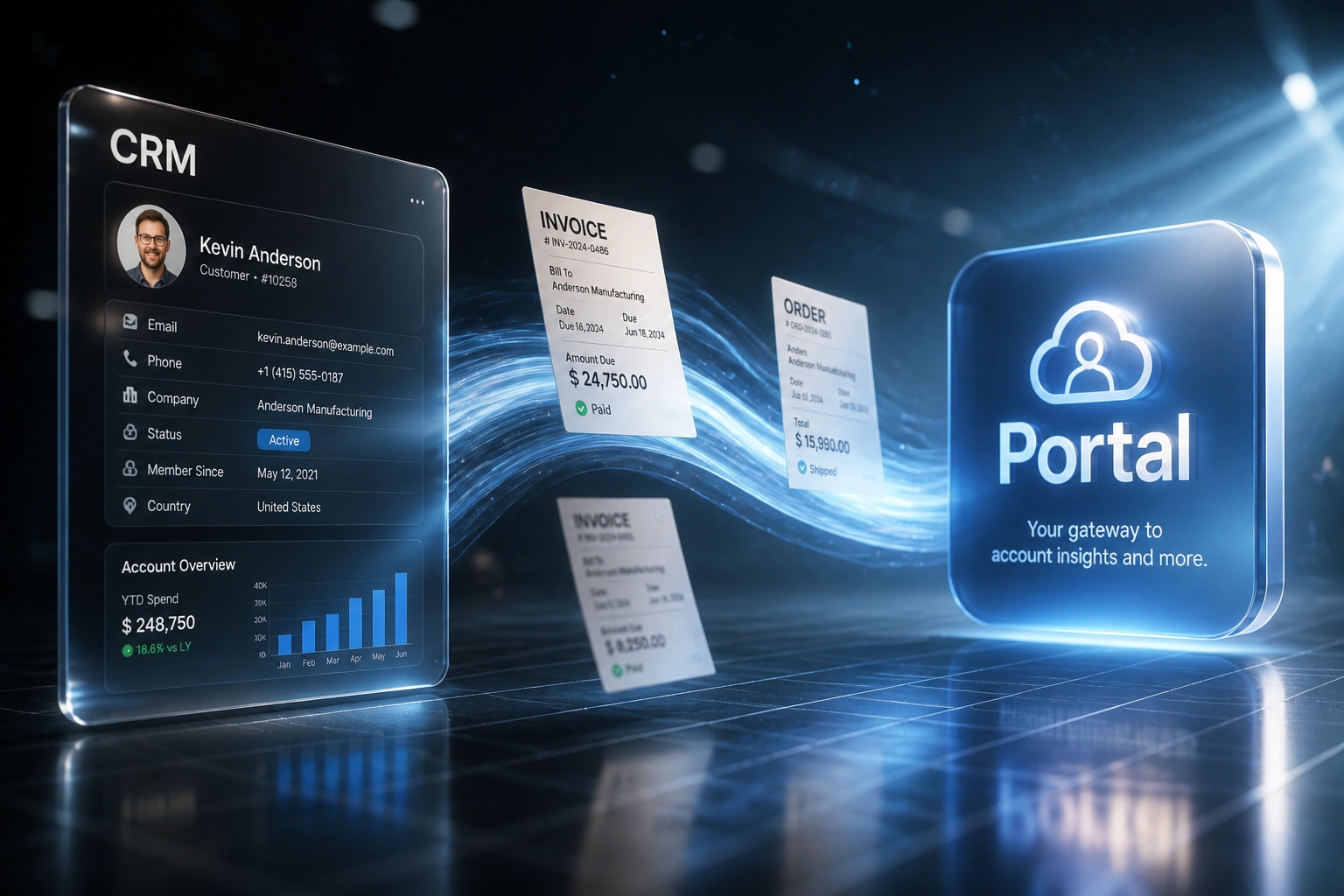
Sound Familiar?
These are the exact issues our clients faced before a branded customer portal:
- Clients email and call every week for the same four things: invoices, order status, service requests, and documents
- Your client-success team has become a human API, digging through finance, ops, and shared drives to answer each one
- After-hours and weekend queries pile up until Monday, while clients expect 24/7 access
- Perceived professionalism drops when a paid client waits two days for a PDF that already exists in your systems
- Rising labour costs make staffing every routine query unsustainable as the client base grows
Eighty-eight percent of customers expect a self-service portal to exist, and companies with no after-hours coverage average a 12-point CSAT gap versus peers with 24/7 options. Hybrid work and rising labour costs make "just hire another coordinator" the expensive answer. A portal scales without another salary.
What the Customer Portal Actually Does
Client logs in → finds their invoice, order, request, or document → gets on with their day. No human in the middle.
Client Signs In
Secure login maps to their account so they only see their own invoices, orders, and files
Data Surfaces Live
Invoices, order status, open requests, and documents pull from finance, ops, CRM, and storage
They Help Themselves
Download the PDF, check the shipment, submit a request, or grab a contract at 10pm
Your Team Stays Free
Routine contacts drop. Client success spends time on revenue work, not attachment hunting
A Full Branded Client Portal, Not a Bolt-On
Invoice & Statement Hub
Clients download invoices, statements, and payment history on demand, branded to your company, without a ticket to finance.
Live Order Tracking
Order stage, fulfilment status, and delivery estimates pull from your ops or CRM data so "where is my order?" dies in the portal.
Service Request Intake
Branded forms for change requests, support asks, and service orders, with status the client can check without chasing your team.
Secure Document Library
Contracts, certificates, proposals, and signed packs sit behind login so clients help themselves instead of emailing for attachments.
Branded Client Experience
Your logo, colours, and domain. The portal feels like a product you sell, not a bolted-on CRM login page.
Deflection & Adoption Analytics
See which screens kill tickets, where clients abandon, and how many hours your team recovers each month.
Systems We've Connected Into Client Portals
From 16 Hours/Week to 3 Hours/Week
How a 35-person professional services firm stopped being the human API for invoices, orders, requests, and documents.
The Manual Process
- Client success spent mornings digging up invoices and order updates from finance and ops
- After-hours emails sat until Monday, then queued behind the week's fire drills
- Document requests meant hunting shared drives and forwarding attachments by hand
- The same four asks made up most of the routine contact volume every week
- Hiring another coordinator was the only way the queue seemed to shrink
The Portal Process
- Clients log into a branded portal and pull invoices, orders, requests, and documents themselves
- Weekend and evening queries resolve without opening a ticket
- Client success handles exceptions and expansion conversations, not PDF fetches
- Routine contact volume on those four intents dropped sharply within the first quarter
- The firm looks more professional because clients get answers in seconds, not days
Before vs After a Branded Client Portal
How It Works
From first conversation to live portal in 4–8 weeks.
Map the Four Asks
We review which invoice, order, request, and document queries eat your week, and which systems hold the answers.
Free Scoping Call
30-minute call to design the portal screens, branding, auth model, and data sources for each module.
Build & Pilot
We build the branded portal, connect your live systems, and pilot with a client cohort before full rollout.
Launch & Measure
Go live across your base. Deflection, hours recovered, and client adoption are tracked from week one.
Frequently Asked Questions
How is a branded self-service portal different from a CRM login or helpdesk?
A CRM login shows your team's records. A helpdesk is for tickets. A customer self-service portal is a productised client experience: invoices, orders, requests, and documents in one branded place, available around the clock. Clients help themselves instead of treating your team as the human API.
Which systems can feed the portal?
We've connected portals to HubSpot, Salesforce, Pipedrive, Xero, Sage, custom ERPs, fulfilment tools, and document stores. If the invoice, order, or file already exists somewhere in your stack, we can surface it securely to the right client.
How much support volume can a portal realistically cut?
Salesforce State of Service data shows companies with self-service portals cut live-agent contact volume by 20–30%. Mature self-service programmes deflect 25–40% of inbound tickets (Gartner). Order status, invoice copies, and document requests sit at the top of that list because the answer already exists in your systems.
Will clients actually use it after hours?
Yes, that is often the point. Research from Gorgias found roughly half of shopper questions arrive outside business hours. Eighty-eight percent of customers expect a self-service portal to exist, and 67% prefer it for simple issues (Zendesk). A portal answers them at 10pm without opening a ticket.
How long does a branded customer portal take to build?
A focused portal covering invoices, order status, requests, and documents typically takes 4–8 weeks from scoping to pilot. Multi-brand portals, complex account hierarchies, or deep ERP customisation take longer. We always pilot with a small client group before full launch.
How much does a customer self-service portal cost?
Branded portals typically range from R50,000 to R150,000 depending on modules, branding, auth complexity, and how many systems feed the data. Most teams spending 10+ hours a week answering the same four client asks see payback within a quarter once deflection and recovered staff time are counted.
Give Clients a Portal That Works Around the Clock
If your team still fetches invoices, order updates, and documents by hand, you are paying skilled people to do work a branded customer portal can finish in seconds.
Tell us which four asks dominate your inbox, which systems hold the answers, and how your brand should show up. We will show you exactly how a self-service client portal would work for your business, as part of our custom app development work.