Generate Debit Order Collection Reports Automatically
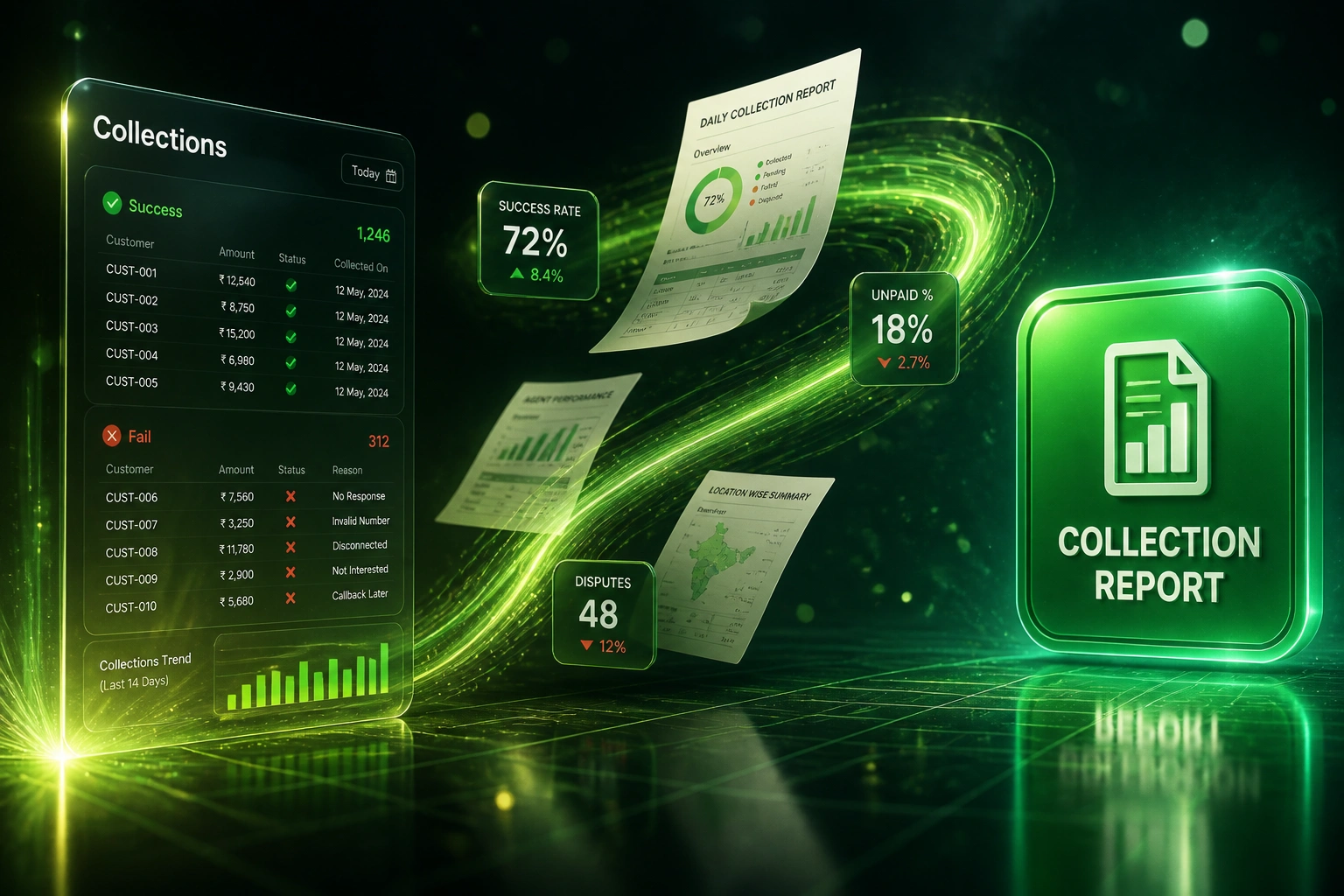
Monthly collection runs generate data on successful debits, failures, and disputes. If your collections ops lead or CFO still waits on a Friday Excel pack to see collection health, failure trends arrive too late to protect cash flow.
We automate the collection report so you act before the next unpaid spike.
Sound Familiar?
These are the exact issues collections ops leads and CFOs face without automated debit order reporting:
- After every monthly debit run, someone spends a full day merging Netcash or DebiCheck CSVs into Excel before the CFO sees collection health
- Success, unpaid, and dispute totals live in three bureau screens, so nobody spots a rising failure trend until cash already dipped
- NAEDO and EFT outcomes get mixed with DebiCheck results, so the unpaid rate looks "normal" when one stream is quietly collapsing
- Unpaid reason codes stay in the bureau portal; collections cannot prioritise NSF versus dispute versus account closed without another export
- Board packs still show last month's spreadsheet snapshot while unpaid retention quietly holds more of this month's batch for 22 working days
Bureau portals show batch outcomes; they do not run your collection analytics. Netcash unpaid retention is recalculated from your six-month unpaid history. If you only discover a spike when the CFO asks for the pack, you have already locked more cash and burned recovery time.
What Automated Collection Reporting Actually Does
Run settles → outcomes ingested → collection report issued → trends alerted before cash dips.
Batch Settles
Netcash, DebiCheck, PayGate, or GoCardless returns success, unpaid, and dispute outcomes
Outcomes Normalised
Reason codes and streams map into one collection analytics model your team can read
Report Delivered
Automated collection report lands in email, CRM, and the CFO pack the same day
Trends Acted On
Unpaid and dispute spikes trigger tracking, retries, or mandate fixes before the next run
Everything You Need for Debit Order Reporting
Automated Collection Reports
When the monthly run settles, a collection report lands in finance and collections with success, unpaid, and dispute totals, plus Rand value at risk.
Stream-Level Collection Analytics
DebiCheck, legacy NAEDO/AEDO, and EFT outcomes are split so one weak stream cannot hide inside a blended unpaid percentage.
Failure Trend Alerts
Week-on-week unpaid and dispute rate shifts trigger alerts early enough to change tracking, retries, or mandate fixes before the next presentment.
Reason-Code Routing
Unpaid reason codes map into collections queues: NSF to affordability, disputes to retention, account closed to win-back, not another generic chase list.
CRM and Ledger Sync-Back
Failed and disputed customers update in the CRM and accounting view so sales, CS, and finance share one collection health picture.
CFO Pack Exports
Scheduled PDF and spreadsheet packs for board and cash-flow reviews, with the same KPIs every month, without rebuilding pivots by hand.
Platforms We've Connected for Collection Analytics
From 10 Hours of Excel to a Same-Day Collection Report
How a Gauteng membership business stopped the monthly spreadsheet scramble and recovered R620,000 in year one by acting on unpaid trends earlier.
The Manual Pack
- ~3,500 DebiCheck and EFT customers collected monthly via Netcash
- Finance analyst spent ~10 hours after each run merging CSVs, building pivots, and emailing the CFO
- Blended unpaid rate sat near 18%; DebiCheck and EFT were not split, so one stream hid the other
- Dispute and NSF spikes were only clear in the board pack, often two weeks after settlement
- Rising unpaid % increased unpaid retention held for the 22 working-day release window
The Automated Report
- Collection report lands the same morning outcomes settle, with stream-level success and unpaid KPIs
- Unpaid and dispute rate alerts fire when week-on-week moves breach the threshold
- Reason codes route NSF to collections and disputes to retention without a second export
- Report prep dropped to about 45 minutes of review; Excel rebuild retired after two parallel cycles
- Earlier DebiCheck tracking and retries cut the unpaid spike within one presentment window
Before vs After Collection Reporting
How It Works
From first conversation to a live collection report in 2 to 4 weeks.
Map Your Collection Runs
Which bureau, which streams (DebiCheck, EFT, legacy), how you build the monthly report today, and who needs it first.
Free Scoping Call
30-minute call with your collections ops lead or CFO to design KPIs, alert thresholds, and where the report should land.
Build & Parallel Run
We wire bureau outcomes into the automated report, run it beside your Excel pack for one or two cycles, and prove the numbers match.
Go Live & Monitor
Switch off the manual scramble. Alerts and dashboards keep collection health visible between runs.
Frequently Asked Questions
What is automated debit order collection reporting?
It is a recurring collection report built from your bureau outcomes after each run: successful debits, unpaid items, disputes, Rand values, and unpaid rates by stream (DebiCheck, EFT, legacy NAEDO/AEDO). Instead of exporting CSVs into Excel, finance and collections get the same pack automatically, with trend alerts when failure rates move.
How is this different from mandate management or dispute handling?
Mandate management keeps authorisations alive before presentment. Dispute handling works the 60-day PASA reversal window after a customer challenges a debit. Collection reporting sits after the run: it shows collection health (success, fail, dispute rates) so ops can act before cash flow dips. Most books need all three over time; this page is specifically the reporting layer.
Which payment providers can you pull collection analytics from?
We have wired collection reports to Netcash, DebiCheck outcomes via SA bureaux, PayGate, GoCardless, and Stitch, and written results back to HubSpot, Pipedrive, Xero, Sage, and custom billing systems. If your provider exposes batch outcomes and reason codes via API or file drop, we can automate the pack.
Will this replace our Netcash or bureau unpaid reports?
No. Your bureau remains the settlement source of truth. We ingest those outcomes into one collection analytics view your team already uses, add trend and stream splits the portal does not give you in board format, and stop the monthly Excel rebuild. Netcash still calculates unpaid retention from your six-month unpaid history; cleaner reporting helps you manage that percentage earlier.
How quickly will we see failure trends?
Most clients see the first automated pack within one collection cycle of go-live. Alerts on unpaid or dispute rate moves can fire within days of settlement, not at the next board meeting. Parallel running against your current spreadsheet usually takes one to two monthly runs before you retire the manual process.
How much does automated collection reporting cost?
A single-bureau automated collection report with email and CRM delivery typically starts from around R20,000. Multi-stream analytics with reason-code routing, trend alerts, and CFO pack exports usually range from R35,000 to R65,000. Teams spending a day a month on spreadsheets, or holding excess unpaid retention, often see payback within two to three months.
See Collection Health Without the Spreadsheet
If your collections ops lead still builds the monthly pack by hand, unpaid and dispute trends are already late for cash-flow decisions.
Tell us which bureau you use, how many debit customers you collect each month, and who needs the collection report first. We will show you what automated debit order reporting would look like for your book.