

Department Dashboards: Give Every Manager a Real-Time View of Their Numbers
COOs and department heads still start every week chasing status updates across spreadsheets and WhatsApp. By the time the pack is ready, the operational systems have already moved on.
Every manager opens one live view of their numbers before 8am, without waiting for Finance or IT to export CSVs.
Sound Familiar?
These are the exact issues our clients faced before live manager views:
- Every Monday starts with WhatsApp status chases across Ops, Sales, Finance, and Support
- Department heads wait on Finance or IT to export CSVs before they can brief their teams
- Stand-ups run on numbers that were already stale by the time the spreadsheet was finished
- Hybrid and remote managers cannot walk the floor, so visibility collapses into chat threads
- Real KPI movement lives in CRM, ERP, helpdesk, and payroll, but never reaches the manager view in time
Roughly half of organisations still lack real-time centralised KPIs (Wellingtone State of Project Management 2025). Hybrid and remote teams make the gap worse: without a walk-the-floor option, delayed management reporting becomes the default operating system.
What a Department Head Dashboard Actually Does
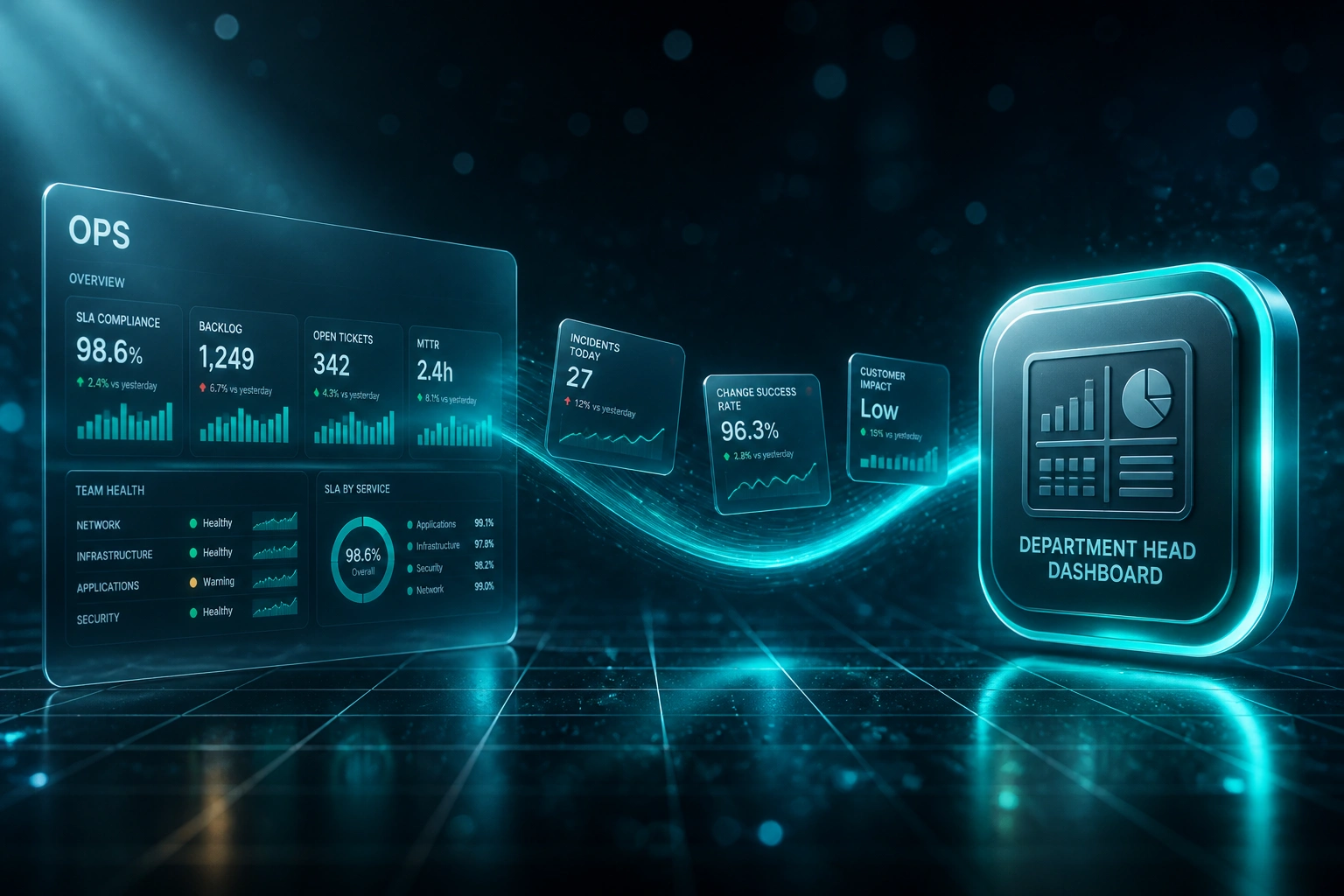
Operational systems update → live KPIs land in each manager view → stand-up starts with facts, not WhatsApp threads.
Sources Keep Running
CRM deals, ERP orders, helpdesk tickets, and payroll events update as work happens
Live Sync to Manager Views
Each department head's command centre refreshes from the systems they already use
Open Before 8am
Managers open real-time KPIs before stand-up instead of chasing status screenshots
Act on Exceptions
Alerts surface breaches while the corrective window is still open
Manager Autonomy, Not Another Shared Scorecard
Personal Manager Command Centres
Each department head gets a live view tailored to their remit: pipeline for Sales, fulfilment for Ops, ticket SLAs for Support, headcount and leave for HR.
Pull From Systems You Already Use
We wire CRM, ERP, helpdesk, payroll, and accounting so managers stop chasing exports and open one screen before 8am.
Morning Stand-Up Ready
Numbers refresh overnight and through the day, so the first meeting is about decisions, not "who has the latest file?"
Manager-Owned Filters
Team, region, product line, or shift: each head controls their own slice without asking IT for another report.
Exception Alerts Before Escalation
SLA breaches, backlog spikes, cash dips, and leave liabilities surface to the owning manager while there is still time to act.
Replace WhatsApp Status Rituals
Live tiles replace the weekly chase for screenshots and voice notes. Leadership sees the same truth the manager sees.
Systems We've Wired Into Manager Views
From 8 Hours of Monday Chasing to a 10-Minute Glance
How a 180-person logistics group gave five department heads live command centres and stopped starting the week in WhatsApp.
The Manual Process
- Ops, Sales, Warehouse, Support, and HR heads messaged team leads for weekend status
- Finance exported CRM and ERP CSVs Monday morning for anyone who asked
- Each head spent roughly eight hours a week assembling their own pack
- Stand-ups debated whose screenshot was current, not what to fix
- Hybrid managers had no floor walk, so chat threads became the source of truth
The Live Manager Views
- Each head opens a personal dashboard fed from CRM, WMS, helpdesk, and payroll
- Overnight refresh means numbers are ready before 8am stand-up
- Exception alerts flag SLA and backlog breaches without a WhatsApp ping
- Monday meetings start on decisions; the chase ritual is gone
- Finance and IT keep definition ownership without weekly export queues
Before vs After Real-Time Manager Views
How It Works
From first conversation to live manager views in 3–5 weeks.
Map Each Manager View
Which department heads, which morning decisions, and which operational systems hold today's truth.
Free Scoping Call
30-minute call to prioritise the first manager command centres and the KPIs that replace WhatsApp chasing.
Build & Parallel Run
We connect sources, build each head's live view, and run beside the old Monday pack until the numbers match.
Go Live Before 8am
Managers open their dashboards every morning. Alerts go live, and we monitor refresh health so trust holds.
Frequently Asked Questions
How is this different from a company-wide dashboard or board pack?
Board packs summarise the whole business for directors. Department head dashboards are personal live command centres: each manager opens their own view of CRM, ERP, helpdesk, or payroll numbers before stand-up. Same underlying data, manager autonomy instead of a shared wall of noise.
Which operational systems can feed a department head dashboard?
We regularly pull from HubSpot, Salesforce, Sage, Pastel, SAP, Xero, Zendesk, Freshdesk, SimplePay, BambooHR, and custom ERPs. If the system your team uses day-to-day has an API or export path, we can wire it into a manager-owned live view.
Will this disrupt how our managers already run Monday stand-ups?
No. We design the views to replace the WhatsApp and CSV ritual, not invent a new operating model overnight. Managers keep their cadence; the numbers arrive live and already filtered to their team. We run parallel validation before retiring the old packs.
How do you keep Finance and IT from becoming the bottleneck again?
Once sources are connected, refreshes run on a schedule without waiting for a new export request. Managers own filters for their team or region. Finance and IT stay in control of definitions and access, but they stop being the human API for every Monday morning.
How long does a department head dashboard system take to build?
A first wave of three to five manager command centres typically takes 3–5 weeks from scoping to go-live. Broader rollouts with more source systems and alert rules land in 6–8 weeks. A single-department pilot can be live in under two weeks.
How much do department head dashboards cost?
Focused builds for two to three managers start from around R35,000. Multi-department programmes with live sync from CRM, ERP, helpdesk, and payroll typically range from R55,000 to R120,000. Most clients recover the investment within one to two quarters once Monday status hours disappear.
Stop Starting the Week in WhatsApp
If your department heads still chase status updates before every stand-up, you are paying skilled managers to assemble numbers that already exist in CRM, ERP, helpdesk, and payroll.
Tell us which managers need a morning view, which systems they live in, and what decisions stall without live numbers. We will show you exactly how department dashboards would work for your business.