

Contract Repository: Store, Search and Retrieve Agreements in Seconds
Your Legal Ops, Finance, and Ops leads waste hours hunting for the signed version across email, shared drives, and desks. That scramble delays audits, disputes, and day-to-day decisions.
We build the searchable contract archive that ends the hunt.
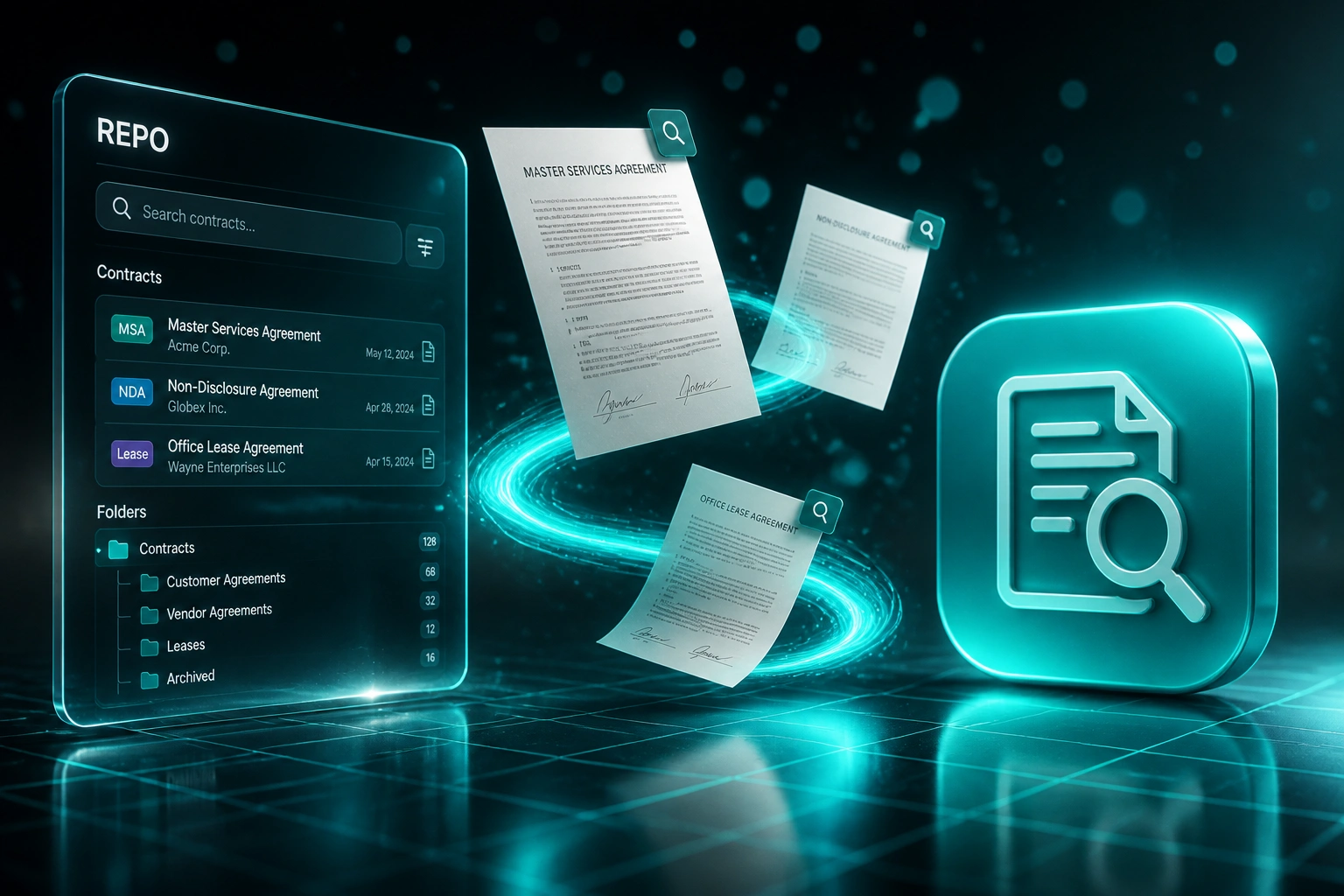
Sound Familiar?
These are the exact issues our clients faced before they had a proper contract repository:
- Signed MSAs, NDAs, and leases live in email, shared drives, and desks with no single contract archive
- Finding "the signed version" takes 45 minutes on average, and often longer when filenames mislead
- Nearly half of organisations sometimes cannot locate a completed contract at all
- Teams work from outdated drafts because version history is scattered across Word and PDF copies
- Audit packs and litigation discovery become multi-week hunts instead of a searchable pull
POPIA access requests typically need a response within about 30 days, and litigation discovery or board audits do not wait for someone to finish searching email. If your signed agreements are not searchable, every request becomes an emergency.
What the Contract Archive Actually Does
Agreement signed → indexed in the repository → searchable by tag or full text → retrieved in seconds.
Signed Contract Arrives
PDF lands from DocuSign, email, or a shared drive after execution
Indexed & Tagged
Full-text index, counterparty tags, type, dates, and version label applied
Search & Retrieve
Legal Ops or Finance finds the right agreement in seconds, not hours
Export With Confidence
Audit, POPIA, or dispute pack downloads from the single source of truth
Everything You Need for Agreement Storage and Document Search
Centralised Contract Repository
Every MSA, NDA, lease, and commercial agreement lands in one permissioned archive, not inbox folders or personal drives.
Full-Text Document Search
Search party names, clause language, dates, and deal references across the contract archive. Retrieval drops from hours to seconds.
Tagging & Metadata
Tag by counterparty, contract type, business unit, jurisdiction, and status so Legal Ops and Finance filter without opening every PDF.
Version Control
One current signed version, with prior drafts retained and labelled. No more arguing over which attachment is final.
Access Controls & Audit Trail
Role-based permissions plus a log of who viewed, downloaded, or replaced an agreement. Ready for POPIA and external audit questions.
Export Packs On Demand
Assemble counterparty packs, board packs, or discovery sets from the repository in minutes instead of rebuilding from scratch.
Sources We've Connected into Contract Archives
From 45 Minutes to Under 30 Seconds
How a mid-market services group stopped hunting for signed agreements and made audit packs a same-day job.
The Scattered Archive
- Legal Ops searched email, three shared drives, and personal folders for every MSA or NDA
- Average 45 minutes to locate a completed contract, then more time to confirm it was current
- Less than half the team felt confident they had the latest signed version
- Two POPIA-related record pulls took over a week of all-hands searching
- Version filenames like Final_v7_SIGNED_reallyfinal.pdf created dispute risk
The Searchable Repository
- Every signed agreement indexed in one contract repository with full-text search
- Tagged by counterparty, type, and business unit; current version always marked
- Retrieval dropped to under 30 seconds for routine lookups
- Audit and access-request packs assembled from the archive the same day
- New DocuSign completions flow into the repository automatically
Before vs After a Searchable Contract Repository
How It Works
From first conversation to a live contract repository in 3–6 weeks.
Map Your Contract Estate
Where agreements live today, who owns them, and which types matter most for search and retrieval.
Free Scoping Call
30-minute call to design taxonomy, permissions, and ingestion from email, drives, and e-sign tools.
Build & Migrate
We stand up the repository, import historical agreements, tag and index them, and validate search quality.
Go Live & Train
Legal Ops, Finance, and Ops use one archive. New signed contracts flow in automatically from day one.
Frequently Asked Questions
How is a contract repository different from a shared drive?
Shared drives store files. A contract repository indexes full-text content, enforces a single current version, applies consistent tags, and controls who can see which agreement. You stop guessing filenames and start retrieving by counterparty, clause, or date.
Can you import our existing MSAs, NDAs, and leases?
Yes. We migrate from email exports, SharePoint, Google Drive, and e-sign platforms, then tag and index so historical agreements become searchable from day one. Priority goes to active commercial contracts first.
Will this replace our contract renewal or obligation tracker?
No. This build focuses on storage, search, tagging, and version control so you can find the right agreement instantly. Renewal alerts and obligation tracking are a separate layer we can add later if you need them.
How does this help with POPIA access requests and audits?
When a data subject, auditor, or opposing counsel asks for agreements involving a person or entity, you search once and export a pack with an access trail. That is the difference between a calm 30-day response window and a chaotic all-hands hunt.
Which systems can feed the repository?
We commonly connect DocuSign, Dropbox Sign, SharePoint, Google Drive, HubSpot, Salesforce, and custom contract folders. If a signed PDF lands somewhere your team already uses, we can route it into the archive automatically.
How much does a digital contract repository cost?
A focused repository with full-text search, tagging, and version control typically starts around R25,000. Larger estates with multi-source ingestion and permission models usually sit between R40,000 and R80,000. Most Legal Ops teams recover the cost within a few months of staff time alone.
Give Your Team a Contract Archive That Actually Finds Things
If Legal Ops, Finance, or Ops still dig through email for the signed version, you are paying for a problem a searchable repository already solves.
Tell us where your agreements live today, how often you need them, and what an audit or dispute pull looks like. We will show you how a centralised digital contract repository with full-text search would work for your estate.