Digital Onboarding Document Collection: Complete Files Before Day One
Chasing new employees for ID copies, tax forms, and bank details wastes HR and payroll time. Blurry WhatsApp photos and incomplete packs delay first pay and leave sensitive documents scattered across chat and email.
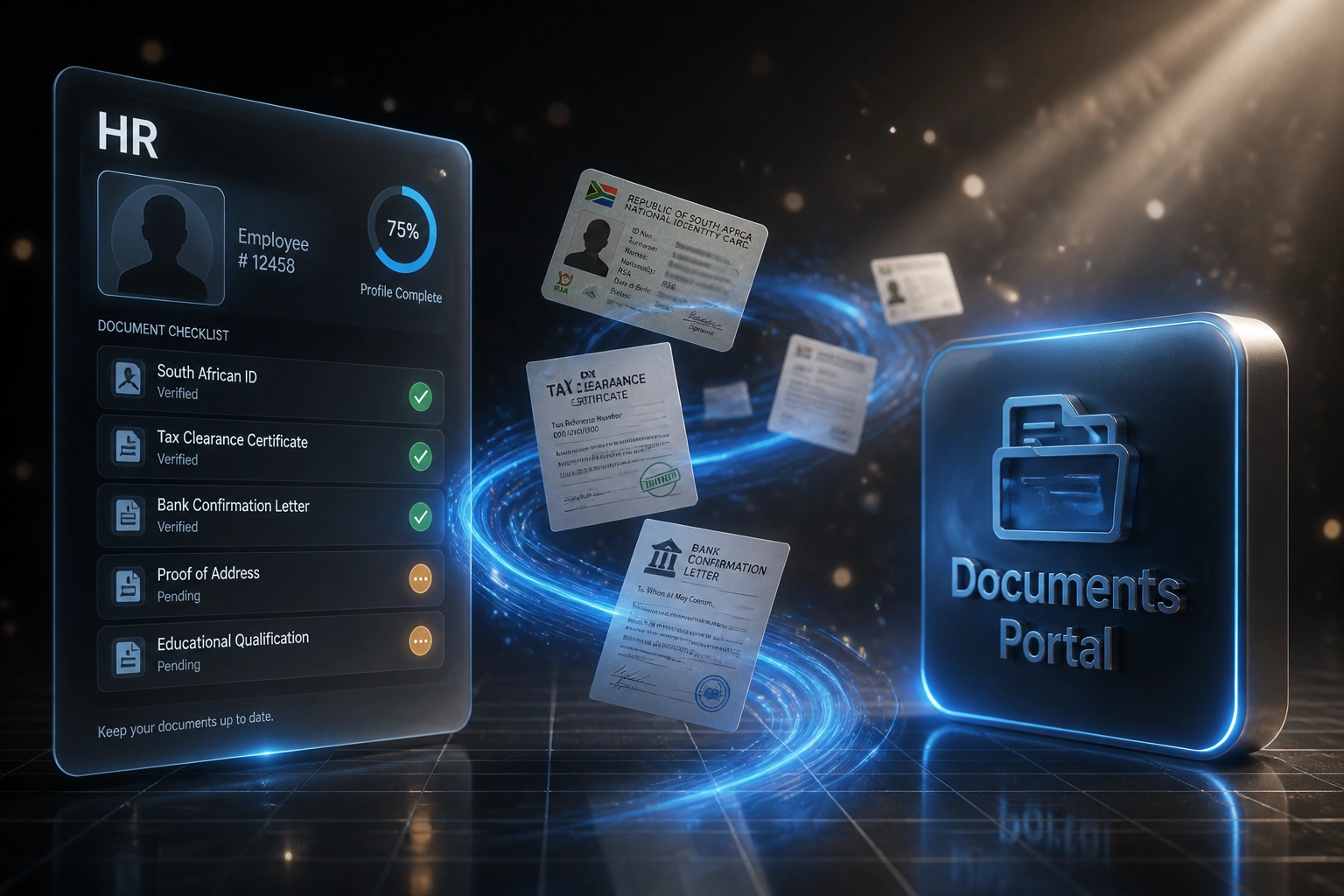
We build the secure portal that collects, validates, and syncs every document before day one.
Sound Familiar?
These are the exact issues our clients faced before digital document collection:
- New hires send blurry WhatsApp photos of IDs that fail payroll verification
- Tax numbers, bank letters, and signed contracts trickle in over email for days
- Payroll clerks retype details from PDFs into Sage, SimplePay, or PaySpace by hand
- Missing bank or tax details push first pay into the next cycle
- ID copies and medical aid forms sit in shared drives with no access control or audit trail
SARS now expects valid income tax reference numbers on IRP5 certificates for the 202602 reconciliation. New hires without a complete tax file at setup create rejection risk later, and banking details still need to land well before payroll cut-off for first-pay direct deposit.
What Digital Document Collection Actually Does
Offer accepted → pack requested → documents validated → payroll ready. No WhatsApp chasing.
Offer Accepted
HR marks the hire as accepted and the portal sends a branded invite with the document checklist
New Hire Uploads
ID, tax details, bank letter, contract, POPIA consent, and medical aid forms submitted before day one
Validated & Reminded
Quality checks reject bad uploads; overdue items get automatic reminders until the pack is complete
Synced to Payroll
Verified details write into HRIS and payroll so first pay runs from a complete, audit-ready file
Everything You Need for New Hire Paperwork
Secure Pre-Day-One Portal
New hires upload SA ID or passport, tax details, bank confirmation, signed contract, POPIA consent, and medical aid forms in one guided checklist before they start.
Validation at Capture
Required fields, file quality checks, and format rules catch incomplete packs before HR opens them. Blurry scans and missing pages get bounced back automatically.
Automated Reminders
Overdue documents trigger polite reminders to the new hire and escalate to HR. No more chasing threads across WhatsApp, email, and personal inboxes.
HRIS & Payroll Sync
Verified details push into Sage Payroll, SimplePay, PaySpace, BambooHR, or your HRIS so first-pay setup starts from a complete file, not a pile of attachments.
POPIA-Ready Storage
Documents land in encrypted storage with role-based access and an audit trail. IDs and medical forms stop circulating in shared folders and chat groups.
Audit-Ready Packs
Every hire has a complete, timestamped document set: what was requested, when it arrived, who verified it, and where it lives for BCEA and SARS readiness.
Systems We've Connected for Document Collection
From 18 Hours per Hire to Under 2
How a Johannesburg services firm stopped WhatsApp ID chasing and got every new starter first-pay ready before day one.
The Manual Process
- HR emailed a document list, then chased replies on WhatsApp and personal email
- Blurry ID photos and incomplete bank letters bounced back and forth for days
- Payroll retyped tax and banking details from PDFs into Sage
- Roughly one in five starters needed a first-pay workaround for missing details
- IDs and medical forms sat in a shared folder with no access trail
The Automated Process
- Offer accepted → portal invite with the full document checklist
- Validation rejects unreadable uploads; reminders chase overdue items
- Verified fields sync into payroll and HRIS without retyping
- Every starter arrives with a complete pack before the first pay cut-off
- Encrypted storage with role-based access and a full audit trail
Before vs After Digital Document Collection
How It Works
From first conversation to a live document portal in 2–4 weeks.
Tell Us Your Setup
Which documents you collect, which payroll and HRIS you use, and where packs get stuck today.
Free Scoping Call
30-minute call to map offer accepted → portal invite → validation → HRIS/payroll write-back.
Build & Test
We build the portal, reminder rules, and sync, then run parallel on a few real hires to prove completeness.
Go Live & Monitor
Switch off WhatsApp chasing. Monitoring flags incomplete packs before payroll cut-off.
Frequently Asked Questions
How long does a digital onboarding document collection portal take to set up?
A standard portal with reminders and payroll write-back takes 2–4 weeks from scoping to go-live. A simple upload checklist with email alerts can be live within a week. Full setups with validation rules, POPIA access controls, and HRIS sync typically take 3–5 weeks.
Which documents can new hires submit through the portal?
Typical South African packs include SA ID or passport copies, tax reference numbers and related SARS setup docs, bank confirmation letters, signed employment contracts, POPIA consent notices, proof of address, and medical aid application forms. We configure the checklist to match your policy and statutory needs.
Will this sync into our payroll or HRIS?
Yes. We have connected document portals to Sage Payroll, SimplePay, PaySpace, Xero Payroll, BambooHR, and custom HRIS exports. Verified personal, tax, and banking fields write into the employee record so payroll clerks are not retyping from PDFs.
How does this help with POPIA?
IDs, banking details, and medical forms are special or sensitive personal information. A portal with encryption, role-based access, retention rules, and an audit trail is far safer than WhatsApp photos and shared drives. That is the evidence trail POPIA Condition 7 expects when the Information Regulator asks how employee documents are secured.
What happens if a new hire uploads an incomplete or unreadable document?
Validation rules reject blurry scans, wrong file types, and missing mandatory fields at upload. Automated reminders keep chasing until the pack is complete, and HR only reviews exceptions. That is how teams move from 26 hours of manual handling per hire toward under 2 hours of review.
How much does digital document collection cost?
Simple one-way portals with reminders start from around R15,000. Full builds with validation, POPIA controls, and bidirectional HRIS or payroll sync typically range from R25,000 to R60,000. Most teams hiring regularly recover that within a few months against chase time and first-pay corrections.
Stop Chasing New Hire Paperwork
If your HR and payroll clerks are still collecting IDs and bank letters over WhatsApp, you are spending money on a problem that a digital portal already solves.
Tell us which documents you collect, which payroll or HRIS you use, and where packs get stuck. We will show you exactly how a secure document collection flow would work for your team.