Digitise Your SOPs: Move Standard Operating Procedures Out of Ring Binders
Your team still runs on paper binders, shared-drive Word docs, and tribal knowledge. Undocumented or stale procedures slow training, create audit findings, and make every resignation a knowledge crisis.
We build a searchable, version-controlled digital SOP system with acknowledgement tracking.
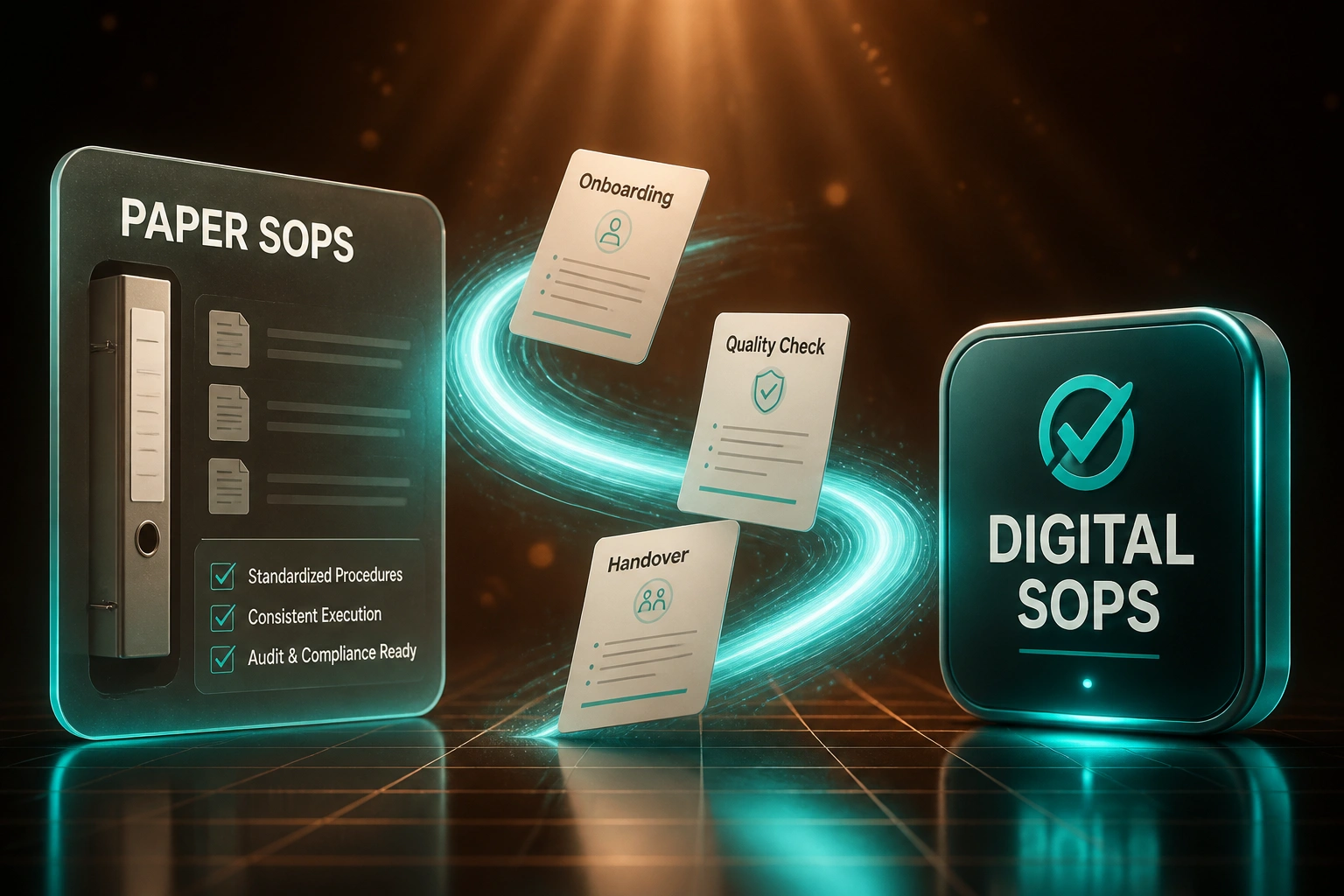
Sound Familiar?
These are the exact issues operations teams bring us before they digitise process documentation:
- Critical procedures live in ring binders that only the office can reach
- Shared-drive Word docs go stale while staff keep working from old copies
- New hires shadow colleagues for weeks because nothing is searchable
- When a key person resigns, process knowledge walks out with them
- Auditors find version mismatches between the binder, the drive, and the shop floor
Hybrid and remote work made paper binders useless overnight, and 83% of employees still regularly work from outdated document versions. South African skills shortages make every week of slow onboarding expensive. If your SOPs are not searchable and version-controlled, you are training slower and auditing harder than you need to.
What a Digital SOP System Actually Does
Capture → structure → publish → prove. Every procedure current, findable, and acknowledged.
Capture Existing Knowledge
Binders, Word docs, and tribal steps pulled into a structured draft library
Structure & Version
Owners, review dates, and revision history applied to every procedure
Publish & Acknowledge
Teams search the live library and confirm they have read updates
Audit-Ready Evidence
Master lists, change logs, and acknowledgement reports ready on demand
Everything You Need for Reliable Process Documentation
Searchable Digital SOP Library
Every procedure in one indexed system. Staff find the current step-by-step in seconds, not by asking around or flipping binders.
Version Control & Change History
Every edit is dated, attributed, and recoverable. Obsolete copies are retired automatically so teams stop following last year's process.
Acknowledgement Tracking
Require staff to confirm they have read updates. Managers see who is current and who still needs to catch up before an audit.
Role-Based Access
Operations, quality, and frontline teams each see the procedures that apply to them, with approvals gated to the right owners.
Onboarding Playbooks
New hires follow structured, role-specific SOP paths instead of tribal knowledge. Managers coach on exceptions, not basics.
Audit-Ready Evidence Packs
Export version history, acknowledgement logs, and current master lists when ISO, POPIA, or client auditors ask for proof.
Platforms We've Used for Digital SOPs
From 10-Week Onboarding to 5 Weeks
How a 42-person Cape Town operations firm replaced ring binders with a searchable SOP library and cut training drag in half.
The Paper Process
- SOPs lived in three ring binders and a chaotic shared-drive folder
- New hires shadowed for 10 weeks before working independently
- Managers spent 6+ hours a week answering "how do we…?" questions
- Last ISO review flagged outdated procedures at two workstations
- When a senior supervisor resigned, three processes had no written owner
The Digital Process
- 58 procedures searchable by role, site, and keyword
- Onboarding playbooks cut ramp time to 5 weeks
- Acknowledgement tracking shows who has read each update
- Version history and master list ready for the next audit pack
- Managers coach exceptions instead of re-teaching basics
Before vs After Digitising Your SOPs
How It Works
From first conversation to a live digital SOP library in 3–6 weeks.
Map Your Procedures
Which SOPs matter most, where they live today, and who owns each process.
Free Scoping Call
30-minute call to prioritise the library, pick the platform, and design acknowledgement workflows.
Digitise & Structure
We migrate binders and Word docs into a searchable system, add version control, and set review cadences.
Go Live & Train
Roll out to teams, track acknowledgements, and retire paper masters once adoption is solid.
Frequently Asked Questions
How long does it take to digitise our SOPs?
A focused library of 20–40 core procedures typically takes 3–6 weeks from scoping to go-live. Larger catalogues or multi-site rollouts take 6–10 weeks. We prioritise the procedures that create the most training drag and audit risk first.
Do we need new software, or can you use what we already have?
Either works. We have built digital SOP systems on Notion, Confluence, SharePoint, Google Workspace, Process Street, Trainual, and custom portals. If your stack already has a document home, we structure it properly. If it does not, we recommend the lightest fit for your team size.
Will this disrupt day-to-day operations?
No. We migrate and structure content in parallel with your current binders and drives. Teams keep working while we build. Cutover happens once the library is searchable, versioned, and acknowledged, so nobody is left without a procedure mid-shift.
How do you keep digital SOPs from going stale like Word docs?
Every procedure gets an owner, a review date, and version history. Acknowledgement tracking shows who has read the current revision. Overdue reviews surface to managers before auditors do. The system is designed so the living process and the documented process stay aligned.
Does this help with ISO and POPIA audits?
Yes. Outdated documented procedures are among the most common ISO findings. A digital system gives you a master list, current revisions at point of use, change history, and acknowledgement evidence. That is what auditors ask for under document-control clauses, and it also supports POPIA accountability when procedures touch personal information.
How much does a digital SOP system cost?
Focused migrations into an existing workspace start from around R18,000. Full libraries with version control, acknowledgement tracking, and onboarding playbooks typically range from R28,000 to R65,000. Most teams recover that cost within a few onboarding cycles once ramp time drops by roughly half.
Stop Running Your Business Out of Ring Binders
If your standard operating procedures still live on paper, in stale Word docs, or in one person's head, you are paying for training drag and audit risk every week.
Tell us how many procedures you need to capture, where they live today, and which roles onboard the slowest. We will show you what a searchable digital SOP system would look like for your team.