DocuSign CRM Integration: Close the Loop from Signed to Billed
You already use DocuSign, but sales ops still refreshes the inbox to flip deal stages by hand. Quotes sit signed while the CRM looks open, and invoicing waits until someone notices.
We build DocuSign automation that writes status back and starts billing the moment an envelope completes.
Sound Familiar?
These are the exact issues sales ops teams face when DocuSign and the CRM stay disconnected:
- Sales ops refreshes DocuSign every morning to see who signed overnight
- Deal stages stay on "Awaiting Signature" for days after the buyer already signed
- Finance cannot invoice until someone manually flips the opportunity to Closed Won
- Declined or voided envelopes sit unnoticed while the forecast still shows them as likely
- Signed PDFs live in DocuSign while the CRM still looks open, so pipeline reports lie
Native DocuSign connectors send and track, but they rarely own your stage logic. Deal-to-invoice rules, declined-envelope follow-ups, and finance handoffs still need a custom DocuSign workflow on top of the marketplace app.
What DocuSign CRM Integration Actually Does
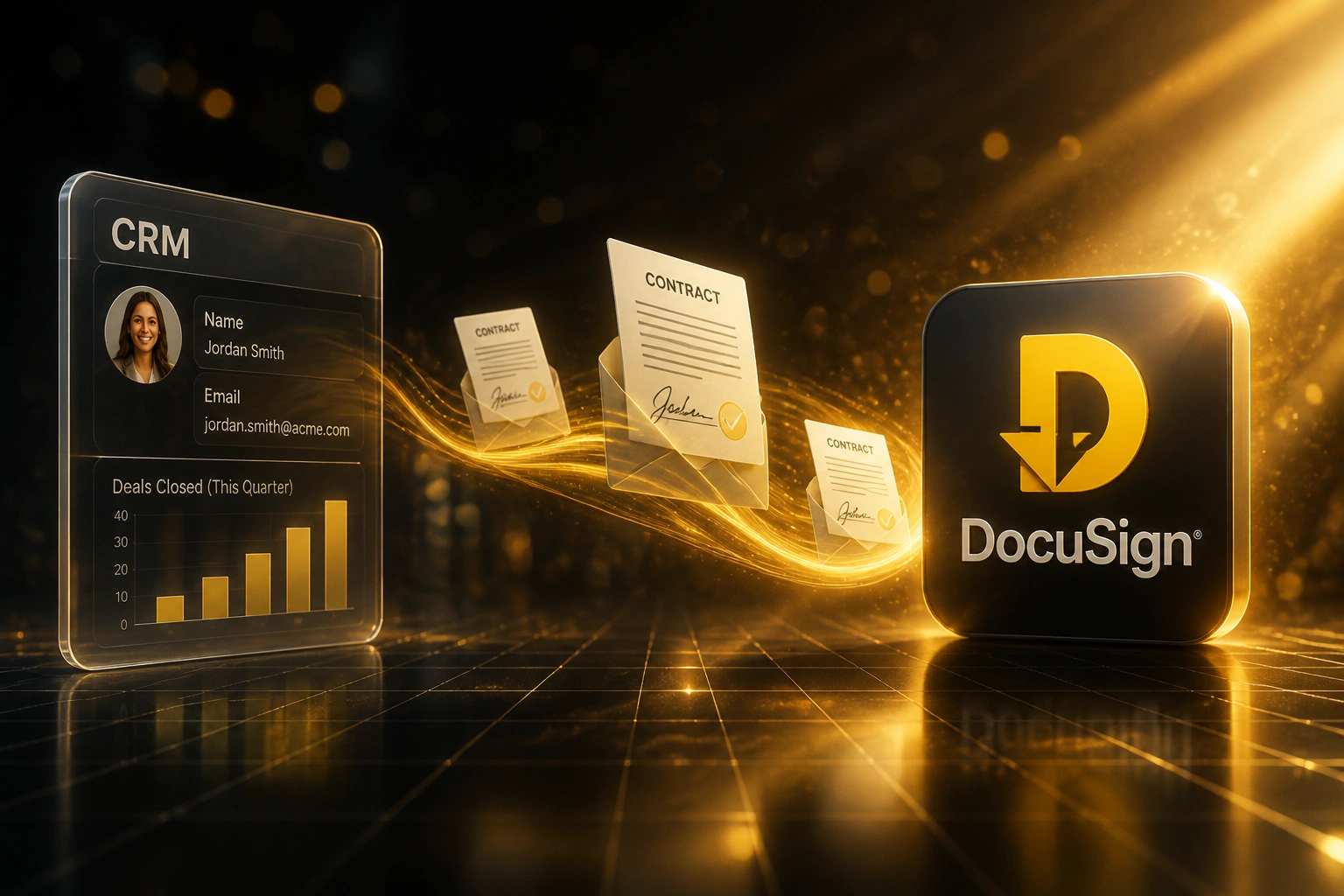
Deal ready → envelope sent → signed status syncs → invoicing starts. No morning DocuSign refresh.
Envelope from CRM
Deal hits contract stage → DocuSign envelope fires with CRM contacts and terms
Buyer Signs in DocuSign
Signer completes on any device; you already know DocuSign closes most envelopes fast
Status Writes Back
Webhook flips the opportunity to Signed or Declined the moment DocuSign reports it
Invoicing Starts
Closed Won triggers draft invoice or finance queue: cash starts moving the same day
Everything You Need for Reliable DocuSign Automation
Envelope Triggered from the Deal
When a deal hits the contract stage, a DocuSign envelope fires from the CRM with contacts, amounts, and terms pre-filled. Sales never leaves the opportunity.
Status Webhooks Write Back
Sent, viewed, signed, declined, and voided events update the opportunity in real time. Signed flips the stage; declined opens a follow-up task.
Automatic Invoicing Kickoff
Once the last signer completes, the deal moves to Closed Won and triggers your billing flow: draft invoice, payment request, or handoff to finance.
Signed File on the Record
Completed envelopes attach to the CRM opportunity the moment they finish. Ops stops hunting DocuSign for the final PDF at month-end.
Reminder and Stall Alerts
Unsigned envelopes past your SLA ping the AE and sales ops. Stalled paper stops dying quietly while the pipeline still looks healthy.
Audit Trail Against the Deal
Who signed, when, and on which envelope version lives on the opportunity. Forecast and compliance reviews stop reconstructing DocuSign history by hand.
CRMs We've Connected to DocuSign
From 4 Hours/Week to 20 Minutes
How a 35-person B2B services firm stopped refreshing DocuSign by hand and started invoicing the same day deals signed.
The Manual Process
- Sales ops checked DocuSign every morning and after lunch for overnight signatures
- Each completed envelope meant opening the HubSpot deal and flipping the stage by hand
- Finance waited 3 to 5 business days for someone to confirm Closed Won before invoicing
- Declined envelopes often sat unnoticed while the forecast still counted them as likely
- Signed PDFs lived in DocuSign; the deal record still looked open to leadership
The Automated Process
- Envelope fires from the HubSpot deal when it hits the contract stage
- Signed webhook flips the opportunity and attaches the completed PDF
- Closed Won triggers a draft invoice the same day, no ops messenger required
- Declined and expired events open follow-up tasks automatically
- Pipeline and cash forecast finally match what DocuSign already knew
Before vs After DocuSign CRM Integration
How It Works
From first conversation to live DocuSign CRM integration in 2 to 4 weeks.
Tell Us Your Setup
Which CRM, how DocuSign is used today, which stages wait on signature, and what should fire once signed.
Free Scoping Call
30-minute call to map envelope templates, webhook events, deal-stage rules, and the invoicing handoff.
Build & Test
We build the DocuSign CRM integration, test with real envelopes, and run parallel for a week so status sync is proven before go-live.
Go Live & Monitor
Switch off manual status checks. Alerts fire if an envelope stalls or a webhook fails to update the deal.
Frequently Asked Questions
We already use DocuSign. Why do we need a CRM integration?
DocuSign signs documents well. The gap is the loop back into your CRM: signed, declined, and voided status still gets typed by hand, deals sit in the wrong stage, and invoicing waits on someone noticing. DocuSign CRM integration closes that loop so a completed envelope flips the opportunity and starts billing without a morning refresh of the DocuSign inbox.
Which CRMs work with DocuSign automation?
We regularly connect DocuSign to HubSpot, Salesforce, Pipedrive, Zoho CRM, Monday.com, and custom CRMs. Native marketplace connectors cover basic send-and-track; we build the workflow layer on top when you need custom stage logic, multi-signer rules, and automatic invoicing once signed.
What happens when a buyer declines or an envelope expires?
Declined, voided, and expired events write back to the opportunity with a clear status and timestamp. Sales gets alerted instead of discovering the stall two weeks later in DocuSign. You can auto-create a follow-up task or move the deal to a renegotiation stage based on those events.
Will this disrupt how sales already works in DocuSign?
No. Reps keep sending from the CRM or from DocuSign templates you already trust. The change is what happens after: status and the signed file land on the deal automatically, and Closed Won can trigger billing. We run parallel testing before switching off the manual stage-update habit.
Can signed envelopes kick off invoicing automatically?
Yes. That is usually the highest-ROI part of a DocuSign workflow. Once the envelope completes, we move the deal stage and trigger your billing path: draft invoice in Xero or Sage, payment link, or a finance queue. Sales ops stops being the messenger between DocuSign and accounts.
How much does DocuSign CRM integration cost?
Straightforward status sync and deal-stage updates start from around R20,000. Full DocuSign automation with custom stage logic, multi-signer routing, and invoicing kickoff typically ranges from R30,000 to R65,000. Teams sending 15+ envelopes a month usually see ROI within 2 to 3 months against chase time and delayed invoicing alone.
Stop Refreshing DocuSign to Update Your CRM
If signed envelopes still wait on a human to flip the deal and tell finance, you are paying for a handoff DocuSign CRM integration already solves.
Tell us which CRM you run, how envelopes leave deals today, and what should happen the moment a buyer signs. We will show you exactly how the DocuSign workflow would look for your pipeline.