E-commerce to ERP Integration: Orders, Stock, and Financials in Sync
Your online store and your ERP are separate islands. Ops re-keys every order, stock counts disagree with the website, and invoicing lags fulfilment until month-end becomes a scramble.
We build the online store ERP integration that cuts double entry, speeds fulfilment, and recovers cash from faster billing.
Sound Familiar?
These are the exact issues our clients faced before online store ERP integration:
- Online orders sit in Shopify, WooCommerce, or Takealot while finance re-keys them into the ERP by hand
- Stock on the website disagrees with ERP on-hand, so you oversell or refuse orders you could fulfil
- Invoices and COGS land days after dispatch, stretching month-end and delaying cash recognition
- Marketplace SLA clocks run while orders wait in a CSV or admin panel for someone to notice them
- Order volume growth makes CSV imports and double entry unsustainable without adding headcount
Order volume and marketplace SLAs do not wait for CSV imports. When growth doubles online orders, manual entry and overnight batch files become a fulfilment and cash-flow bottleneck, and missed dispatch windows attract automatic marketplace penalties.
What Ecommerce ERP Order Sync Actually Does
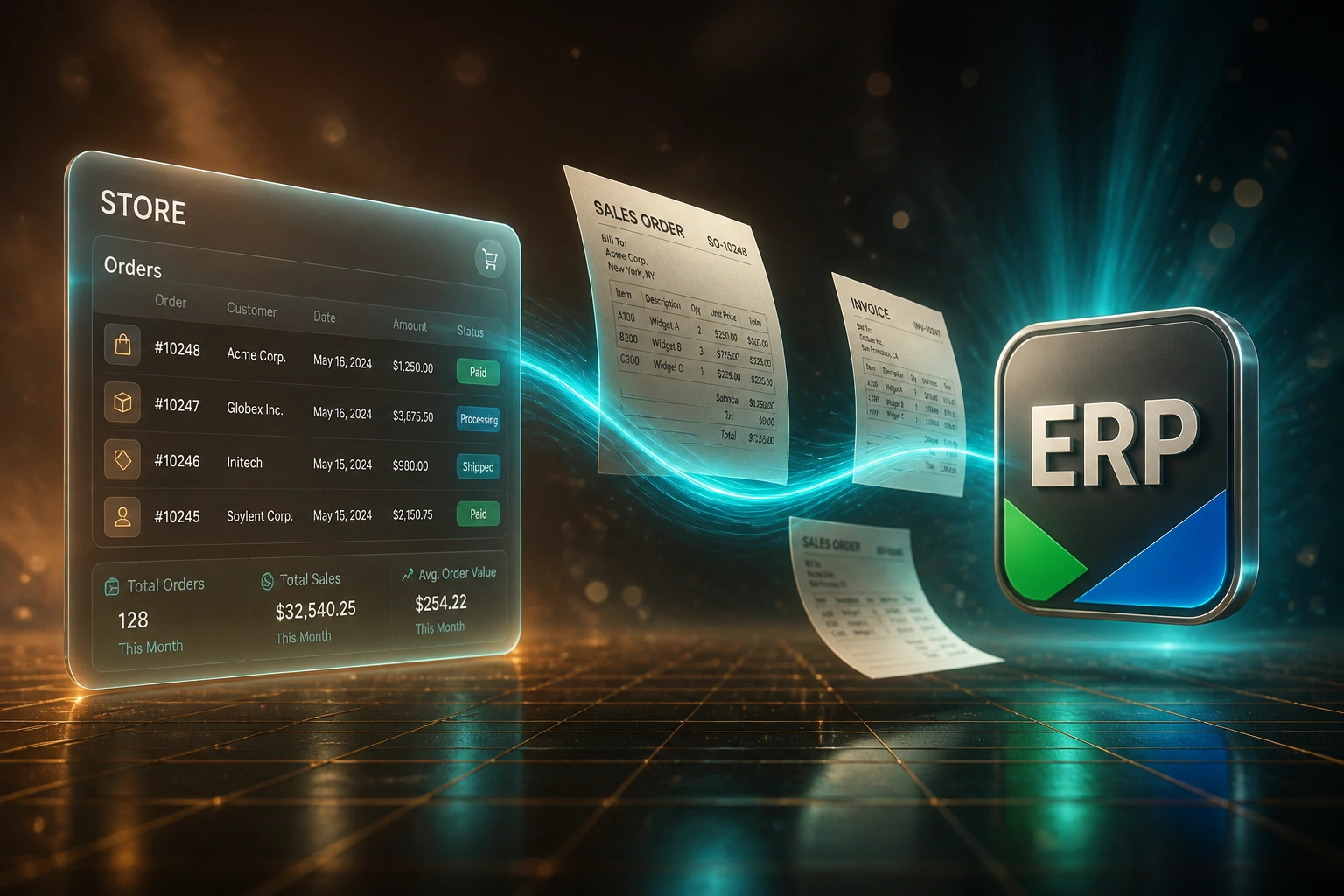
Order paid → ERP sales order → stock reserved → invoice and COGS posted. No human copying between systems.
Order Lands Online
Customer pays on Shopify, WooCommerce, Takealot, or another channel
Sales Order in ERP
Customer, SKUs, warehouse, tax, and payment method mapped into Sage, SAP B1, Syspro, Odoo, or NetSuite
Stock Reserved
Available-to-sell updates so the website and ERP agree before the next checkout
Invoice & COGS
Dispatch posts the tax invoice and cost of goods, then status syncs back to the store
Everything You Need for Reliable Order Sync ERP
Order-to-ERP Capture
A paid online order creates a sales order in Sage Evolution, SAP Business One, Syspro, Odoo, or NetSuite with customer, SKUs, quantities, and tax mapped correctly.
Stock Reservation
Available-to-sell updates across store and ERP the moment an order lands, so the website cannot sell what the warehouse no longer has.
Invoice and COGS Automation
Fulfilment in the ERP posts the tax invoice and cost of goods sold without a separate finance re-key, so billing and margin keep pace with dispatch.
Fulfilment Status Sync-Back
Picked, packed, and shipped statuses flow back to the storefront or marketplace so customers and ops see the same truth without chasing updates.
SKU and Price Mapping
Store variants, channel fees, and VAT treatments map to ERP item codes, warehouses, and tax groups so line items land clean on the first try.
Exception Queues
Failed syncs, unknown SKUs, and credit holds retry or escalate. Your team only touches the exceptions, not every order.
Stores and ERPs We Connect
From 25 Minutes per Order to Under 2
How a Cape Town multi-channel retailer stopped re-keying Shopify and Takealot into Sage Evolution and recovered cash with same-day invoicing.
The Manual Process
- Ops exported paid orders daily and typed each line into Sage Evolution
- About 25 minutes per order for customer match, SKU lookup, warehouse, and VAT
- Roughly one in five orders needed a correction after a wrong SKU or address
- Website stock lagged ERP by half a day, causing oversells on bestsellers
- Tax invoices often posted two to four days after dispatch
The Automated Process
- Paid Shopify and Takealot orders create Sage sales orders within seconds
- Stock reserves immediately; available-to-sell updates on both channels
- Finance reviews exceptions only; clean orders need no re-typing
- Dispatch posts the tax invoice and COGS the same day goods leave
- Fulfilment status syncs back so customer service stops chasing warehouse
Before vs After Ecommerce ERP Integration
How It Works
From first conversation to live ecommerce ERP integration in 3–6 weeks.
Map Your Channels
Which stores and marketplaces, which ERP, how stock and invoicing work today, and where double entry hurts most.
Free Scoping Call
30-minute call to design order capture, reservation rules, warehouse mapping, and invoice/COGS triggers.
Build & Parallel Test
We build the ecommerce ERP integration, test with live order samples, and run parallel against your current process.
Go Live & Monitor
Switch off manual re-keying. Monitoring and alerts keep order sync, stock, and financials running cleanly.
Frequently Asked Questions
What is ecommerce to ERP integration?
It is the automated flow of online store and marketplace orders into your ERP so sales orders, stock reservations, invoices, and COGS post without re-keying. Shopify, WooCommerce, or Takealot become the front door; Sage Evolution, SAP Business One, Syspro, Odoo, or NetSuite remain the system of record for fulfilment and finance.
How is this different from CRM-to-ERP or inventory accounting sync?
CRM-to-ERP starts from won deals and quotes. Inventory accounting sync posts warehouse movements as stock journals and COGS. Ecommerce-to-ERP starts from a paid online order: it creates the ERP sales order, reserves stock, and drives invoice and COGS from the channel checkout. Most growing retailers need all three, but this page is specifically about the store-to-ERP order path.
Which stores and ERPs can you connect?
We have connected Shopify, WooCommerce, Takealot, Amazon, and Magento into Sage Evolution, SAP Business One, Syspro, Odoo, and NetSuite. If your storefront exposes orders and stock via API, and your ERP accepts sales orders and inventory updates, we can build the bridge.
Will this stop marketplace SLA penalties?
Integration cannot invent courier capacity, but it removes the biggest cause of missed dispatch windows: orders sitting unseen until someone checks a panel or CSV. Orders land in the ERP within seconds so picking can start against the same SLA clock the marketplace is already running.
Will go-live disrupt fulfilment or month-end?
No. We run parallel for a defined window so ops and finance can compare automated sales orders and invoices against the current manual process before switching off re-keying. Your team keeps the same storefront and ERP; the handoff between them becomes automatic.
How much does ecommerce ERP integration cost?
A focused one-way order sync with stock reservation typically starts from around R25,000. Bidirectional setups with multi-channel mapping, invoice/COGS automation, and exception queues usually range from R40,000 to R75,000. Teams processing a few hundred online orders a month often see payback within two to three months against manual entry cost alone.
Stop Re-Keying Online Orders into Your ERP
If your store and ERP still live on separate islands, you are paying for double entry, stock arguments, and delayed invoices every week volume grows.
Tell us which channels you sell on, which ERP you run, and where fulfilment or month-end breaks first. We will show you exactly how ecommerce-to-ERP order sync would work for your business.