End Manual Data Capture: Let Systems Talk to Each Other Directly
Your team closes a deal in the CRM, then retypes it into accounting. They paste Shopify orders into a warehouse sheet. Support re-enters tickets from email. Every handoff is another retype, and process automation should start by stopping that swivel-chair work.
We connect your systems so data flows once, accurately, without human middleware.
Sound Familiar?
These are the exact issues our clients faced before system integration:
- Won deals sit in the CRM while finance retypes them into accounting days later
- Shopify or WooCommerce orders get pasted into warehouse sheets by hand
- Support tickets are opened by copying customer details from email into the helpdesk
- The same customer exists three times because each team typed them into a different system
- Month-end is a swivel-chair marathon: cross-checking CRM, ledger, and storefront for mismatches
Native connectors keep getting retired or rate-limited, and plug-and-play apps only cover the 80% case. If your team is still the bridge between HubSpot, Xero, Shopify, and support, a custom integration is the reliable way to retire that human middleware.
What System Integration Actually Does
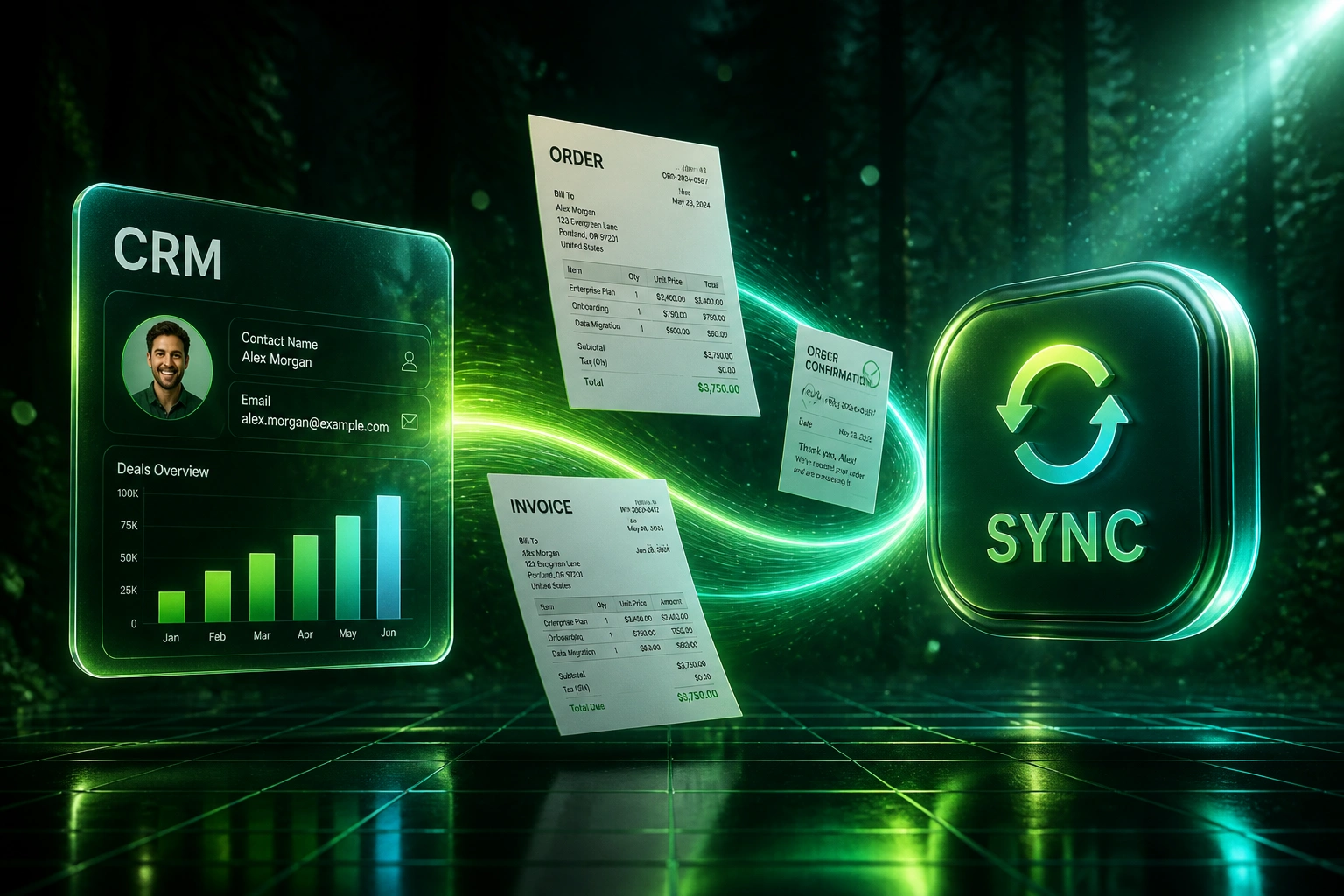
Event happens in one system → record lands in the next → status syncs back. No swivel chair.
Event Fires Upstream
Deal won, order paid, ticket created, or inventory moved in the source system
Fields Mapped Once
Customer, line items, VAT, and statuses mapped to the destination system's rules
Downstream Record Created
Invoice, fulfilment row, or helpdesk ticket appears without anyone retyping
Status Syncs Back
Paid, shipped, or resolved updates the source system so every team sees one truth
Everything You Need for Reliable Data Automation
Record-Level System Sync
Deals, orders, contacts, and tickets move between CRM, accounting, ecommerce, and support automatically, so nobody rekeys the same record twice.
Trigger-Based Field Mapping
When a deal closes, an order pays, or a ticket opens, the right fields land in the destination system with VAT, account codes, and statuses intact.
Bidirectional Status Updates
Payment posted in Xero or Sage updates the CRM. Fulfilment in the warehouse updates the storefront. Every team sees the same truth.
Duplicate and Error Guards
Match on email, company, order number, and VAT number before create. Failed syncs retry, and your team only gets pinged when a human decision is needed.
Multi-App Stack Coverage
We connect the stacks SA SMEs actually run: HubSpot or Pipedrive with Xero or Sage, Shopify or WooCommerce with warehouse sheets, and helpdesk tools in between.
Audit-Ready Reconciliation
Every handoff is logged. Month-end becomes exception review instead of retyping every line from one screen into another.
Platforms We've Connected for Process Automation
From 12 Hours/Week of Retyping to Under 1
How a Cape Town ecommerce brand stopped copy-pasting between HubSpot, Xero, and Shopify, and recovered more than R140,000 in year-one staff time.
The Swivel-Chair Process
- Ops copied closed HubSpot deals into Xero for invoicing
- Warehouse pasted Shopify orders into a shared sheet (~15 min each at peak)
- Support retyped customer details from email into Freshdesk
- Duplicates and VAT mismatches surfaced at month-end
- Three people spent evenings catching up on re-entry after busy sales days
Systems Talking Directly
- Closed-won deals create draft invoices in Xero within seconds
- Paid Shopify orders land in the warehouse queue with stock reserved
- Helpdesk tickets open from CRM context, not blank forms
- Payment and fulfilment status sync back so sales and support stop chasing
- Ops reviews exceptions only; retyping is gone
Before vs After System Integration
How It Works
From first conversation to live sync in 2–6 weeks, depending on how many systems talk to each other.
Map the Swivel Chairs
Which systems your team jumps between, what gets retyped, and where errors hurt cash flow or customers most.
Free Scoping Call
30-minute call to design the sync paths, priorities, and quick wins across your stack.
Build & Parallel Test
We build the integrations, test with live records, and run parallel with your manual process until accuracy is proven.
Go Live & Monitor
Switch off retyping. Monitoring, retries, and alerts keep the systems talking without babysitting.
Frequently Asked Questions
How is this different from OCR or AI data entry?
OCR and AI data entry pull information out of PDFs, forms, or emails into a system. This page is about system-to-system integration: once a record already exists in CRM, Shopify, or your helpdesk, it should flow to accounting, warehouse, or support without a person retyping it. Many clients need both, but they solve different problems.
Which systems can you connect?
We regularly connect HubSpot, Pipedrive, Salesforce, Zoho, Xero, Sage, Shopify, WooCommerce, Zendesk, Freshdesk, Google Sheets, and custom databases. If the platform has an API (or a reliable webhook), we can usually eliminate the manual handoff.
Will this disrupt how our team works today?
No. Staff keep using the same tools. The change is that the second (and third) capture of the same deal, order, or customer happens automatically. We run parallel testing before you retire the copy-paste steps.
Is RPA enough, or do we need proper integrations?
Screen-scraping RPA can cut labour on brittle UI clicks, but research shows bots fail on a meaningful share of exceptions and break when vendors change screens. API-based system integration is more durable for core record flows like deals, invoices, and orders. We recommend RPA only where no API exists.
How long does a multi-system sync take to set up?
A focused one-way sync between two systems often goes live in 1–2 weeks. A typical SA SME stack (CRM plus accounting plus ecommerce, with status sync-back) usually takes 3–6 weeks including parallel testing.
How much does eliminating manual data capture cost?
Simple one-way syncs start from around R15,000. Multi-system bidirectional work with custom mapping typically ranges from R25,000 to R60,000. Teams spending 8+ hours a week on retyping usually recover the investment inside 2–4 months from staff time alone.
Let Your Systems Carry the Data
If your people are still acting as the integration layer between CRM, accounting, ecommerce, and support, you are paying a swivel-chair tax every week.
Tell us which platforms you run and which handoffs hurt most. We will show you how process automation through system integration would work for your stack, in Rand and in hours recovered.