Email Parsing for Lead Capture: Turn Your Inbox into a CRM Channel
Your real lead source is still the inbox: web-form forwards, partner referrals, and "please quote" emails. Every hour someone retypes those into the CRM is an hour a warm lead goes cold.
We build email parsing that creates CRM leads automatically.
Sound Familiar?
These are the exact issues our clients faced before email-to-CRM lead capture automation:
- Sales or ops retypes enquiry and partner-referral emails into the CRM by hand, five to eight minutes per lead
- Leads sit in shared inboxes overnight while competitors respond the same afternoon
- One in five CRM records from manual entry carries a wrong phone, email, or company name
- Consent wording and source timestamps never land on the lead, so POPIA follow-up becomes guesswork
- Form spam, property portals, and partner forwards arrive in different layouts, so nothing is standard
Harvard Business Review found 23% of companies never responded to a test web lead at all, and the average responder took 42 hours. When partner volume and form spam spike, manual inbox triage cannot keep a five-minute SLA, and POPIA still expects a clear consent record on every marketing-ready contact.
What Email Parsing for Lead Capture Actually Does
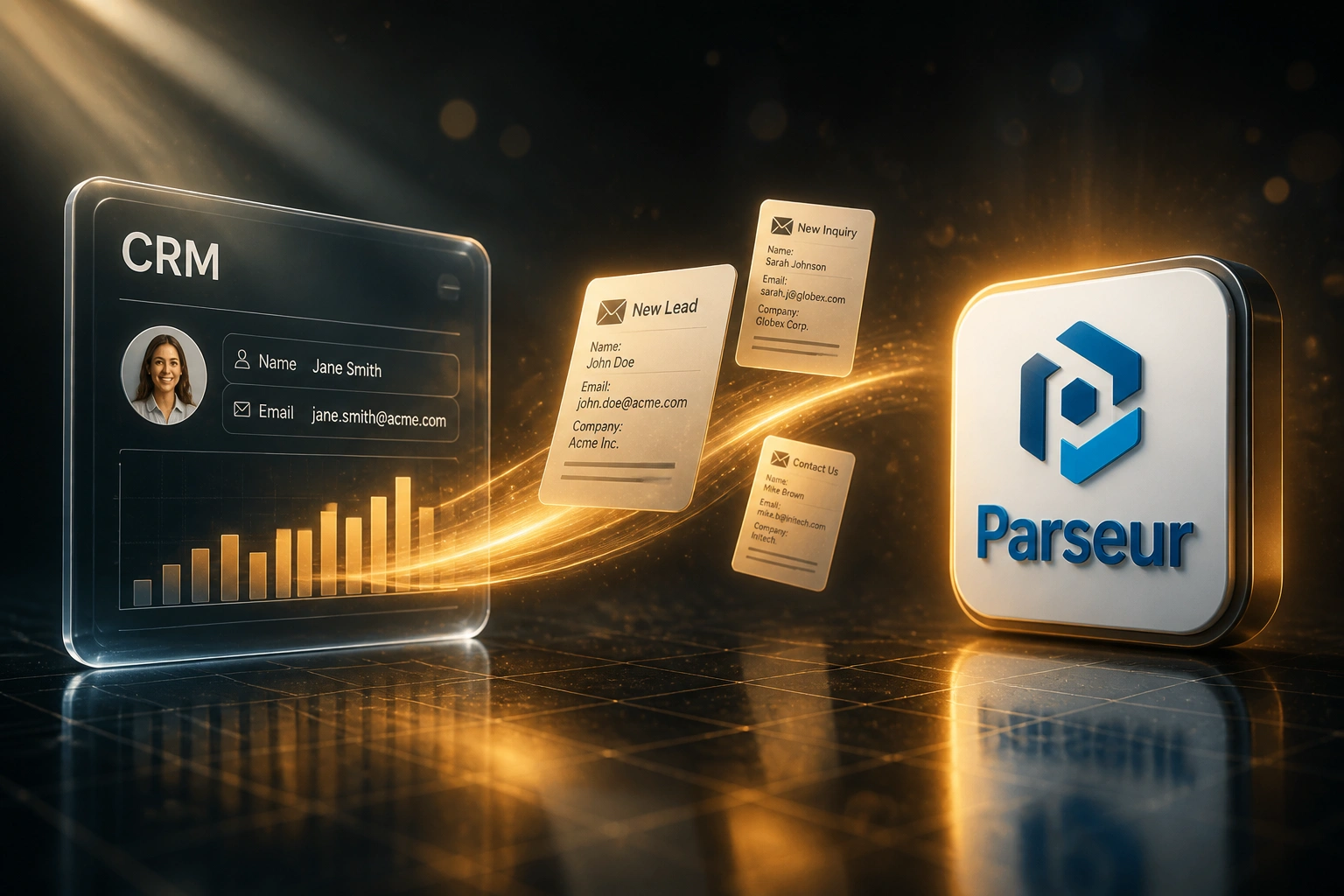
Email arrives → fields extracted → CRM lead created → rep alerted. No human copying between inbox and CRM.
Enquiry Hits the Inbox
Form forward, partner referral, or free-form quote request lands in sales@ or info@
Fields Are Parsed
Name, phone, email, company, message, and source tags extracted from the body
CRM Lead Created
Structured lead appears in HubSpot, Pipedrive, or your CRM with consent fields where available
Rep Responds Fast
Assignment and alert fire immediately so follow-up starts while intent is still hot
Everything You Need for Reliable Email-to-CRM Capture
Inbox Lead Parsing
Enquiry emails, web-form forwards, and partner referrals are read for name, phone, email, company, and notes the moment they arrive.
Automatic CRM Lead Creation
Parsed fields create a clean lead or contact in your CRM within seconds, with source and campaign tags already applied.
Multi-Format Recognition
Portal alerts, partner templates, and free-form "please quote" emails map to the same fields without a new template for every sender.
Consent & Source Capture
Opt-in wording, timestamp, and source channel are written onto the record so POPIA-ready evidence travels with the lead.
Duplicate & Spam Guards
Known contacts update instead of duplicating. Obvious spam and incomplete messages quarantine for a quick human glance.
Instant Sales Alerts
The assigned rep gets Slack, Teams, or email the second the CRM lead exists, so response starts in minutes, not hours.
CRMs We've Connected for Email Lead Capture
From 8 Hours/Week to 40 Minutes
How a 15-person industrial supplier stopped retyping enquiry emails and cut first response from half a day to under fifteen minutes.
The Manual Process
- Sales coordinator opened every enquiry, portal alert, and partner forward by hand
- Six to eight minutes per lead: copy name, phone, company, notes, pick an owner
- Roughly one in five records needed a correction after a wrong digit or pasted address
- Average first outbound reply sat around 18 hours, longer over weekends
- Consent and source were rarely logged, so marketing lists stayed incomplete
The Automated Process
- Email parsing extracts fields and creates the CRM lead within about two minutes
- Coordinator only clears the exception queue for incomplete or ambiguous messages
- Field errors fell below 2%, with data pulled straight from the source email
- Reps get Slack alerts immediately and typically reply within fifteen minutes in hours
- Source, channel, and consent flags land on the record when the email carries them
Before vs After Email Parsing Lead Capture
How It Works
From first conversation to live email parsing in 2–4 weeks.
Tell Us Your Setup
Which mailboxes catch leads, which CRM you use, and which email formats arrive most often.
Free Scoping Call
30-minute call to map sample enquiry emails, field mapping, consent rules, and assignment logic.
Build & Test
We configure parsing, CRM creation, and alerts, then parallel-test against live inbox volume for a week.
Go Live & Monitor
Switch off manual retyping. Monitoring watches parse success, duplicates, and exception queues.
Frequently Asked Questions
How is email parsing for lead capture different from Gmail or Outlook CRM sync?
Mailbox sync logs conversations against existing contacts. Email parsing for lead capture reads unstructured enquiry and partner emails, extracts the fields, and creates new CRM lead records automatically. It turns the inbox into a capture channel, not just an activity log.
How long does an email-to-CRM parsing integration take to set up?
A standard setup takes 2–4 weeks from scoping to go-live. A single shared inbox with consistent form forwards can be live within two weeks. Multi-mailbox setups with partner templates, historical backfill, and custom consent fields typically take 4–6 weeks.
Which email sources and CRMs do you support?
We parse Gmail / Google Workspace, Outlook / Microsoft 365, shared sales inboxes, form-notification forwards, and partner referral templates. Leads land in HubSpot, Pipedrive, Salesforce, Zoho CRM, Monday.com, Freshsales, or a custom CRM with an API.
What happens when an email format does not parse cleanly?
High-confidence extracts create CRM leads automatically. Ambiguous or incomplete messages go to a review queue with the original email attached. Your ops lead clears exceptions in minutes instead of retyping every enquiry by hand.
Can you capture POPIA consent details from the email?
Yes. Where the source email or form forward includes consent wording, opt-in flags, or a timestamp, we map those onto CRM consent fields with source and channel. That gives sales a usable record and marketing a clearer audit trail under POPIA Section 69.
How much does email parsing for lead capture cost?
Focused one-way parsing from a shared inbox into a single CRM starts from around R15,000. Multi-mailbox setups with custom field mapping, duplicate rules, consent capture, and sales alerts typically range from R25,000 to R60,000. Teams processing 40+ enquiry emails a week usually see ROI within 2–3 months.
Stop Letting Enquiry Emails Go Cold in the Inbox
If your sales or ops team is still retyping leads from email into the CRM, you are paying for delay, errors, and missed first contact on demand you already bought.
Tell us which mailboxes catch your enquiries, which CRM you use, and how partner and form traffic arrives today. We will show you exactly how email parsing for lead capture would work for your pipeline.