Email to Task Conversion Automation: Stop Requests Dying in Inboxes
Your shared inbox is the unofficial ticket system. Requests arrive by email, get buried under CC chains, and nobody can prove who owns the next step until a customer asks "did anyone see this?"
We build email task creation that captures, assigns, and tracks every request to completion.
Sound Familiar?
These are the exact issues CS and ops leads face when email is the ticket system:
- Customer and internal requests pile up in support@ or ops@ while nobody owns the next step
- Someone spends 2–5 minutes per email deciding category, owner, and priority before work starts
- CC chains replace a queue: three people assume someone else is handling it
- "Did anyone see this?" chases eat mornings because email has no due date or completion status
- Native Asana or Jira email-to-task forwarding dumps raw mail without routing rules, SLAs, or CRM sync
Shared inboxes and CC chains do not scale once volume rises. Average first response sits near 12 hours while CSAT falls from 92% under five minutes to 51% at 24 hours. Full helpdesks start around R310 per agent per month, but you already own Asana, Jira, or Monday: the missing piece is reliable email to task intake, not another seat licence.
What Email to Task Conversion Actually Does
Request arrives → task created → owner assigned → completion tracked. No human copying mail into a board.
Request Hits Shared Inbox
Customer or internal email lands in support@, ops@, or a project alias
Task Created Automatically
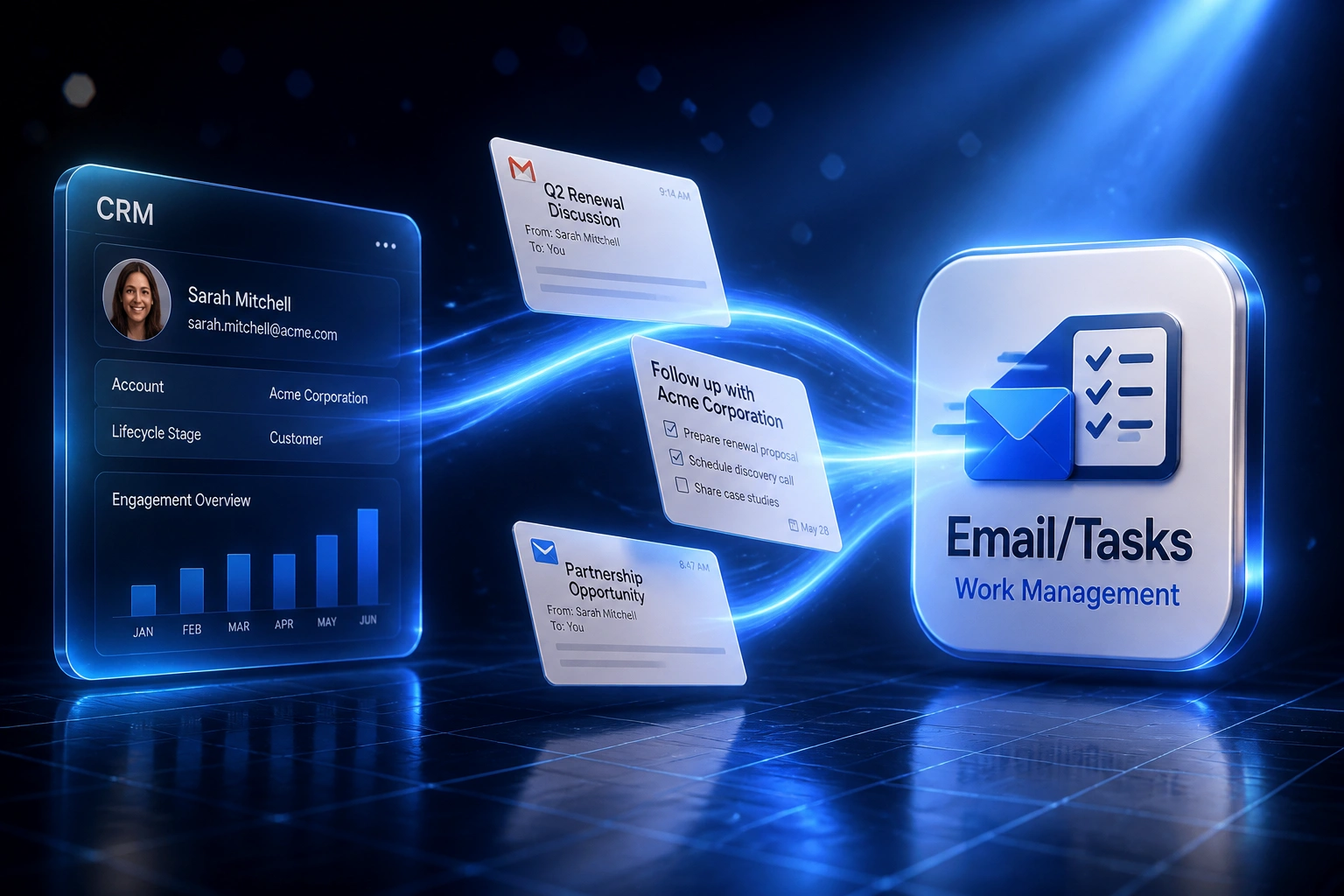
Subject, body, attachments, and sender map into Asana, Jira, Monday, or CRM tasks
Owner & SLA Applied
Routing rules assign the right person and set due dates from your service levels
Tracked to Completion
Replies sync as comments; closed tasks confirm back so nothing dies unread
Everything You Need for Reliable Request Management Automation
Inbox Request Capture
Every request that hits a shared mailbox becomes a tracked task within seconds, with subject, body, sender, and attachments preserved.
Smart Assignment Rules
Keywords, mailbox, client domain, or CRM account map the task to the right owner or queue. No more hope-based CC lists.
SLA & Due-Date Defaults
Priority and due dates apply automatically from your service levels, so first response and resolution targets are visible from day one.
Thread & Status Sync
Replies append as comments. When the task closes, the requester gets a confirmation. The inbox stops being the only source of truth.
CRM & Project Linking
Tasks link to the matching CRM contact or deal and land on Asana, Jira, Monday.com, or your project board so CS and delivery see the same work.
Missed-Request Escalation
Unassigned or overdue items escalate to a manager before the customer asks again. Accountability replaces inbox archaeology.
Platforms We've Connected for Email Task Creation
From 8 Hours/Week to 1 Hour/Week
How a 15-person professional services firm stopped treating support@ as a ticket queue and cut first response from roughly 12 hours to under 2.
The Manual Process
- Ops coordinator scanned support@ and ops@ every hour and pasted requests into Asana by hand
- 2–5 minutes per email for category, owner, and priority, plus 45–90 minutes of queue wait
- CC chains meant three people thought someone else owned urgent client asks
- Average first response hovered near the 12-hour industry benchmark
- Managers spent mornings on "did anyone see this?" follow-ups
The Automated Process
- Inbound request emails create Asana tasks within seconds, linked to the CRM contact
- Routing rules assign owners and apply SLA due dates without a human triage pass
- Replies append as comments; closed tasks confirm back to the requester
- First response consistently under 2 hours on covered mailboxes
- Exception queue handles spam and odd formats in minutes, not a full retype
Before vs After Email to Task Conversion
How It Works
From first conversation to live email to task automation in 2–4 weeks.
Tell Us Your Setup
Which shared mailboxes catch requests, which task tool you use, and how work is assigned today.
Free Scoping Call
30-minute call to map sample request emails, assignment rules, SLAs, and exception handling.
Build & Test
We wire capture, assignment, and status sync, then parallel-test against live inbox volume for a week.
Go Live & Monitor
Stop treating the shared inbox as a ticket system. Monitoring watches capture success, orphans, and SLA breaches.
Frequently Asked Questions
How is email to task conversion different from email parsing for lead capture?
Lead capture turns enquiry emails into CRM sales records. Email to task conversion turns service and ops requests into assigned, tracked work with due dates and completion status. Same inbox, different outcome: request management, not pipeline creation.
Why not just use Asana, Jira, or Monday native email-to-task forwarding?
Native forwarding often requires the sender to have a licensed account, dumps the raw email as a task title and body, and skips routing, SLA defaults, CRM linking, and escalation. We build the intake layer your shared mailbox actually needs: rules, owners, and completion tracking across the tools you already use.
Which mailboxes and task platforms can you connect?
We capture from Google Workspace, Microsoft 365, and shared support or ops aliases. Tasks land in Asana, Jira, Monday.com, ClickUp, HubSpot tasks, Salesforce tasks, or another project tool with an API. CRM linking is optional but common for client-facing requests.
Will this disrupt how our CS or ops team already works?
No. Agents keep the boards and mailboxes they already recognise. Customers keep emailing the same address. The change is behind the scenes: every request becomes owned work with a due date instead of sitting unread. We run parallel capture before switching off manual task creation.
What happens when an email is spam, a duplicate, or does not map cleanly?
Obvious spam and incomplete messages go to a short review queue with the original email attached. Duplicates of an open request append as comments instead of creating a second task. Your ops lead clears exceptions in minutes instead of retyping every request by hand.
How much does email to task conversion automation cost?
A focused one-mailbox setup into a single task tool starts from around R15,000. Multi-mailbox routing with CRM linking, SLA defaults, and escalation monitoring typically ranges from R25,000 to R60,000. Teams processing 40+ request emails a week usually see payback within 2–3 months against the manual triage cost.
Stop Letting Requests Die in Shared Inboxes
If your CS or ops team still turns emails into tasks by hand, you are paying for delay, missed ownership, and endless "did anyone see this?" chases.
Tell us which mailboxes catch requests, which task or CRM tool you use, and where accountability breaks down. We will show you exactly how email to task conversion would work for your volume.