Emergency Dispatch and Escalation: Urgent Job Routing That Cannot Wait
When an emergency call sits in the same queue as a filter change, you lose customers and invite liability. A priority dispatch system that routes to the nearest available technician and escalates if unacknowledged is how field-service ops directors protect response time after hours and during peak demand.
We build the emergency override that makes urgent routing automatic.
Sound Familiar?
These are the exact issues our clients faced before emergency dispatch automation:
- Urgent calls land in the same queue as routine jobs and wait their turn while a customer's plant or home is failing
- Dispatchers phone around for the nearest free technician instead of overriding the board automatically
- Technicians miss or ignore the first ping, and nothing escalates until a customer complains or a contract penalty hits
- After-hours emergencies go to voicemail or a WhatsApp group with no on-call rotation and no acknowledgement clock
- You measure SLA compliance after the fact, but the dispatch and escalation workflow itself never fires in time
Without after-hours response, home-service companies lose about 34% of those overnight leads to next-day delays. Customers in an emergency rarely leave a voicemail. They call the next provider who answers, and your reputation takes the hit you never see on the board.
What the Priority Dispatch System Actually Does
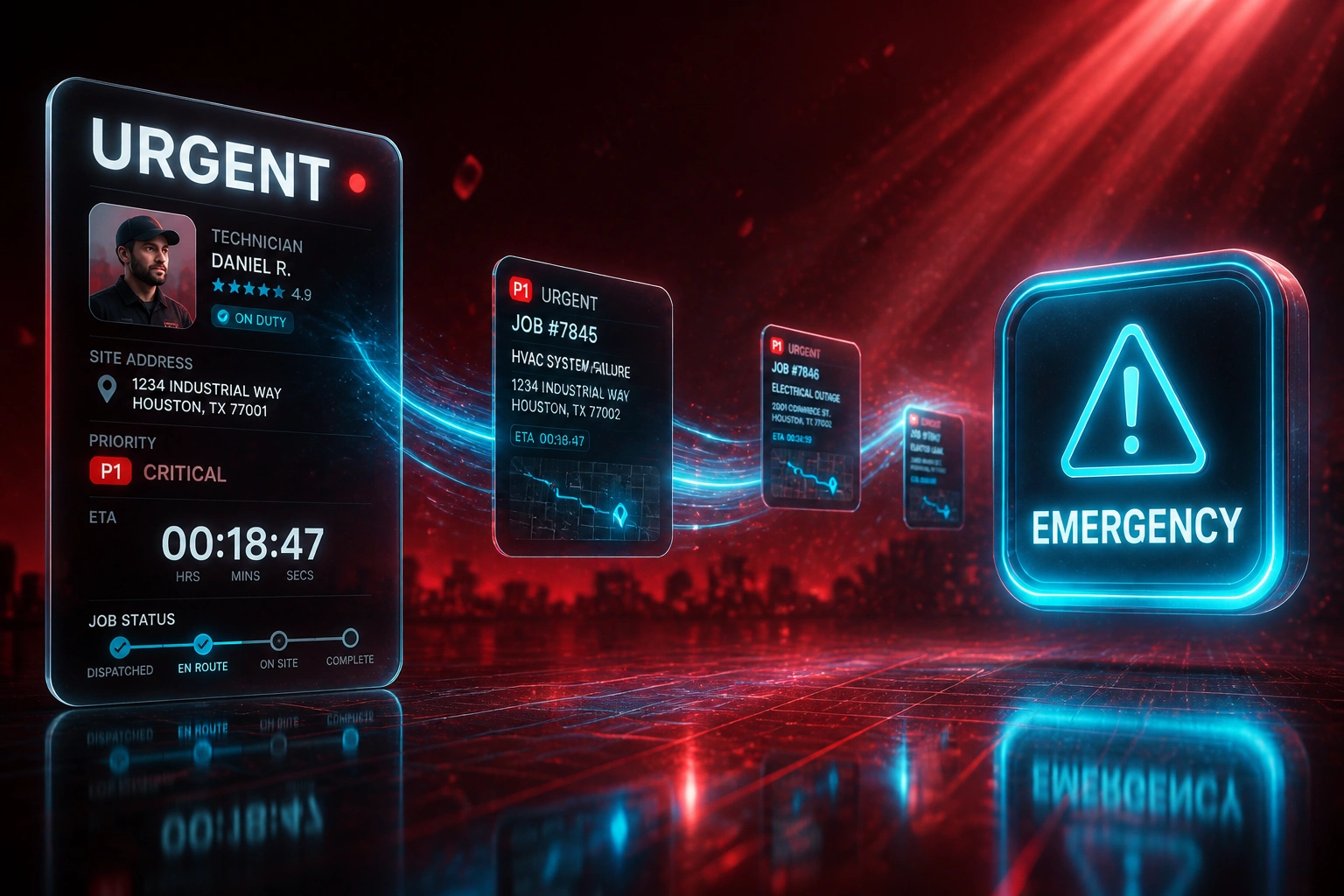
Urgent call arrives → nearest tech assigned → escalate on no-ack → customer gets an ETA. No silent queue.
Urgent Call Flagged
Intake marks the job P1 from phone, portal, or monitoring alert
Nearest Tech Routed
Schedule override picks the closest available qualified technician
Ack Clock Starts
If unacknowledged within your window, escalate to backup or supervisor
Customer Updated
ETA and status sync to the FSM and customer channel automatically
Everything You Need for Reliable Urgent Job Routing
Priority Queue Override
Emergency tickets jump the normal schedule instantly. The board reorders around the P1 without waiting for a dispatcher to reshuffle by hand.
Nearest Available Technician
Live location, skills, and availability feed an urgent-job router that picks the closest qualified tech, not whoever answers first on WhatsApp.
Acknowledgement Escalation
If the assigned tech does not acknowledge within your window (typically 5 minutes), the job auto-escalates to the next tier, backup tech, or supervisor.
After-Hours On-Call Rotations
Night and weekend emergencies route to the on-call roster with the same ack clock and escalation chain, so reputation does not die at 18:00.
FSM and Work-Order Write-Back
Priority assignments, escalations, and customer ETAs write back into Jobber, ServiceTitan, Simpro, Fergus, or your custom FSM so the field app matches the office.
Ops Exception Dashboard
Automation handles the override and escalation path. You only see unclaimed P1s, breached ack windows, and after-hours gaps that need a human call.
Platforms We've Connected for Emergency Dispatch
From 47-Minute Ack to Under 3 Minutes
How a Johannesburg HVAC and facilities contractor stopped emergency calls rotting in the queue and recovered after-hours revenue.
The Manual Emergency Path
- P1 calls sat in the same board as routine maintenance until a dispatcher noticed
- Average acknowledgement took 47 minutes while someone phoned around
- After hours, emergencies hit voicemail or a WhatsApp group with no rota
- Unacknowledged jobs had no auto-escalation until a customer chased
- Missed overnight leads walked to competitors who answered first
The Automated Override
- Urgent tickets jump the queue and route to the nearest available tech
- Acknowledgement clock starts immediately; escalate at 5 minutes if silent
- After-hours on-call rotation receives the same priority path as daytime
- Backup tech and supervisor tiers fire without waiting for a complaint
- Customer ETA updates write back to the FSM and SMS channel
Before vs After Emergency Dispatch
How It Works
From first conversation to live emergency override in 3–5 weeks.
Tell Us Your Setup
How emergencies enter today, your ack windows, on-call roster, and which FSM or WhatsApp group still owns the night shift.
Free Scoping Call
30-minute call to map urgent intake → nearest-tech override → ack clock → escalation tiers → after-hours coverage.
Build & Test
We encode priority rules, connect your FSM or sheets, and drill unacknowledged P1s in parallel before go-live.
Go Live & Monitor
Switch off the phone-around. Monitoring flags missed acks and after-hours gaps before customers escalate for you.
Frequently Asked Questions
How long does emergency dispatch and escalation take to set up?
A standard priority-override and ack-escalation build takes 3–5 weeks from scoping to go-live. Crews already on Jobber, Fergus, or Simpro with a clear on-call rota can be live in about two weeks. Multi-tier escalations with live GPS, after-hours rotations, and custom FSM write-back typically take 4–6 weeks.
How is this different from normal job scheduling and dispatch?
Day-planning automation matches routine jobs by skills, location, and availability. Emergency dispatch is the override layer: urgent calls jump the queue, route to the nearest available technician, and escalate if unacknowledged. You still need both. One fills the board; the other protects response time when something breaks.
How is this different from SLA tracking?
SLA tracking measures whether you met the contract after the fact. Emergency dispatch and escalation is the operational workflow that prevents the breach: priority routing, acknowledgement clocks, and auto-escalation while the clock is still running.
What acknowledgement window should we use?
Industry practice for high-urgency incidents targets acknowledgement under 5 minutes, with escalation to a backup if still unacknowledged around the 15-minute mark (or sooner if your contract is tighter). We configure the windows to match your customer SLAs and on-call reality, not a one-size default.
Will dispatchers still control true emergencies?
Yes. Automation overrides the board and escalates when nobody acknowledges. Dispatchers still approve VIP exceptions, add a second tech, or manually reassign when site access or parts change the plan. The goal is fewer silent failures, not removing judgement.
How much does emergency dispatch and escalation cost?
Priority override with acknowledgement escalation on a single FSM starts from around R35,000. Multi-tier builds with live location, after-hours on-call rotations, and custom write-back typically range from R50,000 to R95,000. Most ops teams recovering even a handful of missed after-hours jobs (each worth around R19,700 in lost revenue at industry averages) see payback within two to three months.
Stop Letting Emergency Calls Sit in the Queue
If urgent jobs still depend on someone noticing the board and phoning around, you are gambling with customers and contracts every peak hour and every night shift.
Tell us how emergencies enter today, what your acknowledgement windows should be, and how after-hours coverage actually works. We will show you exactly how priority dispatch and auto-escalation would run on your stack.