Employee Onboarding Checklist Automation: Every Step Owned Before Day One
When onboarding lives in a shared spreadsheet or Slack thread, new hires wait days for laptops, miss compliance steps, and start poorly. HR ops spends hours chasing owners instead of running a clean employee onboarding workflow.
We automate the new hire checklist so every task has an owner, an SLA, and proof of completion.
Sound Familiar?
These are the exact issues our clients faced before onboarding automation:
- IT hears about a start date two days late, so the laptop arrives on day three
- Account provisioning sits in a Slack thread while the new hire waits for email access
- Compliance training and POPIA acknowledgements get skipped because nobody owned the chase
- Payroll setup is still unfinished when the first payslip is due
- HR cannot prove which steps were completed before day one without digging through email
Only 12% of employees say their employer onboards well (Gallup), and CareerBuilder puts the loss at about R230,000 per early leaver (~$14,000). Structured programmes improve retention by up to 82% (Brandon Hall Group). Spreadsheet onboarding is a retention risk, not just an admin inconvenience.
What the New Hire Checklist Actually Does
Offer accepted → tasks assigned → owners chased → day-one readiness proven. No human coordinating every handoff by memory.
Hire Confirmed
Offer accepted or HRIS record created kicks off the employee onboarding workflow
Tasks Assigned
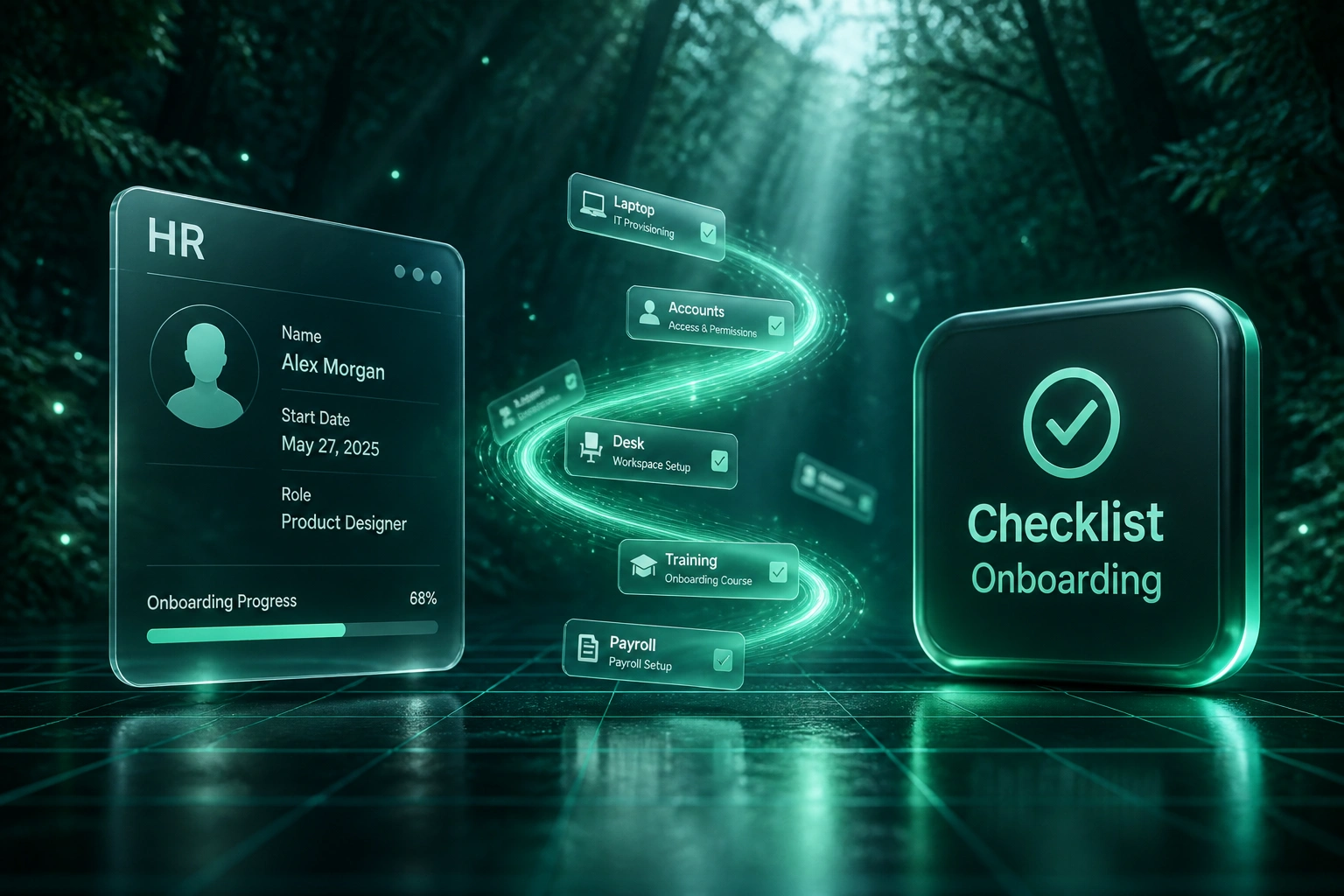
IT laptop, accounts, desk, manager intro, compliance training, and payroll each get an owner
SLAs Enforced
Reminders and escalations chase overdue owners before the start date slips
Day-One Ready
HR sees a green checklist with proof of completion before the new hire arrives
Everything You Need for Reliable Onboarding Automation
Role-Based Checklist Templates
Each hire triggers a new hire checklist tailored by role and department: IT laptop, accounts, desk, manager intro, compliance training, and payroll setup.
Task Owners & SLA Timers
Every step has an owner and a deadline. Overdue items escalate automatically so nothing waits on memory or a shared spreadsheet.
Pre-Day-One Coordination
IT, facilities, HR, and the hiring manager get assigned work before the start date, so day one starts ready rather than waiting.
Automated Reminder Chases
Owners get nudged before deadlines slip. HR sees the bottlenecks without chasing people across Slack, email, and WhatsApp.
Completion Proof & Audit Trail
Every task records who completed it and when. You can prove compliance steps and equipment readiness before the hire walks in.
HRIS & Tool Handoffs
Offer acceptance or a new employee record kicks off the employee onboarding workflow across your HRIS, IT helpdesk, and payroll tools.
Platforms We've Wired Into Onboarding Workflows
From 8 Hours Per Hire to Under 2
How a 90-person professional services firm stopped coordinating onboarding in Slack and got day-one readiness above 95%.
The Manual Process
- HR ops lead maintained a shared spreadsheet and pinged IT, facilities, and managers in Slack
- Roughly 8 hours of coordination per hire across email chases and status meetings
- Laptops and accounts often arrived on day two or three
- Compliance training completion was assumed, not proven
- Payroll setup sometimes lagged into the first payslip cycle
The Automated Process
- Offer acceptance triggers a role-based new hire checklist automatically
- IT, facilities, manager, compliance, and payroll each get owned tasks with SLAs
- Overdue owners get chased without HR sitting in the middle of every thread
- Day-one readiness is visible on a single dashboard with completion proof
- HR ops reviews exceptions instead of rebuilding the checklist every time
Before vs After Onboarding Automation
How It Works
From first conversation to live onboarding automation in 2–4 weeks.
Tell Us Your Setup
How onboarding runs today, who owns IT, facilities, compliance, and payroll, and where steps fall through.
Free Scoping Call
30-minute call to map your new hire checklist, owners, SLAs, and the trigger from offer to day one.
Build & Test
We build the onboarding automation, run it against a couple of real hires in parallel, and tighten the chases.
Go Live & Monitor
Switch off the spreadsheet and Slack scramble. Dashboards show completion rates and overdue owners.
Frequently Asked Questions
How long does employee onboarding checklist automation take to set up?
A standard build takes 2–4 weeks from scoping to go-live. Simple single-department checklists can be live within a week. Multi-team flows with IT, facilities, compliance training, and payroll handoffs typically take 3–5 weeks.
Is this different from a document collection portal?
Yes. Document portals collect contracts and ID packs. This page is about orchestrating the full new hire checklist: laptop, accounts, desk, manager intro, compliance training, and payroll, each with an owner and an SLA. Many clients run both.
Which systems can trigger and receive onboarding tasks?
We commonly start from BambooHR, Sage People, PaySpace, SimplePay, or a signed offer in your ATS, then create tasks in Jira Service Management, Monday.com, Microsoft 365, Google Workspace, or Slack. If your tools have an API or webhook, we can connect them.
Will this disrupt how managers and IT already work?
No. Owners keep working in the tools they already use. The automation assigns the work, chases overdue items, and gives HR a single completion view. We run parallel with your current process before switching off the spreadsheet.
Can we prove compliance training was completed before day one?
Yes. Each compliance and policy step records completion with a timestamp and owner. That audit trail is what COOs and HR ops leads need when regulators, insurers, or boards ask whether onboarding steps actually happened.
How much does onboarding checklist automation cost?
Focused checklist automations start from around R15,000. Multi-team employee onboarding workflows with SLA escalations, HRIS triggers, and reporting typically range from R25,000 to R60,000. Most teams hiring a few people a month recover that within a quarter against coordination hours and early turnover risk.
Stop Running Onboarding From a Spreadsheet
If your new hires still wait on laptops, accounts, and compliance training because nobody owned the chase, you are paying for a coordination problem that automation already solves.
Tell us how many people you hire a month, which tools IT and HR already use, and where steps fall through. We will show you exactly how an automated new hire checklist would work for your team.