Support Escalation Rule Configuration: Stop Critical Tickets Going Quiet
Critical issues languish in queues until a customer escalates on LinkedIn. Without automated escalation rules that alert managers and reassign by urgency and time, your team only finds out when the damage is already public.
We configure priority escalation that protects renewals.
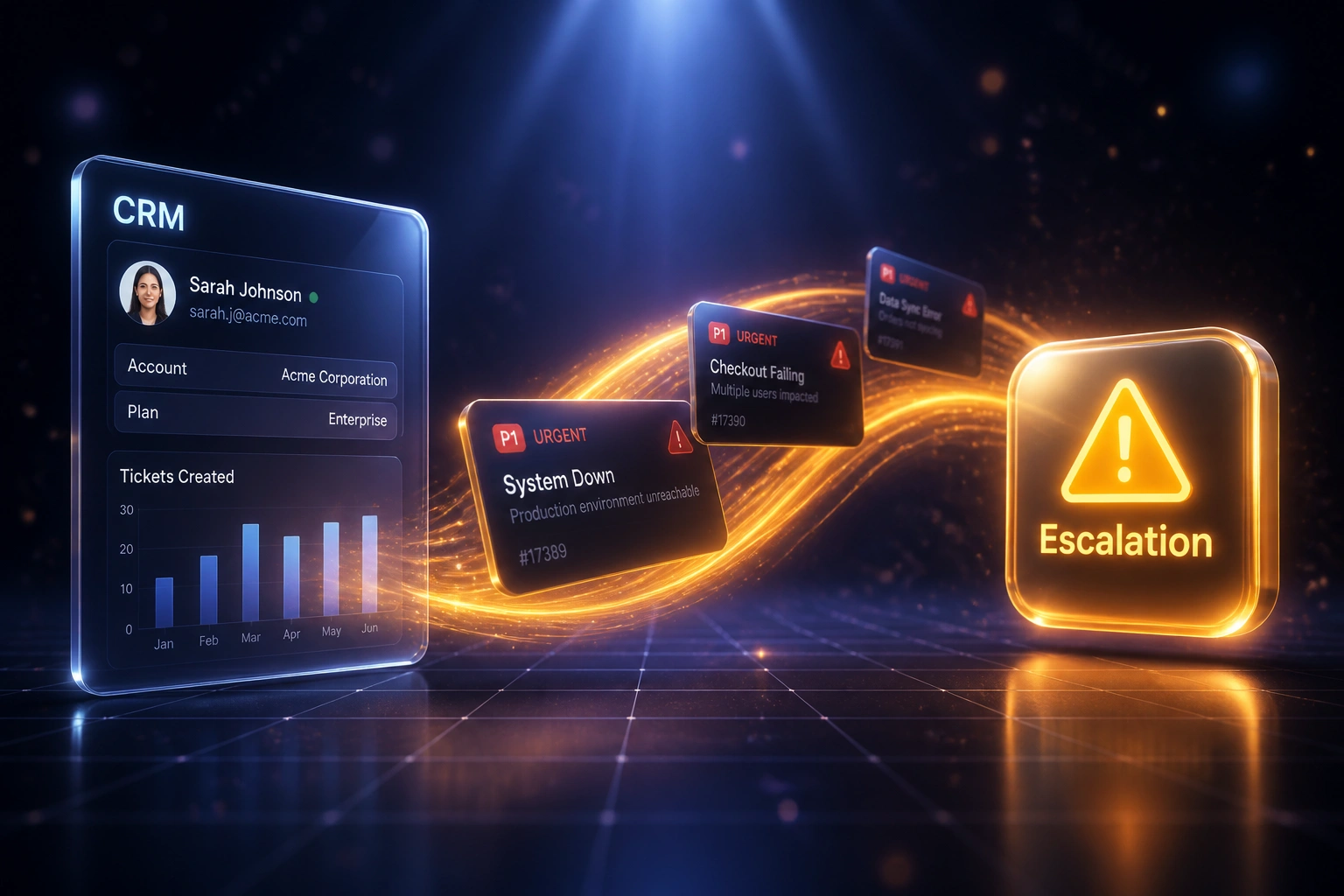
Sound Familiar?
These are the exact issues support managers and ops directors faced before escalation rules:
- Critical tickets sit in a general queue until a customer escalates on LinkedIn or email-CCs your CEO
- Managers only learn about ageing P1s when an agent Slack-pings them, often after the SLA window has already closed
- Priority escalation is tribal knowledge: who to reassign to depends on who is online and who remembers the matrix
- Support leads spend 10–15 hours a week firefighting tickets that should have been auto-escalated hours earlier
- Renewals stall because account owners discover unresolved critical issues only in the QBR, not while there was time to fix them
Customers who experience two or more SLA breaches in 90 days are 3.2 times more likely not to renew (Freshworks, 2025). Ticket escalation that only fires after the breach is already a retention problem. Priority escalation rules that reassign and alert while the clock still has room are how you stop firefighting.
What Escalation Rule Configuration Actually Does
Ticket ages → threshold hits → manager alerted → ticket reassigned. No waiting for a public complaint.
Ticket Ages in Queue
A P1 or high-priority ticket sits without a meaningful public reply or status change
Age Threshold Fires
Priority escalation rules check elapsed time against your P1, P2, and P3 matrices
Manager Alert + Reassign
Lead and on-call group get notified; ownership moves to a senior or specialist queue
Renewal Risk Visible
CRM account record flags the open escalation so CS sees it before the renewal call
Everything You Need for Reliable Ticket Escalation
Priority and Age Thresholds
P1, P2, and P3 tickets get different clocks. When age crosses a threshold without meaningful progress, the escalation rule fires automatically.
Manager Alert Cascades
Assignee first, then team lead, then head of support. Alerts land in email, Slack, or Teams before the customer takes the issue public.
Automatic Reassignment
Stuck tickets move to a senior agent, on-call group, or specialist queue when the rule fires. Ownership never depends on someone noticing.
Helpdesk-Native Rules
We configure escalation rules inside Zendesk, Freshdesk, Intercom, or your helpdesk so agents keep the same workspace they already trust.
CRM Risk Write-Back
Open escalations and priority flags sync to HubSpot or Salesforce so account owners see renewal risk before the customer call.
Audit Trail for Every Hop
Every reassignment, alert, and threshold crossing is timestamped. When a client asks why a ticket sat, you have the answer.
Helpdesks We've Configured Escalation Rules On
From 4-Hour P1 Blind Spots to 18-Minute Escalation
How a Johannesburg B2B SaaS support team stopped discovering critical tickets via LinkedIn and protected R1.8M in renewals.
The Manual Process
- P1 tickets sat in a shared queue until an agent happened to notice the age
- Escalation meant Slack DMs and WhatsApp chases across shifts
- Managers learned about critical issues when customers posted publicly
- Two enterprise renewals cited ignored escalations in objections
- Support lead spent evenings hunting ageing tickets by hand
The Automated Process
- Priority escalation rules fire at 50%, 75%, and 90% of the response window
- Stuck P1s auto-reassign to the on-call group with a manager alert
- CRM account records flag open escalations before renewal calls
- Audit trail shows every hop when a client disputes response quality
- Evening queue hunts replaced by a morning exception review
Before vs After Escalation Rules
How It Works
From first conversation to live escalation rules in 2–4 weeks.
Map Your Escalation Matrix
Which priorities, age thresholds, who gets alerted, and where tickets reassign when a rule fires.
Free Scoping Call
30-minute call to design escalation rules against your real P1 volumes and on-call coverage.
Build & Pilot
We configure rules in your helpdesk, pilot on one priority tier, and tune thresholds with your leads.
Go Live & Monitor
Roll out across priorities. Manager alerts and reassignment logs keep critical tickets from going quiet.
Frequently Asked Questions
How is this different from SLA dashboards or initial ticket routing?
Initial routing decides who gets a ticket when it arrives. SLA dashboards measure whether you hit response targets after the fact. Escalation rule configuration sits in between: when a ticket ages past a priority threshold without progress, the rule reassigns it and alerts a manager while there is still time to protect the customer and the renewal.
Which helpdesks support priority escalation rules?
We have configured escalation rules across Zendesk, Freshdesk, Intercom, HubSpot Service Hub, Salesforce Service Cloud, Jira Service Management, and custom ticketing systems. Freshdesk ships native reminder and escalation emails; Zendesk often needs automations or add-ons for true pre-breach manager alerts. We design around what your plan actually supports.
Will agents get flooded with escalation noise?
No. Well-tuned rules escalate in tiers: nudge the assignee first, copy the lead next, alert the manager only when the ticket is still stuck. Timers cancel the moment a qualifying public reply or status change lands, so resolved tickets do not keep pinging.
What happens when a P1 ticket hits its age threshold?
The rule reassigns to the on-call or senior group, raises priority if needed, and notifies the queue owner. Account risk can write back to your CRM so the customer success owner sees the open critical issue before the next renewal conversation.
Is this the same as internal task escalation?
No. Internal task escalation protects work between your own departments. This page is about customer-facing support tickets: priority escalation, time-based reassignment, and manager alerts inside your helpdesk so critical issues never sit unnoticed in a queue.
How much does escalation rule configuration cost?
Simple priority-and-age rules on one helpdesk start from around R15,000. Multi-tier cascades with manager alerts, auto-reassignment, and CRM write-back typically range from R25,000 to R60,000. Most mid-size support teams recover that within one to two quarters through less firefighting and fewer renewal objections tied to ignored critical tickets.
Stop Learning About Critical Tickets From LinkedIn
If your support managers still discover ageing P1s through customer complaints, you are betting renewals on a process that only reports damage after the fact.
Tell us which helpdesk you run, what priority levels you use, and where ticket escalation breaks down today. We will show you exactly how escalation rule configuration would work for your queues.