Excel to Database ETL Pipeline: Validate, Transform, Load on a Schedule
Your system of record is still a shared Excel folder. Manual copy-paste into the database burns hours, introduces errors, and blocks reporting you can trust.
We build the excel to database pipeline that makes the database trustworthy and Excel just an input.
Sound Familiar?
These are the exact issues our clients faced before a scheduled spreadsheet to sql pipeline:
- Shared Excel folders are still the system of record, while the database lags days behind
- Someone copy-pastes rows into SQL every Monday, and a mistyped cell silently corrupts the month
- Versioned sheets (FINAL_v7) mean nobody knows which file actually loaded last night
- Broken rows get mixed into production tables because there is no quarantine or validation step
- Board packs and BI dashboards disagree with the spreadsheets that finance trusts
Academic field audits find errors in about 94% of operational spreadsheets, with typical cell error rates of 1% to 5%. When Excel is your warehouse, those mistakes compound every time someone pastes into SQL.
What the Excel ETL Pipeline Actually Does
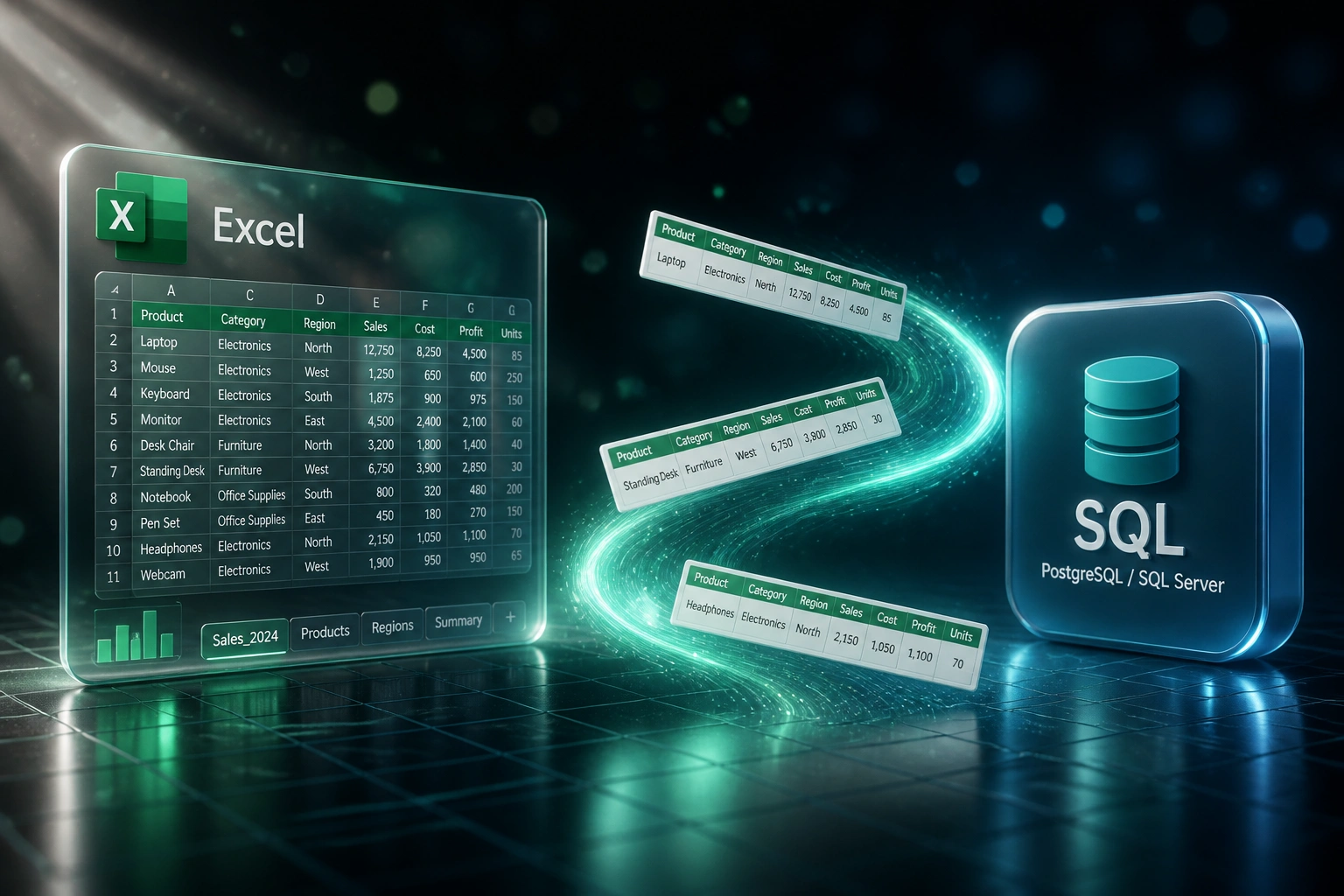
Sheet lands → validated → transformed → loaded. Bad rows quarantine. No human pasting into production.
Sheet Arrives on Schedule
Nightly or hourly job picks up the latest Excel or CSV from your shared folder
Validate and Transform
Types, required fields, and business rules checked before anything touches SQL
Load or Quarantine
Clean rows land in the database; failed rows quarantine with a clear reason
Reporting You Can Trust
BI and board packs read the database, not last week's FINAL_v7.xlsx
Everything You Need for a Reliable Spreadsheet to SQL Load
Scheduled Extract
Watch a folder, SharePoint, or OneDrive path on a schedule. New or updated workbooks enter the excel etl pipeline without anyone clicking Import.
Validation Before Load
Required columns, data types, VAT ranges, and referential checks run before anything hits SQL. Bad rows never land in production tables.
Transform and Map
Sheet columns map to typed database fields: dates, currencies, codes, and lookups. Spreadsheet to sql stops being a fragile paste job.
Error Quarantine
Failed rows go to a quarantine table with the reason and source file. Ops fix the sheet, re-run, and only clean data reaches the warehouse.
Version-Aware Loads
The pipeline tracks which workbook version loaded when. Duplicate sheets and accidental reloads no longer double-count the same week.
Trustworthy Reporting
Once Excel is an input and the database is the store, dashboards finally match the numbers leadership already believes.
Sources and Databases We've Connected
From 14 Hours/Week to a Nightly Load
How a mid-size wholesale ops team stopped pasting Excel into Postgres and got reporting that matched the sheets finance already trusted.
The Manual Process
- Ops coordinator downloaded weekly sales and stock workbooks from a shared drive
- 14 hours a week spent cleaning columns, fixing dates, and pasting into SQL
- Wrong product codes and duplicate weeks quietly inflated inventory reports
- Nobody knew which FINAL_vN file had actually been loaded
- BI dashboards lagged the real sheets by three to five days
The Scheduled Pipeline
- Nightly excel etl pipeline watches the SharePoint folder and picks up new sheets
- Validation rejects bad rows into quarantine; clean rows load automatically
- Version tracking stops accidental double-loads of the same workbook
- Ops reviews quarantine exceptions in under an hour a week
- Postgres and Power BI match the source sheets every morning
Before vs After the Excel to Database Pipeline
How It Works
From first conversation to a live scheduled load in 2–4 weeks.
Map Your Sheets
Which workbooks feed the business, what the target tables look like, and where validation must catch bad rows.
Free Scoping Call
30-minute call to design the schedule, quarantine rules, and which excel to database path pays back first.
Build and Parallel Run
We build the pipeline, load against a staging database, and compare to your current paste process until the numbers match.
Go Live on Schedule
Switch to the nightly or hourly job. Monitoring alerts when a sheet fails validation so production stays clean.
Frequently Asked Questions
What is an Excel to database ETL pipeline?
It is a scheduled process that extracts rows from Excel (or CSV) workbooks, validates and transforms them, then loads clean records into a proper SQL database. Unlike a one-off import, it runs on a recurring schedule so Excel stays an input and the database becomes the trustworthy system of record.
How is this different from a one-time spreadsheet migration?
A one-time migration moves contacts or history into a CRM once and retires the file. An excel etl pipeline keeps accepting new and updated sheets on a schedule, with validation, version tracking, and error quarantine every run. Teams that still collect data in Excel need the pipeline, not a single cutover.
Which databases can we load spreadsheet data into?
We regularly land validated Excel and CSV data into Postgres, SQL Server, MySQL, and Azure SQL. If your warehouse or reporting stack already sits on one of those, the pipeline feeds it without asking finance to learn a new tool for day-to-day capture.
What happens when a row fails validation?
Failed rows go to a quarantine table with the source file, row identifier, and reason (missing column, bad date, unknown product code, and so on). Good rows still load. Your team fixes the sheet and the next scheduled run picks up the corrected data.
How long does an Excel ETL pipeline take to build?
A focused spreadsheet to sql pipeline for one or two core workbooks typically takes 2 to 4 weeks from scoping to live schedule. Multi-sheet packs with complex lookups, incremental keys, and BI cutover can take 4 to 6 weeks including parallel validation.
How much does an Excel to database ETL cost?
Scheduled excel to database pipelines with validation and quarantine typically start around R35,000. Multi-source jobs with custom transforms and alerting usually land between R45,000 and R90,000. Most ops and finance teams recover that inside 2 to 4 months against the hours currently spent on copy-paste loads.
Stop Treating Excel as Your Warehouse
If ops and finance are still pasting spreadsheet rows into SQL, you are paying for a problem a scheduled pipeline already solves.
Tell us which workbooks feed the business, which database they should land in, and what breaks when a bad row slips through. We will show you how a recurring excel to database ETL would run for your team.