Expense Claim Automation: Capture, Approve, Repay
Your field team photographs receipts on their phones and emails them in. Finance hunts for missing tax invoices, managers approve late, and reimbursements drag for weeks while staff float the cost.
We build the expense claim workflow that captures, routes, and posts automatically.
Sound Familiar?
These are the exact issues our clients faced before expense automation:
- Staff email receipt photos that get buried, then chase finance for repayment
- Managers approve claims days late because the request sat in an inbox
- Nearly one in five expense reports needs rework before it can be paid
- SARS input VAT is missed when tax invoices never reach the ledger cleanly
- Reimbursements take 1–2 weeks while consultants float costs on personal cards
Paperless expense tools are now table stakes for hybrid and field teams. Every week you stay on email receipt photos, you lose reclaimable VAT, leak out-of-policy spend, and ask staff to float company costs on personal cards.
What the Expense Claim Workflow Actually Does
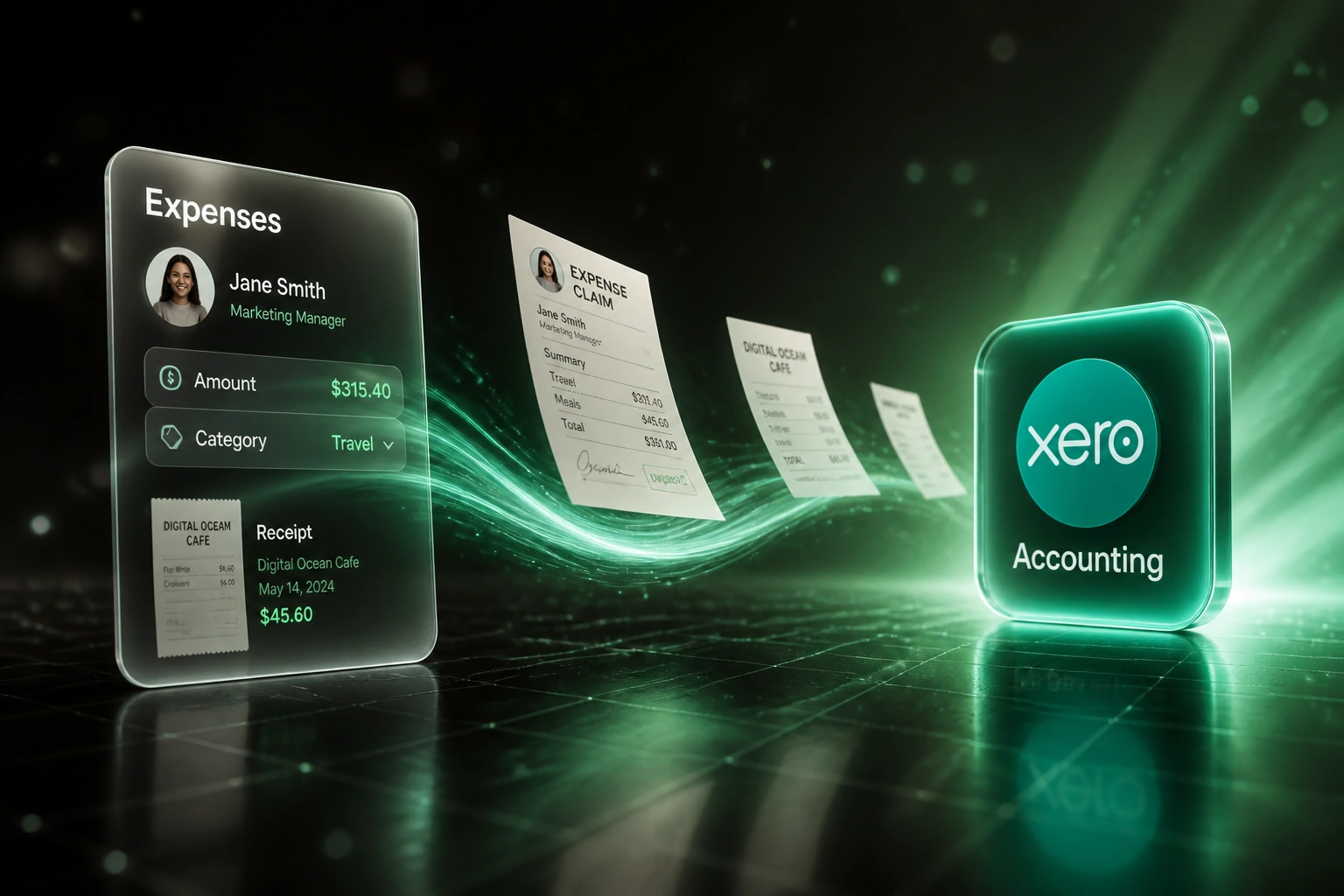
Receipt captured → manager approves → ledger posted → staff repaid. No inbox archaeology.
Receipt Captured
Staff snap a receipt on mobile. OCR fills amount, supplier, date, and VAT fields
Policy & Approval
Rules check limits and duplicates, then route to the right manager for sign-off
Posted to Accounting
Approved claims land in Xero or Sage with cost centre, tax code, and attachments
Staff Reimbursed
Payment or payroll reimbursement fires, and the claimant sees status without chasing
Everything You Need for Reliable Expense Automation
Mobile Receipt Capture
Staff photograph a receipt on their phone. OCR extracts amount, supplier, date, and VAT, then opens a claim draft without spreadsheet entry.
Manager Approval Routing
Claims route to the right manager by amount band, cost centre, or project. Escalations fire if an approval stalls past your SLA.
Policy Checks Before Pay
Out-of-policy spend, missing receipts, and duplicates are flagged before reimbursement, so finance stops catching leakage after the fact.
Accounting & Payroll Posting
Approved claims post into Xero or Sage as bills or expense journals, with optional payroll reimbursement lines for the next pay run.
VAT Invoice Guardrails
We check for SARS-ready tax invoice fields so reclaimable input VAT is not lost when staff submit incomplete receipts.
Audit Trail & Reporting
Every capture, approval, and ledger post is logged. Month-end expense reports pull from the system, not from email archaeology.
Systems We've Connected for Expense Claims
From 12-Day Reimbursements to 3 Days
How a 45-person professional services firm stopped drowning in email receipt photos and repaid consultants in days, not weeks.
The Manual Process
- Consultants emailed WhatsApp receipt photos and spreadsheet claims
- Finance retyped amounts into Xero and chased missing tax invoices
- Nearly one in five claims bounced for errors or policy gaps
- Average 12 business days from submit to repayment
- Managers approved late because claims sat in personal inboxes
The Automated Process
- Mobile capture creates a claim with OCR fields and the receipt attached
- Policy checks run before a manager sees the request
- Approved claims post into Xero with cost centre and VAT treatment
- Average reimbursement dropped to 3 business days
- Staff track status without emailing finance for updates
Before vs After Expense Automation
How It Works
From first conversation to live expense claim workflow in 2–4 weeks.
Tell Us Your Setup
How claims arrive today, who approves them, and which ledger or payroll system must receive the final post.
Free Scoping Call
30-minute call to map your expense claim workflow, policy rules, and VAT handling, then design the automation.
Build & Test
We build capture, approval routing, and accounting sync, then run parallel with your live claims for a week.
Go Live & Monitor
Switch off email and spreadsheet chasing. Monitoring and alerts keep approvals and posts flowing.
Frequently Asked Questions
How long does expense claim automation take to set up?
A standard expense claim workflow with mobile capture, manager approval, and Xero or Sage posting takes 2–4 weeks from scoping to go-live. Simple one-way capture-to-ledger syncs can be live within a week. Multi-level approvals with payroll reimbursement and cost-centre rules take closer to 4–6 weeks.
Which accounting and payroll systems can you connect?
We have built expense automations into Xero, Sage Business Cloud, Sage Pastel, QuickBooks, SimplePay, and PaySpace. If your ledger or payroll product has an API (or a reliable import path), we can connect it.
Will this disrupt how staff submit claims today?
No. We design the capture step around how your team already works: phone photos, WhatsApp, or a short web form. Approvers keep a clear queue instead of inbox threads. We run parallel testing before switching off the old process.
How do you handle SARS VAT on staff expenses?
Reclaimable input VAT needs a compliant tax invoice, typically addressed to the company, not the employee. Our workflows flag incomplete invoices, entertainment categories that are usually blocked, and missing supplier VAT details so finance can reclaim what SARS allows and leave the rest out of the VAT201 pack.
What about out-of-policy spend and duplicate claims?
Policy rules run at submission: amount limits, category bans, required receipt thresholds, and duplicate detection on amount, date, and supplier. Managers only see clean claims, and finance only pays what policy allows.
How much does expense claim automation cost?
Simple capture-to-ledger syncs start from around R15,000. Full expense claim workflows with OCR, multi-level approval, VAT checks, and Xero or Sage posting typically range from R25,000 to R60,000. Most teams processing 80+ claims a month see ROI within 2–3 months against the manual processing cost.
Stop Losing Hours to Email Expense Claims
If your finance team is still chasing receipt photos and your staff wait weeks for repayment, you are paying for a problem that automation already solves.
Tell us how claims arrive today, who approves them, and which ledger or payroll system must receive the post. We will show you exactly how expense claim automation would work for your business.