FoxPro Database Migration Strategy: Preserve Logic, Move to SQL
Your core ops still run on Visual FoxPro: unsupported since 2015, stuck on ageing hardware, with the last person who understands it nearing the exit. A structured foxpro migration to SQL keeps decades of business logic instead of gambling on a risky rewrite.
We design the extraction, schema rebuild, parallel run, and cutover.
Sound Familiar?
These are the exact issues our clients faced before a Visual FoxPro to SQL migration:
- Orders, stock, and pricing still live in Visual FoxPro .DBF/.CDX/.FPT files on a machine older than half the staff
- Only one person left who can open the source, and they are nearing retirement or already freelancing at scarcity rates
- Windows updates keep breaking reports that ran fine the morning before, with no Microsoft patches coming
- A busy quarter pushes a core table toward the 2GB ceiling and writes start failing without a clean error
- Decades of business logic are trapped in forms, reports, and procedures nobody has documented since 2014
Visual FoxPro has had no vendor security patches since January 2015, aside from one out-of-band ActiveX fix in March 2021. Windows 10 support ended in October 2025. If your ops still sit on that stack, every feature update and every retiring developer raises the cost of waiting.
What a FoxPro Database Conversion Actually Does
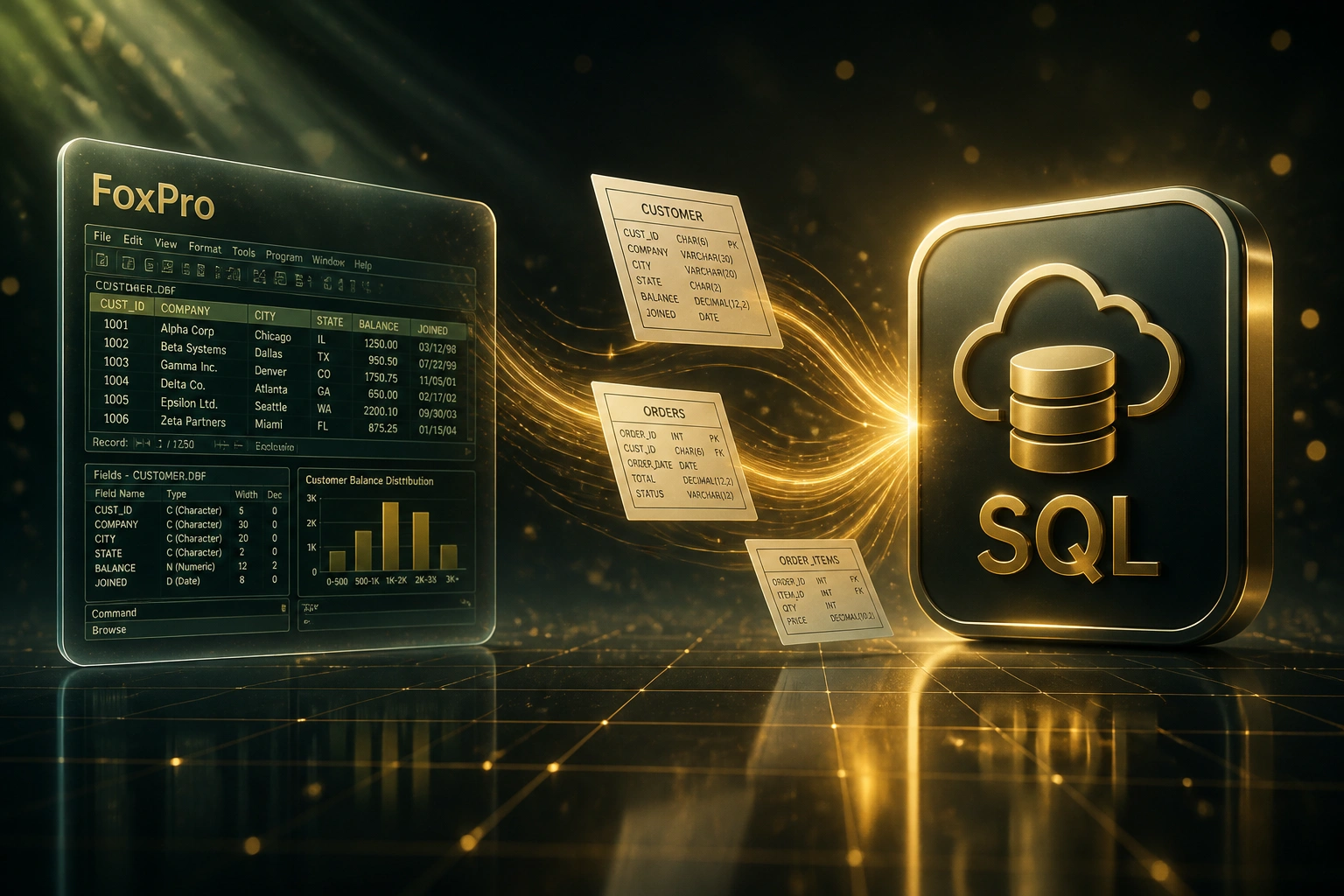
Extract the .DBF stack → rebuild in SQL → parallel run → cut over. Your team keeps trading through the move.
Audit the VFP App
Tables, indexes, forms, reports, procedures, and who still depends on them daily
Extract & Map
Export .DBF/.CDX/.FPT data, clean quirks, map fields and rules to a proper SQL schema
Parallel Run
Load SQL, rebuild critical logic and reports, validate against live FoxPro results
Cut Over Live
Module-by-module go-live, archive VFP, open modern multi-user access
Everything You Need for a Reliable Visual FoxPro to SQL Move
Full DBF Extraction
We extract every .DBF table, .CDX index, and .FPT memo so years of orders, stock, and customer history leave FoxPro intact.
Schema Rebuild in SQL
FoxPro tables become proper Postgres, Azure SQL, or SQL Server with foreign keys, indexes, and concurrency the 2GB native files never offered.
Business Logic Preserved
Pricing rules, validations, and approval workflows are mapped from forms and procedures into the new stack, not discarded in a risky rewrite.
Reports & Procedures Rebuilt
Month-end and operational reports are rebuilt in modern reporting tools with visual parity where the team depends on the layout.
Parallel Run & Cutover
VFP stays live while the SQL system is validated against production results. Cutover is module by module, with a documented rollback path.
Web or API Front End
Optional modern web screens or a clean API so staff work from any device, with backups and permissions FoxPro never provided.
SQL Destinations We've Migrated FoxPro Into
From 22 Hours/Week of FoxPro Firefighting to 3
How a KwaZulu-Natal manufacturer moved 18 years of production and stock out of Visual FoxPro into SQL Server without rewriting the business from scratch.
The Unsupported Stack
- Orders, BOMs, and stock lived in .DBF files on a 12-year-old Windows server
- One contractor left who could read the source, charging scarcity rates
- Ops lost Fridays to index rebuilds, crash recovery, and report failures after Windows updates
- The ORDERS.DBF sat near the 2GB ceiling with no clean growth path
- Pricing rules lived only inside FoxPro forms nobody had documented since 2012
The Structured Migration
- Full schema rebuilt in SQL Server with foreign keys and indexes
- Pricing and validation rules mapped from FoxPro forms into the new application
- Critical month-end reports rebuilt and reconciled against VFP outputs
- Twelve staff work the same data concurrently from desk or home
- Original .DBF stack archived read-only for audit, never used for live work
Before vs After FoxPro Migration to SQL
How It Works
From first conversation to live SQL system in 8–14 weeks for most Visual FoxPro applications.
Audit the FoxPro Stack
We inventory .DBF tables, indexes, forms, reports, procedures, and who still depends on the app every day.
Extract, Clean & Map
Export and clean the dataset, redesign the SQL schema, and agree what archives offline vs what goes live.
Build & Parallel Run
Load into SQL, rebuild critical logic and reports, train the team, and keep VFP live as a safety net.
Cut Over & Archive
Module-by-module go-live, reconcile counts, then archive the FoxPro runtime as a read-only vault.
Frequently Asked Questions
Is Visual FoxPro still supported by Microsoft?
No. Visual FoxPro 9.0 mainstream support ended on 12 January 2010, and extended support ended on 13 January 2015. Microsoft no longer ships bug fixes or security patches for the product. Applications can still run on Windows 10 and 11 through the 32-bit WOW64 compatibility layer, but each Windows feature update can break reports and ActiveX controls. Staying on VFP is a stopgap, not a strategy.
What does a foxpro migration to SQL actually include?
A structured foxpro database conversion covers extraction of .DBF/.CDX/.FPT data, schema redesign in Postgres, Azure SQL, or SQL Server, mapping of business rules from forms and procedures, rebuild of critical reports, parallel validation against live production, and a module-by-module cutover. Destinations are chosen for your team size, hosting preference, and how other systems need to consume the data.
How long does a Visual FoxPro to SQL migration take?
A small VFP system with clean tables and light reporting can move in 4–6 weeks. Most mid-complexity solutions with related tables, reports, and embedded business logic run 8–14 weeks: audit, extract, map, parallel run, and cutover. Large multi-module applications with hundreds of reports and external integrations stretch longer, and we only quote a fixed timeline after discovery reads your source and production data.
Will we lose decades of business logic and history?
No. The point of a structured migration strategy is to preserve what still matches how the business operates: pricing rules, validations, approval workflows, and historical records. We redesign the schema rather than copy quirks blindly, keep the original FoxPro files as a read-only archive for audit, and rebuild reports where the team depends on the layout.
How much downtime should we expect?
A parallel cutover usually means zero business days of downtime. The team keeps using Visual FoxPro while the SQL system is loaded and validated against production results. Final module cutovers are typically short evening or weekend freezes measured in hours, with a documented rollback path if anything fails.
How much does FoxPro database migration cost?
Scoped Visual FoxPro to SQL migrations typically land between R80,000 and R280,000 depending on table count, lines of business logic, report volume, and whether you need a new web front end. Against annual legacy maintenance in the R660,000–R905,000 range for a single ageing application, plus the risk of an emergency cutover after a Windows update or a 2GB table failure, most projects pay back inside the first year on risk reduction and recovered staff time alone.
Stop Betting the Business on an Unsupported Runtime
If your orders, stock, or pricing still live in Visual FoxPro, you are one Windows update, one retiring contractor, or one 2GB table failure away from an emergency cutover that costs far more than a planned migration.
Tell us how large the .DBF stack is, who still maintains it, and whether you need a web front end or a solid SQL backend first. We'll show you a foxpro migration strategy that preserves decades of business logic.