Gmail to CRM Integration: Log Emails Automatically
Your sales team lives in Gmail. Your CRM stays empty. Without automatic Gmail CRM integration, deals go dark after handovers, managers coach from incomplete timelines, and every hour spent logging emails is an hour not spent selling.
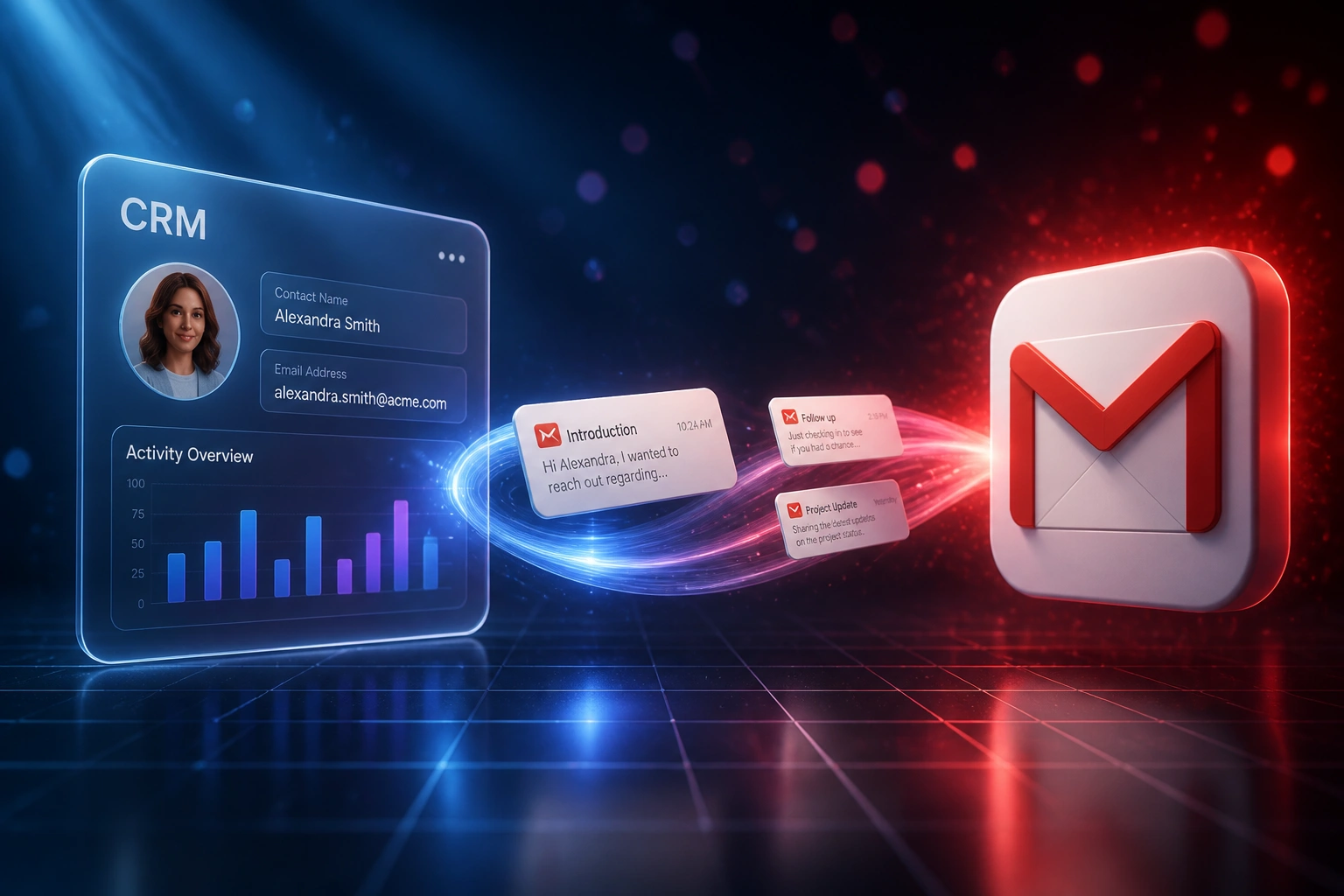
We connect Gmail to your CRM so every thread lands on the right contact.
Sound Familiar?
These are the exact issues our clients faced before Gmail CRM sync:
- Reps live in Gmail, but deals in the CRM stay hollow because email logging never sticks
- Managers coach from activity counts, not real threads, so forecasts miss the conversation
- Handovers go dark when an AE is on leave: the thread is in their Gmail, not on the deal
- BCC-to-CRM logging only captures outbound, and only when reps remember the ritual
- Gmail labels, shared inboxes, and thread history never reach the contact timeline
Google tightened Gmail API quotas for new Cloud projects from May 2026, with billable overages planned later in the year. DIY scrapes and unverified OAuth apps are a dead end. A purpose-built Gmail API integration is the reliable path for Google Workspace sales teams.
What Gmail CRM Integration Actually Does
Email arrives in Gmail → matched to a contact → logged on the deal. No human copying threads between systems.
Email Lands in Gmail
Rep sends or receives a message in Google Workspace Gmail, including labelled threads
Gmail API Matches Contact
OAuth sync reads the thread and matches the address to the right CRM contact and deal
Activity Logged on Deal
Full thread appears on the CRM timeline with sender, subject, and conversation context
Managers See the Trail
Forecasts, coaching, and handovers work from a complete conversation record
Everything You Need for Reliable Gmail CRM Sync
Automatic Gmail Logging
Sent and received Gmail messages land on the right CRM contact and deal via the Gmail API. No BCC, no sidebar clicks, no Friday catch-up.
Thread & Label Capture
Full Gmail threads stay intact on the CRM timeline. Labels and folders your team already uses can drive routing rules and deal matching.
OAuth for Google Workspace
Modern OAuth scopes replace password scrapes. Each mailbox authorises once, tokens refresh cleanly, and Google Workspace admins keep control.
Historical Backfill
Pull recent months of relevant Gmail threads onto contacts at go-live, so managers inherit a usable conversation trail from day one.
Shared Inbox Support
Sales@ and team inboxes on Google Workspace sync alongside personal mailboxes, so shared replies stop vanishing from the CRM.
Handover-Ready Timelines
When ownership changes, the full Gmail trail stays on the contact and deal. New owners pick up mid-thread instead of restarting cold.
CRMs We've Connected to Gmail
From 2 Hours/Week of Logging to Near Zero
How an 8-person B2B sales team on Google Workspace recovered a complete conversation trail and stopped deals going dark after handovers.
The Manual Process
- Reps BCC'd a HubSpot address when they remembered, and skipped it when busy
- Replies and internal forwards never appeared on the deal
- Managers opened contacts and found hollow timelines for live opportunities
- When an AE resigned, open deals lost weeks of Gmail context overnight
- Pipeline reviews ran on activity counts, not actual conversation quality
The Automated Process
- Gmail API OAuth sync logs sent and received mail against contacts and deals
- Label rules keep internal noise out while client threads stay on the timeline
- Historical backfill gave managers three months of context on day one
- Handovers keep the full thread on the deal, so new owners pick up mid-conversation
- Email capture rose from roughly one in four threads to over nine in ten
Before vs After Gmail CRM Integration
How It Works
From first conversation to live Gmail CRM sync in 2–4 weeks.
Tell Us Your Setup
Which CRM, how many Google Workspace seats, shared inboxes, and where Gmail threads disappear today.
Free Scoping Call
30-minute call to map OAuth scopes, label rules, privacy filters, and contact-matching logic.
Build & Test
We connect Gmail via the Gmail API, wire deal matching, then parallel-test with live threads before cutover.
Go Live & Monitor
Switch off BCC logging. Monitoring keeps OAuth tokens, quotas, and matching healthy as Google Workspace evolves.
Frequently Asked Questions
How long does a Gmail CRM integration take to set up?
A standard Gmail-to-CRM connection takes 2–4 weeks from scoping to go-live. Contact timeline logging for a single Google Workspace domain can be live within two weeks. Bidirectional sync with shared inboxes, label rules, and historical backfill typically takes 4–6 weeks.
Which CRMs can connect to Gmail?
We have built Gmail CRM integrations with HubSpot, Pipedrive, Salesforce, Zoho CRM, Monday.com, Freshsales, and custom CRMs. If your CRM has an API and your team uses Google Workspace or Gmail, we can connect them.
Will our sales team still work from Gmail?
Yes. Reps keep writing from Gmail exactly as they do today. The difference is that every relevant thread lands on the CRM contact and deal automatically, so managers and teammates see the same conversation without screenshots or forwarded digests.
How is this different from BCC logging or a Gmail sidebar?
BCC-to-CRM only captures outbound mail, and only when reps remember the address. Sidebars depend on each person clicking Log. Audits of manual activity logging find fewer than 28% of emails and meetings actually make the CRM. We build server-side Gmail API sync so capture does not depend on habit.
What about Google Workspace OAuth scopes and API quotas?
Google retired basic authentication for Gmail years ago. Production integrations need verified OAuth scopes, and Google tightened Gmail API usage quotas for new Cloud projects from May 2026, with billable overages planned later in 2026. We design against those constraints: history-based sync, sensible polling, and admin-approved scopes, so the integration stays compliant as Google Workspace rules tighten.
How much does Gmail CRM integration cost?
Contact timeline logging for Google Workspace starts from around R15,000. Full Gmail CRM sync with shared inboxes, label routing, and historical backfill typically ranges from R25,000 to R60,000. Teams recovering even a few hours a week of inbox hunting usually see ROI within 2–3 months.
Stop Losing Gmail Conversations from Your CRM
If your sales team still lives in Gmail while the CRM stays empty, you are paying for a visibility problem that Gmail API integration already solves.
Tell us which CRM you use, how many Google Workspace seats you have, and where threads disappear today. We will show you exactly how automatic email CRM sync would work for your team.