

Google Classroom Admin Integration: Automate Class and Roster Management
Every January and July your IT team rebuilds Google Classroom classes by hand. Teachers lose the first teaching week to missing students, wrong co-teachers, and orphaned classes left over from last term.
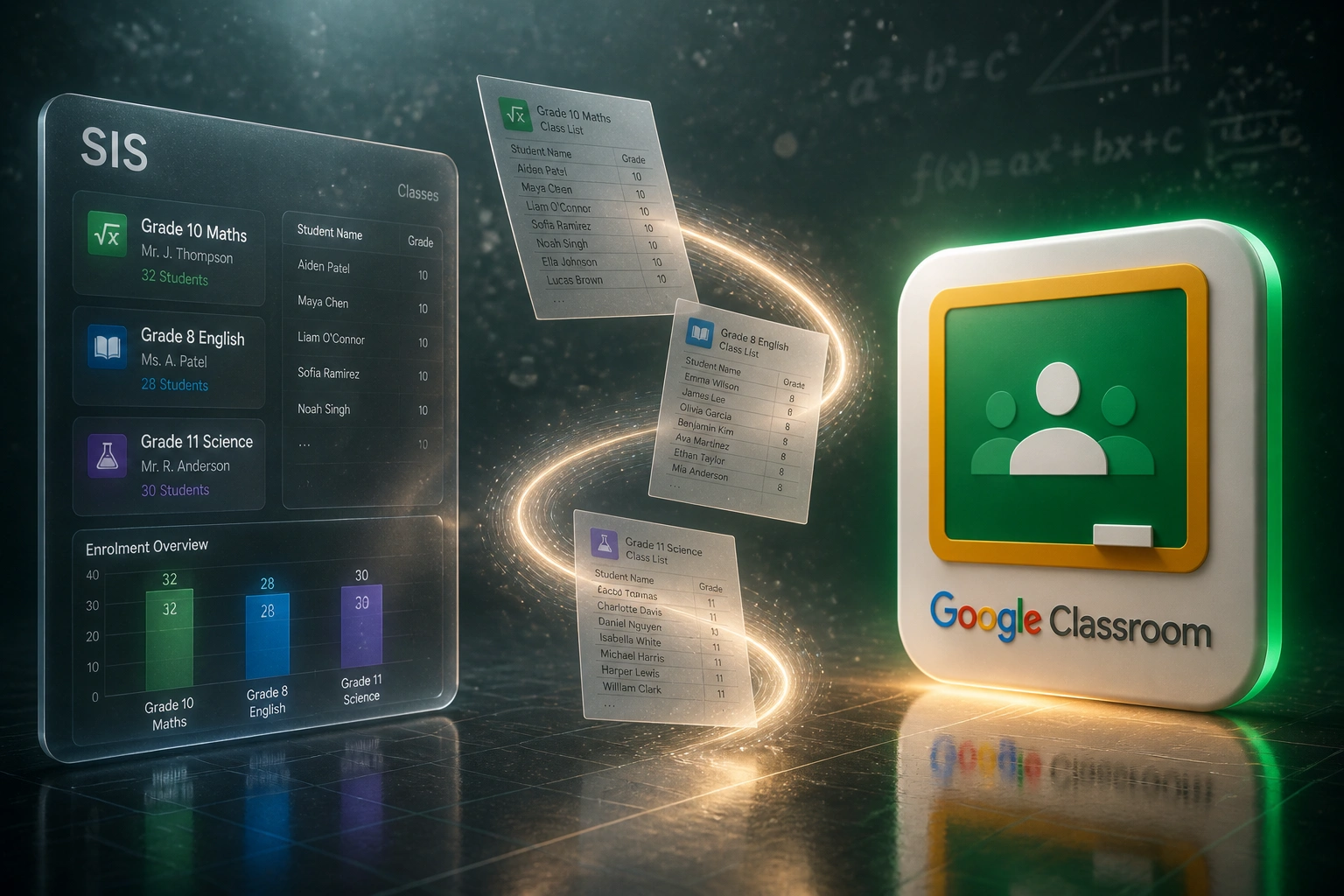
We connect your school admin system to the Classroom API so class creation, teacher assignment, and roster sync run automatically.
Sound Familiar?
These are the exact issues our school clients faced before Google Classroom API automation:
- IT rebuilds every Google Classroom class by hand each January and July
- Teachers spend the first instructional days hunting missing students and wrong co-teachers
- Orphaned classes from last year confuse parents and clog Drive folders
- Mid-term transfers sit in SA-SAMS for days before anyone updates Classroom
- Multi-campus growth multiplies the same manual roster work with no extra admin capacity
Google's native SIS roster import via Clever is limited to K-12 districts in the US and Canada, and it requires Education Standard or Plus licences. South African schools on SA-SAMS, d6, or Edupac need a custom Classroom API path. From April 2026, Classroom API list behaviour also tightens, so home-grown scripts need a maintained integration rather than a fragile spreadsheet export.
What Google Classroom Roster Sync Actually Does
Term opens in the SIS → classes appear in Classroom → teachers and learners land on the right rosters. No human retyping.
Term Finalised in SIS
Timetable, class lists, and teacher allocations lock in SA-SAMS, d6, or Edupac
Classes Created in Classroom
Course names, sections, and owners mapped automatically via the Classroom API
Teachers & Rosters Assigned
Primary teachers, co-teachers, and learners enrolled against matching Workspace emails
Ongoing Sync
Transfers and drops update Classroom on schedule, while last term's classes archive cleanly
Everything You Need for Reliable Class Management Automation
Automated Class Creation
Term schedules land in your SIS → matching Google Classroom classes appear with the right names, sections, and periods.
Teacher Assignment Sync
Primary teachers and co-teachers map from SA-SAMS, d6, or Edupac into Classroom, so nobody is teaching the wrong class on day one.
Continuous Roster Sync
Adds, drops, and transfers flow from the admin system into Classroom on a schedule you control. No CSV uploads at 10pm.
Smart Error Handling
Email mismatches, missing Workspace accounts, and duplicate sections surface in an exception queue. Your team only touches the exceptions.
Archive & Rollover Control
Previous-term classes archive cleanly. New-term classes open when you release them, so students do not see schedules early.
Multi-Campus Ready
One Workspace domain, several campuses. Class and roster rules stay consistent while each site keeps its own timetable structure.
Systems We've Connected to Google Classroom
From 48 Admin Hours to 3 Hours Per Term Start
How a Gauteng independent school with 620 learners and 42 teachers recovered its first teaching week and stopped rebuilding Classroom by hand.
The Manual Process
- IT admin exported class lists from Edupac into spreadsheets each January and July
- 48 hours creating Classroom classes, assigning teachers, and pasting learner emails
- Teachers spent the first 3–4 instructional days fixing missing students and wrong co-teachers
- Orphaned classes from the previous year confused parents on day one
- Second campus opening doubled the same manual roster load with no extra IT capacity
The Automated Process
- Edupac term lock → Classroom classes and rosters provision overnight
- IT reviews an exception queue for about three hours, then releases classes to teachers
- Roster errors dropped to near zero because emails match the Workspace directory
- Teachers open Classroom on day one with complete, correct class lists
- Mid-term transfers sync on schedule without ticket backlog
Before vs After Google Classroom Admin Integration
How It Works
From first conversation to live Google Classroom roster sync in 2–4 weeks.
Tell Us Your Setup
Which SIS, which Workspace edition, how many campuses, and where term-start pain hits hardest.
Free Scoping Call
30-minute call to map class naming, teacher assignment rules, and the rollover calendar.
Build & Test
We build against the Classroom API, test with a pilot grade or campus, and run parallel to your manual process.
Go Live & Monitor
Switch off spreadsheet rostering. Monitoring catches sync failures before teachers open Classroom on Monday.
Frequently Asked Questions
How long does a Google Classroom Admin integration take to set up?
A standard SIS-to-Classroom sync takes 2–4 weeks from scoping to go-live. Simple one-way class and roster creation can be live within two weeks. Multi-campus setups with custom naming rules and archive workflows take closer to 4–6 weeks.
Which school admin systems can connect to Google Classroom?
We have built Classroom integrations from SA-SAMS, d6 School Admin, Edupac, and custom SIS exports. If your admin system can export class, teacher, and learner data (or expose an API), we can connect it. Native Clever roster import is limited to the US and Canada, so South African schools need a custom path.
Will this disrupt teachers mid-term?
No. We design the sync to enhance existing Classroom use, not replace it. Teachers keep their materials and Drive folders. We run parallel testing on a pilot set of classes before switching off manual rostering for the whole school.
What about email mismatches and missing Workspace accounts?
Classroom matches learners and teachers on Google Workspace email addresses. Our integrations validate emails against the Workspace directory before enrolment, queue mismatches for admin review, and retry once accounts exist. Most failures are fixable in minutes rather than days of classroom chaos.
Do we need Google Workspace for Education Plus?
Google's native Clever SIS roster import requires Education Standard or Plus and is only available in the US and Canada. A custom Classroom API integration works with Education Fundamentals and higher, which is how most South African schools stay automated without an overseas licence upgrade.
How much does Google Classroom Admin integration cost?
Simple one-way class and roster syncs start from around R15,000. Bidirectional or multi-campus setups with custom rollover logic typically range from R25,000 to R60,000. Most schools with 30+ teachers recover the investment within one or two term starts.
Stop Wasting the First Teaching Week on Roster Chaos
If your IT team still rebuilds Google Classroom from spreadsheets each term, you are spending money on a problem South African schools cannot solve with Clever's US-only roster import.
Tell us which admin system you run, which Google Workspace for Education edition you are on, and how painful January and July feel. We will show you exactly how Classroom API automation would work for your school.