Migrating HubSpot Workflows to a New CRM: Keep the Logic, Not Just the Contacts
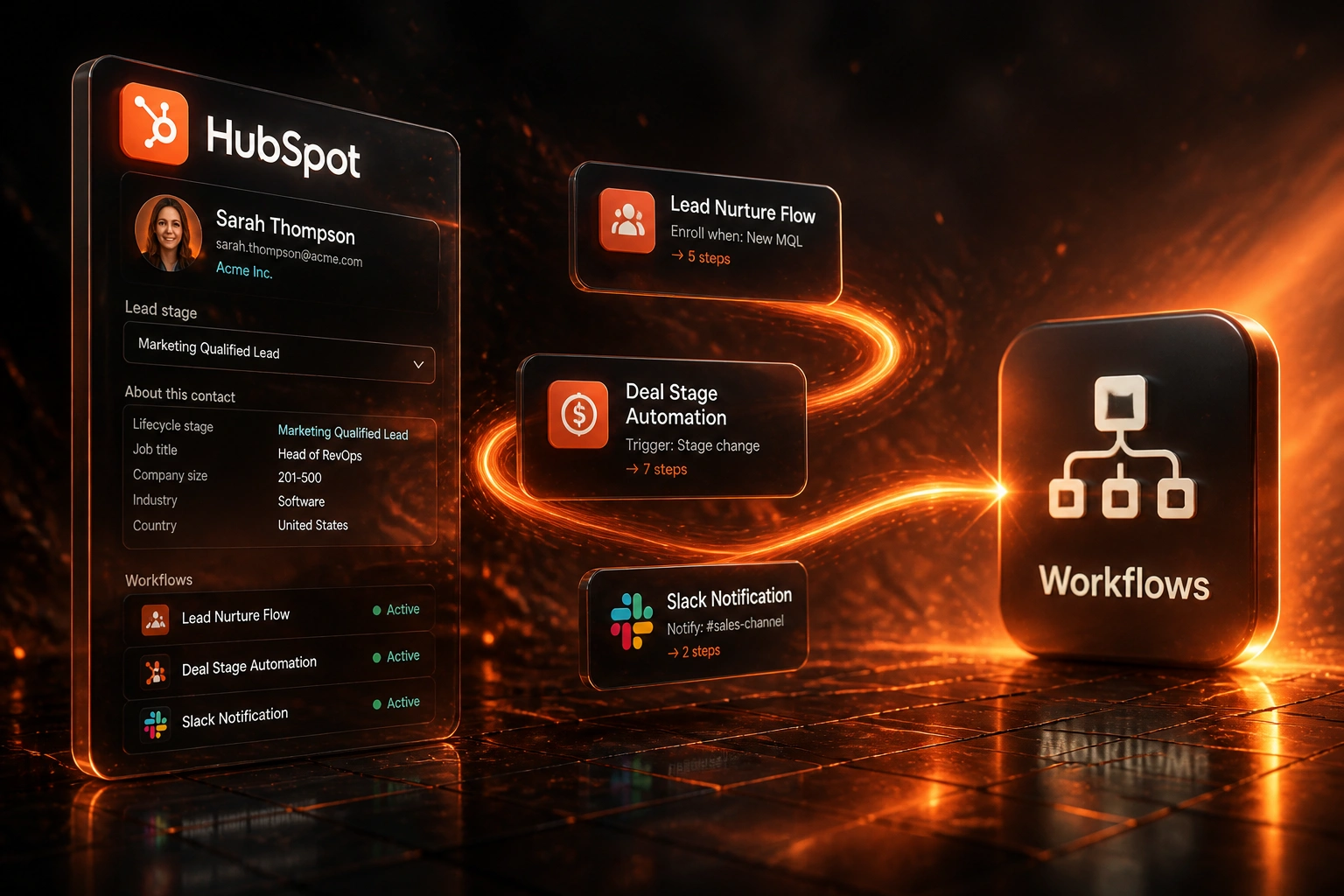
Contacts migrate easily. Years of HubSpot workflow logic do not. Enrolment criteria, delays, if/then branches, and Slack or email actions die at cutover unless someone inventories them first.
We audit every HubSpot workflow, map it to your new CRM, and test before you switch off HubSpot.
Sound Familiar?
These are the exact issues marketing and RevOps teams face when leaving HubSpot without a workflow migration plan:
- Contacts and deals imported cleanly, but lead nurturing emails stopped the day HubSpot went dark
- Deal-progression workflows that moved stages and assigned owners never came across
- Internal Slack and email notifications for new MQLs and stalled deals went quiet overnight
- Enrolment criteria, delays, and if/then branches lived only inside HubSpot with no written spec
- Sequences and active lists were treated as "data", so years of automation logic died at cutover
HubSpot's seat-based pricing rollout (from March 2024, with renewal impacts still landing through 2026) is pushing many mid-market teams to consolidate or leave. Contacts are the easy part. Documenting HubSpot workflow logic before you cancel is the hard part.
What HubSpot Workflow Migration Actually Involves
Inventory → map → rebuild → parity-test. Contacts alone are not enough.
Export HubSpot Logic
Every workflow, sequence, and list with enrolment triggers and branches
Write Business Specs
Plain-language rules marketing and sales can approve without the HubSpot builder
Rebuild in New CRM
Equivalent nurture, deal progression, and notification automation
Parity-Test, Then Cut Over
Side-by-side scenarios until outcomes match, then pause HubSpot safely
Everything You Need for a Reliable HubSpot Automation Migration
Full HubSpot Workflow Inventory
We export every active workflow, sequence, and list with enrolment triggers, delays, if/then branches, and last-enrolment dates so nothing critical is invisible.
Plain-Language Logic Specs
Each HubSpot workflow becomes a readable brief: who enrols, which branch fires, which email or Slack action runs, and which properties update. RevOps can sign off without opening the builder.
Destination CRM Rebuild
We map HubSpot constructs to the new CRM's automation model: equivalent triggers, branching, delays, and notifications. Not a screenshot copy. An outcome-matched rebuild.
Retire Dead Automations
Workflows with zero recent enrolments, orphaned sequences, and lists nobody owns get archived instead of rebuilt. Migration is the cheapest moment to delete debt.
Parity Testing Before Cutover
Side-by-side scenarios for lead nurture, deal stage moves, and internal alerts. We only cut over when enrolment and outcomes match the HubSpot baseline.
Cutover Runbook
Ordered pause of HubSpot workflows, dual-run window, and rollback steps so marketing and sales are not guessing which automation still fires where.
Destination CRMs We've Rebuilt HubSpot Automation Into
From Silent Nurture to Live Automation in 3 Weeks
How a 35-person B2B SaaS team left HubSpot Marketing Pro without losing lead nurturing or deal-progression logic.
The Blind Cutover Risk
- 28 active HubSpot workflows plus 6 sales sequences, most with no written owner
- Seat-based renewal quote pushed the move; contacts were exported in four days
- First cutover attempt left MQL nurture and deal-stage Slack alerts dead for 11 days
- Marketing estimated 40+ MQLs received no automated follow-up during the blackout
- RevOps had started rebuilding one workflow at a time with no inventory or parity plan
The Documented Rebuild
- Full inventory of workflows, sequences, and lists with enrolment specs
- 19 revenue-critical automations rebuilt in the destination CRM; 9 retired
- Parity tests for nurture enrolment, deal stage moves, and Slack alerts
- Ordered HubSpot pause with a two-week dual-run window
- Lead nurture and deal notifications live again within three weeks of engagement
Before vs After HubSpot Workflow Migration
How It Works
From first conversation to live automation in the destination CRM in 4–8 weeks for most mid-market portals.
Audit Every HubSpot Workflow
Workflows, sequences, lists, enrolment criteria, branches, actions, and last-fired dates.
Keep, Redesign, or Retire
30-minute call to rank revenue-critical automation and drop what marketing no longer needs.
Rebuild and Parity-Test
Recreate logic in the destination CRM, then test nurture, deal progression, and alerts side by side.
Cut Over with a Runbook
Pause HubSpot workflows in order, hold a dual-run window, and monitor the first two weeks.
Frequently Asked Questions
Do HubSpot workflows migrate automatically to another CRM?
No. Contacts and deals can usually be exported. HubSpot workflows, sequences, and list logic cannot. Enrolment criteria, delays, if/then branches, and Slack or email actions are platform-specific. Every live automation must be inventoried, documented as business logic, and rebuilt in the destination CRM, or deliberately retired.
How many HubSpot workflows do mid-market teams typically run?
Industry benchmarks put the median mid-market team at about 24 active marketing automation workflows. HubSpot portals often carry more once you include deal-progression workflows, internal notification workflows, sequences, and active lists. Mature portals can accumulate hundreds of workflows, with a large share lacking a clear owner.
What happens if we migrate contacts but skip HubSpot workflow migration?
Lead nurturing stops, deal stages stop advancing on schedule, and Slack or email alerts for new MQLs go silent. Businesses already lose up to 79% of marketing-generated leads to leakage from broken follow-up and routing. Turning off years of HubSpot automation without a rebuild accelerates that leak on day one.
Can HubSpot workflows be copied 1:1 into Pipedrive or Salesforce?
Rarely. HubSpot enrolment triggers, re-enrolment controls, and branching do not map one-to-one onto another CRM's automation engine. We translate the business outcome (nurture this MQL path, advance this deal stage, notify this channel) into the destination's native patterns rather than pasting the old builder layout.
How long does HubSpot workflow migration take?
A focused inventory and rebuild of the critical HubSpot workflows for a mid-market portal typically takes 4 to 8 weeks, including parity testing. Estates nearer 40+ active workflows and heavy sequence use commonly need 8 to 12 weeks. DIY internal effort alone often runs 60 to 120 hours for a RevOps lead before partner time.
How much does HubSpot workflow migration cost?
Inventory-plus-rebuild programmes for mid-market HubSpot portals typically range from R45,000 to R180,000. Larger estates with 40+ critical workflows, complex branching, and Slack integrations sit closer to R180,000 to R350,000. Against DIY internal cost of roughly R74,000 to R297,000 in loaded staff time, plus lead leakage after a blind cutover, most clients see payback inside the first quarter.
Stop Treating HubSpot Workflows as Optional
If your contacts are ready to move but your nurture, deal progression, and notification logic still live only inside HubSpot, you are one cutover away from silent pipelines.
Tell us how many HubSpot workflows and sequences you run, which CRM you are moving to, and what must keep firing on day one. We will show you exactly how the audit and rebuild would work for your portal.