Handle Invoice Disputes Without Losing Track or Losing Clients
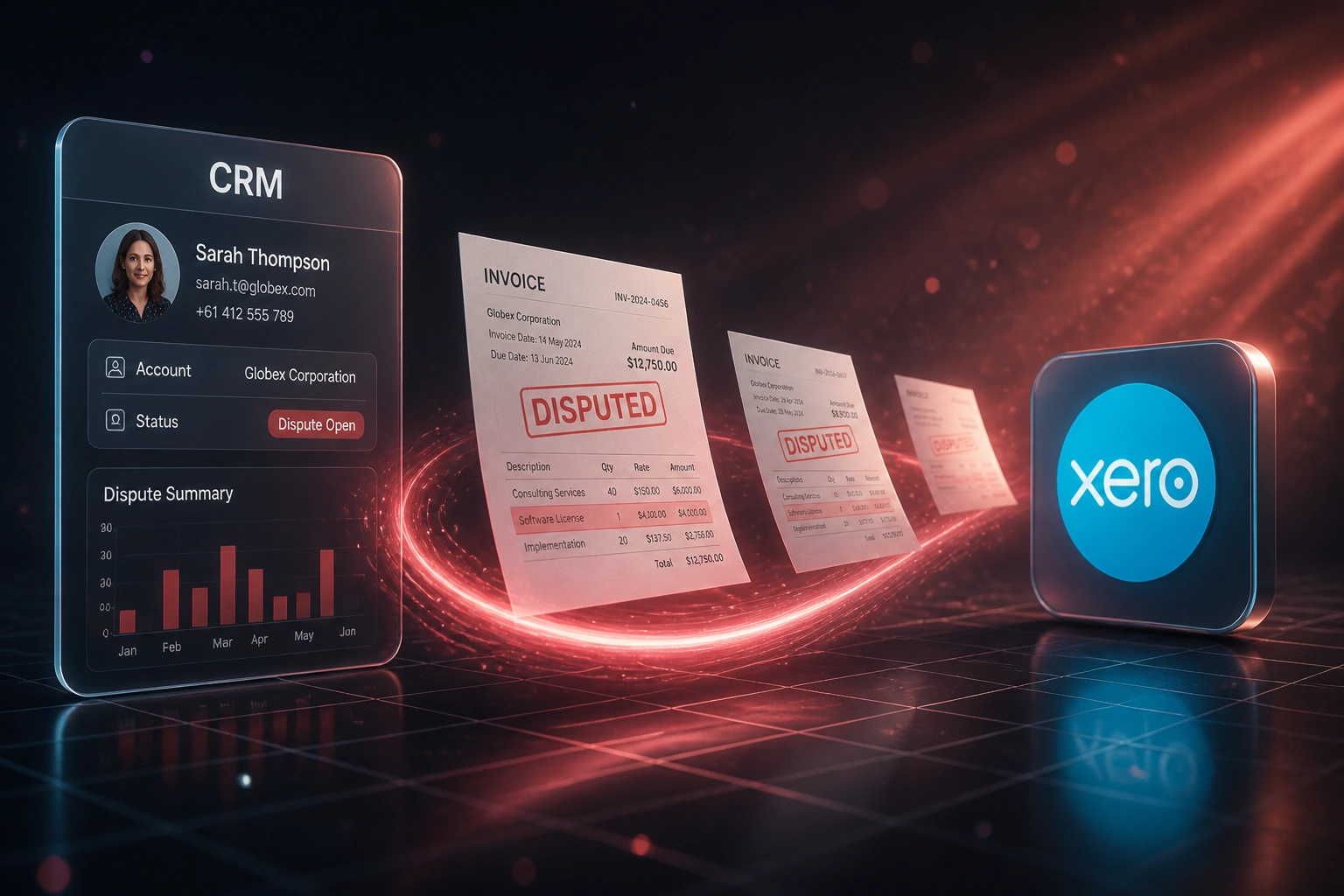
A client flags a wrong line, price, VAT, or PO mismatch. The complaint lands in email. Finance never sees it until a reminder is ignored. Cash sits locked, the client feels brushed off, and dispute management becomes another spreadsheet nobody owns.
We build the structured billing dispute workflow that tickets every dispute, assigns finance, issues the credit note or revised invoice, and syncs status back.
Sound Familiar?
These are the exact issues finance leads and client-success managers bring us before we build dispute management:
- Clients flag wrong line items, prices, VAT, or PO mismatches by email, and the dispute vanishes into an inbox thread
- Finance only learns about a billing dispute when the client ignores the next reminder, by which time goodwill is already gone
- Credit notes and revised invoices are raised in Xero or Sage with no link back to the original CRM ticket or owner
- Client-success managers cannot see which invoice disputes are open, who owns them, or how long they have been sitting
- Cash stays locked while the dispute is argued, stretching DSO by weeks for invoices that would otherwise clear promptly
Clients now expect self-service acknowledgement within hours, yet nearly half of AR disputes still start from invalid or incorrect purchase order information. Without a ticketed path, those disputes park in email until cash and the relationship both erode.
What Invoice Dispute Management Actually Does
Client flags an error → ticket opens → finance resolves → credit note or revision syncs. No dispute lost in an inbox.
Client Flags the Invoice
Wrong line, price, VAT, or PO mismatch arrives by email, portal, or support channel
Ticket Opens in CRM
Dispute record created with invoice link, amount, reason code, and a named finance owner
Finance Resolves
Investigate, approve, then issue a credit note or revised invoice in Xero or Sage
Status Syncs Back
Client-success sees Closed with document numbers; cash collection resumes on the corrected balance
Everything You Need for Reliable Dispute Management
Dispute Intake from Any Channel
When a client flags a wrong line, price, VAT treatment, or PO mismatch, a dispute ticket opens in the CRM or support desk with the invoice, amount, and reason attached.
Finance Notification & Assignment
Finance is notified the moment a dispute lands, with a named owner, SLA clock, and the source invoice linked from Xero, Sage, or QuickBooks.
Credit Note & Revised Invoice Path
Approved resolutions issue a credit note or a revised tax invoice in accounting, with SARS Section 21 fields preserved and the original dispute ticket updated.
Status Sync Back to CRM
Open, investigating, credit issued, revised, and closed statuses sync both ways so sales and client-success never chase finance for an update.
Root-Cause Tags & Audit Trail
Every dispute is tagged (pricing, VAT, PO, quantity, duplicate) with timestamps and actors, so you can see which billing errors keep recurring.
Dispute Ageing Dashboard
See open disputes by age, rand value locked, and average days to resolution, without rebuilding the picture from email threads each Monday.
Platforms We've Connected for Dispute Workflows
From 22 Days to 6 Days per Dispute
How a 35-person professional services agency stopped losing disputed invoices in email and unlocked parked cash without damaging client relationships.
The Email-Thread Process
- Clients replied to invoice PDFs with "wrong PO" or "VAT should be zero-rated"
- Finance discovered disputes only when chasing overdue balances
- Credit notes raised in Xero with no CRM ticket or named owner
- Average 22 days from first complaint to closed resolution
- Two retained accounts left after feeling ignored during a pricing dispute
The Structured Workflow
- Every dispute opens a HubSpot ticket with invoice link and reason code
- Finance owner notified within minutes; SLA clock starts at intake
- Approved credit notes or revised invoices post in Xero and close the ticket
- Client-success sees live status without chasing the ledger team
- Root-cause tags showed PO mismatches as nearly half of volume
Before vs After Dispute Management
How It Works
From first conversation to live dispute workflow in 2–4 weeks.
Map Your Dispute Today
Where disputes arrive (email, portal, phone), who owns them, how credit notes are approved, and where status gets lost.
Free Scoping Call
30-minute call to design intake rules, SLA clocks, credit-note vs revised-invoice paths, and CRM to accounting field mapping.
Build & Test
We build the workflow, test with real disputed invoices, and run parallel so finance can compare against the email-thread process.
Go Live & Tune
Switch intake to the structured path. We monitor SLA breaches, root-cause tags, and sync failures, then tighten rules in the first month.
Frequently Asked Questions
How is invoice dispute management different from overdue reminders or escalation?
Reminders and escalation chase invoices that are unpaid but not contested. Dispute management starts when the client says the invoice is wrong: wrong line, price, VAT, or PO. A ticket opens, finance investigates, a credit note or revised invoice issues, and status syncs back. Mixing disputes into a dunning sequence usually makes clients feel ignored rather than heard.
Which systems can drive a dispute management workflow?
We have built dispute intake and resolution between HubSpot, Pipedrive, Salesforce, Zoho CRM, Freshdesk, and Zendesk on the client-facing side, and Xero, Sage Business Cloud, Sage Pastel, and QuickBooks on the ledger side. If your CRM or support desk can open tickets and your accounting system can issue credit notes or revised invoices, we can connect them.
Will a structured dispute process slow down our clients?
The opposite. Ad-hoc email threads routinely take 18 days or more to resolve. A defined intake with a named owner and SLA typically brings standard disputes into the 5 to 8 day range, and clients get an acknowledgement within hours instead of silence until the next reminder fires.
How do you handle SARS credit notes and revised tax invoices?
Approved resolutions map to the correct path in Xero or Sage: a credit note with Section 21 fields for a true reduction, or a revised tax invoice when line items, VAT codes, or PO references need correcting. The original dispute ticket keeps the document numbers so audit trails stay intact.
How long does a dispute management workflow take to set up?
A standard intake-to-resolution flow with CRM tickets, finance alerts, credit-note or revised-invoice paths, and status sync typically takes 2 to 4 weeks from scoping to go-live. Multi-entity ledgers, VIP approval gates, or portal self-service dispute forms take closer to 4 to 6 weeks.
How much does invoice dispute management automation cost?
Structured dispute workflows that open CRM or support tickets, notify finance, issue credit notes or revised invoices, and sync status typically range from R28,000 to R60,000. Teams handling more than about 15 disputes a month usually recover the build cost within two to three billing cycles through faster unlock of parked cash and fewer write-offs after 90 days.
Stop Losing Invoice Disputes in Email Threads
If billing disputes still live in inboxes, you are locking cash and risking clients over problems that a structured workflow already solves.
Tell us where disputes arrive today, which CRM or support desk you use, and how credit notes leave Xero or Sage. We will show you exactly how intake, assignment, and resolution would work for your team.