Turn Timesheets Into Invoices: End the Copy-Paste Marathon
Every week of delayed timesheet invoicing is cash stuck as WIP, and hours that never get billed. Agencies and consultancies that still rebuild Xero or Sage invoices from Harvest exports are paying for that lag in write-offs and late collections.
We automate approved hours into invoice lines so billing closes on schedule.
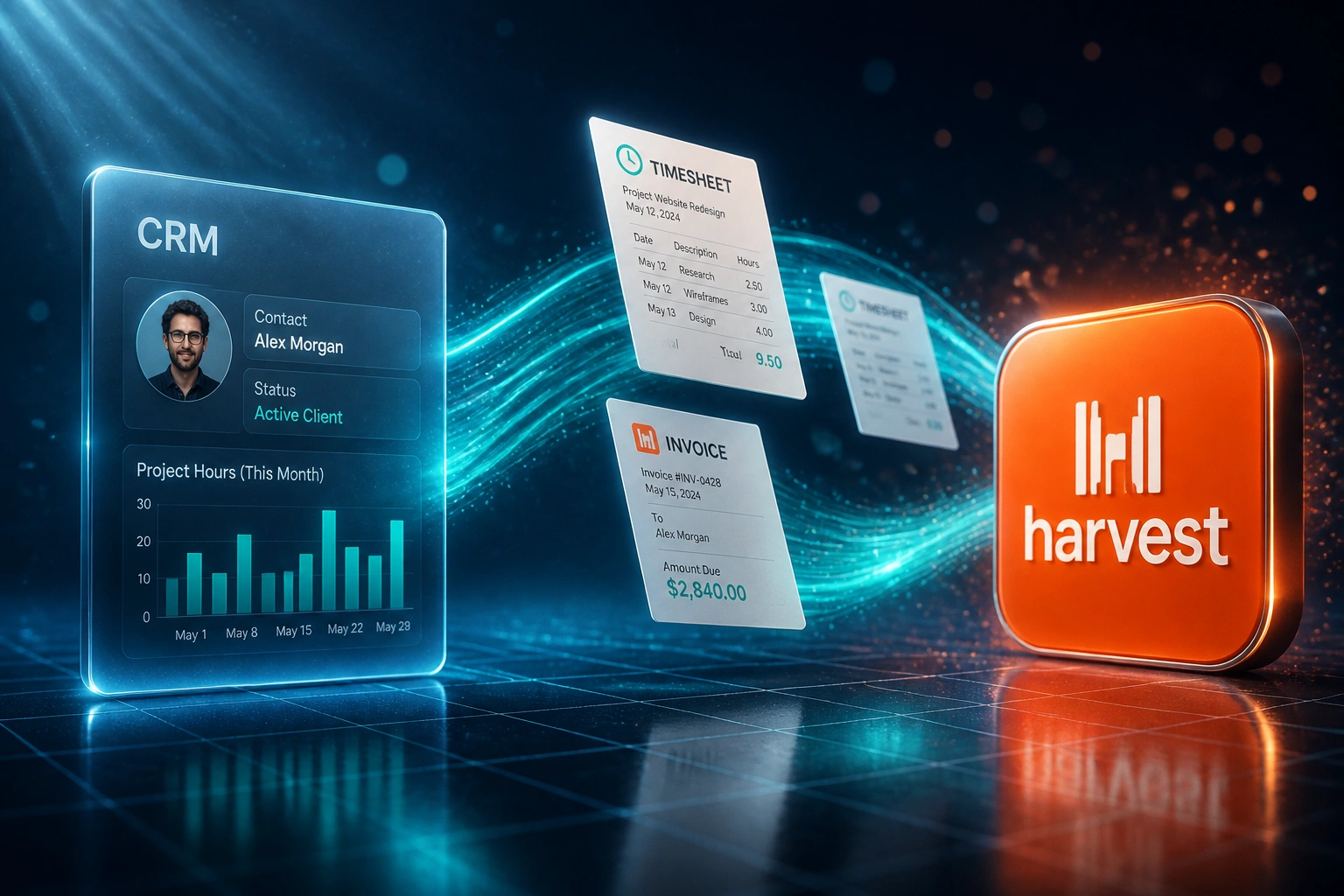
Sound Familiar?
These are the exact issues our agency and consultancy clients faced before automation:
- Approved hours pile up as WIP while finance rebuilds invoices by hand every Friday
- Harvest, Toggl, or Clockify exports get pasted into Xero, Sage, or QuickBooks line by line
- Client disputes land because rates, projects, or hours were mistyped during the copy-paste
- Billable work is written off because it sat too long to justify, or never made the invoice at all
- Month-end billing closes late, so cash that should already be in AR is still stuck as WIP
Harvest's native Xero link cannot push time entries as invoice lines. It only copies finished Harvest invoices. If your team bills from approved timesheets, the Friday WIP pile still needs a custom pipeline, or someone keeps re-keying it by hand.
What Timesheet Invoicing Automation Actually Does
Hours approved → invoice drafted → payment tracked. No human copying timesheets into the ledger.
Timesheets Approved
Managers sign off hours in Harvest, Toggl, Clockify, or your tracker
Invoice Lines Created
Client, project, rate, and VAT mapped into Xero, Sage, or QuickBooks drafts
Finance Reviews
Exceptions pause for a human. Clean batches are ready to send the same week
WIP Becomes Cash
Invoices leave on schedule, disputes drop, and collections start sooner
Everything You Need for Reliable Hourly Invoicing
Approved Hours to Invoice Lines
Once timesheets are approved, draft invoice lines appear in Xero, Sage, or QuickBooks with the right client, project, rate, and tax treatment.
WIP Cleared on Schedule
Billing closes weekly or at period end without a re-key marathon. Hours stop ageing as unbilled work on the balance sheet.
Rate and Project Mapping
Staff roles, retainers, and project codes map to the correct account codes, tracking categories, and line descriptions every time.
Dispute-Ready Detail
Each line carries the source timesheet context, so clients see what was done and finance spends less time defending the bill.
Exception Alerts Only
Missing clients, odd rates, or unapproved entries surface for review. Clean batches go straight through without a human retyping them.
Payment Visibility Back
When the invoice is paid in accounting, status can sync back to the project or CRM view so ops knows what is still outstanding.
Time Trackers and Ledgers We've Connected
From 8 Hours/Week to 1 Hour/Week
How an 18-person consultancy stopped rebuilding Harvest timesheets into Xero and got paid nine days sooner.
The Manual Process
- Ops exported Harvest CSVs every Friday and rebuilt Xero invoices on Monday
- Roughly two hours per billing cycle per major client, just formatting line items
- Client disputes on hours that did not match what consultants remembered delivering
- Average 11 days from approved timesheet to invoice sent
- Unbilled hours aged as WIP, then quietly written off at month-end
The Automated Process
- Approved Harvest hours become draft Xero invoice lines the same day
- Finance reviews exceptions and sends; no re-keying of rates or projects
- Line detail matches the timesheet, so hour disputes drop sharply
- Weekly billing closes on schedule instead of spilling into mid-month
- WIP clears into AR before hours go stale and get written off
Before vs After Timesheet Invoicing Automation
How It Works
From first conversation to live timesheet billing in 2–4 weeks.
Tell Us Your Setup
Which time tracker, which accounting stack, how approvals work, and where the Friday bottleneck lives.
Free Scoping Call
30-minute call to map rates, projects, VAT treatment, and the approval gate before anything hits an invoice.
Build & Test
We build the pipeline, test with real timesheets, and run a parallel billing cycle so finance can compare line for line.
Go Live & Monitor
Switch off the CSV export. Monitoring catches exceptions early so billing still closes on schedule.
Frequently Asked Questions
How long does a timesheet-to-invoice integration take?
A standard one-way pipeline from an approved timesheet tool into Xero, Sage, or QuickBooks takes 2–4 weeks from scoping to go-live. Multi-rate retainers, split projects, or dual accounting entities usually sit closer to 4–6 weeks.
Which time trackers and accounting systems can you connect?
We regularly connect Harvest, Toggl Track, Clockify, and Float into Xero, Sage Business Cloud, Sage Evolution, and QuickBooks Online. If your tracker or ledger has an API, we can usually bridge it.
Does Harvest's native Xero link already do this?
No. Harvest can copy finished Harvest invoices into Xero, but it does not push raw time and expense entries as invoice lines. Agencies that bill from approved timesheets still rebuild those lines by hand unless a custom pipeline fills the gap.
Will this change how consultants enter time?
No. Teams keep logging time the way they already do. We sit after the approval step: approved hours become draft invoice lines, and finance reviews before anything is sent to the client.
How do you handle retainers, overages, and different staff rates?
During setup we map roles, projects, and retainer rules to the right rates and account codes. Overages can land as separate lines, and exceptions (cap exceeded, missing rate) pause for human review instead of posting a wrong invoice.
How much does timesheet invoicing automation cost?
Simple approved-hours-to-draft-invoice syncs start from around R15,000. Pipelines with retainer logic, multi-entity mapping, and payment status sync typically range from R25,000 to R60,000. Most agencies billing weekly recover that cost within one to three billing cycles.
Stop Leaving Billable Hours as WIP
If finance is still copy-pasting timesheets into invoices every month-end, you are financing clients with your own working capital and writing off hours you already delivered.
Tell us which tracker and ledger you run, how approvals work, and where the bottleneck sits. We will show you exactly how automated timesheet invoicing would close billing for your agency.