Add Pay-Now Links to Invoices to Get Paid Faster
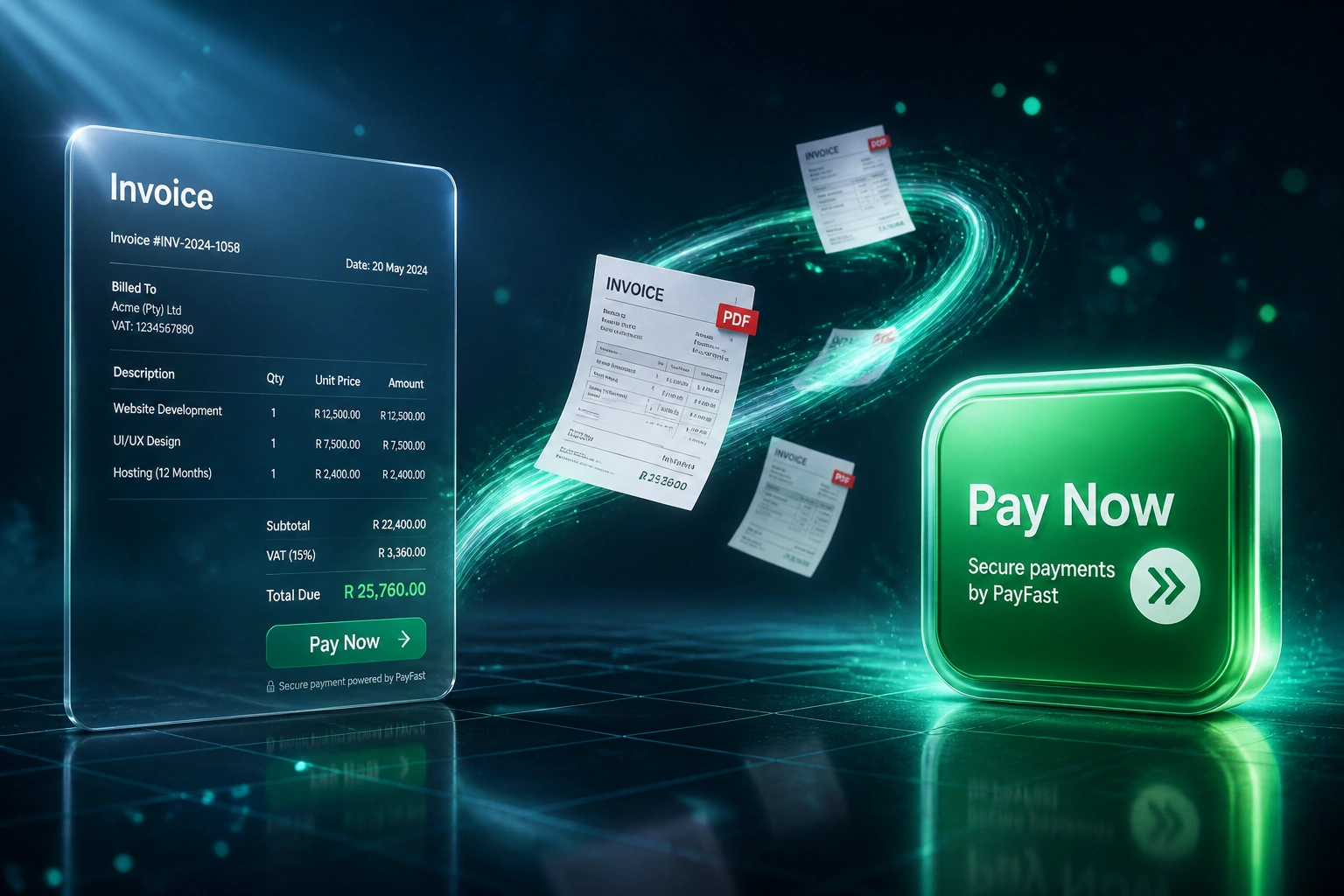
Every invoice that forces a client to open banking, type a reference, and push an EFT adds days of float. A Pay Now button on the PDF and email collapses that friction to minutes.
We embed payment links so receivables clear in one click, not one week.
Sound Familiar?
These are the exact cash-flow leaks our finance clients lived with before pay-now links:
- Every invoice still lists bank details and a reference, so clients open banking, type everything by hand, and leave the PDF open for "later"
- Days sales outstanding sits at 45 to 75 days even though your terms say Net 30
- Finance spends hours matching anonymous EFT deposits to invoices because the reference was mistyped or blank
- Card and Instant EFT options exist on your website, but never appear on the PDF or email the client actually opens
- You are funding client float with overdraft interest while money sits unpaid for an extra week
Prime lending rates still make delayed receivables expensive. Ten extra days of float on R900,000 of monthly invoices is roughly R300,000 of permanent working capital you are lending to clients interest-free, while Instant EFT gateway fees sit closer to 1.5–2%.
What the Payment Link Actually Does
Invoice goes out with Pay Now → client pays in one click → accounting marks paid. No bank-app friction.
Invoice Issued
Xero, Sage, or QuickBooks generates the invoice as usual
Pay Now Embedded
A payment link appears on the PDF and email for Instant EFT or card
Client Pays in Minutes
One click into PayFast, Ozow, Peach, or Stripe, no typing of bank details
Invoice Marked Paid
Gateway confirms, accounting updates, DSO drops without chase calls
Everything You Need for Invoice Payment Links
Pay Now on Every Invoice
A payment link or Pay Now button lands on the PDF and the email: Instant EFT, card, or both, so clients settle without opening their banking app.
Gateway of Your Choice
PayFast, Ozow, PayGate, Peach Payments, or Stripe ZA. We wire the link into Xero, Sage, or QuickBooks invoices without rebuilding your billing process.
Instant Allocation Back
When the client pays, the gateway notifies accounting and the invoice marks as paid. No more hunting for mystery EFTs.
Reference-Proof Reconciliation
Payment IDs map straight to invoice numbers. Mistyped bank references stop being a month-end fire drill.
Multi-Method Checkout
Offer Instant EFT for lower fees and card for convenience. Ozow-style Instant EFT sits around 1.5%; PayFast Instant EFT at 2% with a R2 minimum.
Working Capital Visibility
Finance sees which invoices were paid via the link, how fast, and where bank-transfer friction still lives, so you can push the rest of the book onto one-click pay.
Gateways and Ledgers We Wire Together
From 48-Day DSO to 38-Day DSO
How a Cape Town professional services firm cut ten days off collections by putting Pay Now on every invoice.
Bank Details Only
- Every Xero PDF listed FNB account details and a reference code
- Clients opened banking apps, typed amounts, and often left invoices for Friday
- About a third of invoices landed after the due date
- Finance spent Monday mornings matching anonymous EFTs to open invoices
- Average days sales outstanding sat at 48 days on Net 30 terms
Pay Now on Every Invoice
- PayFast Instant EFT and card links embedded on every PDF and email
- Clients settle in under five minutes without typing bank details
- Late payments dropped sharply as one-click pay replaced "I'll do it later"
- Paid status syncs back to Xero automatically, ending mystery deposits
- DSO fell to 38 days, matching the 10-day lift Intuit measured for Pay Now buttons
Before vs After Payment Links
How It Works
From first conversation to live Pay Now links in 1–3 weeks.
Tell Us Your Stack
Which accounting tool issues invoices, which gateway you prefer, and how clients pay today.
Free Scoping Call
30-minute call to map invoice templates, payment methods, and how paid status should sync back.
Build and Test
We embed the payment link, test Instant EFT and card on real draft invoices, and confirm reconciliation.
Go Live and Measure
Every new invoice carries a Pay Now button. We watch days-to-payment with you through the first billing cycle.
Frequently Asked Questions
How is a pay-now link different from listing bank details on the invoice?
Bank details force the client to open their banking app, capture your account number, type a reference, and confirm the transfer. A Pay Now button opens Instant EFT or card checkout in one click. Intuit QuickBooks research found invoices with a Pay Now button are paid about 10 days faster than invoices that only offer a manual bank transfer.
Which payment gateways can sit behind the Pay Now button?
We commonly wire PayFast, Ozow, PayGate, Peach Payments, and Stripe ZA. Instant EFT keeps fees lower for larger B2B invoices (Ozow Instant EFT around 1.5%; PayFast Instant EFT at 2% with a R2 minimum), while card covers clients who prefer to pay immediately without logging into banking.
Will this work with Xero, Sage, or QuickBooks invoices?
Yes. We embed the payment link into the invoice PDF, the email body, or both, depending on how your accounting tool sends documents. When the gateway confirms payment, the matching invoice in Xero, Sage, or QuickBooks updates so finance is not reconciling by hand.
Is this the same as a full PayFast checkout on our website?
No. Website checkout is for orders and carts. This page is about the invoice the client already received: the PDF or email that currently only shows bank details. We put a one-click payment link on that document so receivables clear faster, without rebuilding your e-commerce stack.
What about gateway fees versus the cost of waiting for payment?
A typical PayFast card fee is 3.2% plus R2; Instant EFT is far cheaper. On a R15,000 invoice, Instant EFT costs around R300. Ten extra days of float on R900,000 of monthly receivables is roughly R300,000 of permanent working capital tied up. Most CFOs find the fee is trivial next to the cash released.
How much does invoice payment-link integration cost?
Embedding Pay Now links into an existing Xero, Sage, or QuickBooks flow typically starts from around R15,000. Builds that include multi-gateway options, custom PDF templates, and automatic paid-status sync usually range from R25,000 to R55,000. Most clients processing 30+ invoices a month see payback within one or two billing cycles.
Stop Funding Client Float With Bank-Transfer Invoices
If your invoices still only show bank details, you are adding days to every payment cycle on purpose. A Pay Now button is the cheapest DSO lever most SMEs have not pulled yet.
Tell us which accounting tool issues your invoices, which gateway you prefer, and what your current days-to-payment looks like. We will show you exactly how payment links would land on your documents and sync back when clients pay.